
Prompt 1
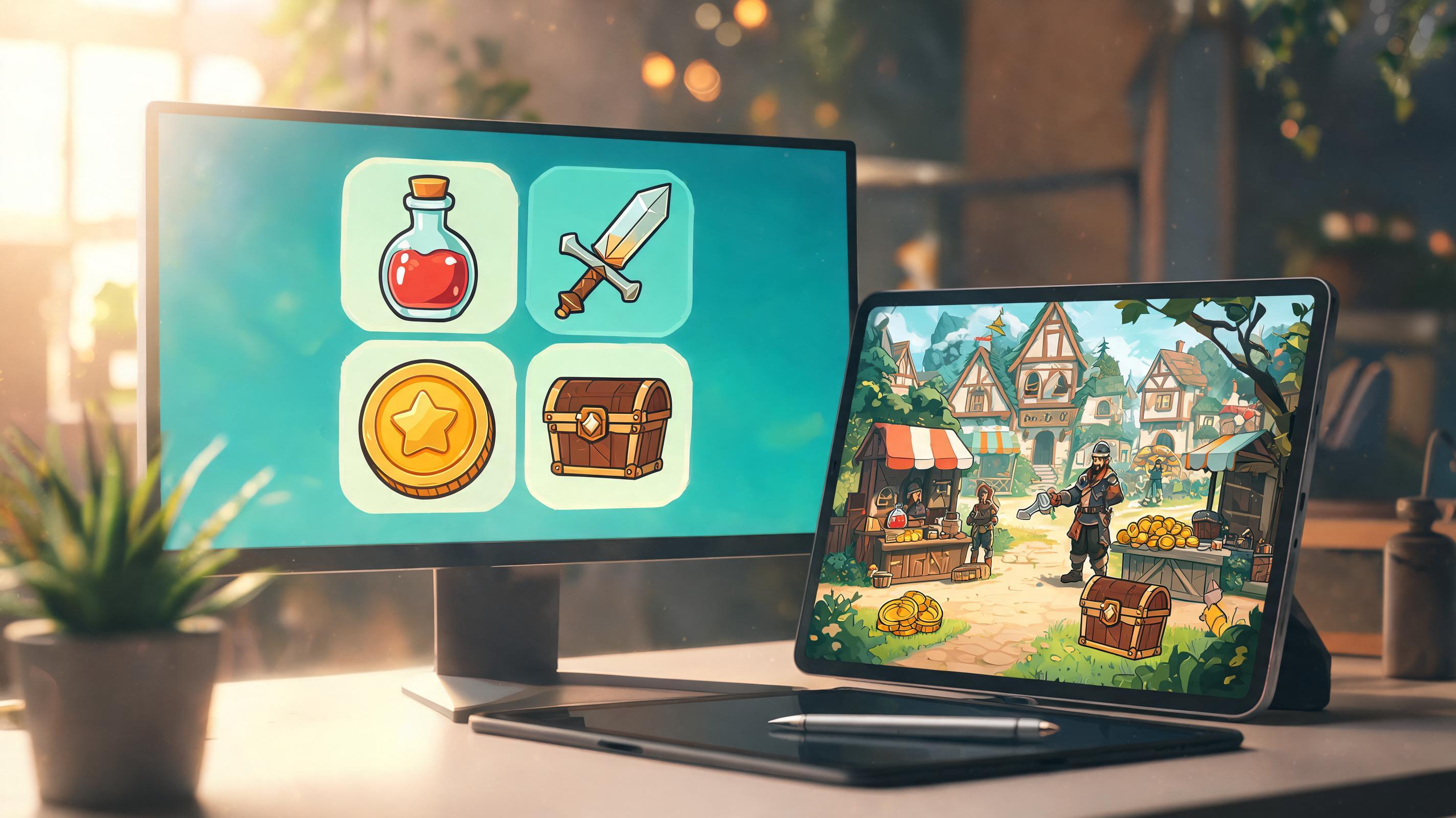
Create a 64px potion icon set with clear silhouettes and rarity color accents.
Use this promptCreate structured icon prompts for inventory items, abilities, achievements, rewards, UI slots, and prototype review.
AI Game Icon Generator
Create structured icon prompts for inventory items, abilities, achievements, rewards, UI slots, and prototype review.
Try Focused Prompts
Launch a concrete game asset prompt into the workspace.
Create a 64px potion icon set with clear silhouettes and rarity color accents.
Use this prompt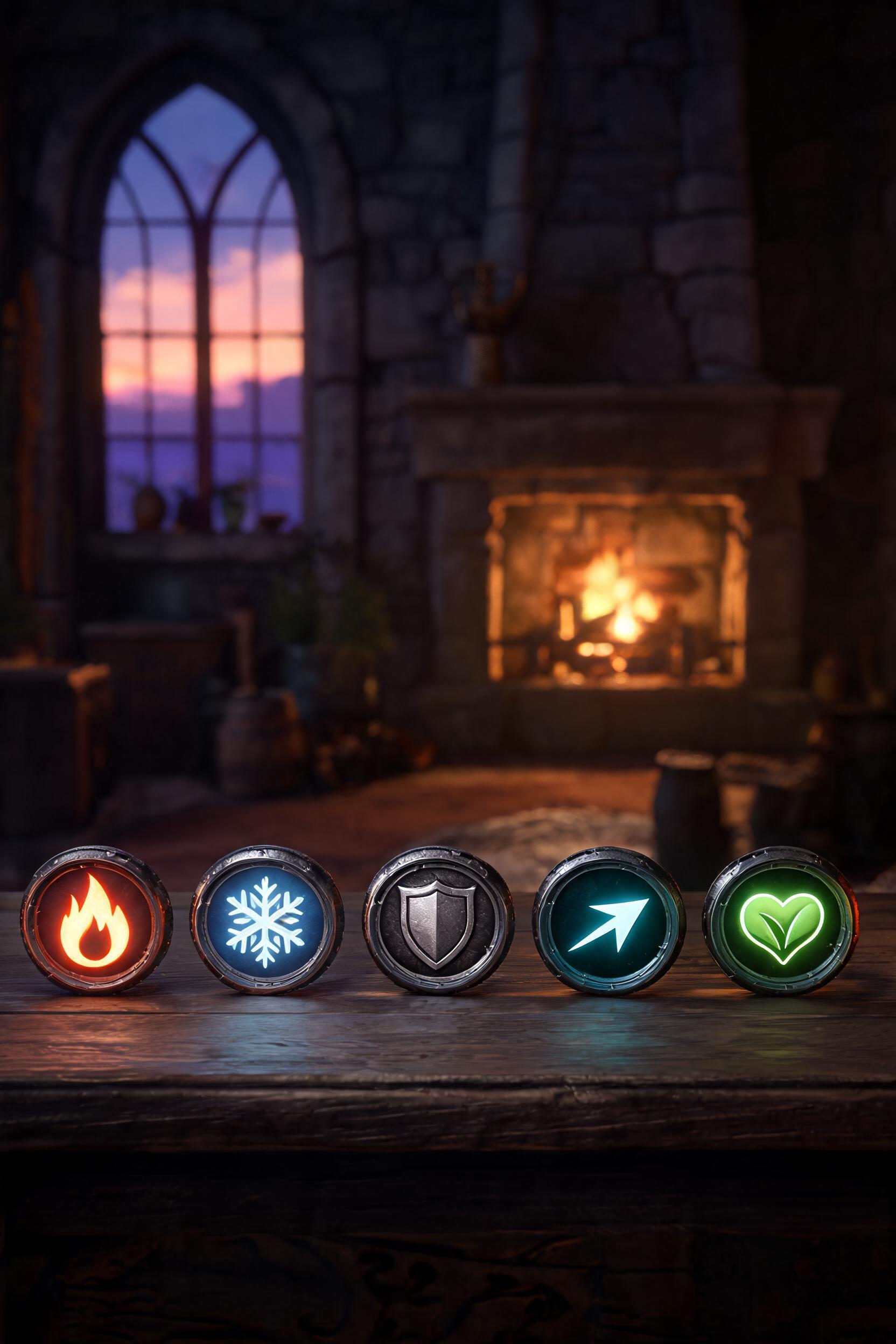
Generate ability icons for fire, ice, shield, dash, and healing skills in one style.
Use this prompt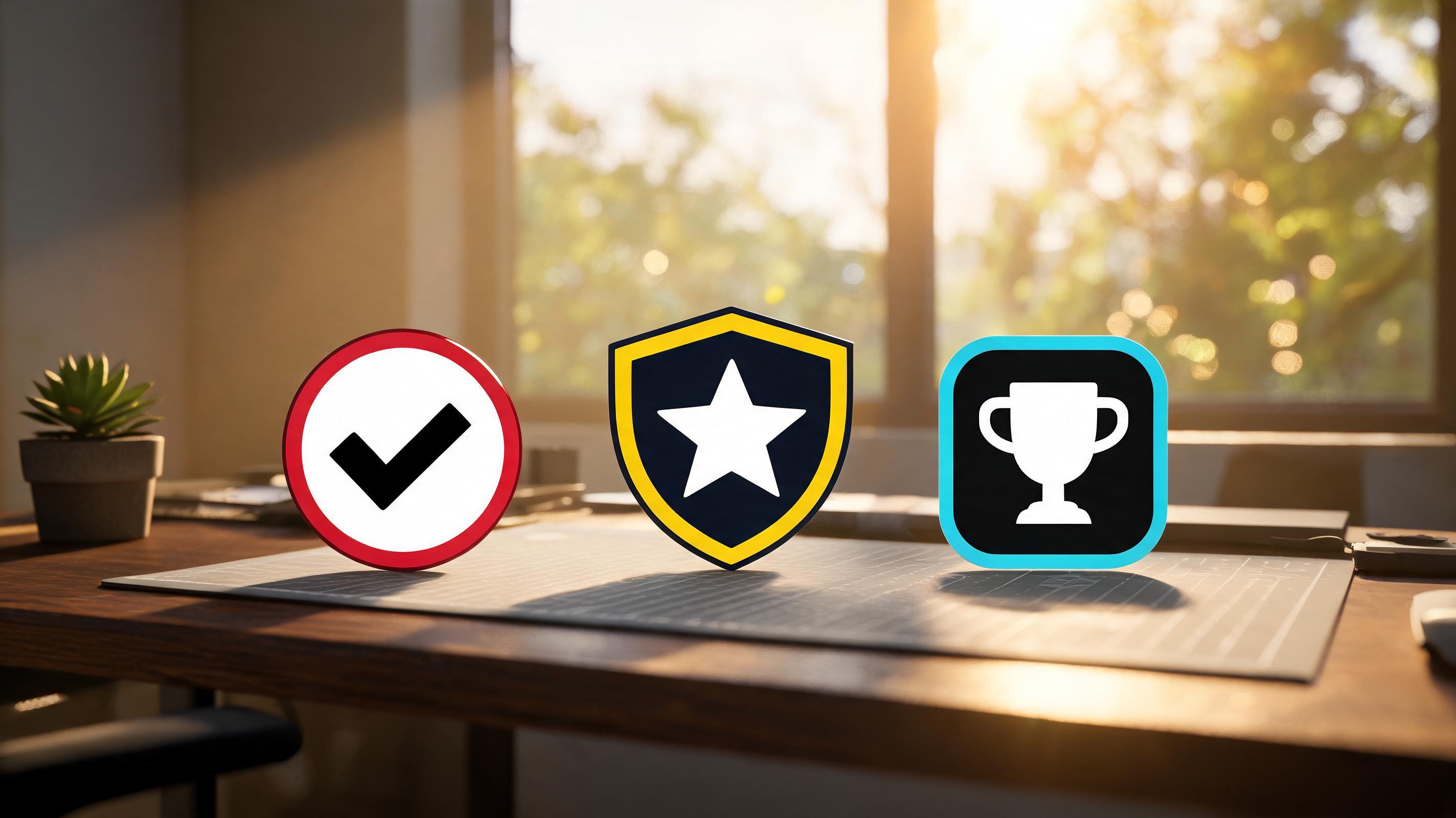
Plan achievement badge icons with simple shapes and UI-safe contrast.
Use this promptWorkflow Support For This Asset Type
Each card maps a production need to a SEELE-supported workflow.
Use icon set consistency to keep generated direction connected to gameplay, style, and implementation constraints.
Open Workspace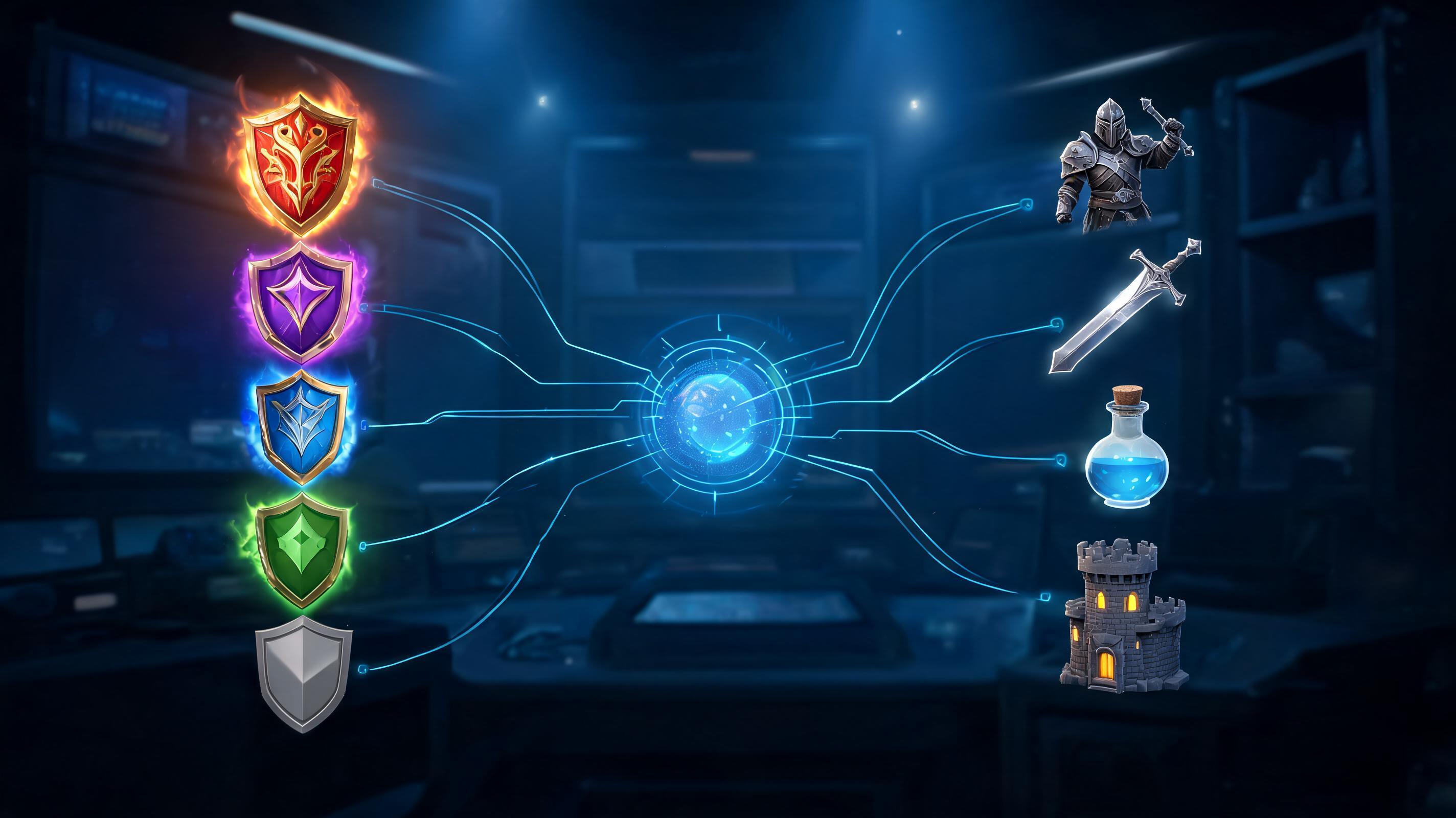
Use rarity and category rules to keep generated direction connected to gameplay, style, and implementation constraints.
Open Workspace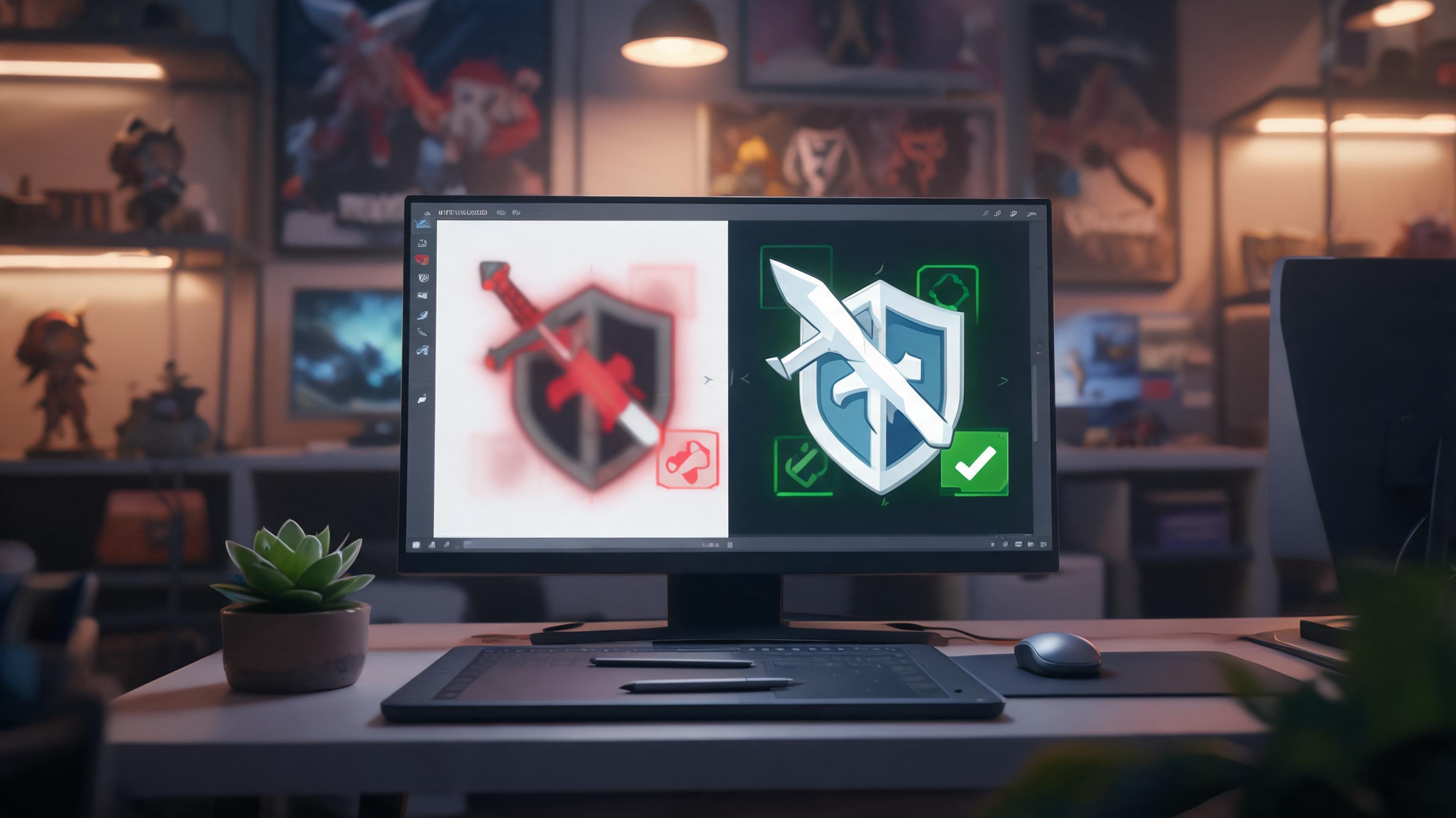
Use ui readability checks to keep generated direction connected to gameplay, style, and implementation constraints.
Open WorkspaceHow It Works
Describe the asset, genre, style constraints, camera or UI context, and review risks. SEELE turns the input into a structured generation direction.
Try controlled directions and keep the strongest traits. The workflow keeps the asset goal attached to each iteration.
Check style, rights, readability, and engine needs. The selected direction carries into the workspace for further creation.
What You Get
A structured icon prompt for game production planning.
A structured style constraints for game production planning.
A structured inventory review plan for game production planning.
Where This Works Best
AI Game Icon Generator is a SEELE AI workflow for turning a game asset brief into structured prompts, variants, review notes, and production handoff inputs.
It can create strong production inputs, but final game use still needs human review for originality, style fit, platform policy, and engine requirements.
Start with the asset type, genre, camera or UI context, size constraints, style direction, and what the asset must do for the player.
Use the generated direction inside SEELE AI workflows for 2D assets, 3D assets, textures, sprites, UI, animation, browser previews, or Unity-oriented handoff.
Join thousands building with Seele AI — no setup required.
Open Workspace