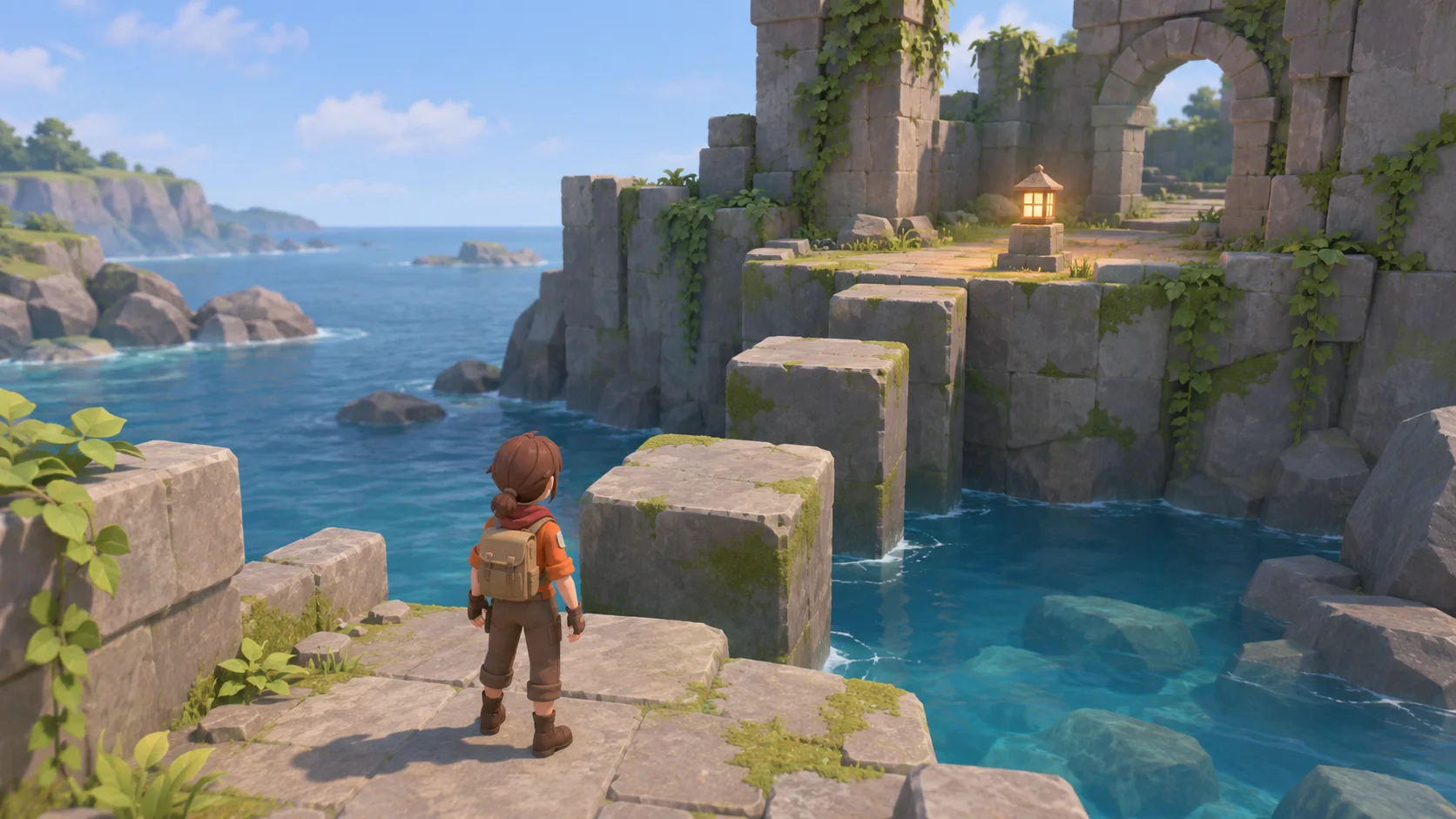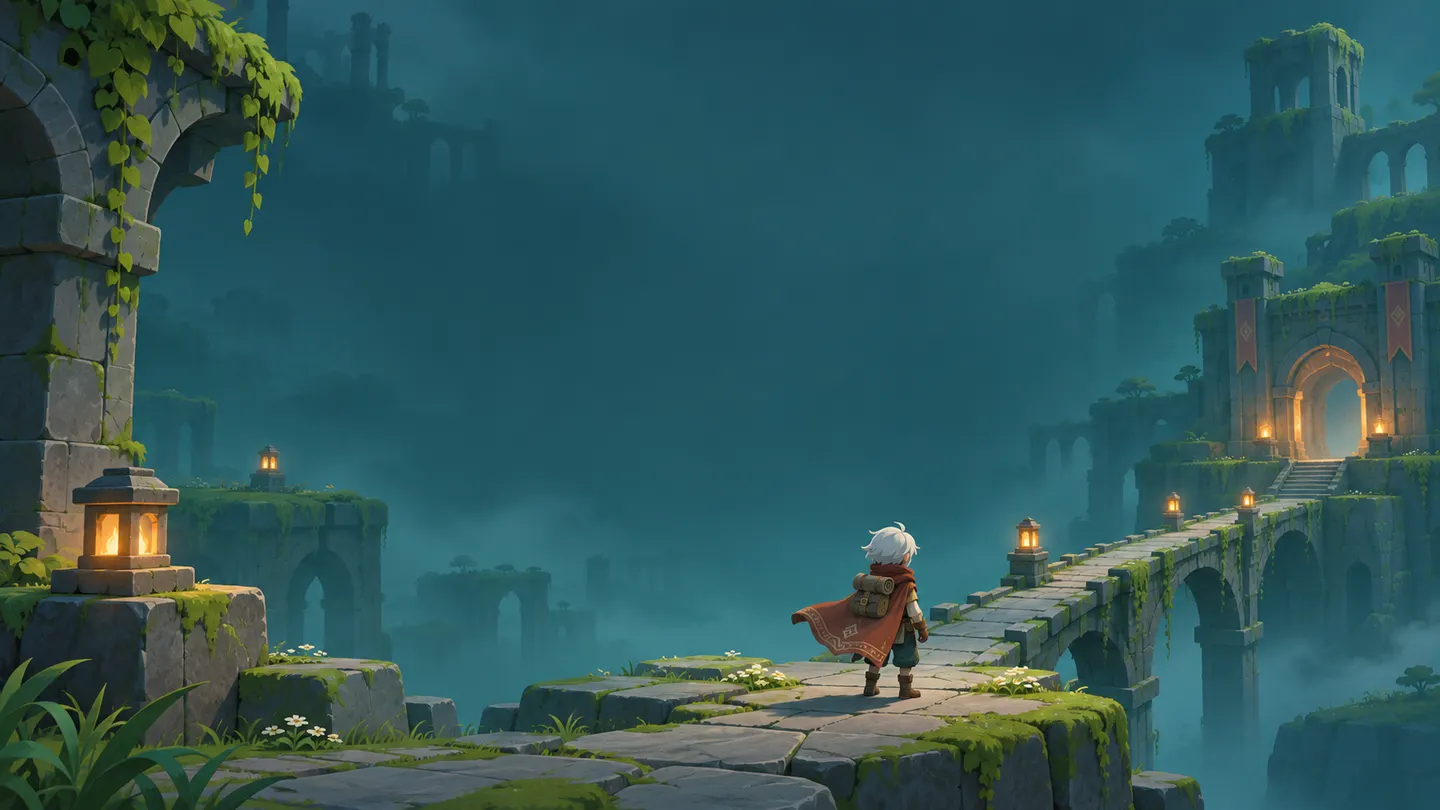


Start with a text prompt
Describe the scene and the action you want to play. SEELE generates a browser build you can try.

Turn a text prompt into a playable 3D game. Set the scene, camera, and controls. Play it in your browser and make changes in chat.
Partners and teams

















How it works
Start with one scene and one goal. Generate a first build, then test and tune it in your browser.

Name one place, one player action, and one goal. For example, ask for a village where the player brings a lost charm back to the campfire.
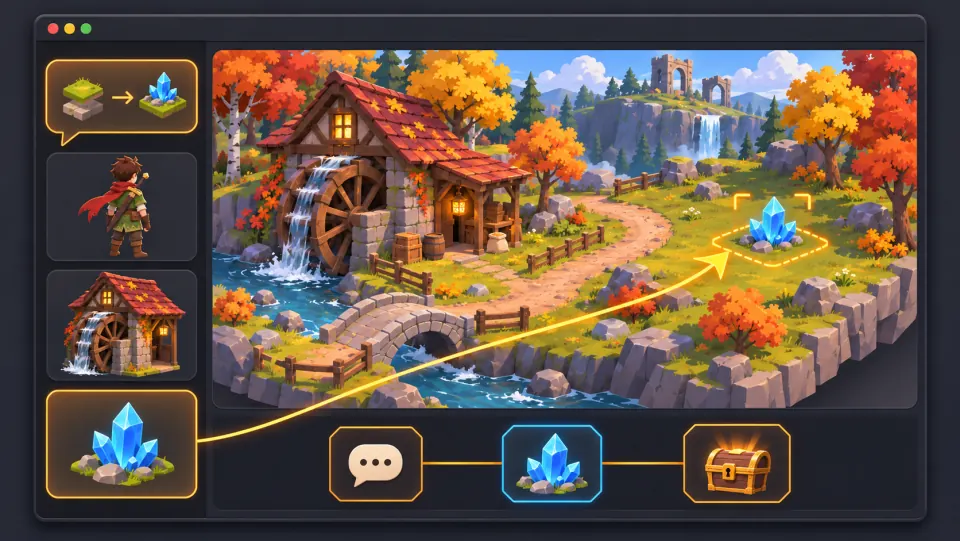
Send the prompt in Workspace. Specify movement keys, a camera behind the hero, and what the player sees when the quest is complete.
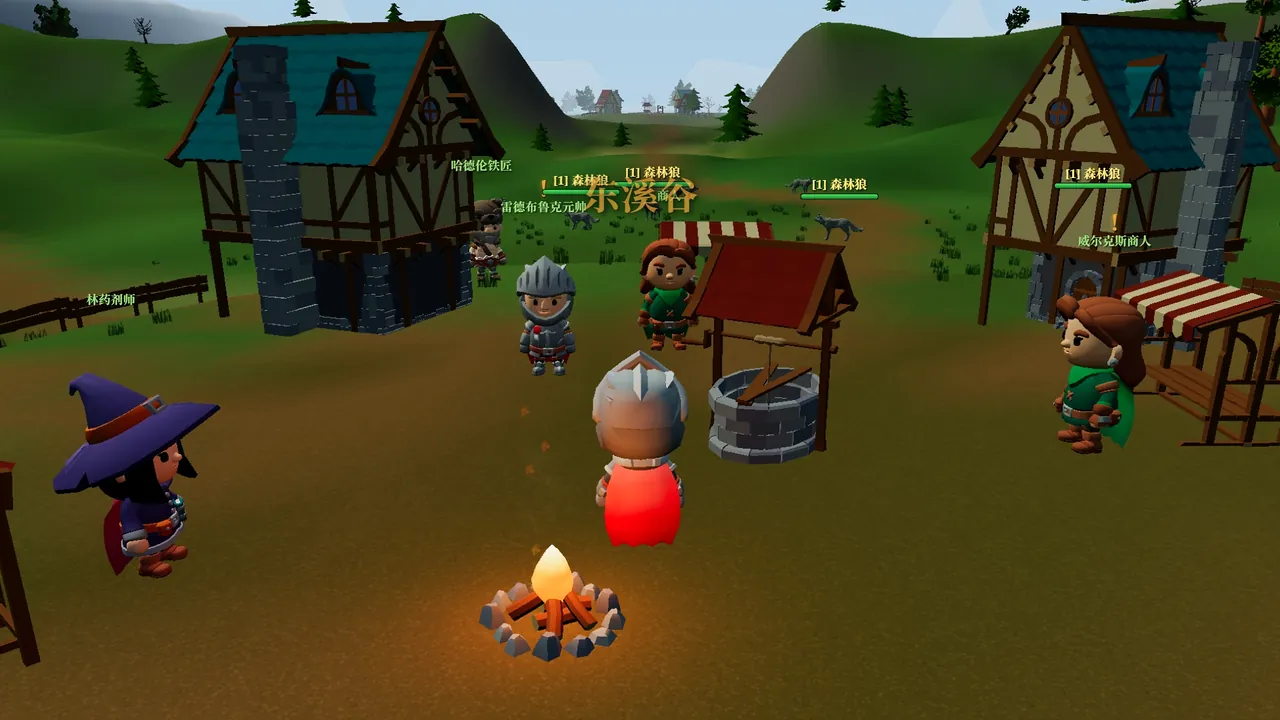
Try the route in your browser. If the camera hides the gate or the goal is hard to find, describe what happened and request one change.
Make a game for freePick a starting point
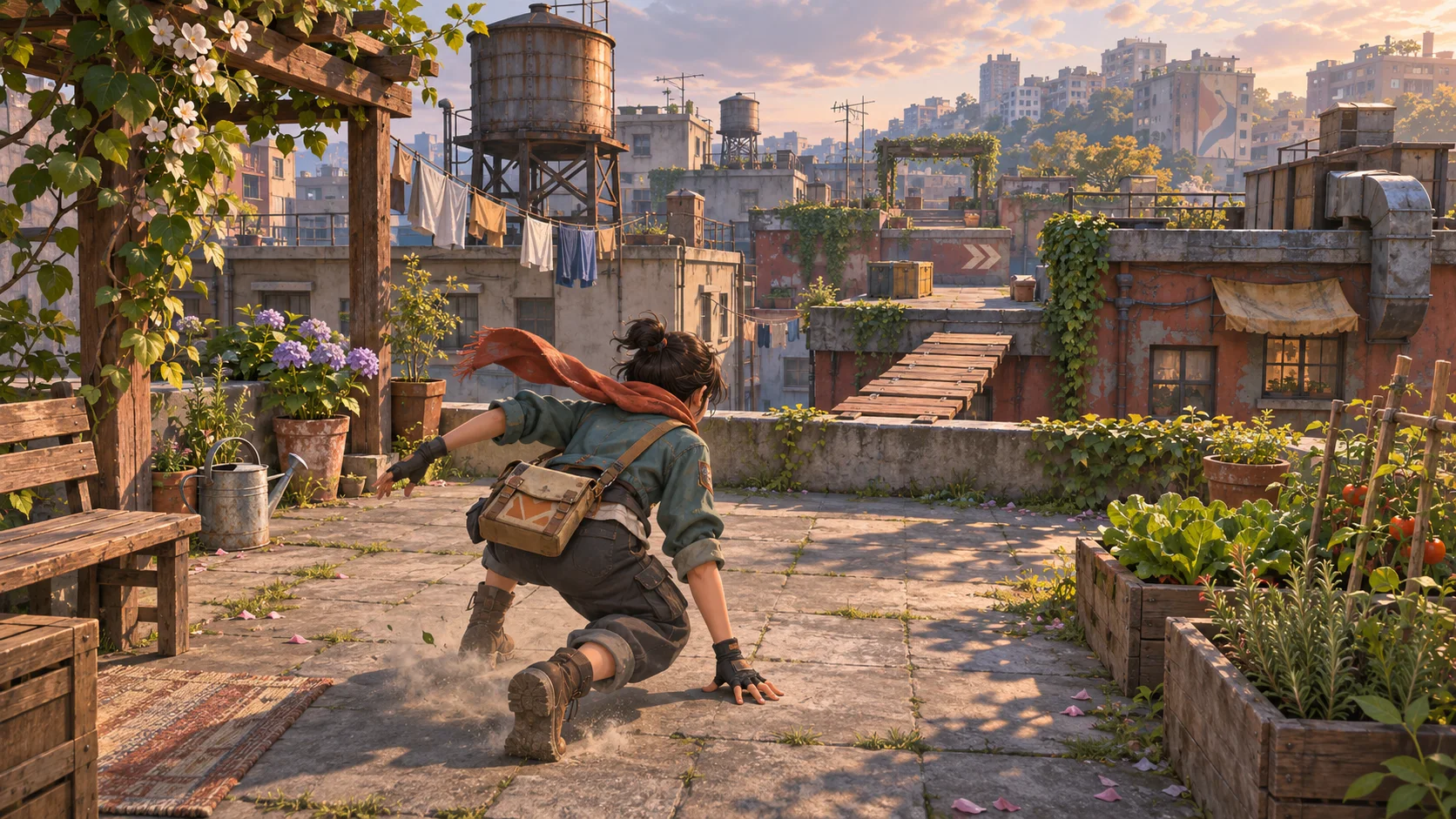
Pick a starting prompt for a village RPG, rooftop platformer, kart racer, or exploration game.
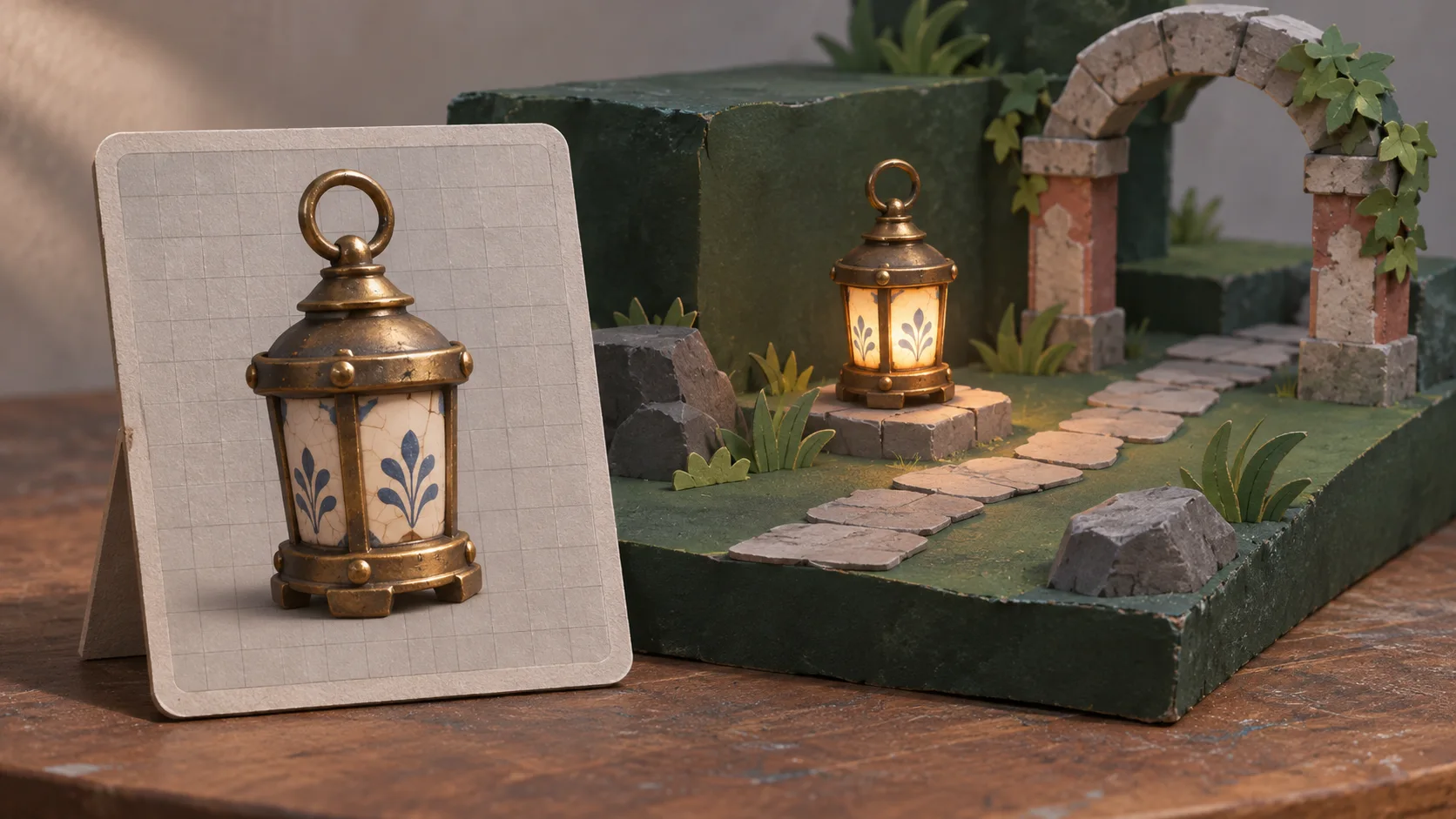
Explore a small village, talk to a villager, and bring a lost charm back to the campfire.
Make a third-person 3D village RPG. Move with WASD and talk with E. Find the lost charm and return it to the villager.
Fantasy village RPG ↗Why SEELE
Describe the scene and the action you want to play. SEELE generates a browser build you can try.

Ask for a camera behind the character for platforming or a first-person view for a puzzle. Test whether the view stays clear as you move.

Give the player a start, an obstacle, a finish, and a way to retry. One short route is enough to try the full game loop.

Try the same jump, turn, or interaction a few times. Check whether it responds as expected and whether the player can read the result.

Ask SEELE to pull the camera back, widen a landing, or move a checkpoint. Replay the same route to see what changed.

When the first build is ready for feedback, publish it and share the browser link so someone else can try it.
Made with SEELE
These games are playable. Pick one and give it a try.
 AdventureAdventure GamePlay the example ↗
 ShooterWarcom: Neon BreachPlay the example ↗
 ActionOld Gods RunPlay the example ↗
 CasualCaution! Egg on the Car RoofPlay the example ↗
 RunnerNeon Night Rush: Barrier DashPlay the example ↗
 PuzzleMuseum ExhibitionPlay the example ↗
 SimulationMilky Way Idle 3DPlay the example ↗
 CasualSnowfall & Starry GiftsPlay the example ↗
 RPGCrownfall-The-Three-Realms-CoverPlay the example ↗
 SimulationFLYING CARPlay the example ↗
Who it’s for
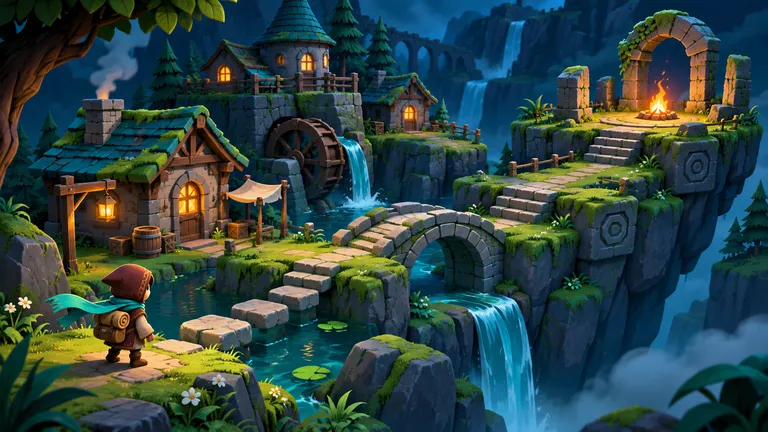
Start with a small RPG or obstacle course and turn the rules you have in mind into a game you can try.
Try the prompt builder ↗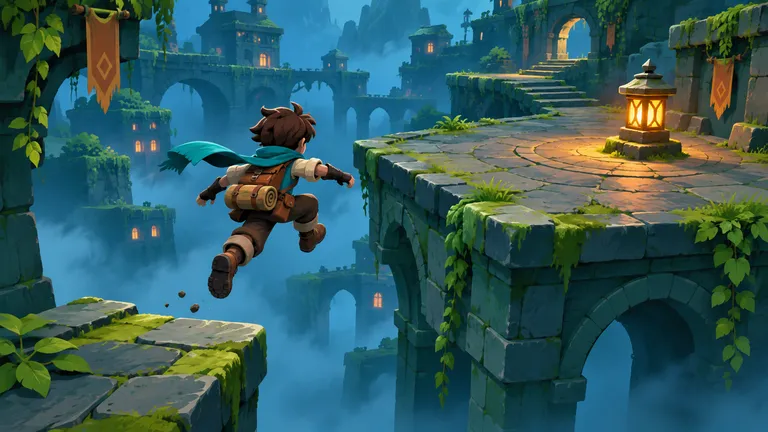
Use a small level to try a camera angle, jump arc, or collision rule before you build out the rest of the game.
Play Old Gods Run ↗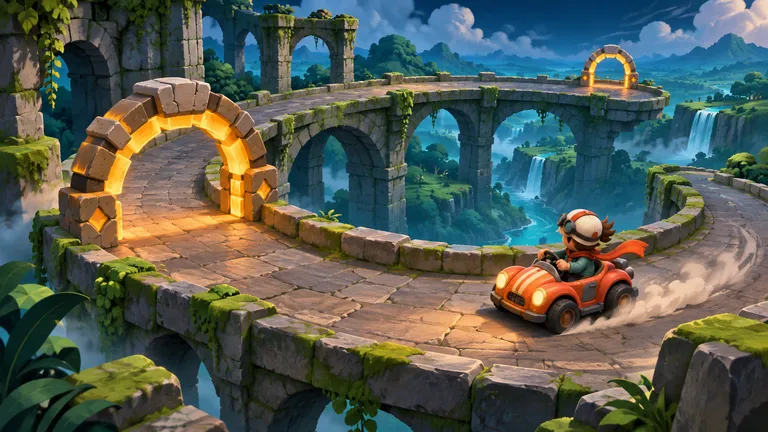
Give teammates one playable route to test. Ask them where they got stuck, then use those notes to plan the next revision.
Play Cloudkart ↗Compare
Decide what the first playtest needs to answer. Start with a control test or build a short level around the same mechanic.
| Feature | One-room control test | First playable level |
|---|---|---|
| Setting | One room with a few fixed landmarks | A short route with a clear destination |
| Controls and camera | Repeat a jump or turn from the same spot | Use the same inputs across a sequence of obstacles |
| First playtest | Check whether inputs and collisions feel right | See whether a new player can reach the finish |
| Revisions | Tune one setting such as camera distance | Adjust cues, checkpoints, or obstacle spacing |
| Good fit | Testing one movement or camera question | Trying the whole loop with another player |
Reviews
FAQ
An AI 3D game maker turns a written game idea into a playable 3D build. In SEELE, you can describe the scene, player controls, camera, and goal, then try the result in your browser.
Describe one level, one core action, and one goal in SEELE. Generate the game, play it in your browser, and ask for a specific change such as moving a checkpoint or slowing the camera.
Yes. For a first build, describe where the player starts, how they move, what they need to do, and how the game shows that they succeeded. Add a way to retry so you can test the full loop.
Yes. Ask for a camera behind the character, then specify your movement inputs and how the camera should behave. For example, use WASD to move, Space to jump, and a follow camera that keeps the next landing visible.
You can start from a plain-language prompt and request changes in chat. Describe the behavior you want, such as returning the player to the last checkpoint when they fall.
Try a village RPG, a short platformer, a kart time trial, or a room with clues to find. Keep the first version small enough to play from start to finish.
Name the setting, the player, the camera, and the controls. Give the player a goal and say what happens when they win, miss a jump, or need to restart.
Yes. Open the preview in SEELE and try the controls, obstacles, and finish condition. Test on the devices you want your players to use before sharing.
Yes. Ask for one revision at a time, such as widening a platform or adding a clearer clue. Replay the same section to check whether the change helped.
Use third person when players need to see their character and judge jumps. Try first person when looking around or inspecting clues is central to the game. Play a short route from the chosen view to check it.
Build a small room with a wall, a low ledge, and a fixed landmark. Walk and jump past each object, then check that the player and camera stay where you expect.
After publishing your game in SEELE, share its browser link so others can try it and give feedback.
SEELE offers starter credits when you sign in. Check the credit cost shown before you generate a build.
Play it from start to finish and test any retry paths. Before publishing, review the game on your intended devices and check performance, accessibility, and asset rights.
Start with one prompt, play the result in your browser, and decide what to build next.
Start a 3D game →