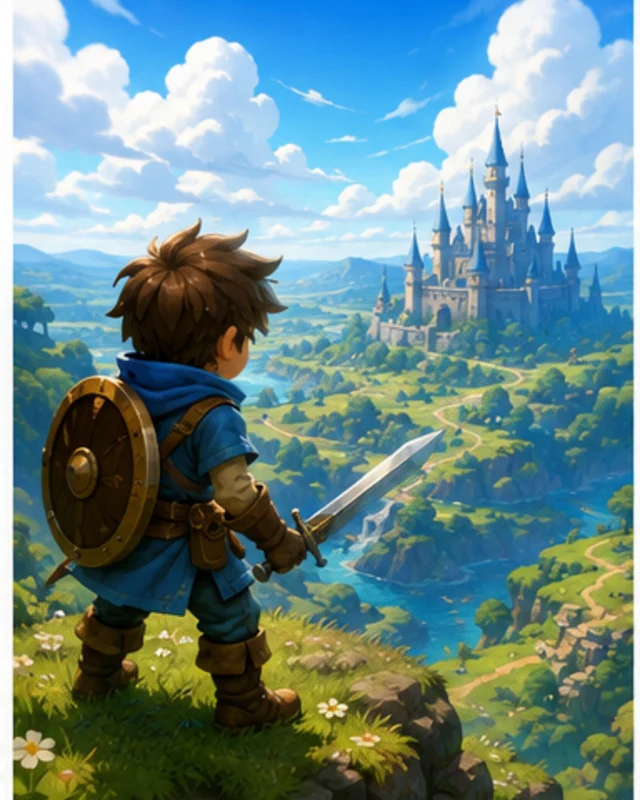
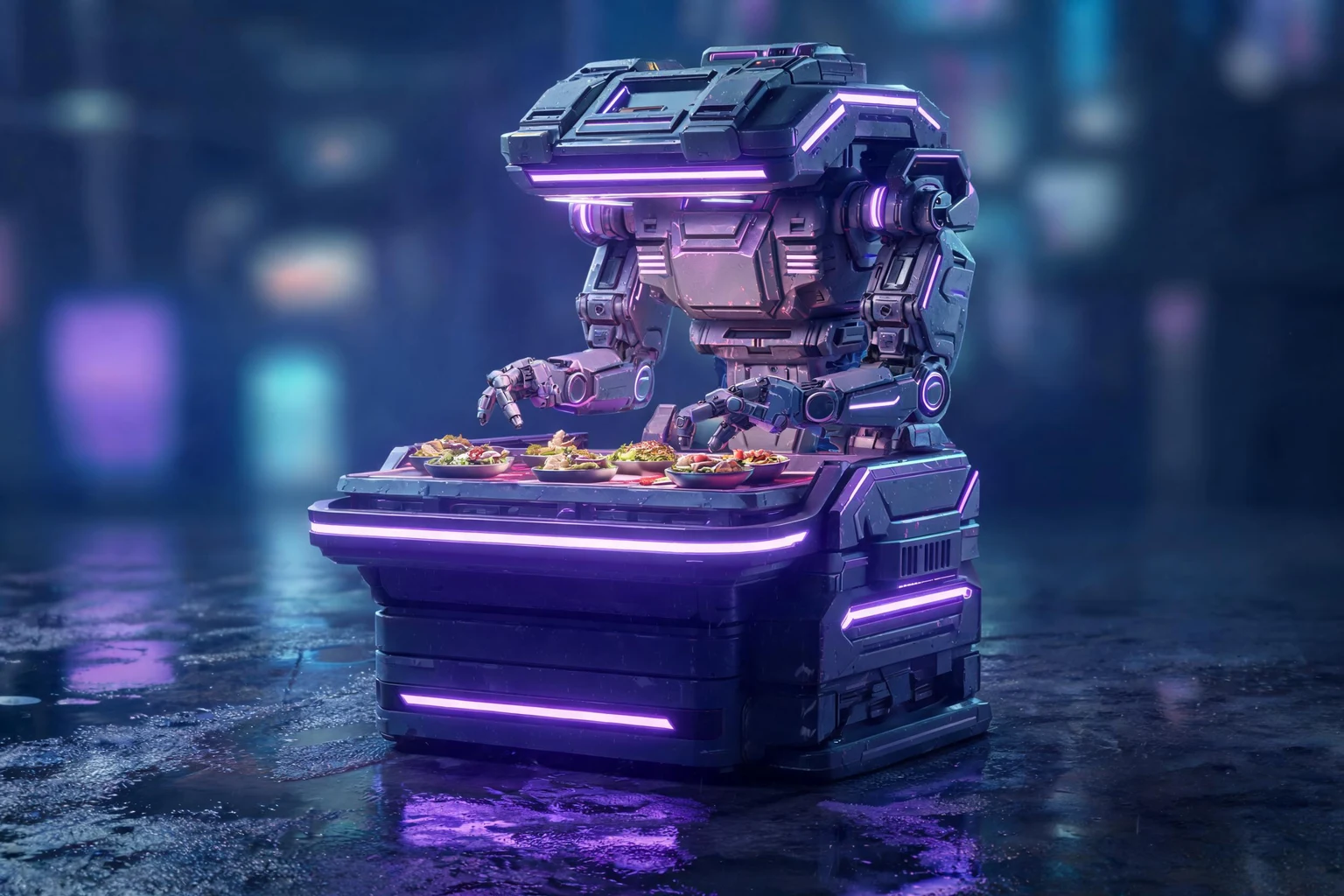
Start with a distinctive outline
Use a silhouette that reads before small details are added.

Plan an original toy model concept with clear proportions and articulation. State how it will be displayed or handled, then review joints and small details for the intended use.
How it works

Name the object, intended visual role, silhouette, surface direction, references, and constraints that belong in the creative prompt. SEELE AI turns the prompt into a focused digital 3D concept direction that can be inspected and revised.
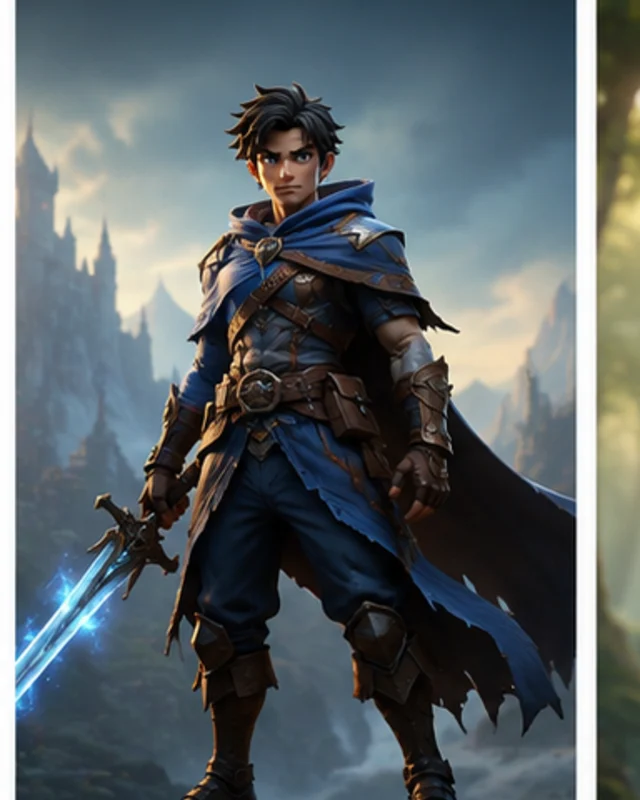
Review the silhouette, proportions, negative space, surface language, and uncertain areas; request precise visual edits and variants. SEELE AI helps edit or regenerate the digital concept while keeping the requested visual direction explicit.
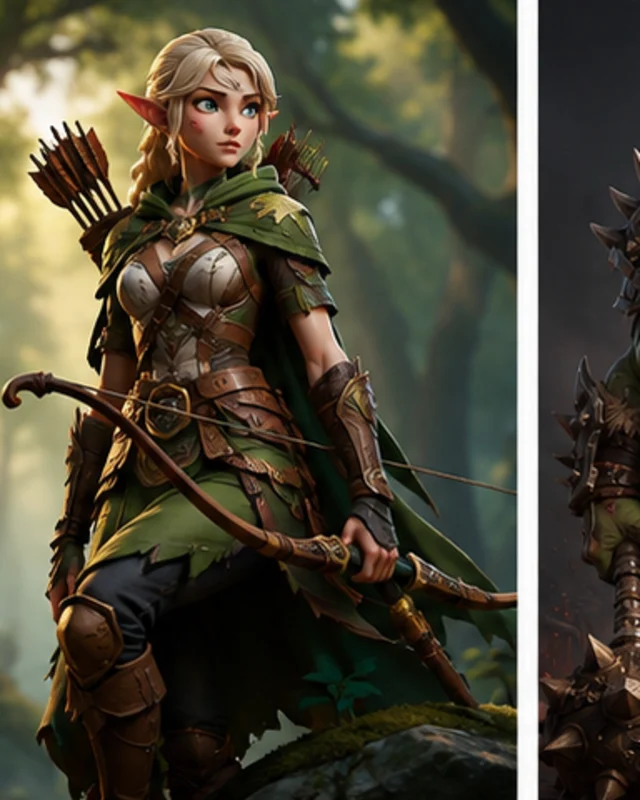
Inspect the generated or edited asset on its own terms, record visible issues, and decide which creative revisions should happen before any downstream handoff. Choose an available export option and document what the downstream reviewer must inspect for the intended process and use. SEELE AI supports another concept-editing pass while leaving physical feasibility, process selection, and production decisions outside this creative stage. SEELE AI provides the available digital asset handoff; it does not perform the separate print-preparation or physical validation work promised nowhere on this page.
Pick a starting point
Design an original wind-up penguin toy with a round body, oversized feet, and a brass key on its back. Review whether the player can understand the situation and response.
Design an original wind-up penguin toy with a round body, oversized feet, and a brass key on its back. Keep the beak and flippers distinct in a front and side view.
Shape and silhouette ↗Why SEELE
Use a silhouette that reads before small details are added.

Show where pieces connect and how far they should rotate.

Separate painted, fabric, wood, or plastic surfaces.

Small details change when the model is viewed or handled at size.

Place joins where they are easy to understand and review.

Use character ideas and references you have permission to adapt.
Who it’s for
Describe the intended asset and where it will be used; review shape, style, rights, and downstream fit before using an output.
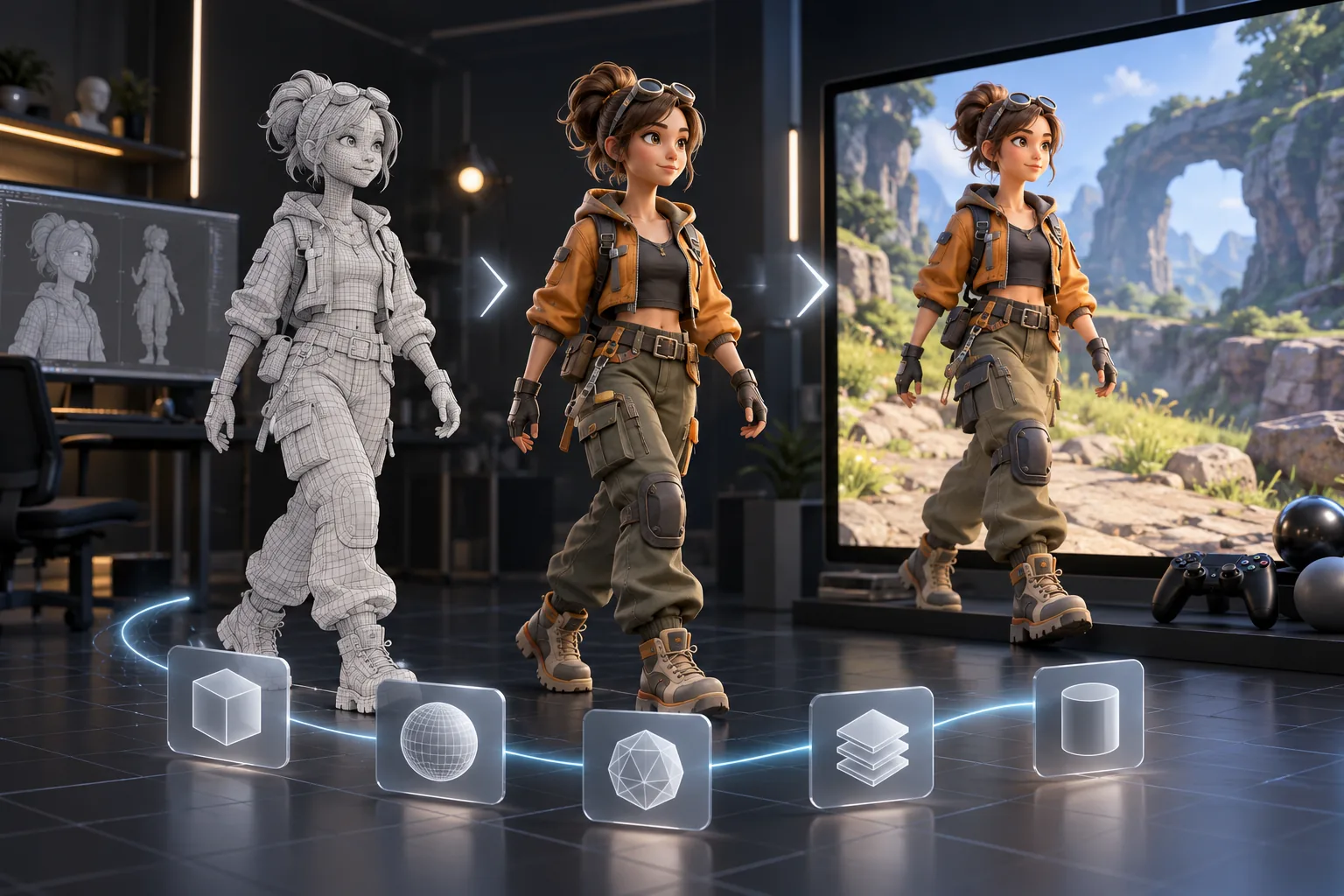
AI to Blender, Unity, Unreal and Maya ↗Check the proposed asset against project format, engine, and performance constraints. Available edit and export options vary by workflow.
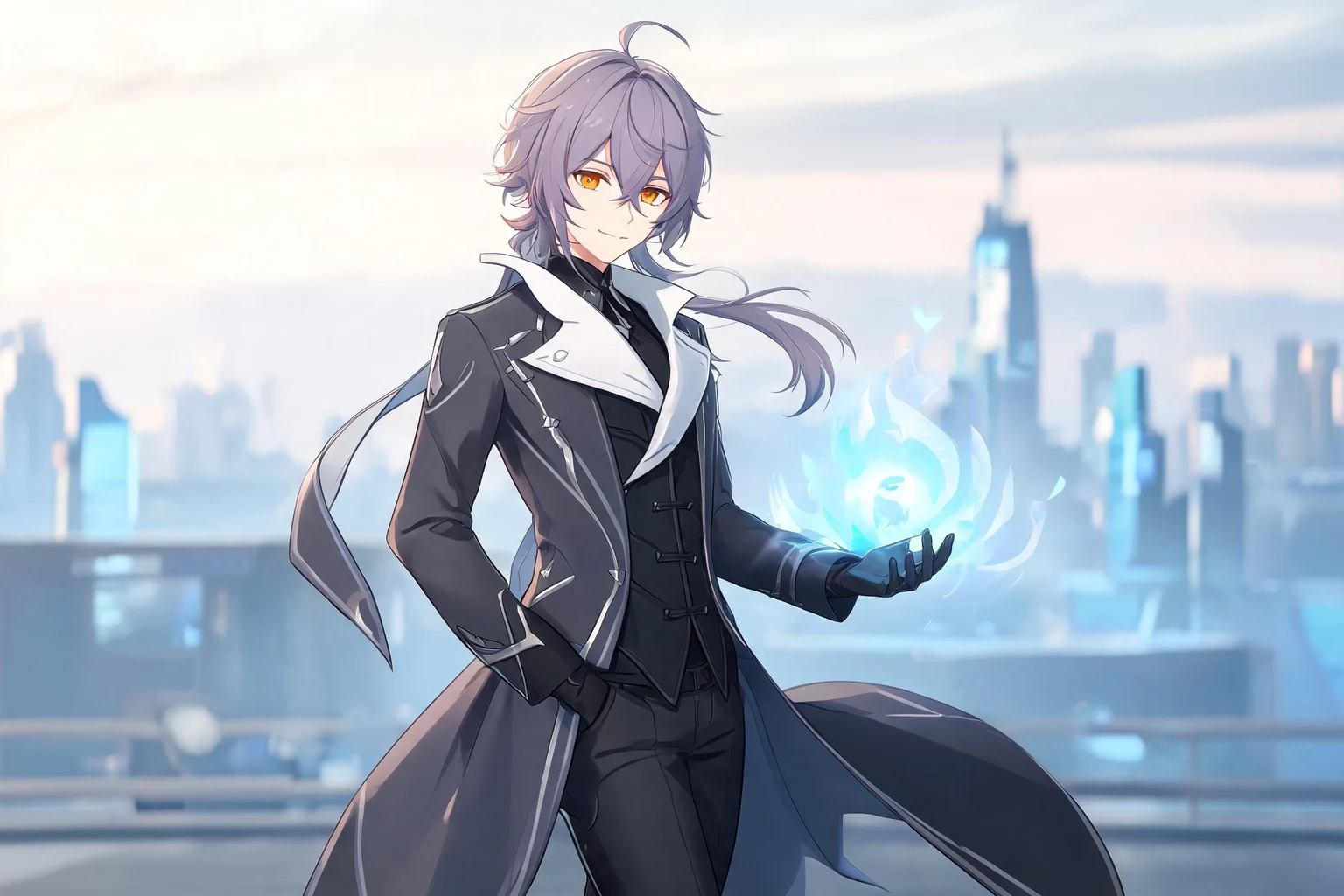
AI 3D Anime Model Generator for Consistent Characters ↗Use AI Toy 3D Model Concept Generator as an exploration brief, then confirm that the current workflow supports the edits and handoff the project needs.
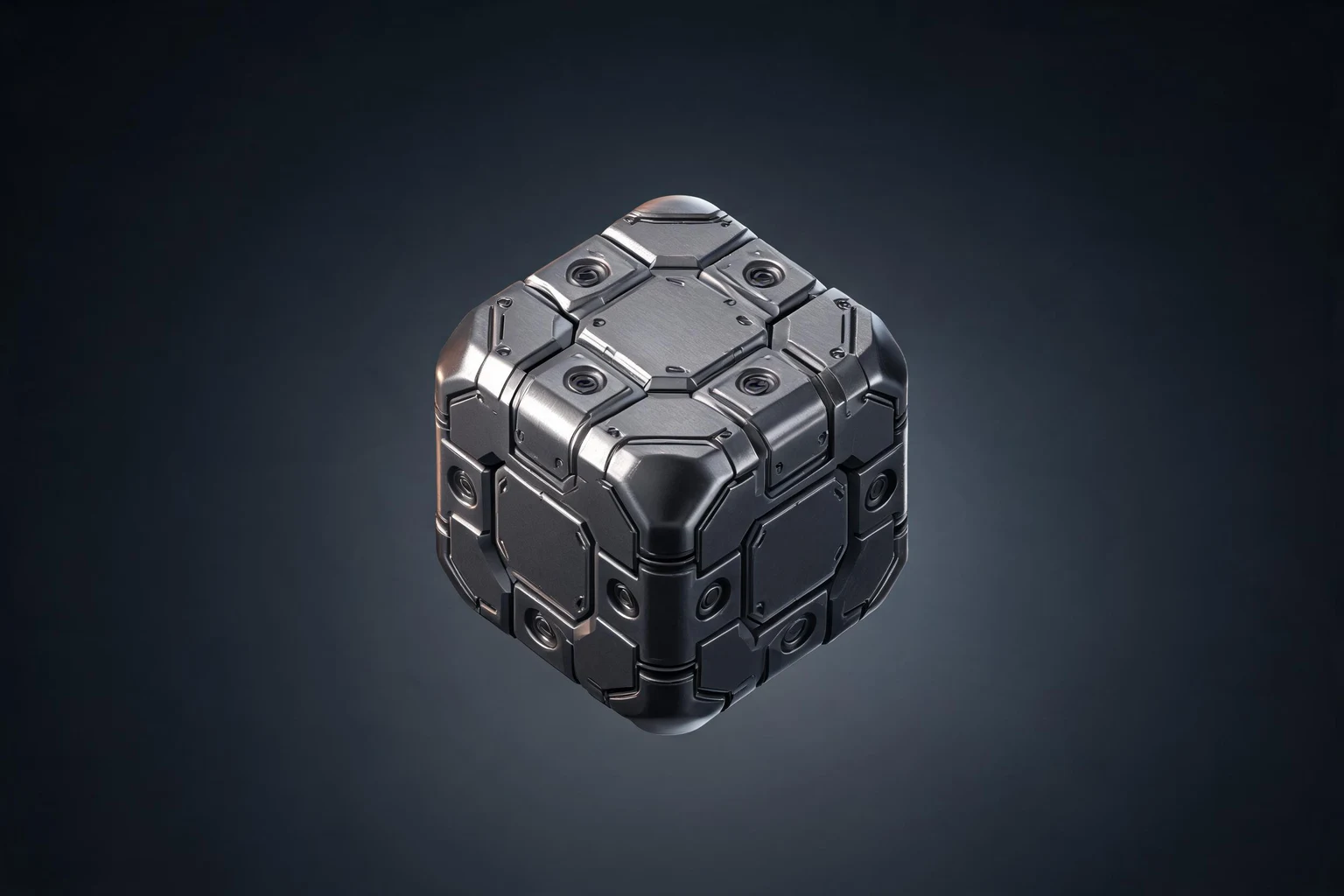
AI 3D Cube Model Generator for Modular Assets ↗Reviews
FAQ
For AI Toy 3D Model Generator, describe the intended interaction, visual direction, and one constraint. Review the result against that brief, then refine any mismatch before expanding the scope.
Use AI Toy 3D Model Generator as a focused project brief: state the intended outcome, audience, and one constraint. Review the result against those details and decide what needs a follow-up pass.
For AI Toy 3D Model Generator, describe the intended result in plain language, then inspect the code, assets, and behavior returned in Workspace. Generated work may need edits and testing before it is shared or extended.
Before a first AI Toy 3D Model Concept Generator project, define the task, intended audience, one visible outcome, and a constraint. Use Shape and silhouette as a direction that fits the brief.
To get started with AI Toy 3D Model Concept Generator, use Describe The Digital Concept as the first step. Set one goal, audience, and constraint; test a small version, then change one thing at a time.
For AI Toy 3D Model Concept Generator, name the intended user, one action, and a visible outcome. Use Shape and silhouette as a starting direction and add one requirement from its example prompt.
Ask someone who matches the intended player or viewer for AI Toy 3D Model Concept Generator to test its main action. Note where the brief is unclear, then revise once before adding features.
For AI Toy 3D Model Concept Generator, try Shape and silhouette first. Define the action, outcome, and one constraint, then compare another direction only if the first misses the brief.
Check the AI Toy 3D Model Concept Generator result against the brief, intended behavior, and first workflow step. Record one mismatch and test that change before expanding scope.
Scope a first AI Toy 3D Model Concept Generator prototype to Shape and silhouette, one user action, and one visible outcome. Defer secondary features until that path works.
Compare Shape and silhouette and Material and color for AI Toy 3D Model Concept Generator using the same user action and visible outcome. Choose the direction that fits the brief with fewer assumptions.
After reviewing AI Toy 3D Model Concept Generator, record one gap between the brief and result. Make one focused change, then test the same action against the original outcome.
Match a linked tool's input and output to one need in the AI Toy 3D Model Concept Generator brief. If it does not support that step, skip it and keep the test in the main project.