Record both applications
Name source and target app versions for the handoff.

State the source app, target app, file type, scale, and checks for a 3D asset handoff. Prepare a 3D model handoff by listing the source and destination tools plus the constraints the receiving team needs. Verify supported formats and import settings in the current application documentation.
Partners and teams

















How it works
Create a fantasy card game with AI. Design your deck, build turn-based combat, and test your strategy in a playable 3D battle.
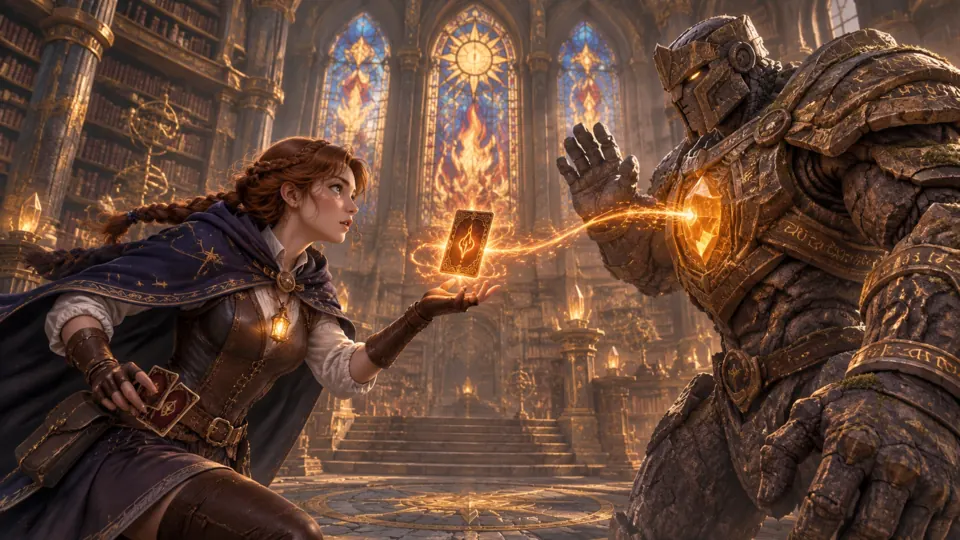
Create a battle between a young mage and a stone guardian, with magic cards that decide the fight.
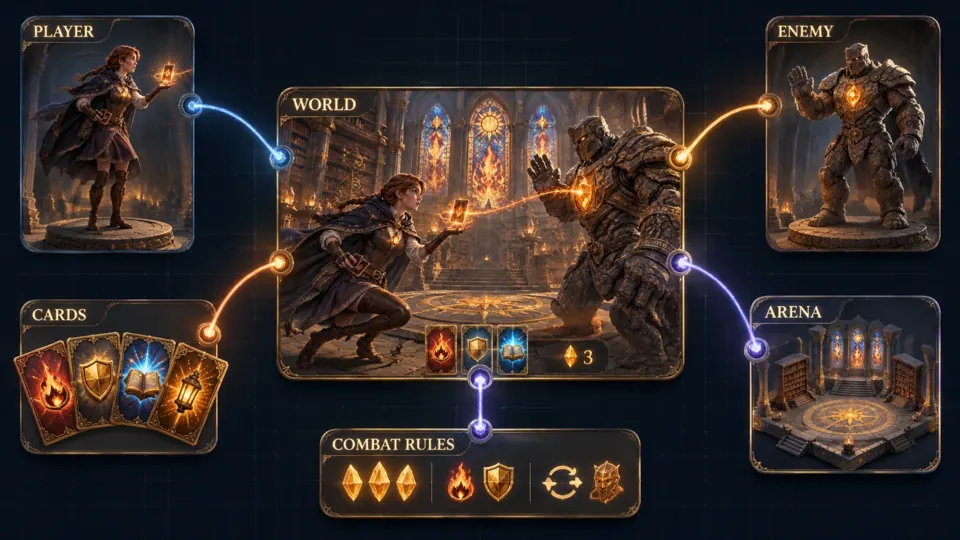
Bring your characters, card deck, battle arena, and turn-based rules together.
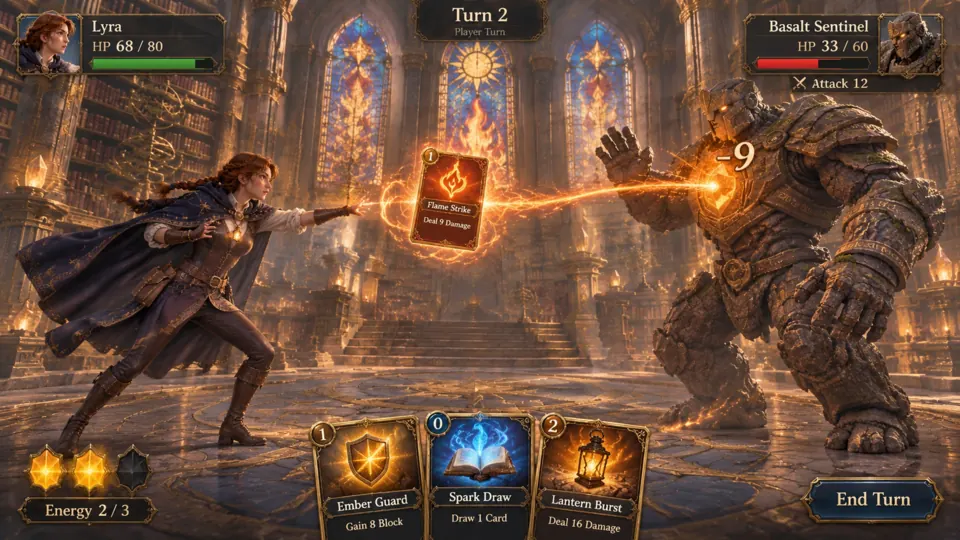
Play Flame Strike, deal damage, and choose your next card before the turn ends.
Make a game for freePick a starting point
Prepare a low-poly street lamp from Blender for review in Unreal Engine. State the intended scale, pivot location, material slots, and the file format the project currently accepts.
Prepare a 3D asset handoff for a named receiving DCC project. State the required file format, axis convention, scale, naming, texture paths, and what must be checked after import.
Hand off a modular wall segment for Unity. Include the mesh, material assignments, dimensions, and a screenshot of the object in the source scene.
Create an export checklist for the target DCC and version supplied by the user. Include geometry, materials, UVs, texture packing, units, and known unsupported features.
Check a model with a non-default pivot and two material slots. Import it into a clean test scene and compare dimensions, orientation, and material assignment with the source.
Specify asset origin, forward axis, units, pivot, and object names for a model that will be handed to another artist. Mark unknown project conventions as questions.
Create a short handoff note for a Maya prop moving to Blender review. Record app versions, file format, unit scale, textures, known limitations, and the person who owns the next import test.
Plan an import validation pass: open the exported file in the receiving application, check scale and orientation, inspect materials and missing textures, and record any conversion.
Why SEELE
Name source and target app versions for the handoff.

Confirm file support and import settings before delivery.

Include scale, pivot, materials, textures, and intended use.

Check the receiving file without hidden source dependencies.

Share a screenshot or checklist that shows expected appearance.

State who confirms the import in the destination project.
Made with SEELE
These games are playable. Pick one and give it a try.
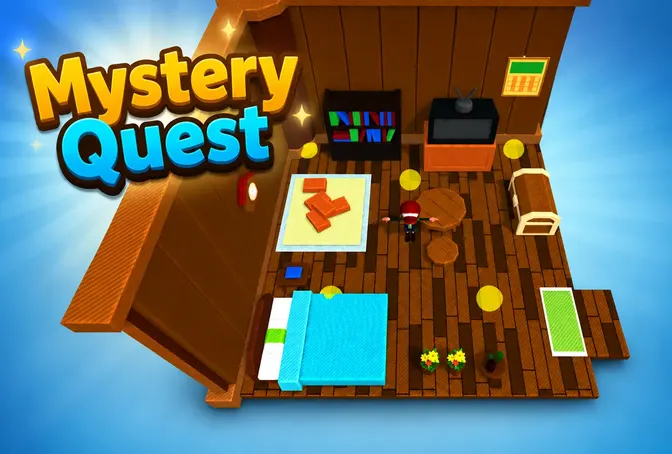 AdventureAdventure GamePlay the example ↗
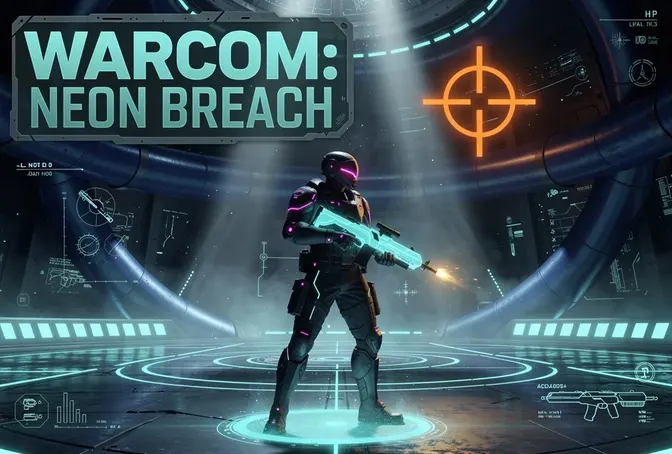 ShooterWarcom: Neon BreachPlay the example ↗
 ActionOld Gods RunPlay the example ↗
 CasualCaution! Egg on the Car RoofPlay the example ↗
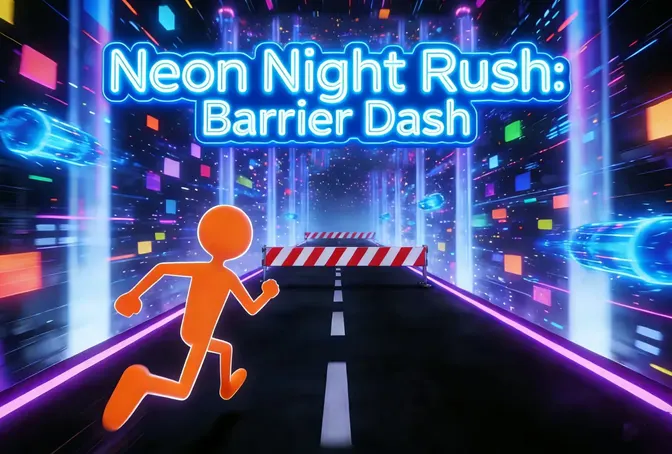 RunnerNeon Night Rush: Barrier DashPlay the example ↗
 PuzzleMuseum ExhibitionPlay the example ↗
 SimulationMilky Way Idle 3DPlay the example ↗
 CasualSnowfall & Starry GiftsPlay the example ↗
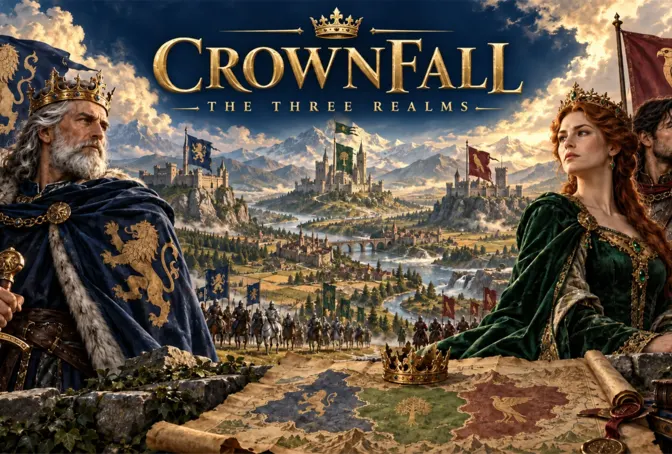 RPGCrownfall-The-Three-Realms-CoverPlay the example ↗
 SimulationFLYING CARPlay the example ↗
Who it’s for
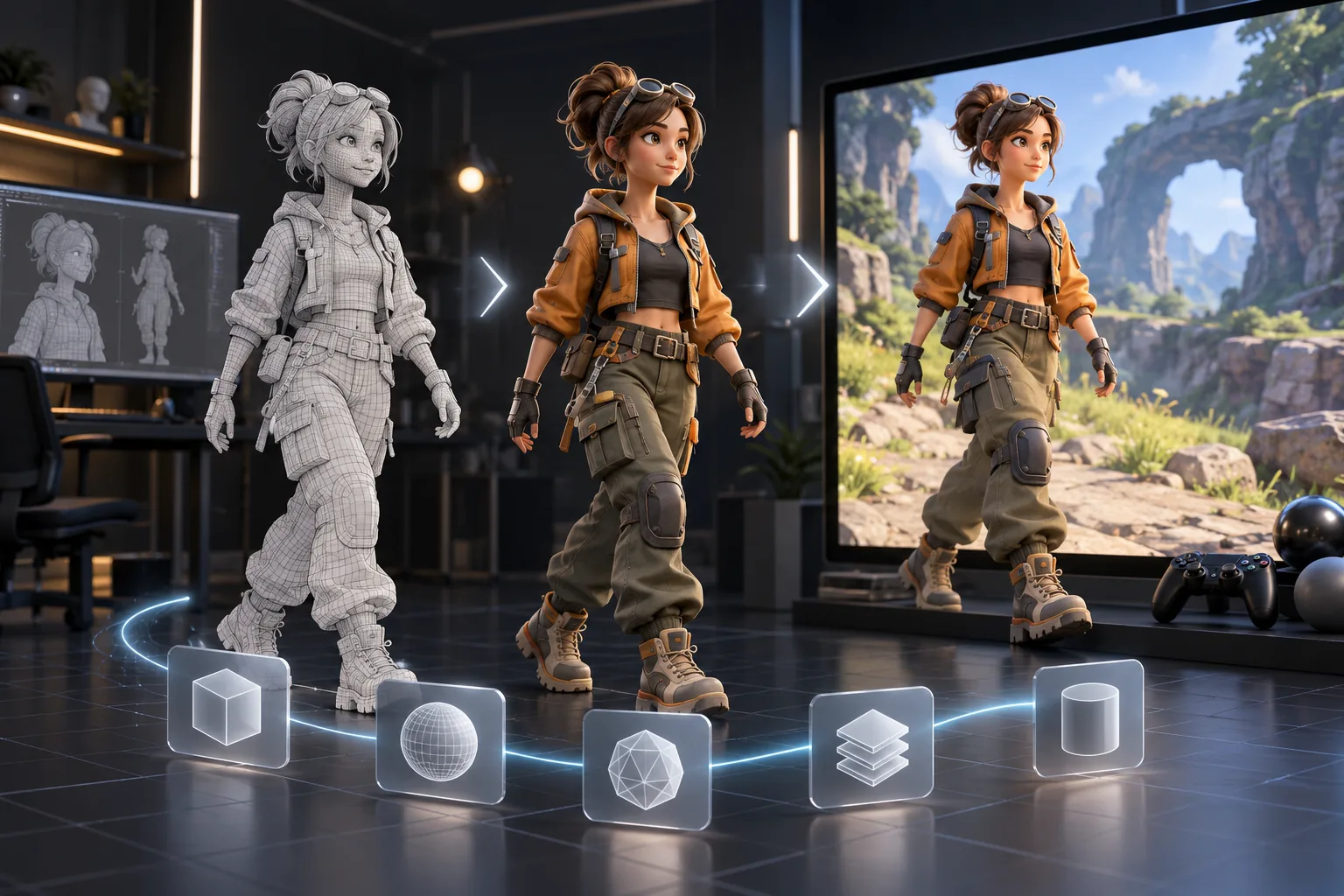
Describe the intended asset and where it will be used; review shape, style, rights, and downstream fit before using an output.
AI Jewelry 3D Model Concept Generator ↗
Check the proposed asset against project format, engine, and performance constraints. Available edit and export options vary by workflow.
AI Toy 3D Model Concept Generator ↗
Use AI to Blender, Unity, Unreal and Maya as an exploration brief, then confirm that the current workflow supports the edits and handoff the project needs.
AI 3D Anime Model Generator for Consistent Characters ↗Compare
| Feature | AI To Blender, Unity, Unreal And Maya | Starting from scratch |
|---|---|---|
| Starting point | Describe the audience, core loop, and first playable outcome for AI To Blender, Unity, Unreal And Maya. | Define the project, engine, and first milestone before implementation. |
| First review | Set review criteria for the controls, content, and visual direction of AI To Blender, Unity, Unreal And Maya. | Review the project setup, scene structure, and implementation plan before playtesting. |
| Scope | Begin with one audience, one core mechanic, and one playable outcome for AI To Blender, Unity, Unreal And Maya. | Set the engine, asset needs, and implementation scope before building. |
| Prompt detail | State the audience, desired result, format, and main constraint for AI To Blender, Unity, Unreal And Maya. | Decide those inputs separately before testing a focused direction. |
| Review boundary | Check the first AI To Blender, Unity, Unreal And Maya result against quality, rights, continuity, and intended audience. | Write the review checks separately before expanding the project. |
Reviews
FAQ
This AI to Blender, Unity, Unreal and Maya | SEELE AI DCC Export page does not verify export to the requested format. Check current Workspace options and test the handoff in the target environment before planning around it.
The workflow includes Blender, Maya, Unity, Unreal, Godot, Cocos, and 3ds Max as production destinations.
Yes. For AI to Blender, Unity, Unreal and Maya | SEELE AI DCC Export, write a plain-language sketch of the intended audience, one action, and the outcome you want to review. Add one constraint after the first idea is clear.
Before a first AI to Blender, Unity, Unreal and Maya project, define the task, intended audience, one visible outcome, and a constraint. Use Define the task as a direction that fits the brief.
To get started with AI to Blender, Unity, Unreal and Maya, use Describe the job as the first step. Set one goal, audience, and constraint; test a small version, then change one thing at a time.
For AI to Blender, Unity, Unreal and Maya, name the intended user, one action, and a visible outcome. Use Define the task as a starting direction and add one requirement from its example prompt.
Ask someone who matches the intended player or viewer for AI to Blender, Unity, Unreal and Maya to test its main action. Note where the brief is unclear, then revise once before adding features.
For AI to Blender, Unity, Unreal and Maya, try Define the task first. Define the action, outcome, and one constraint, then compare another direction only if the first misses the brief.
Check the AI to Blender, Unity, Unreal and Maya result against the brief, intended behavior, and first workflow step. Record one mismatch and test that change before expanding scope.
Scope a first AI to Blender, Unity, Unreal and Maya prototype to Define the task, one user action, and one visible outcome. Defer secondary features until that path works.
Compare Define the task and Set expected output for AI to Blender, Unity, Unreal and Maya using the same user action and visible outcome. Choose the direction that fits the brief with fewer assumptions.
After reviewing AI to Blender, Unity, Unreal and Maya, record one gap between the brief and result. Make one focused change, then test the same action against the original outcome.
Match a linked tool's input and output to one need in the AI to Blender, Unity, Unreal and Maya brief. If it does not support that step, skip it and keep the test in the main project.