Keep the first scene bounded
Use one level and one interaction to answer a production question.

Plan an Unreal-related game prototype without assuming engine integration. Define the first playable scene, the interaction to test, and what the team needs to inspect in its own Unreal project.
Pick a starting point
Plan a third-person Unreal prototype in a graybox industrial yard. Review whether the player can understand the situation and response.
Plan a third-person Unreal prototype in a graybox industrial yard. The player reaches a switch, opens a loading bay, and sees a vehicle move; review camera, interaction range, and timing.
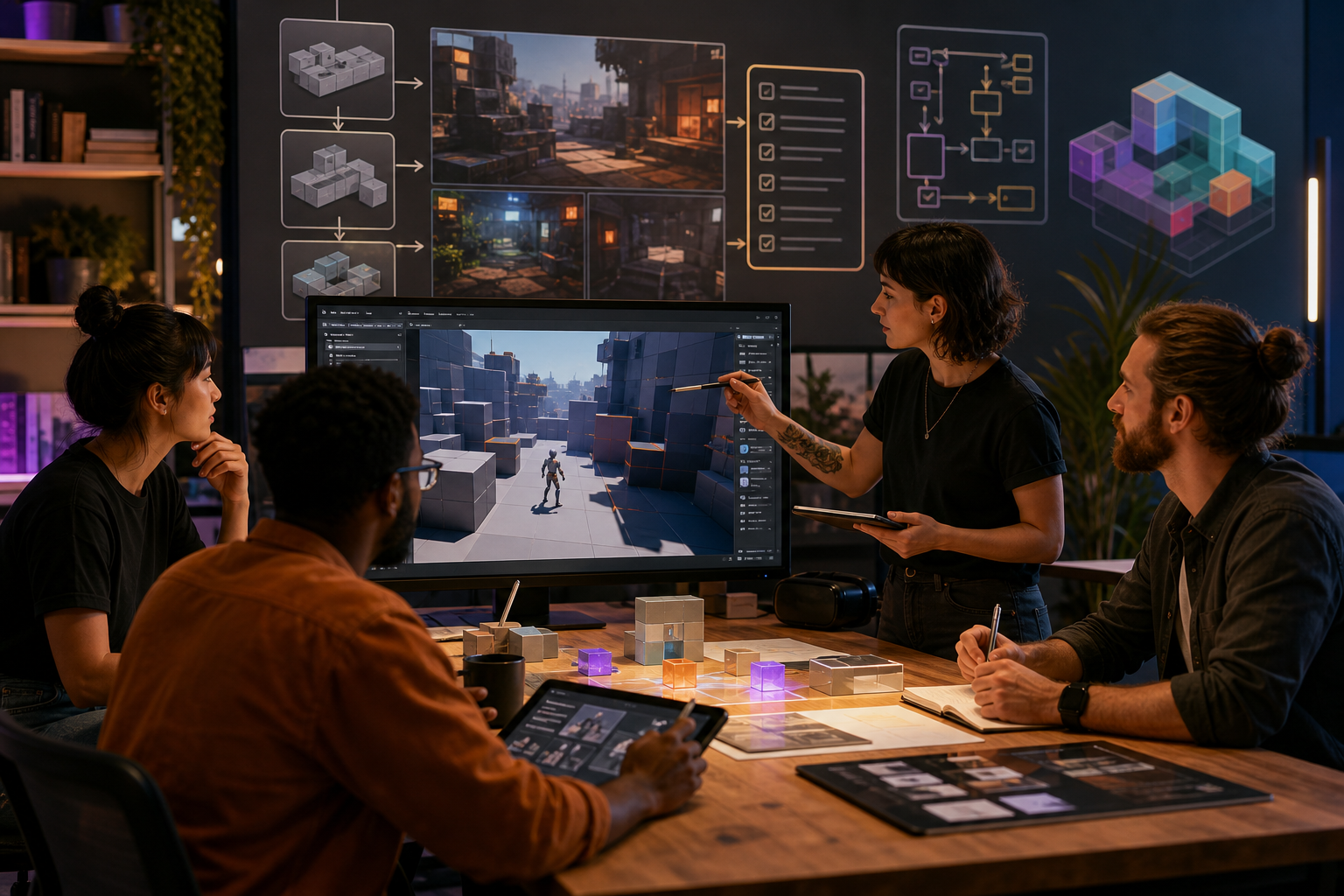 First playable scene ↗
Why SEELE
Use one level and one interaction to answer a production question.

Confirm engine version, plugins, input, and asset ownership with the team.

Treat project import and build validation as explicit follow-up work.

Show the action, expected result, and any failure state.

Make clear who can validate changes in the Unreal project.

Define what must pass before expanding the prototype.
Who it’s for
Define the player, one core mechanic, and one testable outcome for a first AI Unreal Game Generator brief. Keep the scope small enough to playtest.
Game Generator AI Free ↗
Compare AI Unreal Game Generator directions against the target player and engine workflow before the team commits to a larger build.
Claude Opus 5 for Unreal Engine ↗Compare
| Feature | AI Unreal Game Generator | Starting from scratch |
|---|---|---|
| Starting point | Describe the audience, core loop, and first playable outcome for AI Unreal Game Generator. | Define the project, engine, and first milestone before implementation. |
| First review | Set review criteria for the controls, content, and visual direction of AI Unreal Game Generator. | Review the project setup, scene structure, and implementation plan before playtesting. |
| Scope | Begin with one audience, one core mechanic, and one playable outcome for AI Unreal Game Generator. | Set the engine, asset needs, and implementation scope before building. |
| Prompt detail | State the audience, desired result, format, and main constraint for AI Unreal Game Generator. | Decide those inputs separately before testing a focused direction. |
| Review boundary | Check the first AI Unreal Game Generator result against quality, rights, continuity, and intended audience. | Write the review checks separately before expanding the project. |
Reviews
FAQ
Yes. SEELE AI can generate a native Unreal 5 game with browser preview and project download. Treat the first pass as a prototype and verify it in Unreal before release.
For AI Unreal Game Generator, specify define the task, the intended audience, one result, and one constraint. Keep the first prompt narrow enough to review against those details.
In the browser preview, check that the game launches, its controls work, and its main objective is reachable. Verify editor, device, network, plugin, and release requirements in your own environment.
This page covers planning an Unreal game workflow with SEELE AI. Check the current product details for supported generation and export capabilities before choosing a workflow.
Start with the graybox yard: reach the switch, open the loading bay, and watch the vehicle move. Keep the camera, interaction range, and timing visible in the first pass.
For AI Unreal Game Generator, name the intended user, one action, and a visible outcome. Use Define the task as a starting direction and add one requirement from its example prompt.
Ask an Unreal developer to run the switch interaction in the target editor. They should confirm the bay opens at the intended range, the vehicle moves after activation, and the camera keeps both actions in view.
Choose First playable scene to test the switch-to-vehicle sequence. Choose Main interaction to test the power cell’s placement and how the disabled lift confirms it has power.
Check that the switch opens the bay once and the vehicle moves at the stated time. In the power-cell room, verify the allowed placement area and the lift’s confirmation cue.
Scope a first AI Unreal Game Generator prototype to Define the task, one user action, and one visible outcome. Defer secondary features until that path works.
Choose First playable scene to test the switch-to-vehicle sequence. Choose Main interaction to test the power cell’s placement and how the disabled lift confirms it has power.
If the vehicle moves before the bay opens, revise the event timing and rerun the same sequence. If the power cell can be dropped anywhere, narrow its placement area and check the lift feedback.
Match a linked tool's input and output to one need in the AI Unreal Game Generator brief. If it does not support that step, skip it and keep the test in the main project.