Separate translated text from price data
Know which fields the store supplies.

Review how an offer’s price and contents read across target regions. Prepare a regional review for a game purchase. Confirm local currency display, translated offer details, and store behavior with the responsible product and localization teams.
Partners and teams

















How it works
Turn a space hangar into a playable challenge with three holographic targets.

The player enters a space hangar and has to move into position to hit three holographic targets.
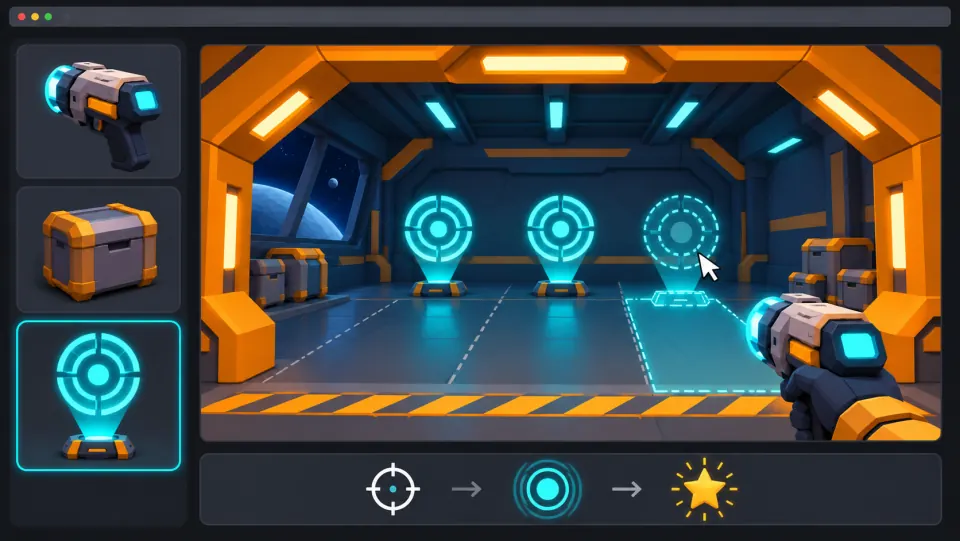
Ask seeleAgent to build the hangar, place the targets, and add first-person controls, hit effects, and scoring.

Aim and fire at a target. It should burst into pixels on impact, and the hit counter should go up.
Make a game for freePick a starting point
Define a 500 gem pack with a source-language description, quantity, and source price. Mark which values come from the store and which text needs translation.
Create regional price fields for source amount, currency, locale, tax note, and displayed amount; leave unknown values blank.
 First outcome ↗
Review offer card, detail, confirmation, and receipt in each target locale. Keep currency and item quantity visible at the decision point.
Localize the same offer for user-supplied regions without changing item contents or inventing prices.
Test a locale where translated offer text takes more space. Reflow buttons and details without truncating item quantity or price.
Specify currency formatting and tax display using supplied localization guidance and source data.
Ask localization and product owners to verify language, price source, rounding behavior, and current store rules for each target market. Record unresolved questions for follow-up.
Audit regional copy for translation consistency, source date, currency formatting, and approval gaps.
Why SEELE
Know which fields the store supplies.

Keep currency beside the displayed amount.

Check buttons and detail layouts at narrow widths.

Compare confirmation and receipt details.

Record who approves language and pricing display.

Confirm price formatting with platform owners.
Made with SEELE
These games are playable. Pick one and give it a try.
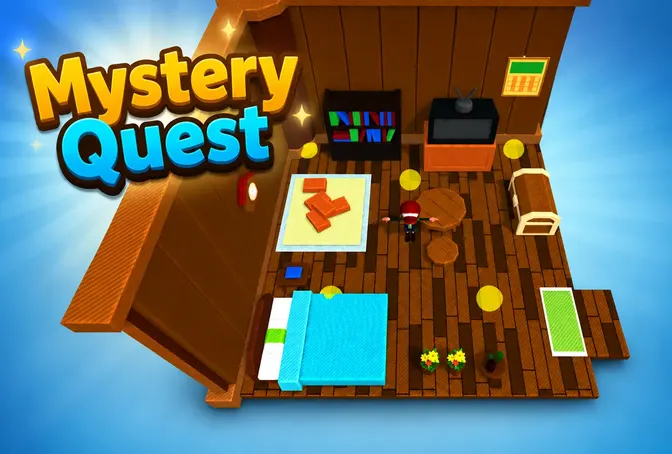 AdventureAdventure GamePlay the example ↗
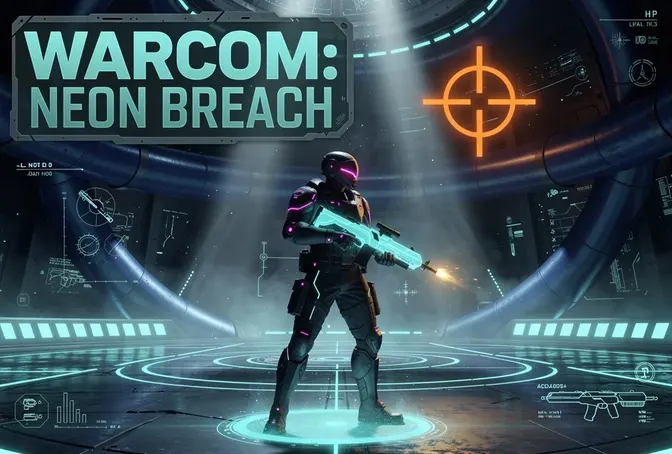 ShooterWarcom: Neon BreachPlay the example ↗
 ActionOld Gods RunPlay the example ↗
 CasualCaution! Egg on the Car RoofPlay the example ↗
 RunnerNeon Night Rush: Barrier DashPlay the example ↗
 PuzzleMuseum ExhibitionPlay the example ↗
 SimulationMilky Way Idle 3DPlay the example ↗
 CasualSnowfall & Starry GiftsPlay the example ↗
 RPGCrownfall-The-Three-Realms-CoverPlay the example ↗
 SimulationFLYING CARPlay the example ↗
Who it’s for
Describe the player need, offer, and decision point. Validate pricing, consent, and the purchase flow in the actual product before release.
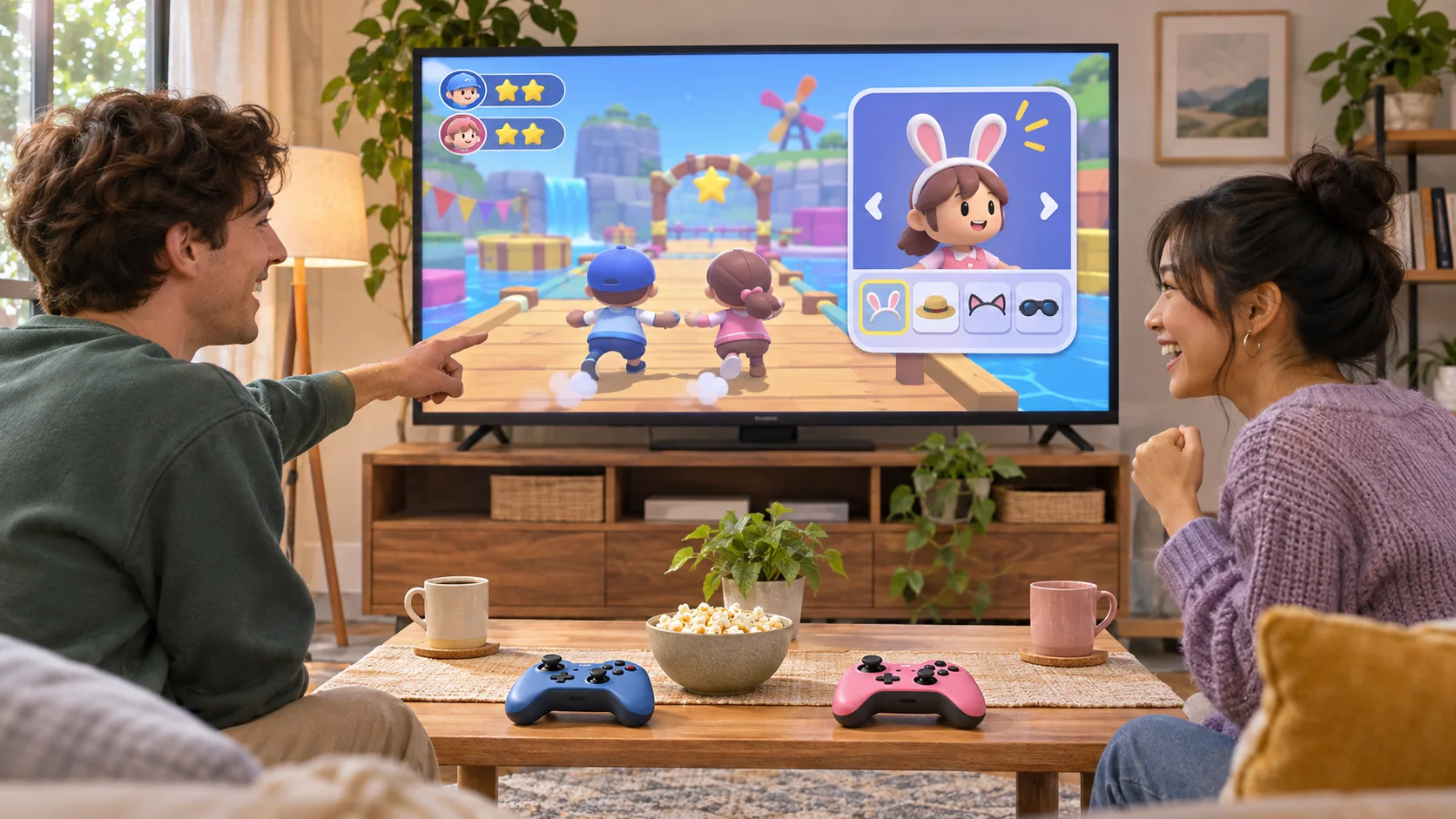
Local Multiplayer IAP Clear Pricing ↗
Check that the offer is understandable, optional where appropriate, and consistent after reload. Confirm that the relevant IAP tool or purchase flow is currently available before treating the concept as implemented.
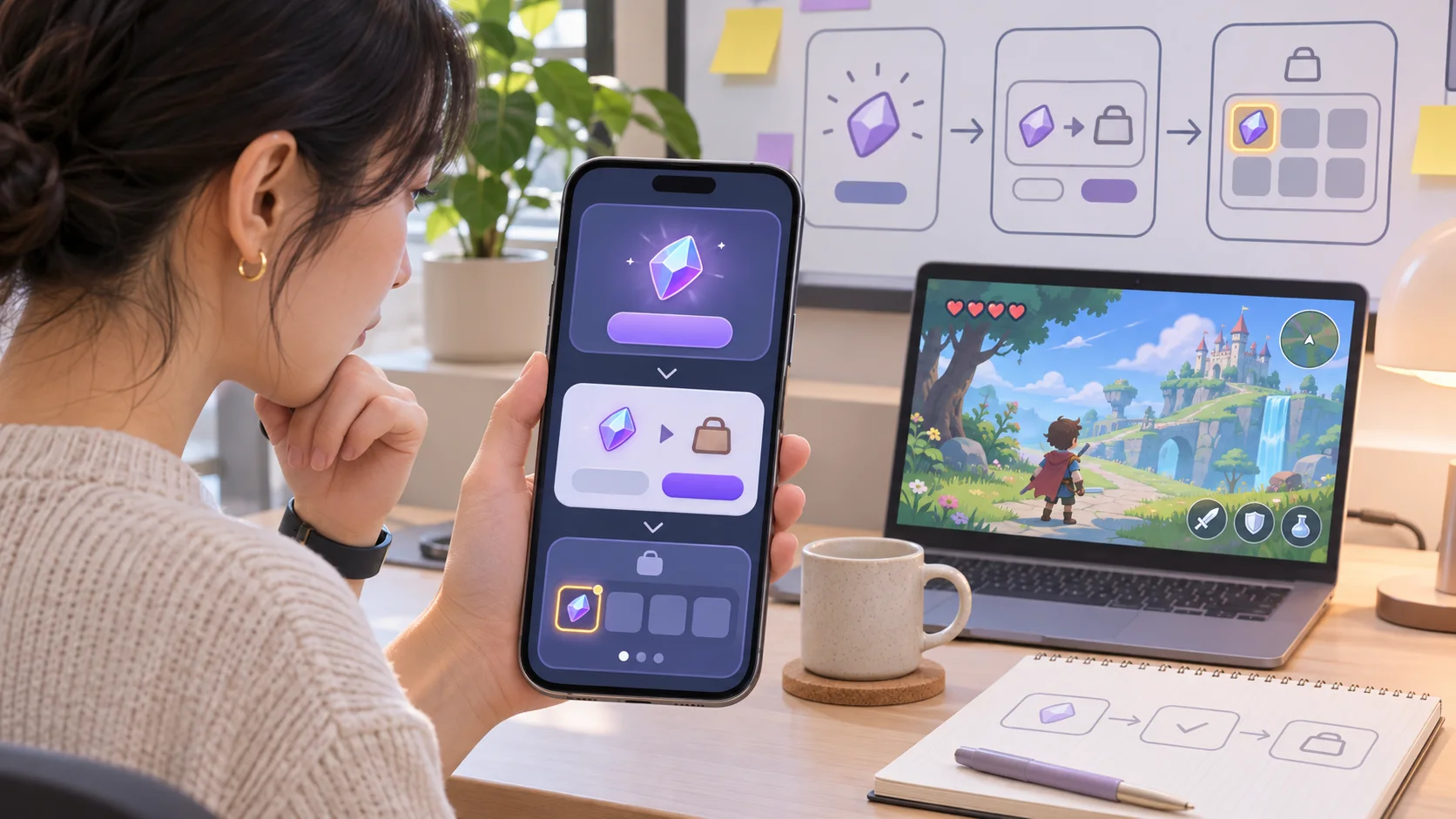
AI Game In-App Purchase Builder with Koin ↗
Review whether the purchase choice is clear and fair from the player's point of view; confirm current product and platform rules before launch.
Fashion Game Convenience Upgrade IAP ↗Reviews
FAQ
Ask a reviewer to repeat the full price, quantity, duration, and owned result before pressing Confirm; revise any field they cannot recover from the screen.
Use audience-appropriate language while you show the exact Koin amount beside the named item with quantity, duration, permanence, restrictions, and the resulting balance. Keep quantity, duration, restrictions, and the delivered state explicit.
Use IAP Global Audiences Transparent Pricing as a focused project brief: state the intended outcome, audience, and one constraint. Review the result against those details and decide what needs a follow-up pass.
Before a first Global Audiences IAP Clear Pricing project, define the task, intended audience, one visible outcome, and a constraint. Use First outcome as a direction that fits the brief.
To get started with Global Audiences IAP Clear Pricing, use Start with the audience requirement as the first step. Set one goal, audience, and constraint; test a small version, then change one thing at a time.
For Global Audiences IAP Clear Pricing, name the intended user, one action, and a visible outcome. Use First outcome as a starting direction and add one requirement from its example prompt.
Ask someone who matches the intended player or viewer for Global Audiences IAP Clear Pricing to test its main action. Note where the brief is unclear, then revise once before adding features.
For Global Audiences IAP Clear Pricing, try First outcome first. Define the action, outcome, and one constraint, then compare another direction only if the first misses the brief.
Check the Global Audiences IAP Clear Pricing result against the brief, intended behavior, and first workflow step. Record one mismatch and test that change before expanding scope.
Scope a first Global Audiences IAP Clear Pricing prototype to First outcome, one user action, and one visible outcome. Defer secondary features until that path works.
Compare First outcome and Main interaction for Global Audiences IAP Clear Pricing using the same user action and visible outcome. Choose the direction that fits the brief with fewer assumptions.
After reviewing Global Audiences IAP Clear Pricing, record one gap between the brief and result. Make one focused change, then test the same action against the original outcome.
Match a linked tool's input and output to one need in the Global Audiences IAP Clear Pricing brief. If it does not support that step, skip it and keep the test in the main project.