Compare a real task
Use the same prototype brief in each workflow.

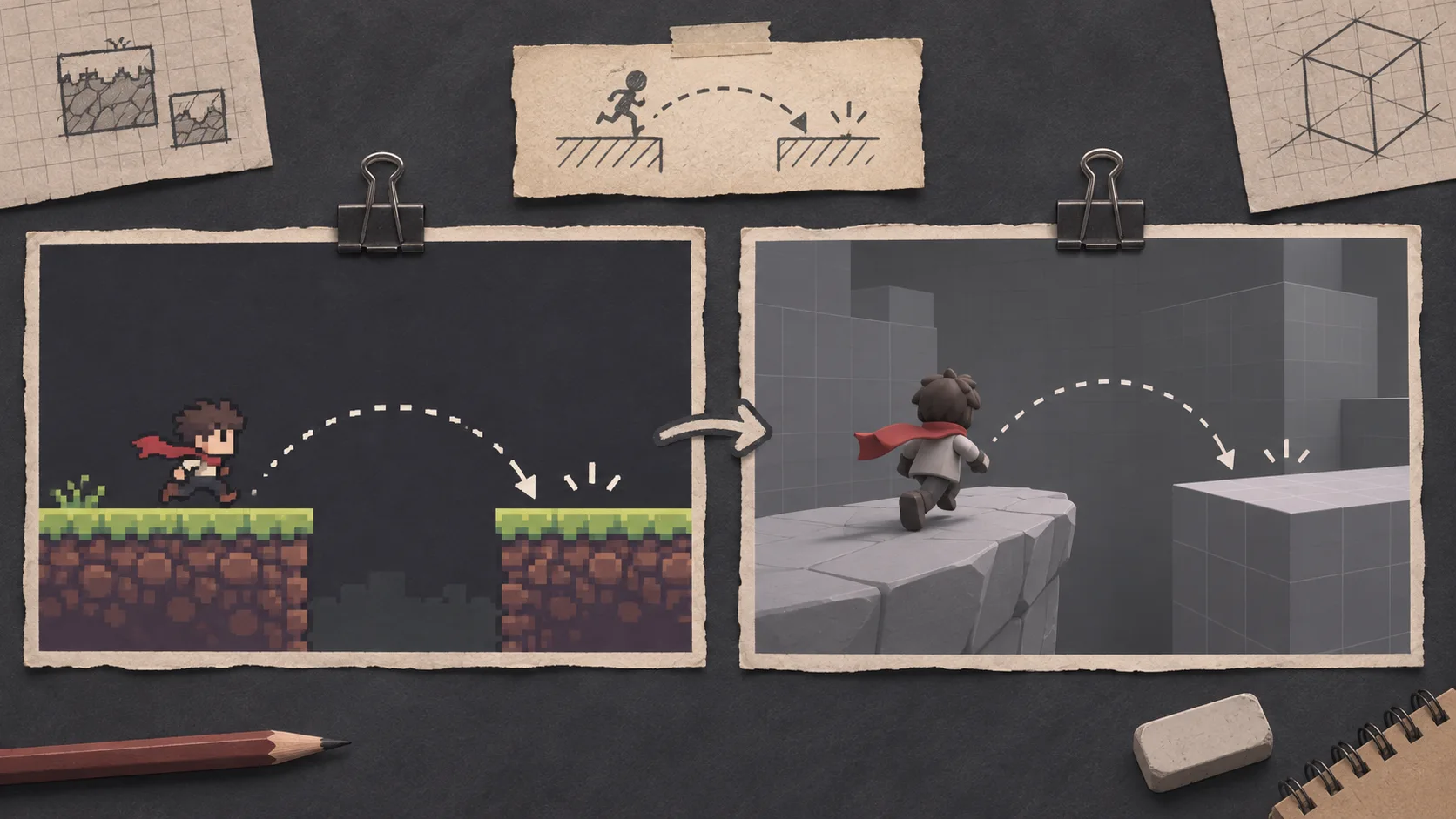
Compare tools using the same small game task, then check workflow and output requirements.
Evaluate whether a browser-based creation workflow or GameMaker Studio fits a specific project. Keep the comparison tied to a task, team skills, project files, and required handoff; verify current product capabilities before deciding.
Partners and teams

















Pick a starting point
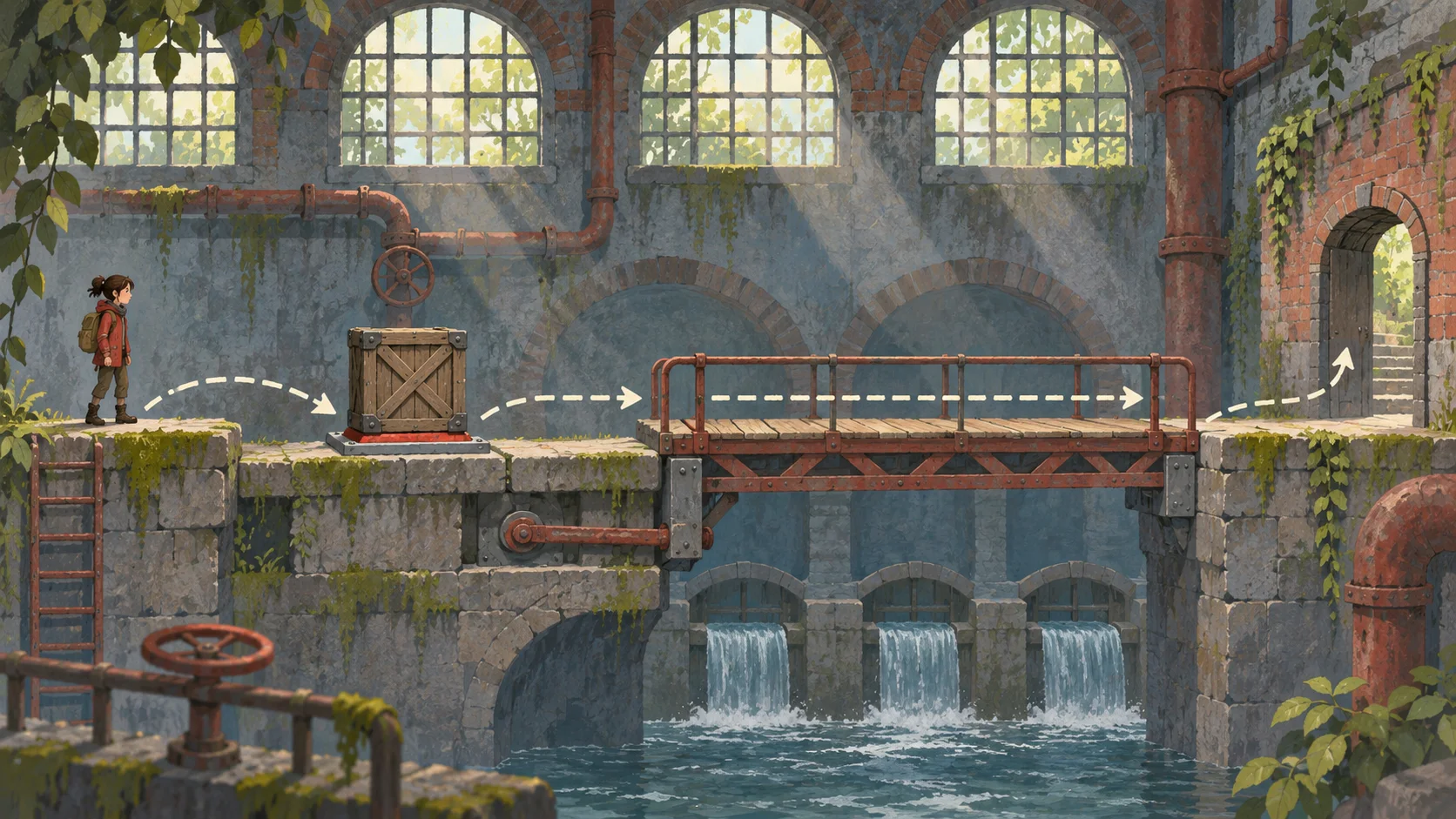
Use the same 2D room for each option: move a character, collect a key, and open a door. Record setup time, controls, and what files the team can inspect afterward.
Compare two game-making workflows by completing the same task in each: create a player, add one collectible, show a score, and restart the level. Keep the brief and acceptance checks identical.
 First outcome ↗
Why SEELE
Use the same prototype brief in each workflow.

Note how a change is made and reviewed.

Consider code experience, collaboration, and project ownership.

Check current documentation instead of relying on old comparisons.

Confirm rights and handoff terms for the project.

State what was observed and what the team simply prefers.
Made with SEELE
These games are playable. Pick one and give it a try.
 AdventureAdventure GamePlay the example ↗
 ShooterWarcom: Neon BreachPlay the example ↗
 ActionOld Gods RunPlay the example ↗
 CasualCaution! Egg on the Car RoofPlay the example ↗
 RunnerNeon Night Rush: Barrier DashPlay the example ↗
 PuzzleMuseum ExhibitionPlay the example ↗
 SimulationMilky Way Idle 3DPlay the example ↗
 CasualSnowfall & Starry GiftsPlay the example ↗
 RPGCrownfall-The-Three-Realms-CoverPlay the example ↗
 SimulationFLYING CARPlay the example ↗
Who it’s for
Use GameMaker Studio Alternative to define a compact project brief, note technical constraints, and list what needs review before expanding scope.
AI 3D Game Maker with Code ↗
Frame GameMaker Studio Alternative around a learning goal, a small interactive task, and review criteria that fit the class or project.
3D FPS Game Builder with Three.js ↗
Set the audience, intended format, and one interaction that GameMaker Studio Alternative should explore; record rights and release checks before sharing.
AI Puzzle Platformer Generator ↗Compare
See how SEELE AI compares to traditional game makers and AI game generators.
| Feature | GameMaker Studio Alternative | Starting from scratch |
|---|---|---|
| Starting point | Describe the audience, core loop, and first playable outcome for GameMaker Studio Alternative. | Define the project, engine, and first milestone before implementation. |
| First review | Set review criteria for the controls, content, and visual direction of GameMaker Studio Alternative. | Review the project setup, scene structure, and implementation plan before playtesting. |
| Scope | Begin with one audience, one core mechanic, and one playable outcome for GameMaker Studio Alternative. | Set the engine, asset needs, and implementation scope before building. |
| Prompt detail | State the audience, desired result, format, and main constraint for GameMaker Studio Alternative. | Decide those inputs separately before testing a focused direction. |
| Review boundary | Check the first GameMaker Studio Alternative result against quality, rights, continuity, and intended audience. | Write the review checks separately before expanding the project. |
Reviews
FAQ
This Gamemaker Studio Alternative page does not verify export to Unity. Check current Workspace options and test the handoff in the target environment before planning around it.
For Gamemaker Studio Alternative, describe the intended interaction, visual direction, and one constraint. Review the result against that brief, then refine any mismatch before expanding the scope.
For Gamemaker Studio Alternative, compare current documentation for supported outputs, editing workflow, pricing, and terms. Evaluate each option against the same project brief because features and plans can change.
Before a first GameMaker Studio Alternative project, define the task, intended audience, one visible outcome, and a constraint. Use First outcome as a direction that fits the brief.
To get started with GameMaker Studio Alternative, use Describe the job as the first step. Set one goal, audience, and constraint; test a small version, then change one thing at a time.
For GameMaker Studio Alternative, name the intended user, one action, and a visible outcome. Use First outcome as a starting direction and add one requirement from its example prompt.
Ask someone who matches the intended player or viewer for GameMaker Studio Alternative to test its main action. Note where the brief is unclear, then revise once before adding features.
For GameMaker Studio Alternative, try First outcome first. Define the action, outcome, and one constraint, then compare another direction only if the first misses the brief.
Check the GameMaker Studio Alternative result against the brief, intended behavior, and first workflow step. Record one mismatch and test that change before expanding scope.
Scope a first GameMaker Studio Alternative prototype to First outcome, one user action, and one visible outcome. Defer secondary features until that path works.
Compare First outcome and Main interaction for GameMaker Studio Alternative using the same user action and visible outcome. Choose the direction that fits the brief with fewer assumptions.
After reviewing GameMaker Studio Alternative, record one gap between the brief and result. Make one focused change, then test the same action against the original outcome.
Match a linked tool's input and output to one need in the GameMaker Studio Alternative brief. If it does not support that step, skip it and keep the test in the main project.