Turn a prompt into actions
Write what players do step by step.

Use a concrete game prompt to define an Unreal scene and first playable loop. Describe the expected behavior and list engine-specific details that still need verification.
Pick a starting point
The action loop ends at a visible result.
Create a workshop where the player finds loose parts, assembles a signal lamp, and lights the exit sign. Keep the parts list visible.
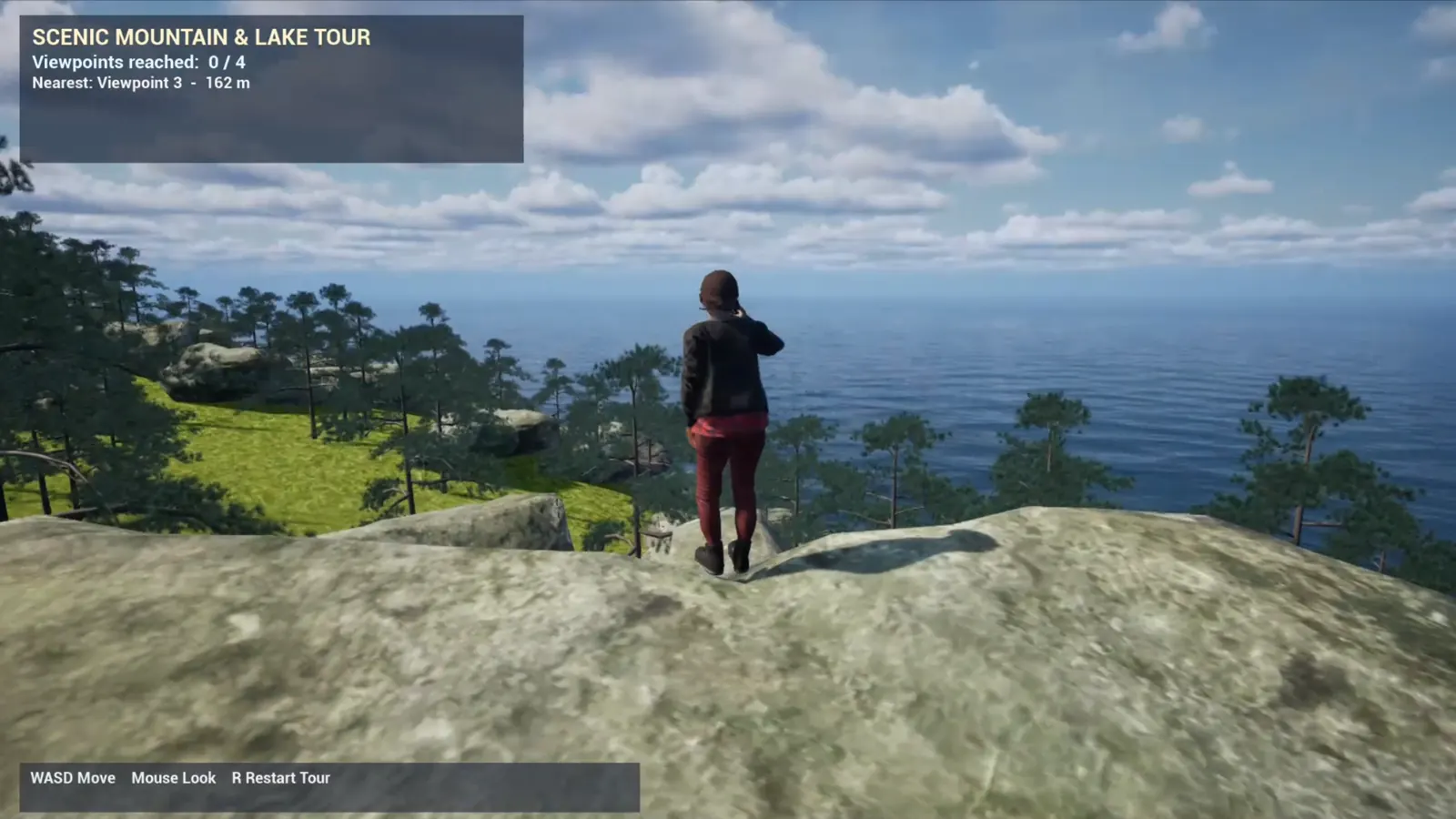 Core game loop ↗
Why SEELE
Write what players do step by step.

Show how spending affects the scene.

Protect the main objective from scope creep.

Make retries predictable.

Verify interaction and packaging details.

Use a testable result rather than a broad claim.
Who it’s for
Define the player, one core mechanic, and one testable outcome for a first Unreal Game Generator brief. Keep the scope small enough to playtest.
Claude Opus 5 for Unreal Engine ↗
Compare Unreal Game Generator directions against the target player and engine workflow before the team commits to a larger build.
AI game generator workflow ↗Compare
| Feature | Unreal Game Generator | Starting from scratch |
|---|---|---|
| Starting point | Describe the audience, core loop, and first playable outcome for Unreal Game Generator. | Define the project, engine, and first milestone before implementation. |
| First review | Set review criteria for the controls, content, and visual direction of Unreal Game Generator. | Review the project setup, scene structure, and implementation plan before playtesting. |
| Scope | Begin with one audience, one core mechanic, and one playable outcome for Unreal Game Generator. | Set the engine, asset needs, and implementation scope before building. |
| Prompt detail | State the audience, desired result, format, and main constraint for Unreal Game Generator. | Decide those inputs separately before testing a focused direction. |
| Review boundary | Check the first Unreal Game Generator result against quality, rights, continuity, and intended audience. | Write the review checks separately before expanding the project. |
Reviews
FAQ
SEELE lists Unreal among its game workflows. The Brand Facts do not specify the exact Unreal Game Generator export format, engine version, plugin, or project completeness. Check the current Workspace handoff and validate it in the target engine before relying on it for production.
For Unreal Game Generator, specify define the task, the intended audience, one result, and one constraint. Keep the first prompt narrow enough to review against those details.
In the Unreal Game Generator preview, verify the Unreal Game Generator leaves a previewable native project and a downloadable. Editor inspection, device profiling, network testing, plugin validation, and release checks remain human-owned after the browser evidence looks promising.
Before a first Unreal Game Generator project, define the task, intended audience, one visible outcome, and a constraint. Use Define the task as a direction that fits the brief.
To get started with Unreal Game Generator, use Describe the job as the first step. Set one goal, audience, and constraint; test a small version, then change one thing at a time.
For Unreal Game Generator, name the intended user, one action, and a visible outcome. Use Define the task as a starting direction and add one requirement from its example prompt.
Ask someone who matches the intended player or viewer for Unreal Game Generator to test its main action. Note where the brief is unclear, then revise once before adding features.
For Unreal Game Generator, try Define the task first. Define the action, outcome, and one constraint, then compare another direction only if the first misses the brief.
Check the Unreal Game Generator result against the brief, intended behavior, and first workflow step. Record one mismatch and test that change before expanding scope.
Scope a first Unreal Game Generator prototype to Define the task, one user action, and one visible outcome. Defer secondary features until that path works.
Compare Define the task and Set expected output for Unreal Game Generator using the same user action and visible outcome. Choose the direction that fits the brief with fewer assumptions.
After reviewing Unreal Game Generator, record one gap between the brief and result. Make one focused change, then test the same action against the original outcome.
Match a linked tool's input and output to one need in the Unreal Game Generator brief. If it does not support that step, skip it and keep the test in the main project.