Use original sports details
Create fictional teams and visual assets.

Choose the sport, player action, opposing response, and condition that counts as a score or foul. Build one short play and check whether players can tell why the result occurred.
Pick a starting point
Players know the field and sides.
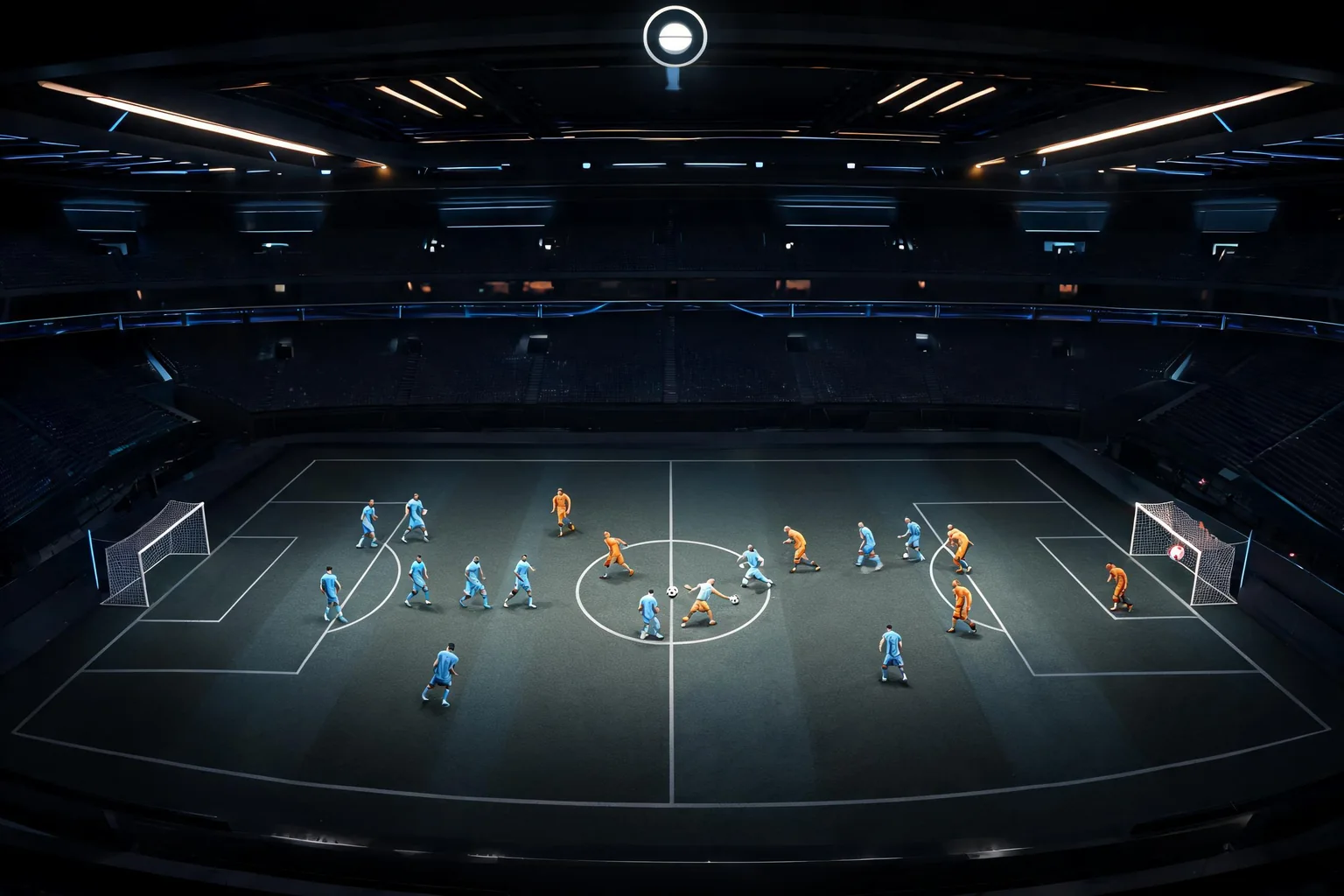
Create a fictional three-a-side street hockey match on a small outdoor rink. Mark the goal zones and show each team’s starting position.
 Match setup ↗
Why SEELE
Create fictional teams and visual assets.

Make goals and out-of-play areas clear.

Make pass and shot serve different risks.

Define exactly when the score changes.

Check keyboard and controller behavior.

Try goals and contacts near boundaries.
Who it’s for
Define the player, one core mechanic, and one testable outcome for a first Unreal sports game maker brief. Keep the scope small enough to playtest.
AI game generator workflow ↗
Compare Unreal sports game maker directions against the target player and engine workflow before the team commits to a larger build.
UEFN Creator Workflows ↗Compare
| Feature | Unreal Sports Game Maker | Starting from scratch |
|---|---|---|
| Starting point | Describe the audience, core loop, and first playable outcome for Unreal Sports Game Maker. | Define the project, engine, and first milestone before implementation. |
| First review | Set review criteria for the controls, content, and visual direction of Unreal Sports Game Maker. | Review the project setup, scene structure, and implementation plan before playtesting. |
| Scope | Begin with one audience, one core mechanic, and one playable outcome for Unreal Sports Game Maker. | Set the engine, asset needs, and implementation scope before building. |
| Prompt detail | State the audience, desired result, format, and main constraint for Unreal Sports Game Maker. | Decide those inputs separately before testing a focused direction. |
| Review boundary | Check the first Unreal Sports Game Maker result against quality, rights, continuity, and intended audience. | Write the review checks separately before expanding the project. |
Reviews
FAQ
Test the main input, movement or ball interaction, opponent response, and rule outcome. Keep teams and play space small enough to inspect.
Give immediate feedback when a score, foul, or turnover occurs. Review edge cases so the same action does not produce conflicting outcomes.
No. It tests one situation. A full balance review needs different roles, tactics, conditions, and repeated playtests.
Before a first Unreal sports game maker project, define the task, intended audience, one visible outcome, and a constraint. Use Define the task as a direction that fits the brief.
To get started with Unreal sports game maker, use Describe the job as the first step. Set one goal, audience, and constraint; test a small version, then change one thing at a time.
For Unreal sports game maker, name the intended user, one action, and a visible outcome. Use Define the task as a starting direction and add one requirement from its example prompt.
Ask someone who matches the intended player or viewer for Unreal sports game maker to test its main action. Note where the brief is unclear, then revise once before adding features.
For Unreal sports game maker, try Define the task first. Define the action, outcome, and one constraint, then compare another direction only if the first misses the brief.
Check the Unreal sports game maker result against the brief, intended behavior, and first workflow step. Record one mismatch and test that change before expanding scope.
Scope a first Unreal sports game maker prototype to Define the task, one user action, and one visible outcome. Defer secondary features until that path works.
Compare Define the task and Set expected output for Unreal sports game maker using the same user action and visible outcome. Choose the direction that fits the brief with fewer assumptions.
After reviewing Unreal sports game maker, record one gap between the brief and result. Make one focused change, then test the same action against the original outcome.
Match a linked tool's input and output to one need in the Unreal sports game maker brief. If it does not support that step, skip it and keep the test in the main project.