Lead with the hook
Show the moment that explains why the game is different.

Arrange gameplay clips so a viewer understands the game’s hook, sees evidence of play, and knows where to learn more. Use footage and assets you have permission to publish.
Pick a starting point
Open on a pilot drifting toward a dark station while a warning light counts down. Review whether the image or scene supports the intended use.
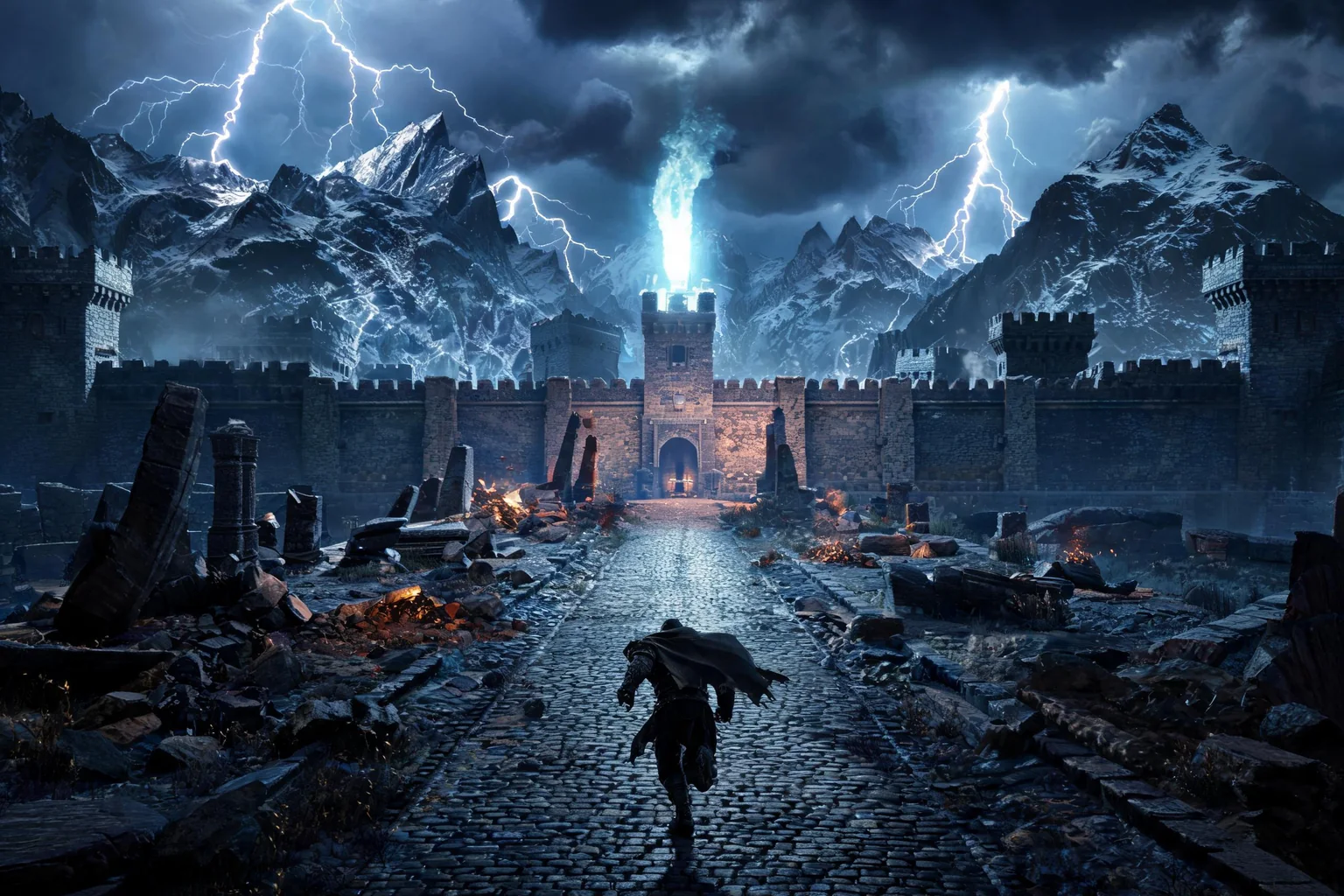
Open on a pilot drifting toward a dark station while a warning light counts down. Cut to the game title only after the player sees the danger and the ship’s limited fuel.
 Opening hook ↗
Why SEELE
Show the moment that explains why the game is different.

Pick clips that demonstrate mechanics rather than only showing scenery.

Connect short cuts to one mission, character, or objective.

A brief slower shot can make fast gameplay easier to follow.

Show the correct title, platform, date, and destination.

Confirm footage permissions, aspect ratio, and platform requirements before release.
Who it’s for
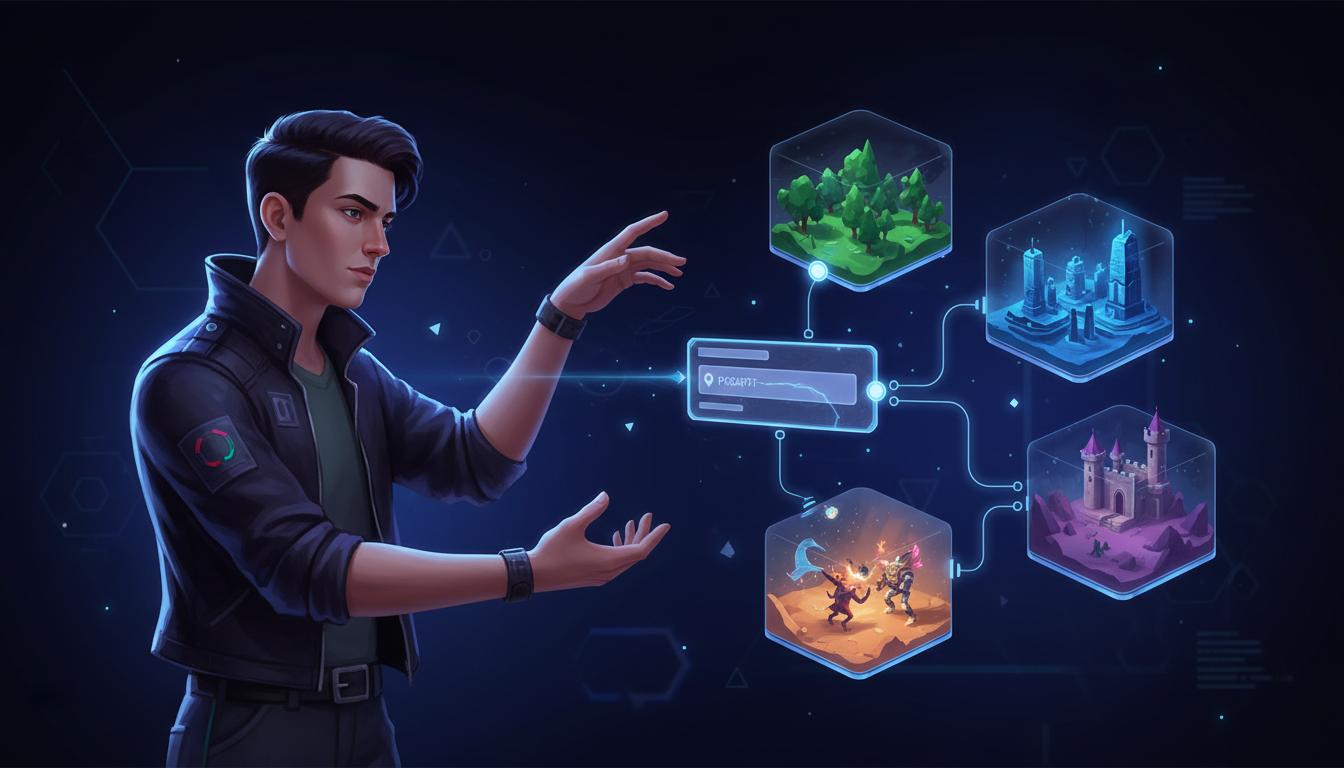
Set the audience, message, and destination for an idea in the AI Game Trailer Maker workflow. Check current model options, clip limits, exports, and cost before production.
Cinematic AI Video Generator ↗
Write a short brief for the intended channel and viewer, then verify the current workflow and output limits before scheduling a release.
AI Cinematic Interactive Story Generator ↗
Compare a draft with the project brief and rights requirements; confirm available editing and delivery steps in the current product.
No-Code AI Engine for Game Creation ↗Reviews
FAQ
SEELE is an AI Game Trailer Maker for structuring a game concept and supplied material into a cinematic trailer workflow. Lead with the gameplay promise, plan escalating beats, then finish with a title reveal and launch CTA.
There is no fixed completion time for AI Game Trailer Maker; scope, selected model, and requested assets affect the work. Start with source moment and add complexity after reviewing the first pass.
This AI Game Trailer Maker page does not verify the requested behavior: “Can I edit the result.” Check the current Workspace options and validate a small example against the target requirements.
Before a first AI Game Trailer Maker project, define the task, intended audience, one visible outcome, and a constraint. Use Source moment as a direction that fits the brief.
To get started with AI Game Trailer Maker, use Describe the job as the first step. Set one goal, audience, and constraint; test a small version, then change one thing at a time.
For AI Game Trailer Maker, name the intended user, one action, and a visible outcome. Use Source moment as a starting direction and add one requirement from its example prompt.
Ask someone who matches the intended player or viewer for AI Game Trailer Maker to test its main action. Note where the brief is unclear, then revise once before adding features.
For AI Game Trailer Maker, try Source moment first. Define the action, outcome, and one constraint, then compare another direction only if the first misses the brief.
Check the AI Game Trailer Maker result against the brief, intended behavior, and first workflow step. Record one mismatch and test that change before expanding scope.
Scope a first AI Game Trailer Maker prototype to Source moment, one user action, and one visible outcome. Defer secondary features until that path works.
Compare Source moment and Pacing and sequence for AI Game Trailer Maker using the same user action and visible outcome. Choose the direction that fits the brief with fewer assumptions.
After reviewing AI Game Trailer Maker, record one gap between the brief and result. Make one focused change, then test the same action against the original outcome.
Match a linked tool's input and output to one need in the AI Game Trailer Maker brief. If it does not support that step, skip it and keep the test in the main project.