Prototype brief
Convert AI video generation intent into a first-pass game or workflow concept with scope boundaries.
Prototype brief Convert AI video generation intent into a first-pass game or workflow concept with scope boundaries. Open WorkspaceSeele AI · Free Workflow Planner
Use this free AI video generation skill planner to capture goals, constraints, prompt ideas, and review checkpoints before deeper execution in Seele Workspace.
Start from a practical AI video generation skill prompt and turn it into a scoped game, tool, or agent-workflow plan.
Direct Answer
This free AI video generation skill page gives a lightweight starting point to turn visual intent, style references, prompt constraints, asset variants, and review notes into a planning brief before production media work starts. It is written as a planning aid, not a claim that Seele directly ships the external tool.
Convert AI video generation intent into a first-pass game or workflow concept with scope boundaries.
Prototype brief Convert AI video generation intent into a first-pass game or workflow concept with scope boundaries. Open Workspace
Describe style, references, scenes, copy, or interaction notes before generating final production assets.
Asset direction Describe style, references, scenes, copy, or interaction notes before generating final production assets. Open Workspace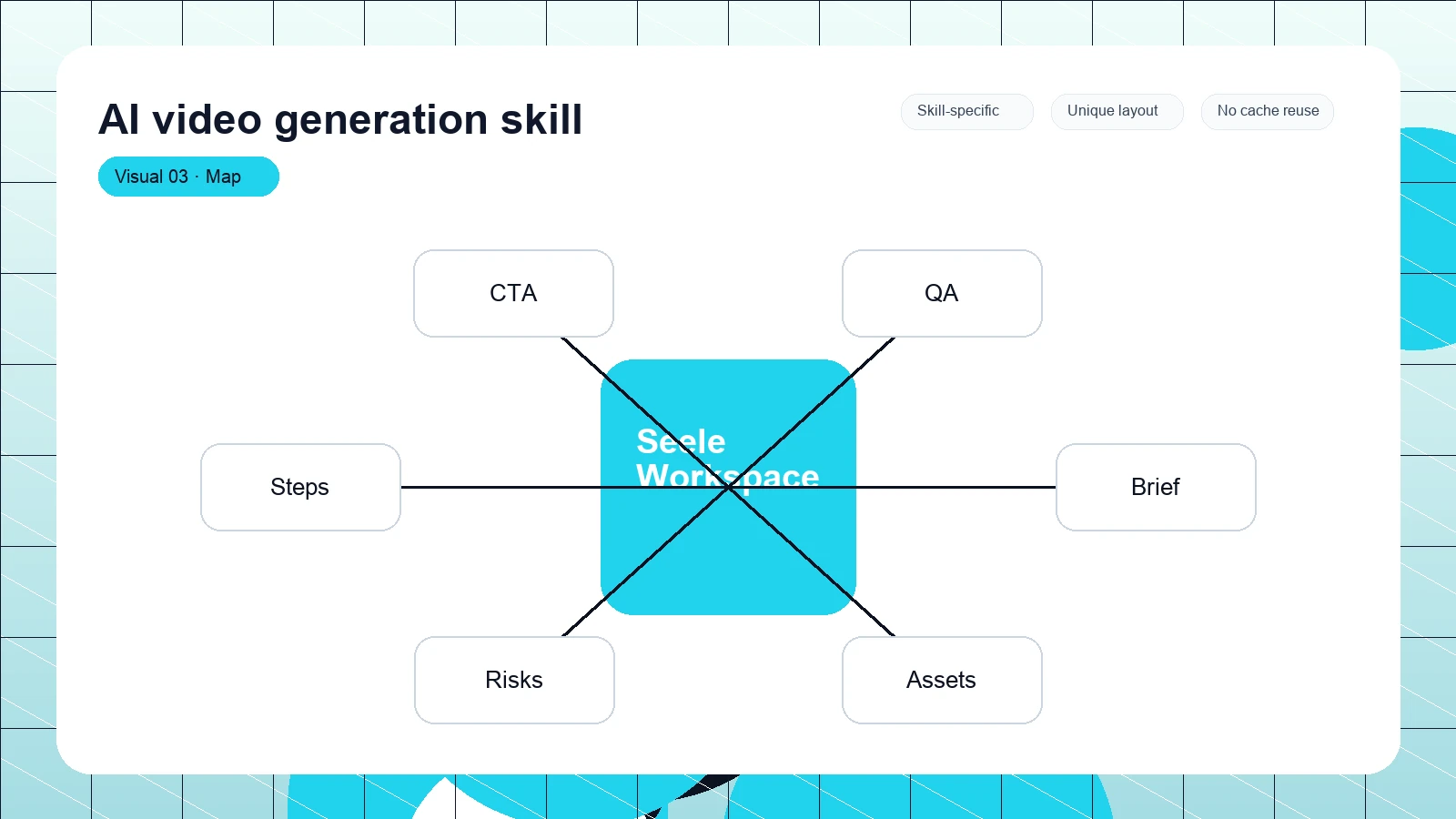
Break the work into inputs, actions, verification, and handoff notes for a tool-using agent.
Agent task plan Break the work into inputs, actions, verification, and handoff notes for a tool-using agent. Open Workspace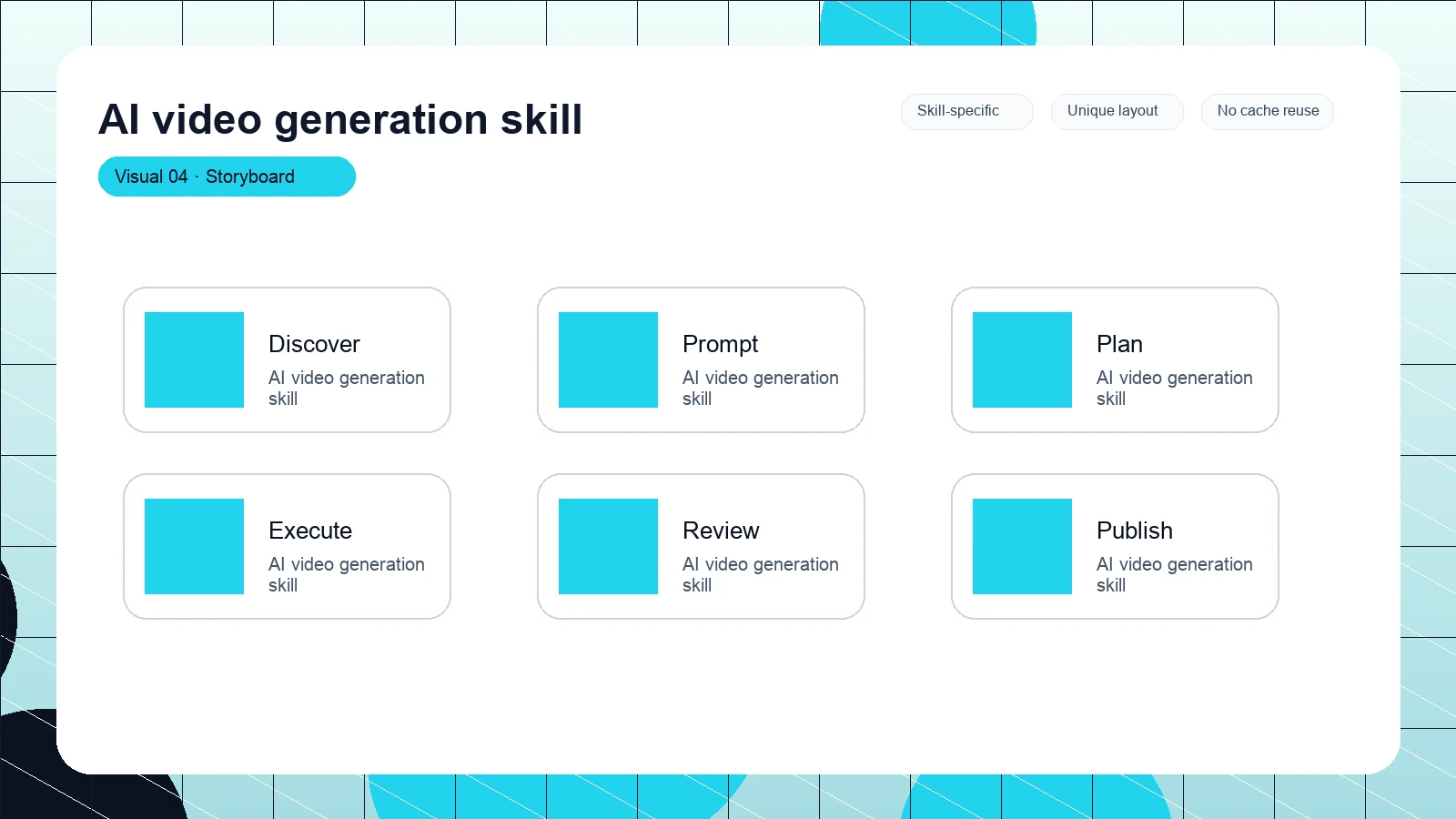
Capture what a human should inspect before accepting the result or moving to production.
Review checklist Capture what a human should inspect before accepting the result or moving to production. Open WorkspaceFree use case
The free version is best for drafting image-editing prompts, asset acceptance criteria, and a lightweight review checklist before opening paid or external media tools.
This free AI video generation skill page gives a lightweight starting point to turn visual intent, style references, prompt constraints, asset variants, and review notes into a planning brief before production media work starts. It is written as a planning aid, not a claim that Seele directly ships the external tool.
Core Features
The focus is realistic: map intent, create a usable first-pass direction, and keep production claims separate.
Translate the external AI video generation idea into a Seele Workspace prompt without implying native integration.
Intent mapping Translate the external AI video generation idea into a Seele Workspace prompt without implying native integration. Open Workspace
Separate brainstorming, prototype planning, and final production work so the page does not overpromise.
Conservative scope Separate brainstorming, prototype planning, and final production work so the page does not overpromise. Open Workspace
Start with editable prompt patterns that teams can adapt for games, tools, demos, or creative workflows.
Reusable prompts Start with editable prompt patterns that teams can adapt for games, tools, demos, or creative workflows. Open Workspace
Produce briefs, checklists, and next-step artifacts that are easier to evaluate before implementation.
Review-ready output Produce briefs, checklists, and next-step artifacts that are easier to evaluate before implementation. Open WorkspaceWorkflow
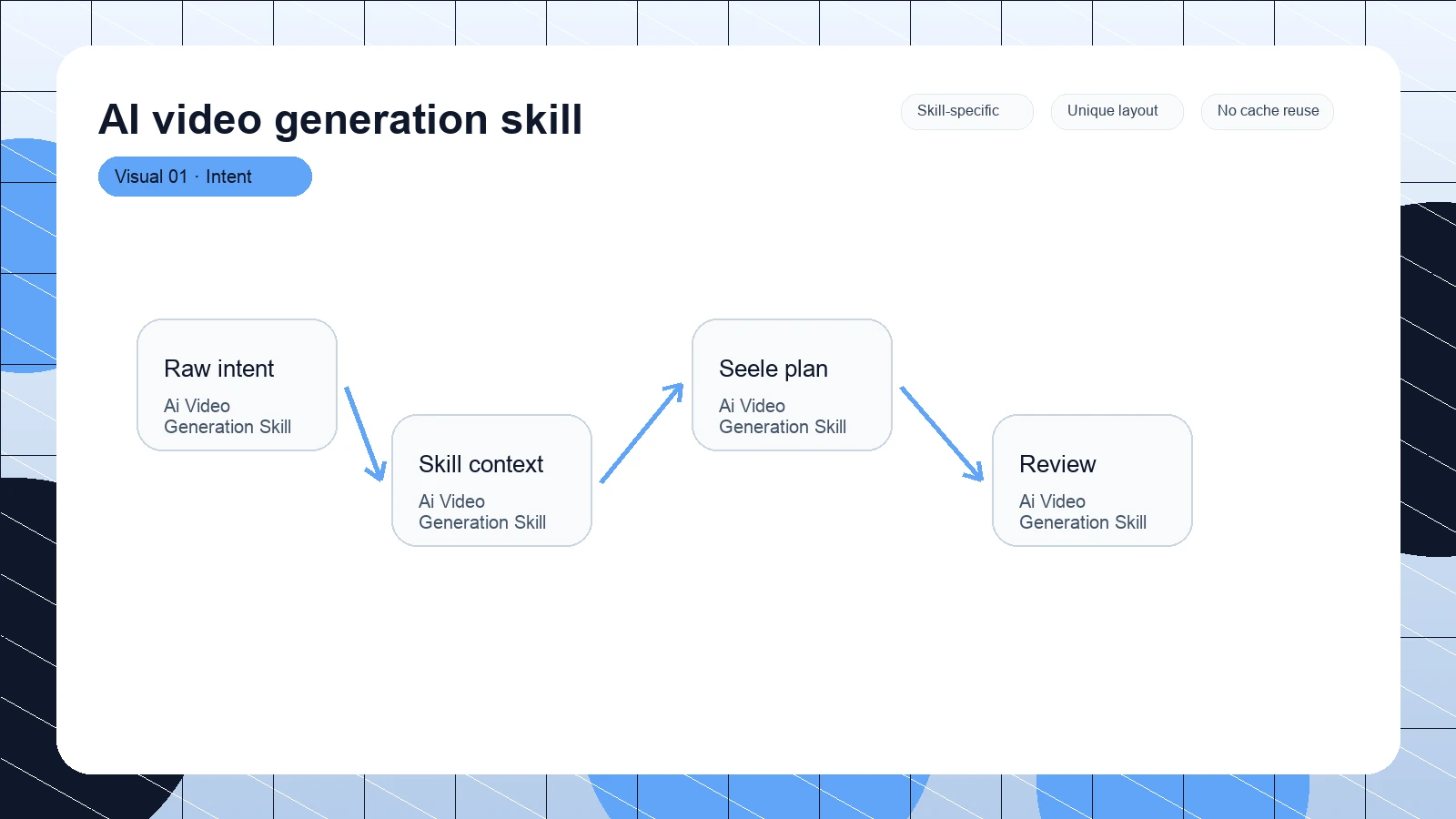
Move from visual intent to prompt pack, asset constraints, and reviewable media handoff. This free version keeps the plan lightweight before deeper execution. Source context: skills.sh · skills / ai-video-generation.
Capture subject, style references, aspect ratio, rights limits, and success criteria before writing prompts. For AI video generation skill, keep the source intent visible so the brief does not become a generic agent template.
Use Seele to split the idea into base prompt, negative prompt, edit instructions, and asset variants. For AI video generation skill, keep the source intent visible so the brief does not become a generic agent template.
Define what to compare across drafts: composition, style drift, brand fit, readability, and reuse risk. For AI video generation skill, keep the source intent visible so the brief does not become a generic agent template.
Send the prompt pack and checks to the image, video, or design tool that will actually render production assets. For AI video generation skill, keep the source intent visible so the brief does not become a generic agent template.
Outputs
The output is deliberately reviewable: each artifact can be checked before a teammate or external tool executes it.
Base prompt, edit notes, negative prompt, and style guardrails tuned for the visual task. Tailor it to AI video generation skill instead of reusing a generic skill-page checklist.
Concrete checks for composition, consistency, licensing, and downstream game or marketing use. Tailor it to AI video generation skill instead of reusing a generic skill-page checklist.
A short sequence for first draft, compare pass, refinement pass, and final approval. Tailor it to AI video generation skill instead of reusing a generic skill-page checklist.
Clear boundaries for what Seele planned versus what an external media model must generate. Tailor it to AI video generation skill instead of reusing a generic skill-page checklist.
Boundaries
Use this page to start faster, then verify the parts that affect users, production, or external systems.
It gives you a no-cost planning structure for AI video generation skill: prompts, constraints, review checks, and handoff notes. It does not mean Seele directly runs every external tool named by the keyword.
Use it before execution when you need to clarify scope, risks, and acceptance criteria for AI video generation skill without starting from a blank prompt.
Model output rights and licensing; Prompt safety and brand constraints; Final image/video quality in target tool; Human approval before publishing media.
The free page is positioned as a lightweight starter. The original page is a broader workflow guide tied to the same source context: skills.sh · skills / ai-video-generation.
No. Treat the output as a planning artifact and review it before production use.