Start From A Rough Idea
Turn a rough prompt into clearer item copy brief with stronger structure and faster team alignment.
Start with first-pass promptUse an item description generator to turn rough intent into clearer game writing structure, player-facing text, and iteration-ready handoff notes.
Start with the ai item description generator you want to shape
Describe the game context, intended player experience, production constraints, and the outcome you want. This handoff sends the request into Seele AI instead of stopping at a static landing page.
Quick Start Searches
These routes cover common search intents around item description generator, weapon lore generator, and game item writer.
Turn a rough prompt into clearer item copy brief with stronger structure and faster team alignment.
Start with first-pass prompt
Explore the most useful paths for item descriptions, lore flavor, and readable inventory text before locking the team into one direction too early.
Start with route prompt
Separate what belongs in the first pass from what should wait for later review and iteration.
Start with scope promptWhy Teams Use This Workflow
These blocks stay grounded in Seele AI capabilities that support ai item description generator and continuation into production-facing work.
Start from plain language instead of a blank document. That makes it easier to turn a loose request into clearer item copy brief when speed matters.
Open Workspace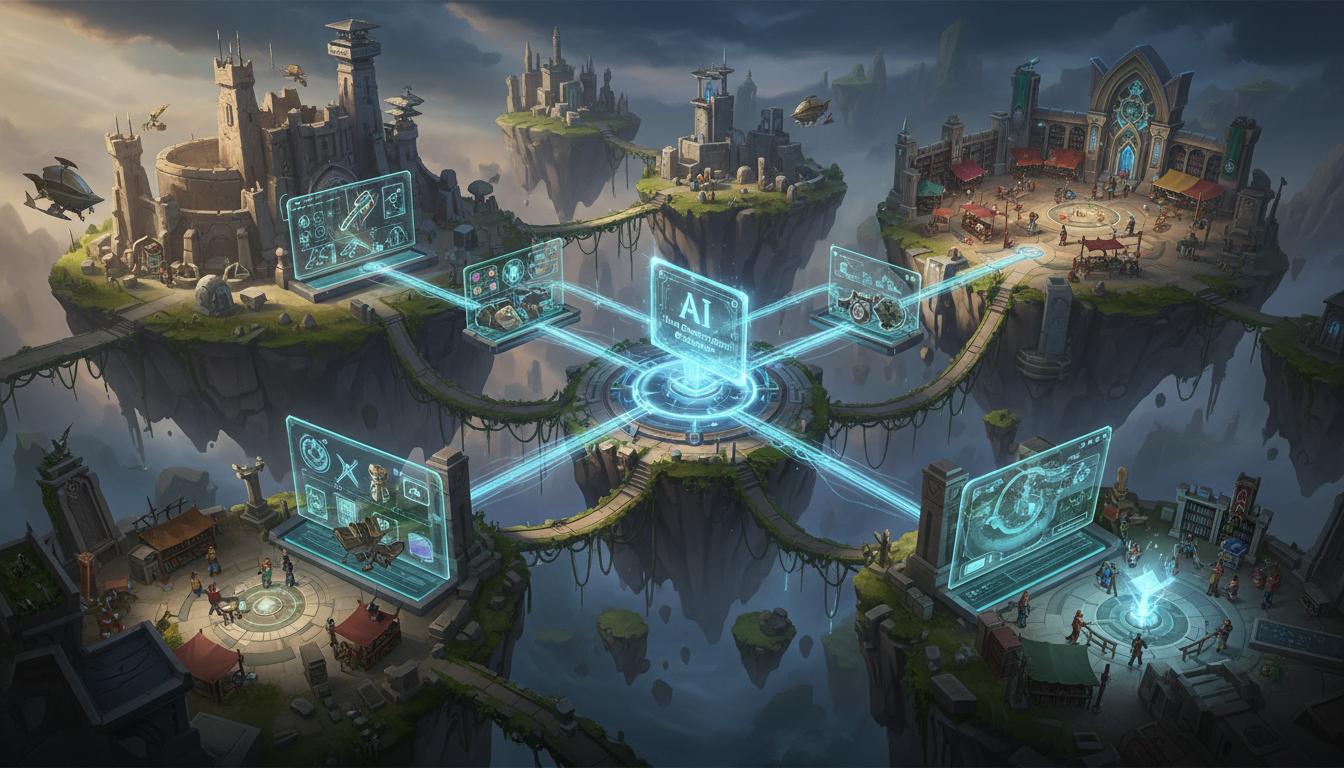
Seele AI supports broader game workflows, so this page works as a real handoff layer instead of a dead-end landing page with no next step.
Launch in Workspace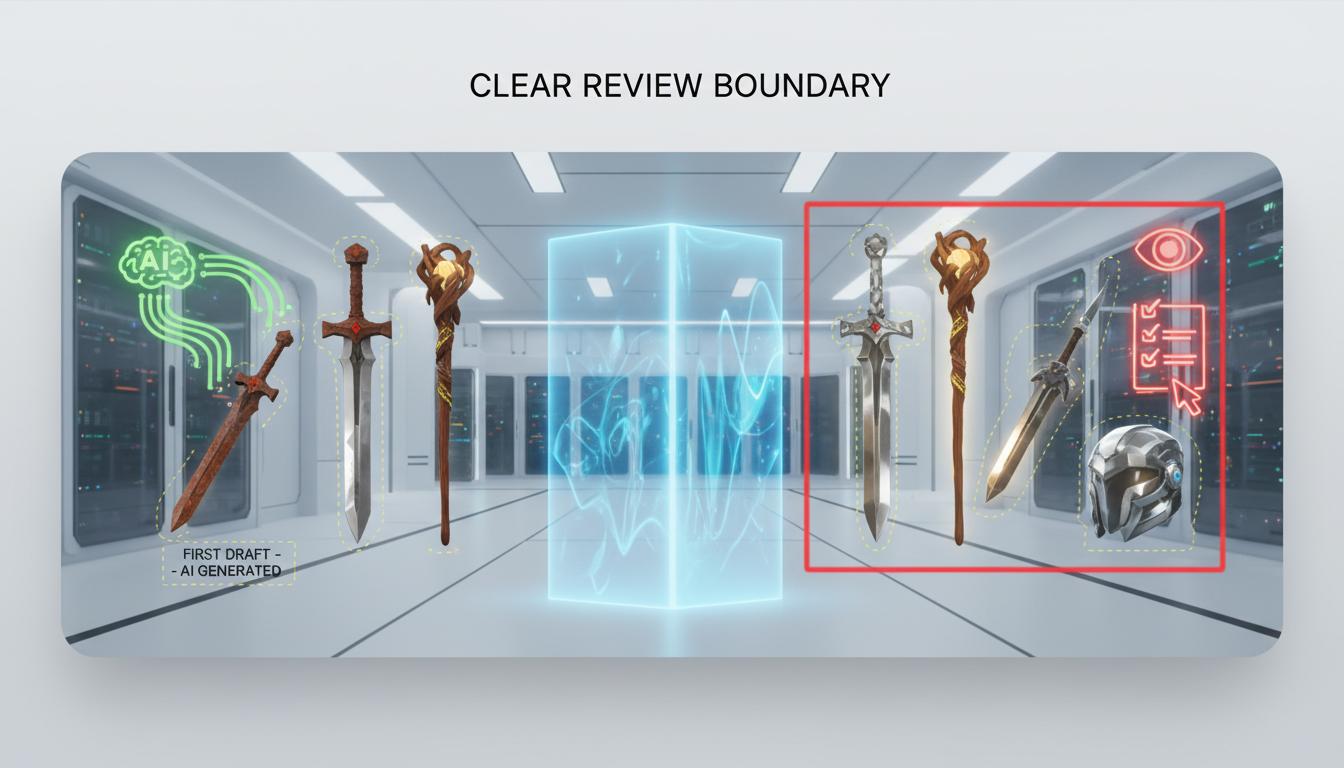
The page helps teams find the strongest first-pass direction quickly while still making it explicit what needs human review before shipping.
See planning flowSeele AI Vs Typical Alternatives
This page is strongest when a team needs a usable handoff, not just inspiration copy.
| Dimension | Seele AI | Typical alternative |
|---|---|---|
| Starting point | Turns rough intent into a structured handoff tied to Workspace | Often leaves the user with a static note or generic response |
| Production fit | Built to continue into broader game workflows | Often stops after the first answer |
| Best stage | Early planning, direction-setting, and prototype alignment | Brainstorming only or later manual production |
| Review boundary | Makes human-review limits explicit | Often leaves limits underspecified |
Who This Tool Page Is For
The page is built for teams that need a stronger first-pass direction before detailed production begins.
Draft quests, dialogue, story beats, or player-facing writing faster before polish passes begin.
Open WorkspaceGet to usable text structure without waiting on a full writing pipeline.
Open WorkspaceUse the page as a first pass before editing, testing, and in-game implementation.
Open WorkspaceHow It Works
This page is built to reduce blank-page friction so a team can get to a usable first-pass direction faster.
Describe the game context, audience, and constraints behind item descriptions, lore flavor, and readable inventory text. Seele AI restructures the request into a clearer first-pass item copy brief.
Clarify what matters most for item descriptions, lore flavor, and readable inventory text, what belongs in version one, and which routes should be compared. The workflow organizes the request into something easier to review, trim, and continue.
Choose the strongest route worth iterating, prototyping, or handing to collaborators. The same prompt continues inside Workspace so the team can move into deeper production-facing work without restarting.
What You Get
One pass should leave the team with something concrete enough to discuss, refine, or carry into production.
A clearer first-pass version of item descriptions, lore flavor, and readable inventory text that is easier to review with the team.
Multiple routes for scope, style, or structure so the team can decide intentionally.
A clearer view of what can move forward now and what still needs manual review later.
Where This Works Best
AI Item Description Generator is best used for turning rough intent into clearer item copy brief, faster team alignment, and a stronger first-pass handoff before deeper production work begins.
Yes. This workflow is meant to help teams structure the first useful version of the idea so they can review, trim, and continue it inside Seele AI.
Yes. The handoff box sends the prompt into Workspace so the same direction can continue into broader game generation or follow-up workflow steps.
It outputs a clearer item copy brief, stronger first-pass structure, and practical notes about what to review next before moving deeper into production.
Final creative judgment, technical feasibility, implementation detail, and any shipping-level approval still need human review after the first AI pass.
It is designed for game designers, indie teams, and prototype-focused collaborators who need a stronger first-pass direction without starting from a blank page.
Move from a rough request to clearer item copy brief, then continue inside Seele AI.
Open Workspace