Teach one input first
Let players learn jump or slide before combining them.

Start at a steady speed and introduce hazards with clear silhouettes and enough space between them. Change one difficulty at a time so a missed jump gives useful feedback.
How it works
Work through one short endless runner loop, then playtest its controls, choices, and feedback.
Choose the camera, starting speed, and the input the player uses to move or jump.
Introduce a single low barrier or gap, then show a safe cue for the needed action.
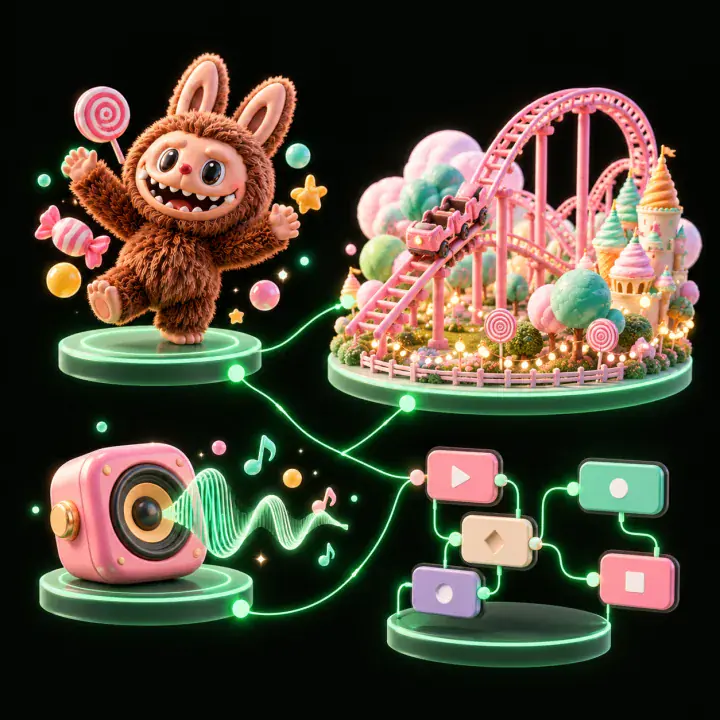
Leave enough distance for players to land, read the next obstacle, and act again.
Change speed, spacing, or hazard order, but keep the other conditions stable for comparison.
Check whether players understand the controls, recognize why a run ended, and can restart quickly.
Pick a starting point
Start a side-view runner at a steady pace. Review whether the challenge and its outcome are clear.
Start a side-view runner at a steady pace. Place one low barrier that needs a jump, then show a coin trail above it to preview the safe timing.
 Core run ↗
Why SEELE
Let players learn jump or slide before combining them.

Leave enough space for the player to see and answer the next hazard.

Adjust one difficulty variable at a time so the result can be compared.

Use score or distance feedback that reflects the player’s run.

Keep the restart path short after a collision.

Check whether a first-time player can identify the obstacle before impact.
Who it’s for
Use these briefs to give each role a concrete part of the endless runner prototype to explore.
Tune hazard shape, timing, speed, and feedback around a specific player input.
Unity Endless Runner Game Generator ↗
Prototype a short obstacle sequence before building a longer level.
Uefn Team Review Unreal ↗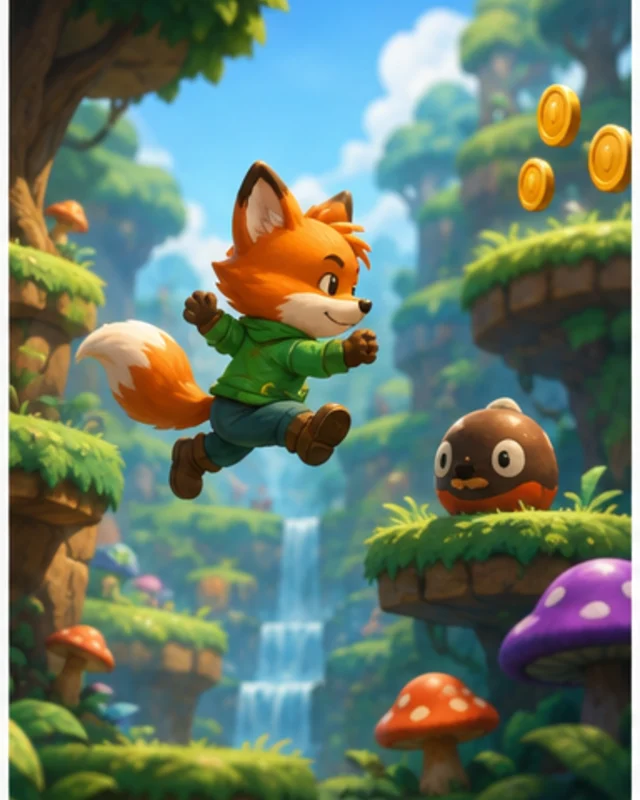
Compare runs and identify which hazard or timing change caused a miss.
Game Generator AI Free ↗Reviews
FAQ
It helps plan a runner prototype around movement, obstacle timing, and a simple way to measure progress. Define one control and a short hazard sequence before adding variety.
Introduce one safe, unmistakable obstacle and show the action that clears it. Avoid adding a second input until players can respond to the first one consistently.
Leave enough time for the current action to finish and for the next obstacle to be recognized. The right spacing depends on speed, view, and input timing, so playtest the sequence.
Change one variable at a time, such as speed or spacing. Keep hazard silhouettes and controls familiar while players learn the new demand.
Show a clear end state and let players understand which obstacle caused it. Keep restart easy to find and preserve any progress the design intends to save.
Specify camera view, movement input, starting pace, opening hazards, scoring or distance feedback, and the run-end behavior. Keep the first sequence short.
Ask players to identify the obstacle and their intended response before it reaches them. If they react only after colliding, improve its shape, contrast, or preview time.
Keep the course and controls fixed while adjusting one factor. Compare where players miss, how early they react, and whether they understand the result.
Either can work. Choose the measure that best explains progress in the prototype and make it visible during a run and on the end screen.
Use a distinct shape or icon, show how long the effect lasts, and keep its behavior consistent. Test whether players understand the pickup before stacking multiple effects.
Build a short pattern from hazards players have already learned, then introduce a clear variation. Leave enough space for each input and avoid combinations that require unseen timing.
Check hazard spacing and reaction time at each speed you plan to support. If the sequence becomes unreadable, adjust spacing or speed rather than adding more visual warnings.
Pick the input that matches the experience you want to test. Keep the control consistent and check that its prompt is visible before the first hazard.
Show the obstacle or event that ended the run and preserve a clear restart path. A brief replay or marker can help if it does not interrupt the next attempt.