
Seele AI · Story Workspace
Edit 3D Model
Edit AI-generated 3D assets with texture tools, remesh, mesh cleanup, UV optimization, and export-ready workflows.
TRY IT FREE
See what works before you build the whole thing.
Start with a rough idea above. Starter credits help you test the direction before you spend time on every detail.
Start with a free ideaStart with free starter credits
Try the first version before deciding whether the idea deserves more time.
No coding required
Describe mechanics, visuals, audience, and constraints in plain English.
Review cost before generating
Review the generation path before committing to a larger run.
Trusted by leaders in
AI, gaming & entertainment




EXAMPLES
Start with a playable direction.
Start with a direction that resembles your project, then change the mechanics, look, or audience before you build further.
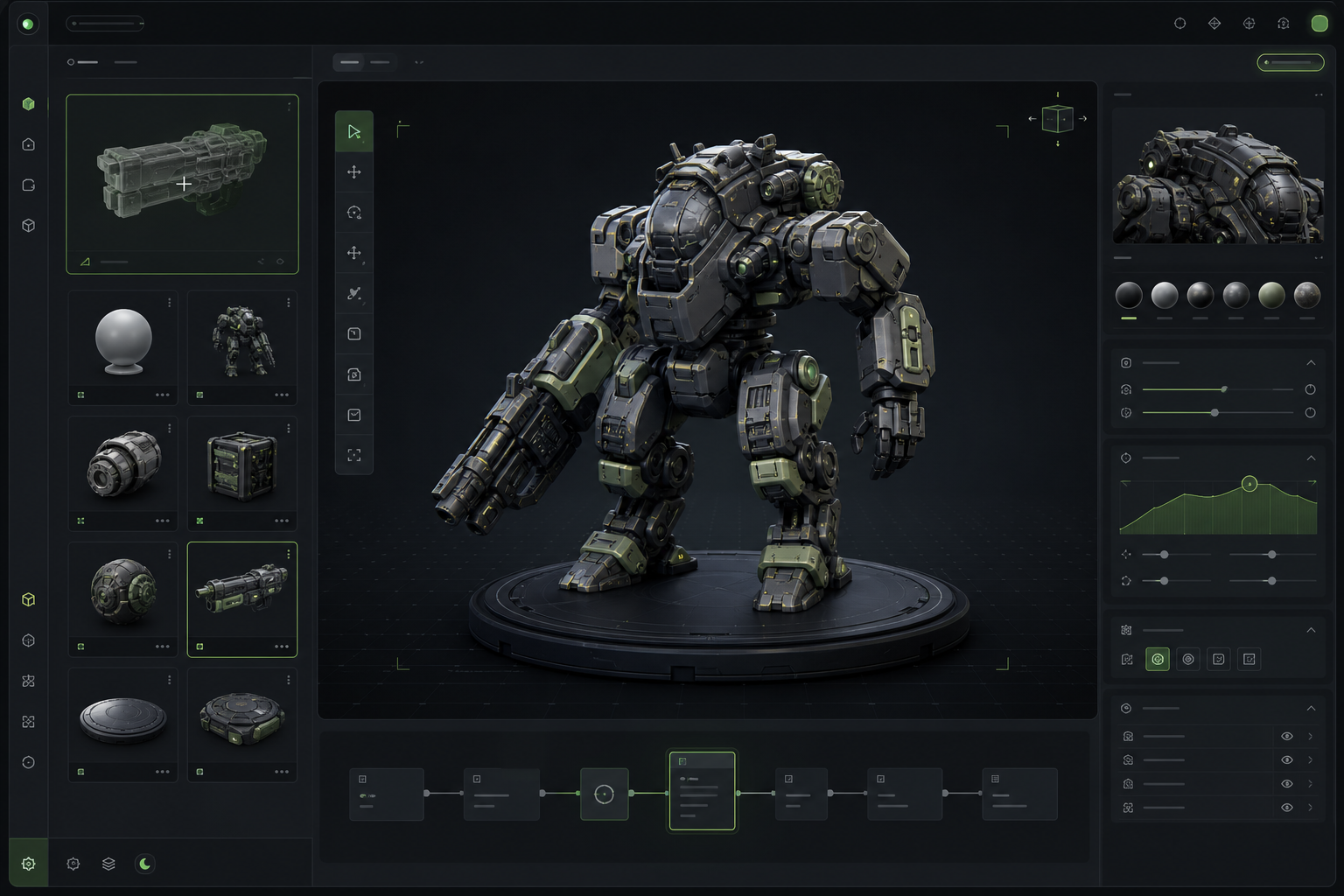
What should a 3D modeling prototype prove first?
A focused AI 3D Model Editor direction that gives an AI 3D Model Editor a concrete first result to review.
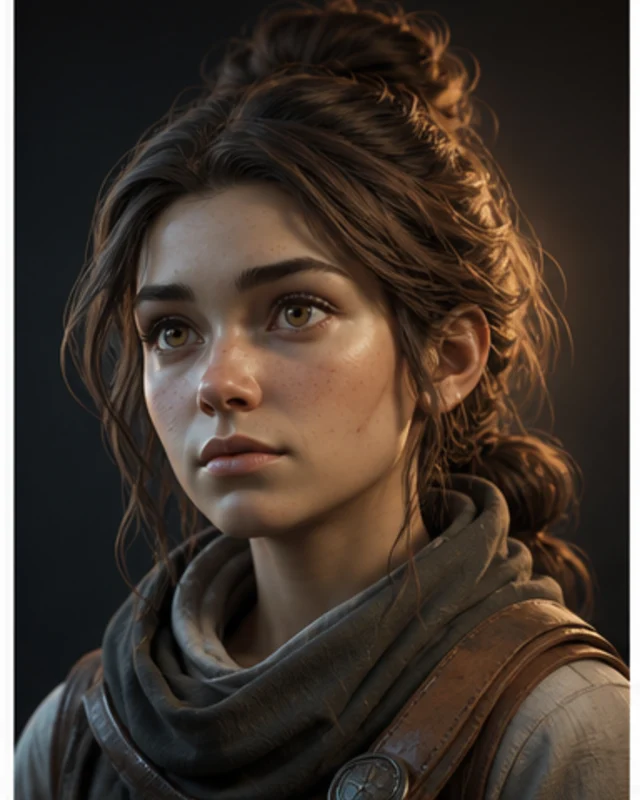
How should you evaluate “3d editor”?
A focused AI 3D Model Editor direction that gives an AI 3D Model Editor a concrete first result to review.
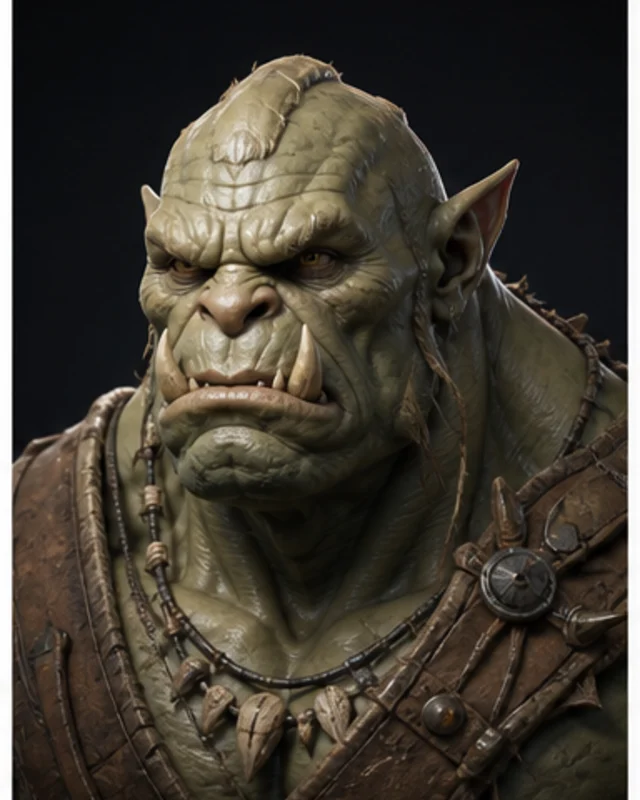
What does “ai 3d editor” cover in practice?
A focused AI 3D Model Editor direction that gives an AI 3D Model Editor a concrete first result to review.
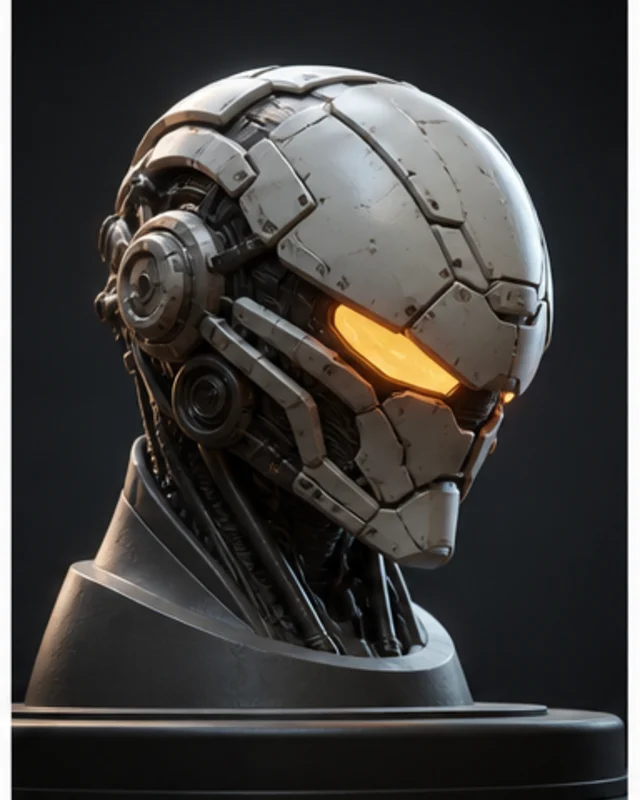
Which constraints make this 3D modeling prompt actionable?
A focused AI 3D Model Editor direction that gives an AI 3D Model Editor a concrete first result to review.
Why use it
Make the next decision with something real.
Focus on the parts of the idea that need a concrete result before the next decision.
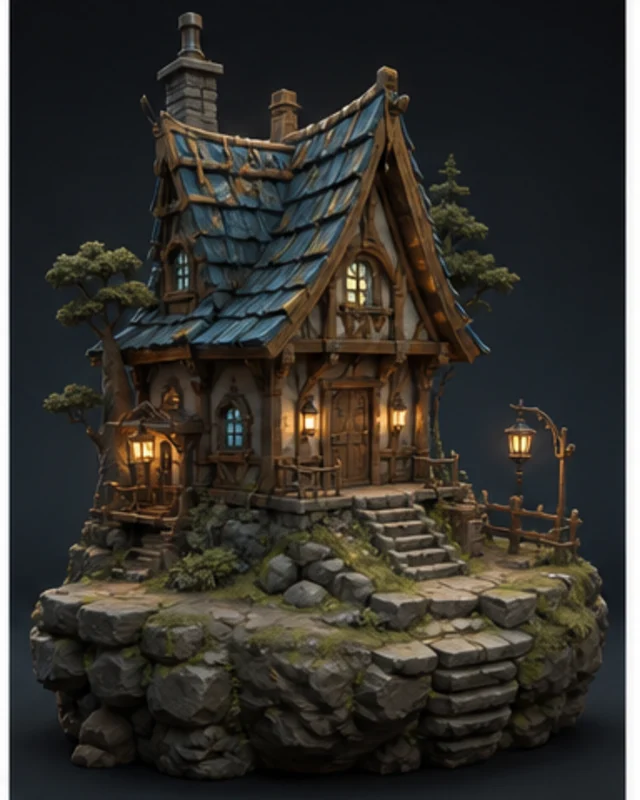
How to create a 3d model?
Use a small editable model to evaluate control, learning path, UV and material work, export, destination fit, and reviewability.
Try it now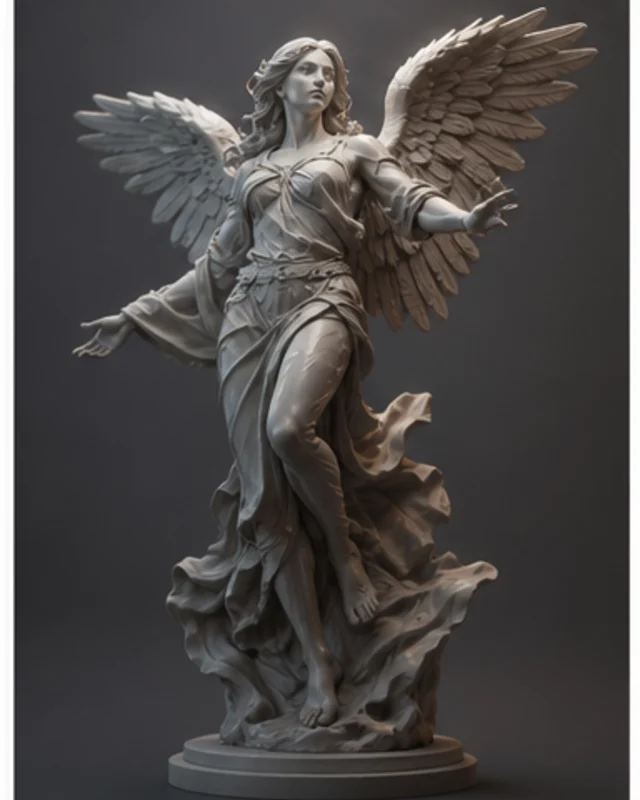
What should a 3D model discovery and evaluation prototype prove first?
Searches mapped to this route include “3d editor free”, “ai model editor”, “create a ai model”, “create a model”, and “create ai model”. Confirm the actual job and destination instead of assuming every wording is equivalent. Judge a representative asset for rights, editable source, topology, textures, scale, format, and behavior in the intended scene. Free access, sign-up rules, limits, and commercial rights can change; verify the current official terms. AI-assisted output still needs human review for rights, editability, technical fit, and release readiness.
Try it now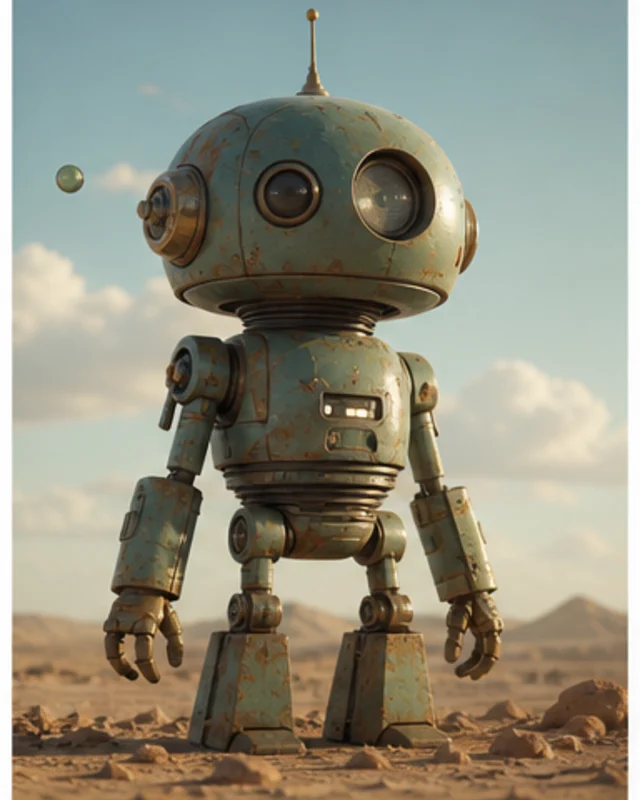
How can this 3D model discovery and evaluation search group become a practical prompt?
Searches mapped to this route include “create an ai model”, “create model”, “free 3d editor”, “how to create a ai model”, and “how to create an ai model for free”. Confirm the actual job and destination instead of assuming every wording is equivalent. Define the subject, destination, format, and performance budget. Review rights, geometry, scale, materials, and runtime behavior before use. Free access, sign-up rules, limits, and commercial rights can change; verify the current official terms. AI-assisted output still needs human review for rights, editability, technical fit, and release readiness.
Try it nowWho it is for
Who is an AI 3D Model Editor for?
creators, designers, and small teams can use this page to make one project decision easier to test before a larger build or launch.
- People with a specific project question
Turn the phrase into an asset prompt covering silhouette, detail, format, engine, and camera. Test the actual model, not its thumbnail. AI-assisted output still needs human review for rights, editability, technical fit, and release readiness.
- Teams comparing options
Put the audience, desired result, and constraints beside one proposal so the team can discuss the same idea.
- Creators checking the details
Review quality, continuity, accessibility, rights, and publishing requirements before using the result in a real project.
How to use it
Workflow and Prompt Assistant
Give an AI 3D Model Editor enough context to make the result specific, then test the part that matters to your project.
Describe the job
Start with the audience, format, desired result, and the question this page should help answer.
Try one version
Use an example or write your own prompt. Look at the main interaction, structure, visual choices, and scope together.
Decide what to keep
Take the useful parts into the workspace and record the implementation, quality, rights, and publishing work that remains.
A CLEARER FIRST MOVE
AI 3D Model Editor compared with a blank first pass
A useful first result gives the next decision something concrete to react to, without hiding the work that still needs human ownership.
What changes
AI 3D Model Editor
Starting from scratch
Starting point
A focused AI 3D Model Editor prompt
A blank project and an open-ended task
First review
A concrete result to inspect
A plan before there is something to try
Scope
One audience, output, and constraint
Many decisions made at once
FAQ
Questions about AI 3D Model Editor
Does this landing page edit the file directly?
No. The interface is a workflow demonstration. Real upload, editing, generation, and export happen in SEELE Workspace.
What can I carry into Workspace?
Your prompt and selected workflow context are handed off to Workspace for the real operation.
Can I start with a rough idea?
Yes. A rough idea is enough to begin, but adding one audience detail and one constraint usually makes the result easier to judge.
Start creating
Try AI 3D Model Editor
Describe the job, test one version, and decide what to do next inside SEELE AI.
Start creatingFree