
Game Teams
Translate concept art into a low-poly or game-ready asset brief with polygon, UV, rigging, and engine questions.
Open WorkspaceSeele AI · Tool
Turn a 2D image, photo, picture, or JPG into a reviewable 3D model direction before detailed modelling.
Turn a 2D image, photo, picture, or JPG into a structured 3D model direction, compare alternatives, and continue with explicit review boundaries.
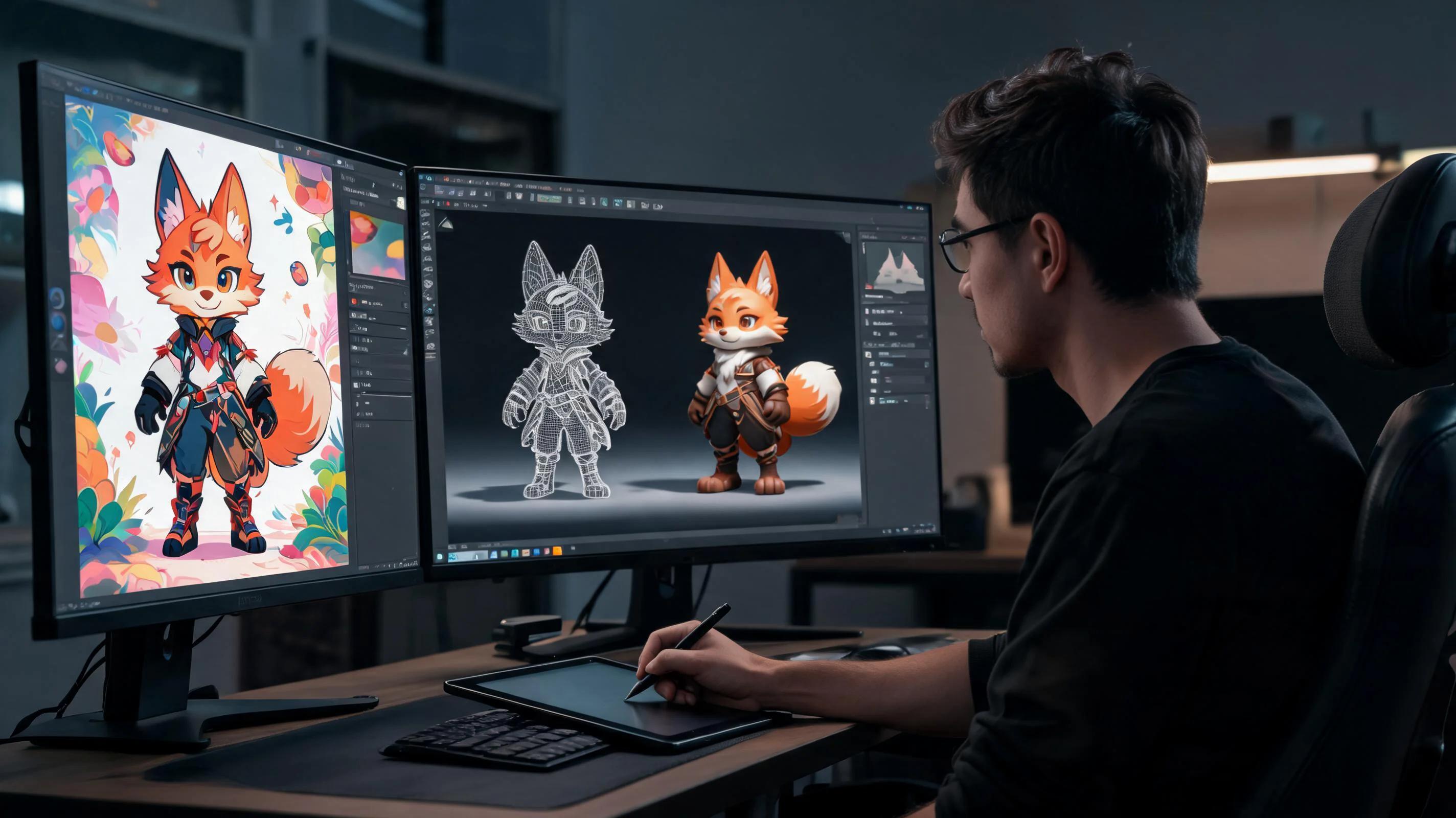
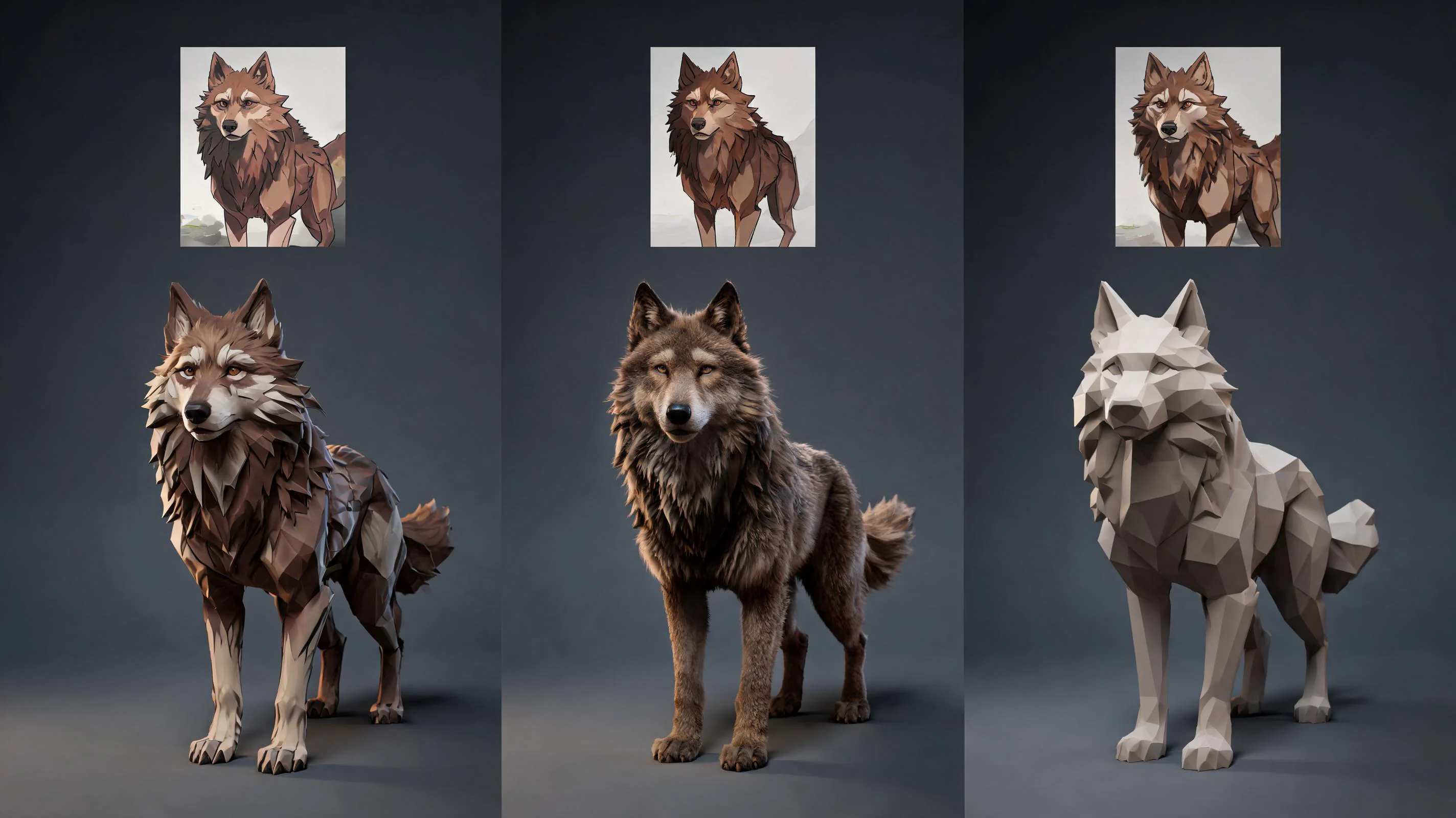
The working loop
Treat the reference as evidence: identify visible cues, compare interpretations, then validate the chosen 3D direction.
Separate visible silhouette, volume, perspective, and material cues from assumptions. A clean 2D image helps, while a photo may need notes about reflections, lens distortion, background, and approximate scale.
Review several 3D interpretations for proportion, inferred depth, rear surfaces, underside, and style. A picture-to-3D-model request should make uncertain areas explicit instead of hiding them in a polished front view.
Move the chosen direction into the workspace, attach extra views, and define the downstream modelling, printing, or engine handoff. Validate geometry and export in the destination tool before production use.
What leaves the page
Get an editable decision trail rather than an unsupported promise that one picture contains complete geometry.
A reference-grounded specification for shape, style, dimensions, materials, and destination. Use it to turn a 2D image or product photo into a 3D model plan without treating inferred geometry as observed fact.
Alternative depth and silhouette interpretations for a picture-to-3D-model or JPG-to-3D task, including visible reasons for choosing one direction and questions that require another reference view.
An editable package of assumptions, constraints, and review questions for topology, UVs, rigging, printability, scale, and export compatibility in the next production step.
Fit and limits
Before you start
You can use a 2D image to plan and generate a 3D model direction, but one view cannot prove hidden surfaces. Add side, rear, or dimensional references when possible, compare interpretations, and validate topology, scale, materials, and destination compatibility before treating the asset as production-ready.
A sharp photo or picture can guide silhouette, proportion, and material decisions for a 3D model. Perspective distortion, reflections, occlusion, and the unseen back still require interpretation. Include dimensions and extra views, then review the resulting shape from multiple angles before downstream use.
JPG works for many image-to-3D references when the subject is sharp, fully visible, and not heavily compressed. Use the highest-quality original, note whether colours are authoritative, and add dimensions or orthographic views whenever exact proportion, print scale, or mechanical fit matters.
It supports a 2D-to-3D planning and creation workflow, but it does not remove production checks. Hidden geometry remains an inference, and the selected direction may still need mesh cleanup, retopology, UV work, material correction, rigging, printability checks, and export testing.
Use a clear, well-lit image with the complete subject separated from the background. Neutral perspective and multiple views reduce ambiguity. For a photo-to-3D-model task, also provide dimensions, symmetry notes, material cues, target style, destination tool, and any surfaces that must not be invented.
It can become a starting direction for either workflow, but each destination has separate acceptance checks. Games require topology, UV, material, rigging, performance, and engine-import review; 3D printing requires watertight geometry, wall thickness, scale, orientation, supports, and slicer validation before fabrication.
Next move
Turn a concrete tool need into a clearer prompt and next step inside Seele AI.
Choose The Right 2D-To-3D Input
The 2D to 3D converter workflow improves when the reference reduces ambiguity instead of hiding it.
| Input | Useful for | Add before handoff |
|---|---|---|
| 2D image or concept sheet | Clear silhouette, style, and proportion planning | Side or rear views when hidden shape matters |
| Photo or picture | Product, prop, and real-world material reference | Dimensions and notes about lens distortion or reflections |
| JPG reference | Common compressed photos and concept art | Highest-quality original plus target format and scale |
Who This Workflow Helps
Use image to 3D as a planning layer before the downstream modelling tool or artist. For image to 3D Hunyuan or Hunyuan image to 3D research, use the same reference, hidden-surface, and production-review checks; this page does not imply direct Hunyuan integration.
Translate concept art into a low-poly or game-ready asset brief with polygon, UV, rigging, and engine questions.
Open WorkspaceTurn a picture into a dimension-aware 3D model direction, then verify scale, thickness, and manufacturability.
Open WorkspaceCompare silhouette and depth interpretations before committing to topology, sculpting, materials, and delivery.
Open WorkspaceA reference image explains visible features but not hidden surfaces, depth, topology, or destination readiness.
If an imported asset is documented as image to 3d hunyuan, retain that wording as source context while confirming the actual upstream model and terms. A handoff labelled hunyuan image to 3d needs the same checks rather than a different assumption: use a rights-cleared reference, inspect unseen surfaces and thin parts, verify scale, normals, topology, materials, texture projection, and export, then test the file in its destination. The label does not imply that SEELE operates the named model.
UK image-to-3D workflow
Use an image to 3D model workflow to turn a clear photo, picture, or concept reference into a structured 3D asset brief. Add views, target use, scale, material notes, and hidden-surface assumptions before downstream modelling or review.
This page helps plan the result; it does not promise that one image contains complete geometry or a direct image-to-STL export. Validate the final mesh, dimensions, and print or engine requirements in the intended tool.