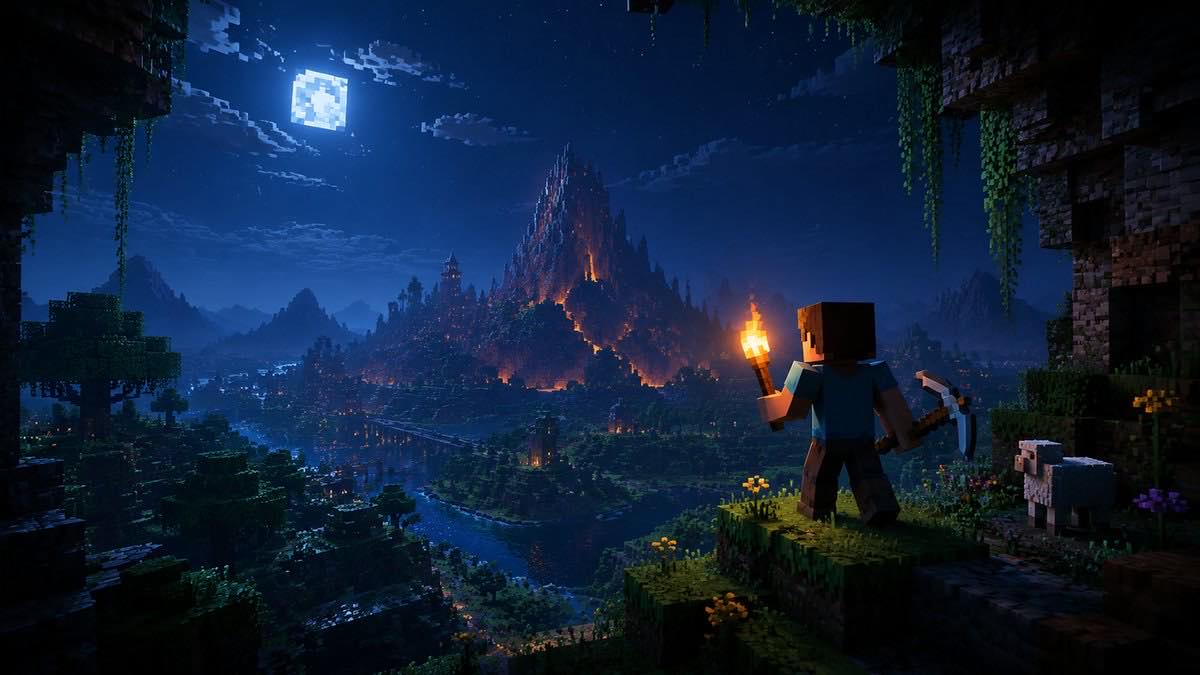
AI Game Creator Templates
Explore game creator templates
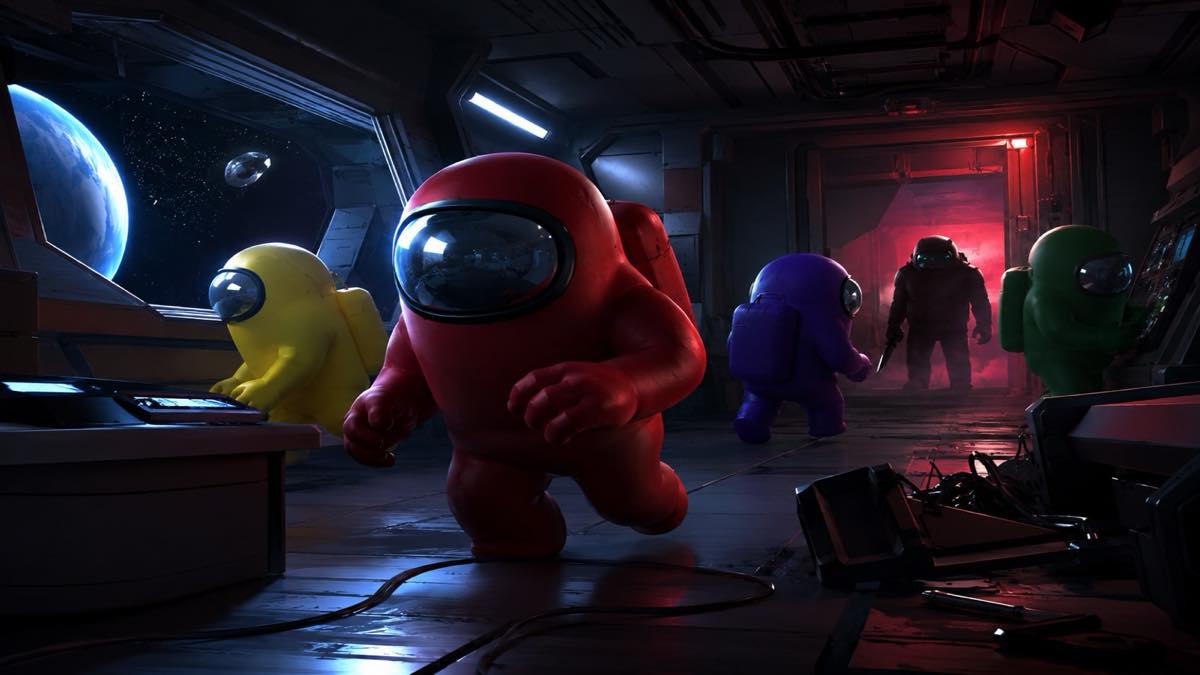
Among Us Game Creator
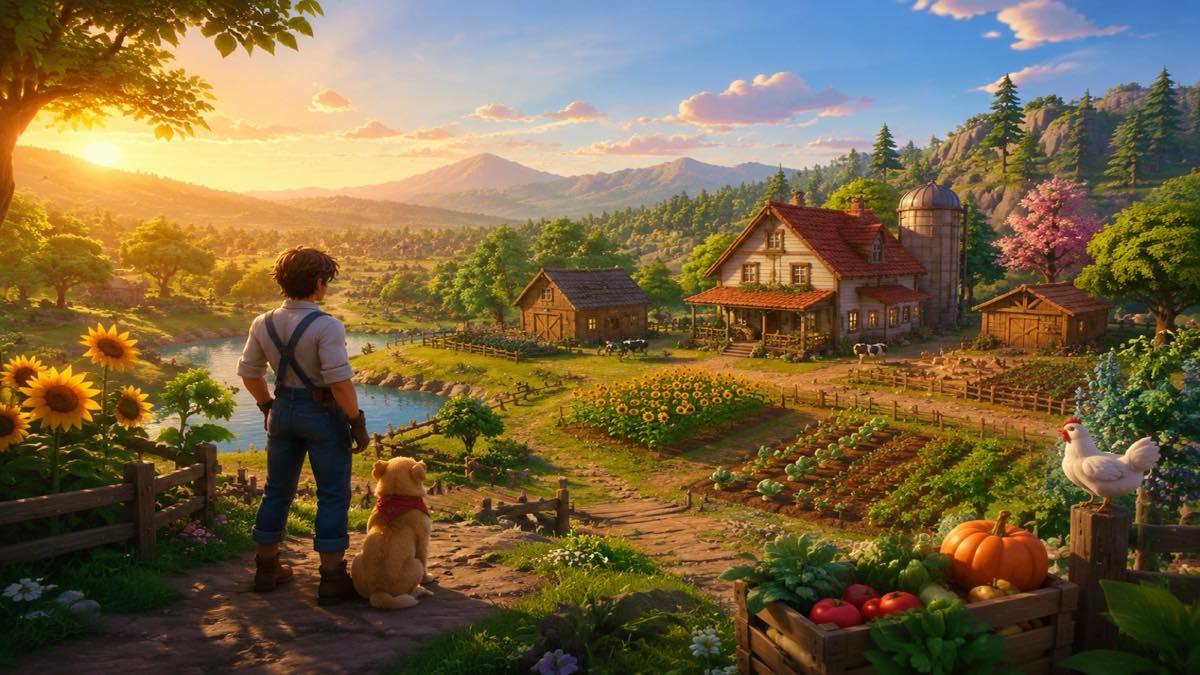
Stardew Valley Game Creator
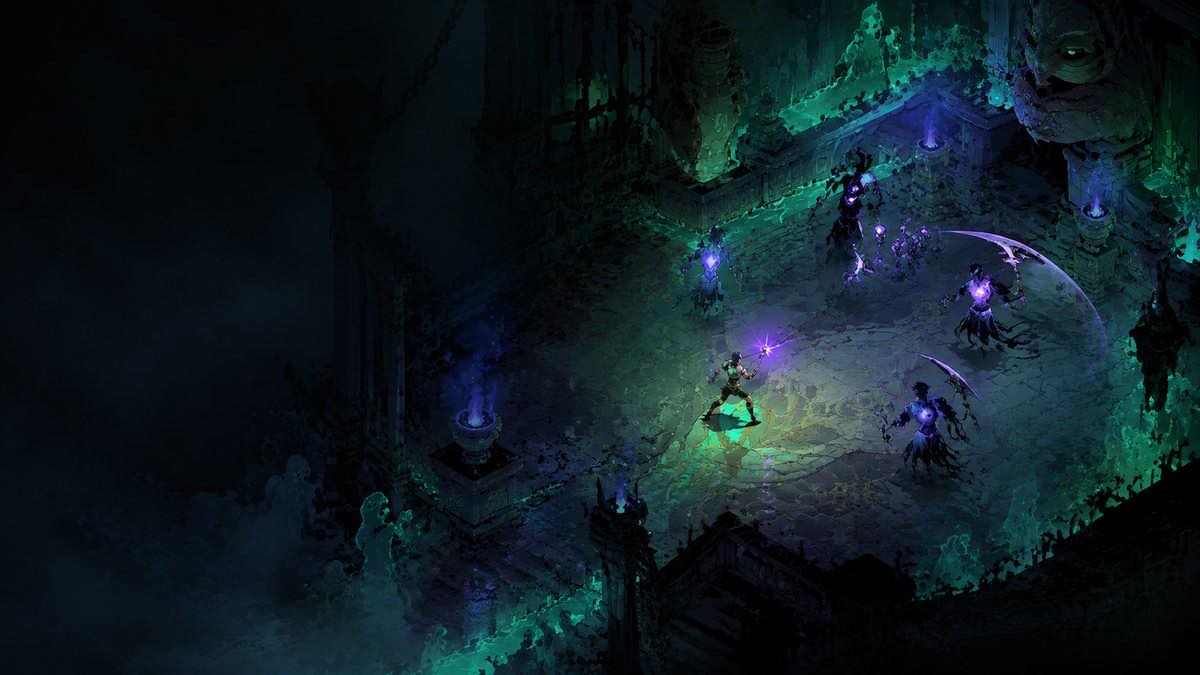
Hades II Game Creator
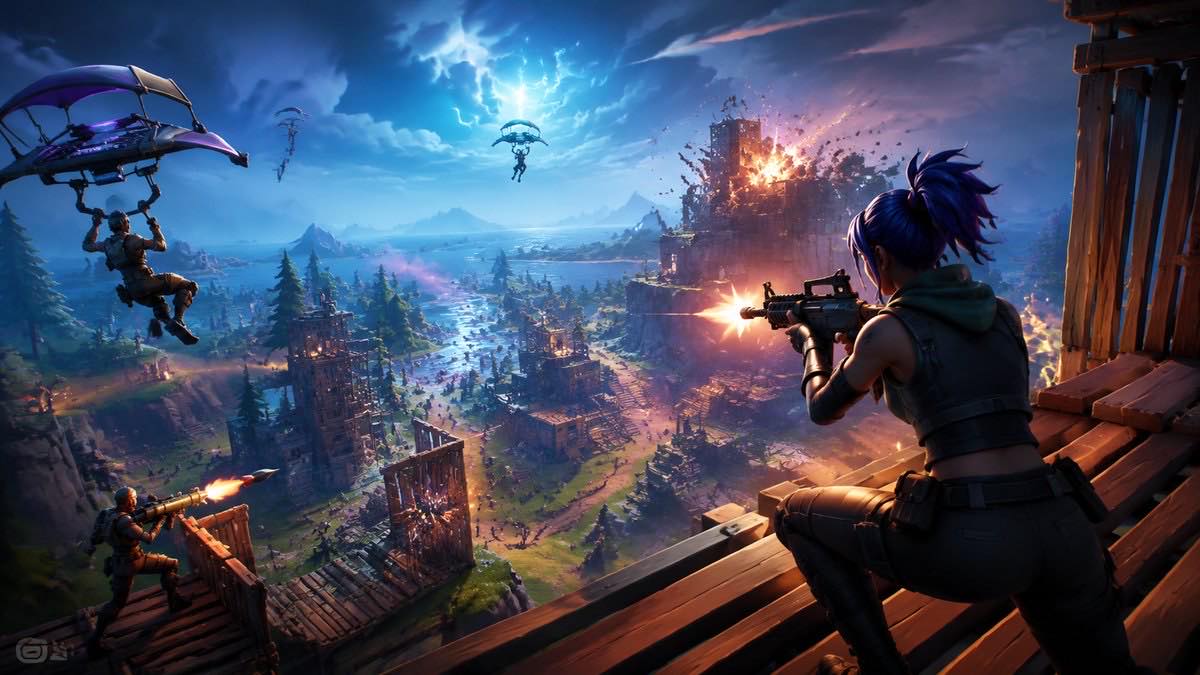
Fortnite Game Creator
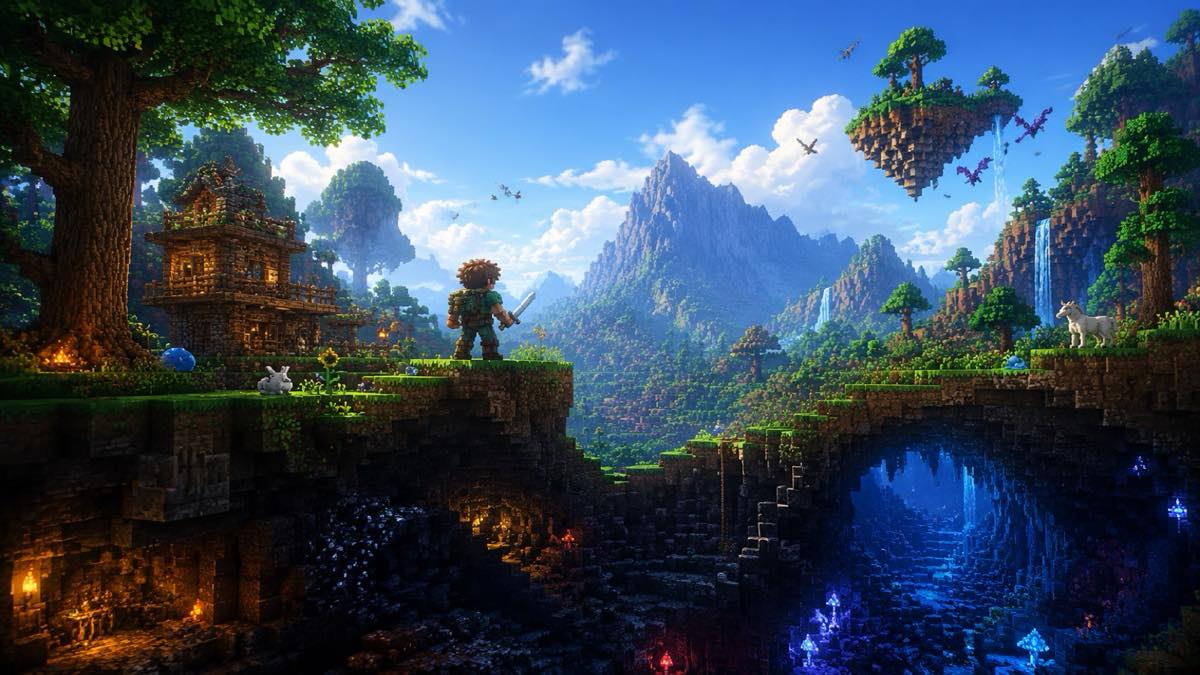
Terraria Game Creator
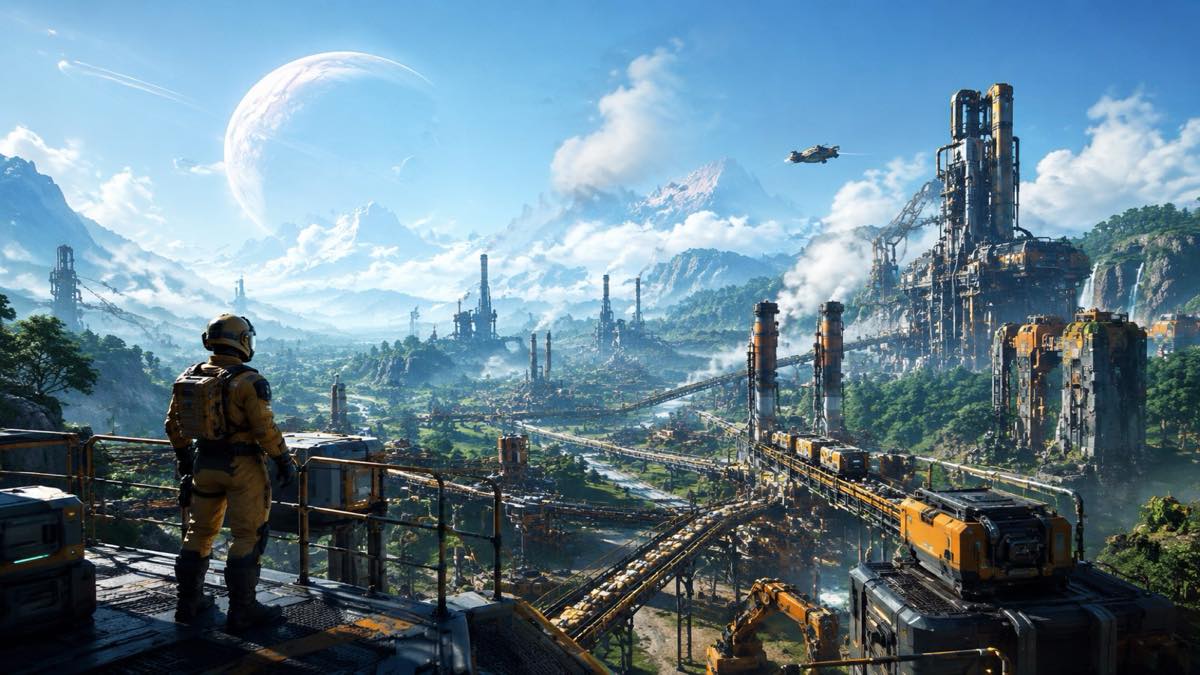
Satisfactory Game Creator
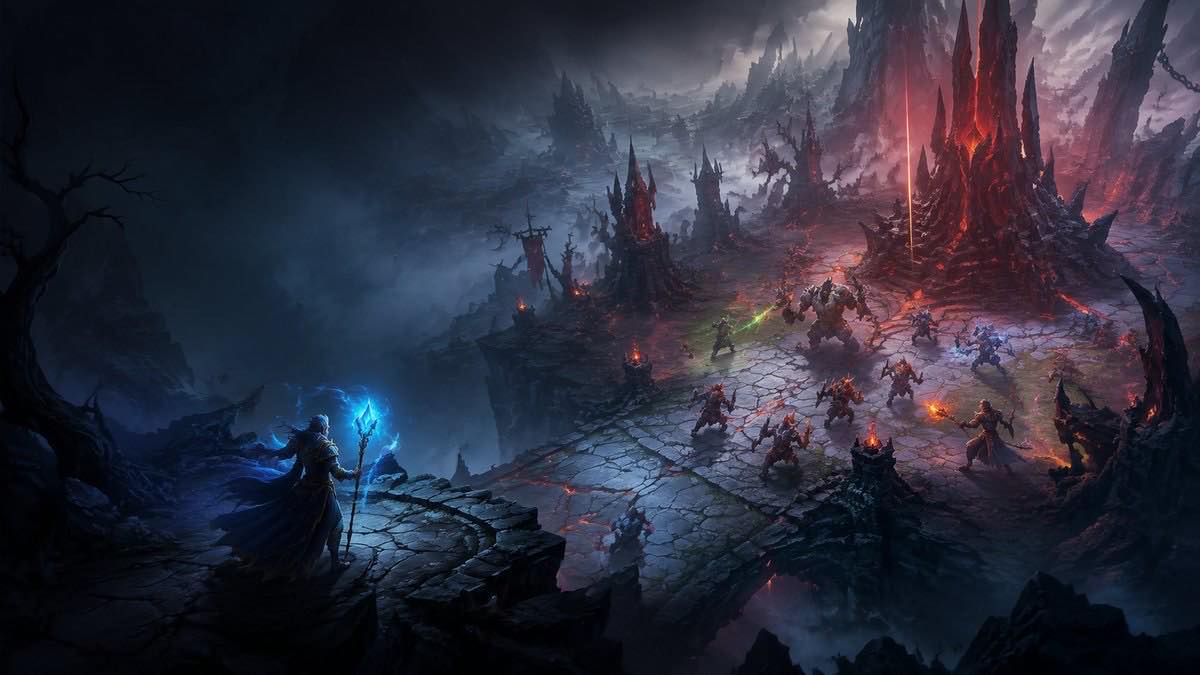
Dota 2 Game Creator
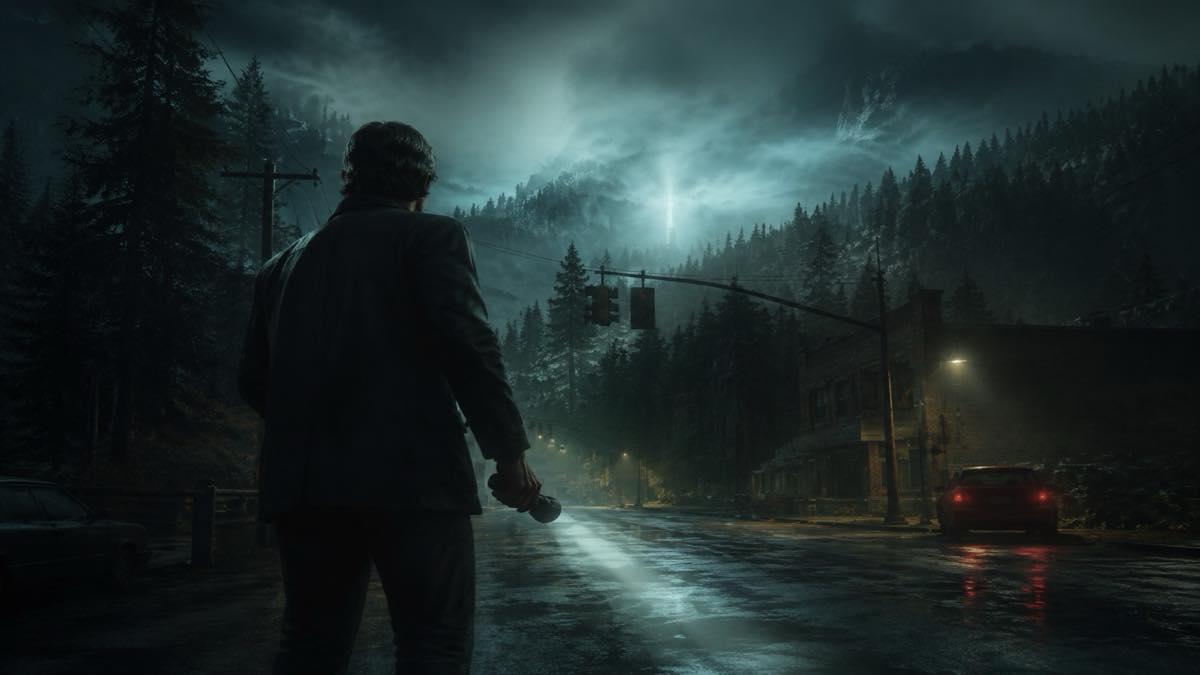
Alan Wake 2 Game Creator
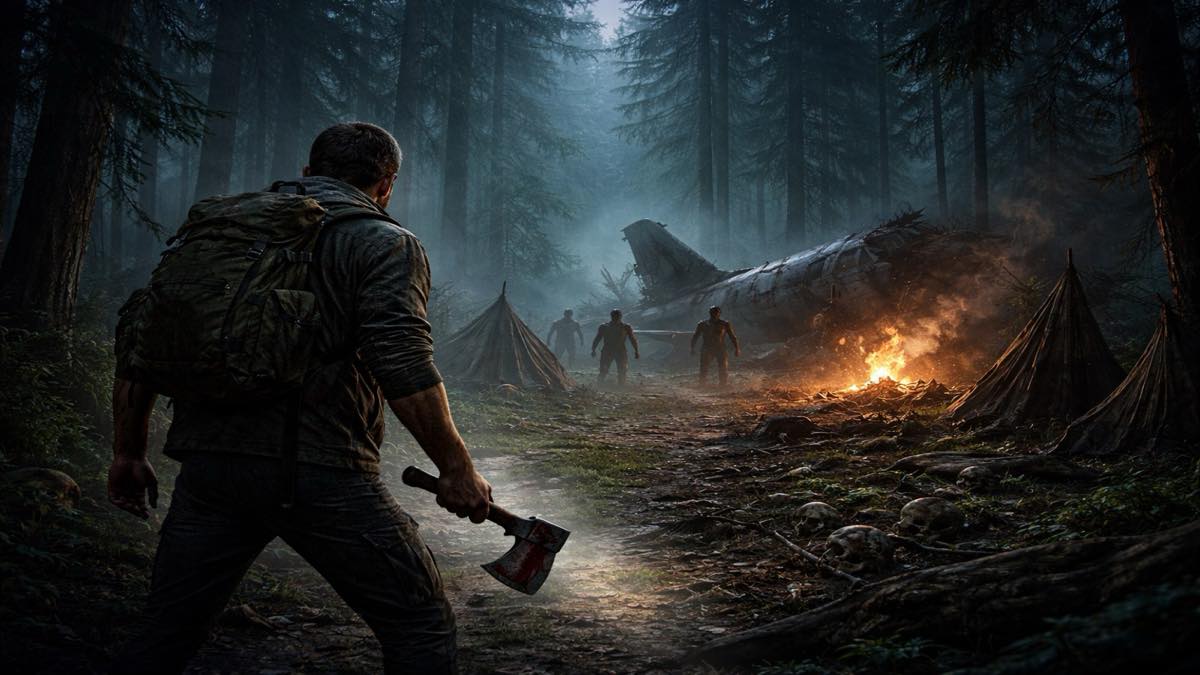
The Forest Game Creator
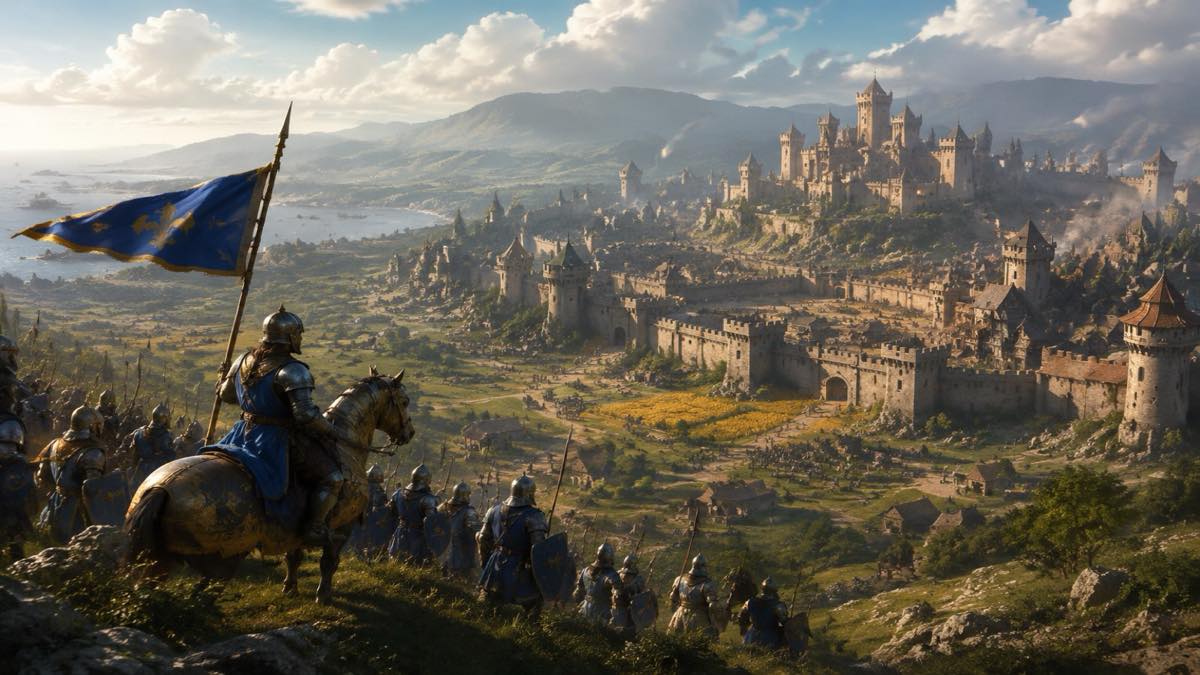
Age of Empires IV Game Creator
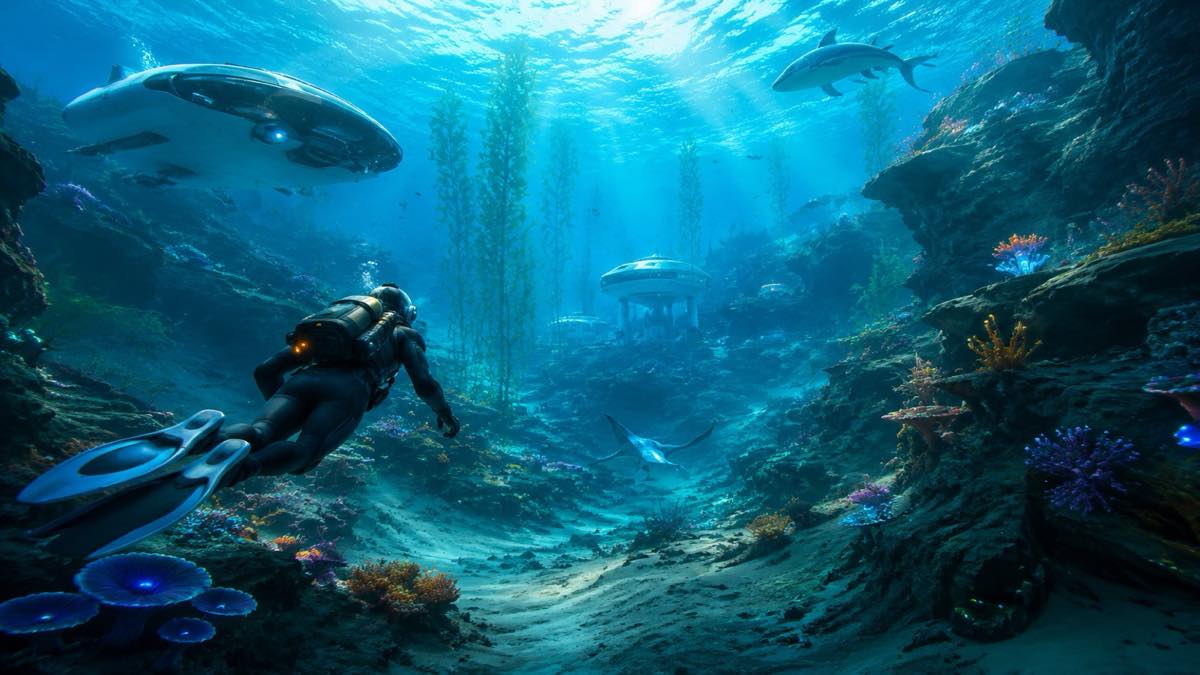
Subnautica Game Creator
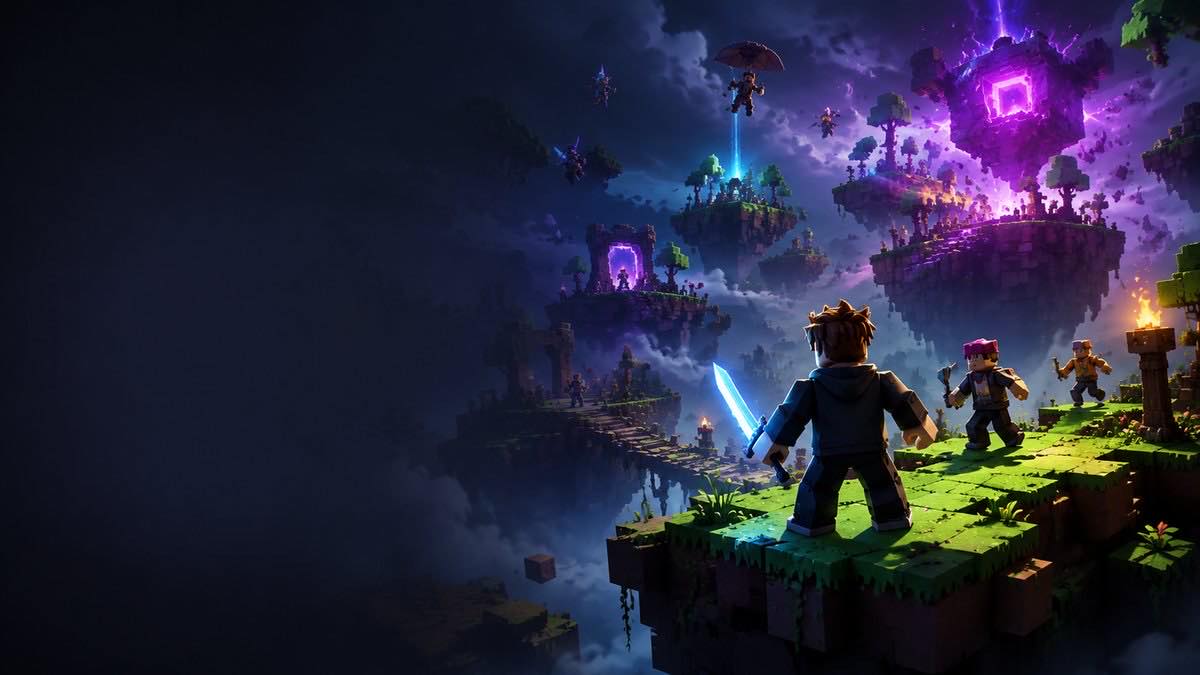
Roblox Game Creator
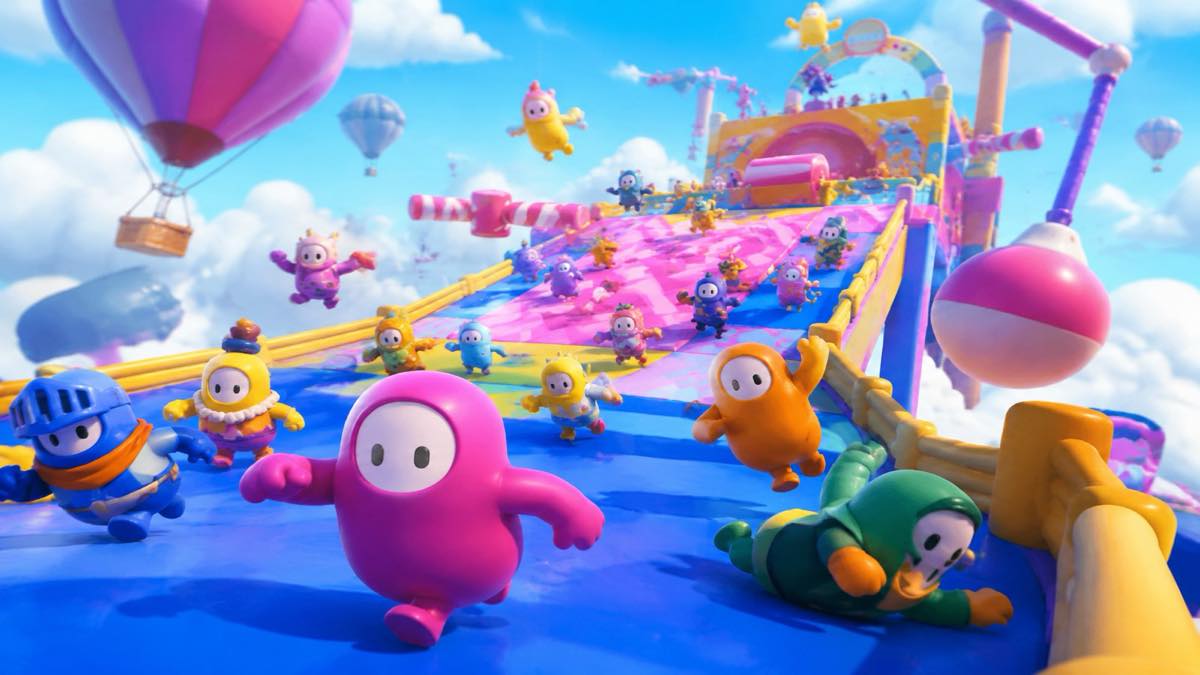
Fall Guys Game Creator
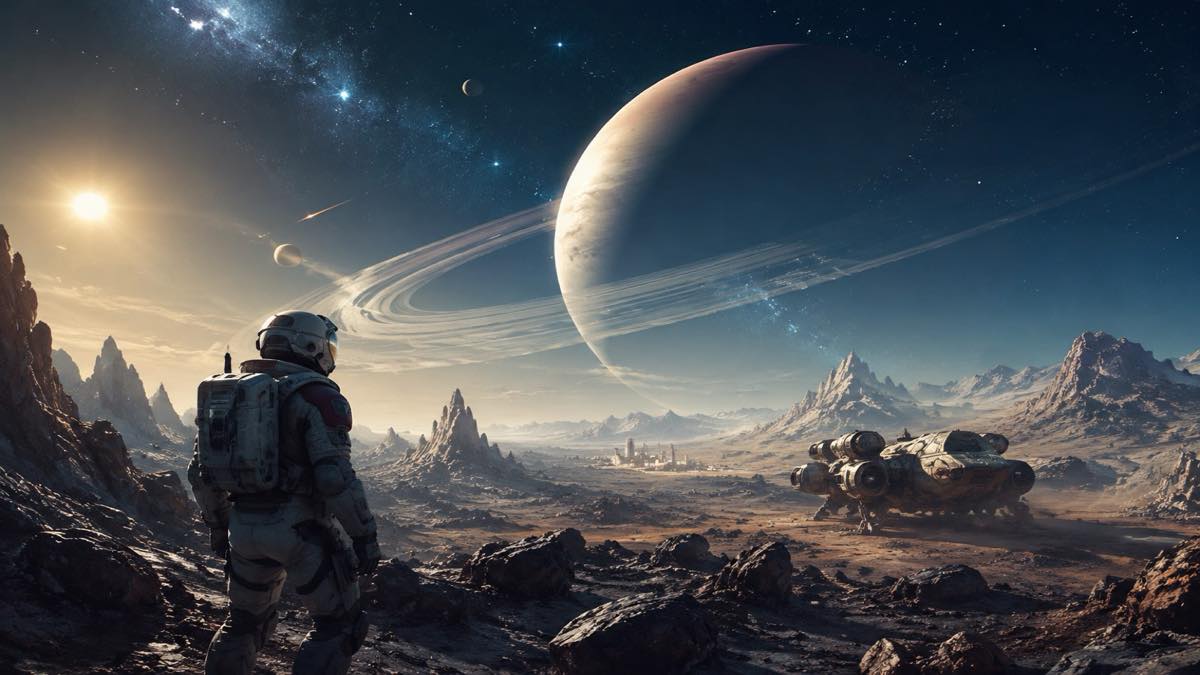
Starfield Game Creator
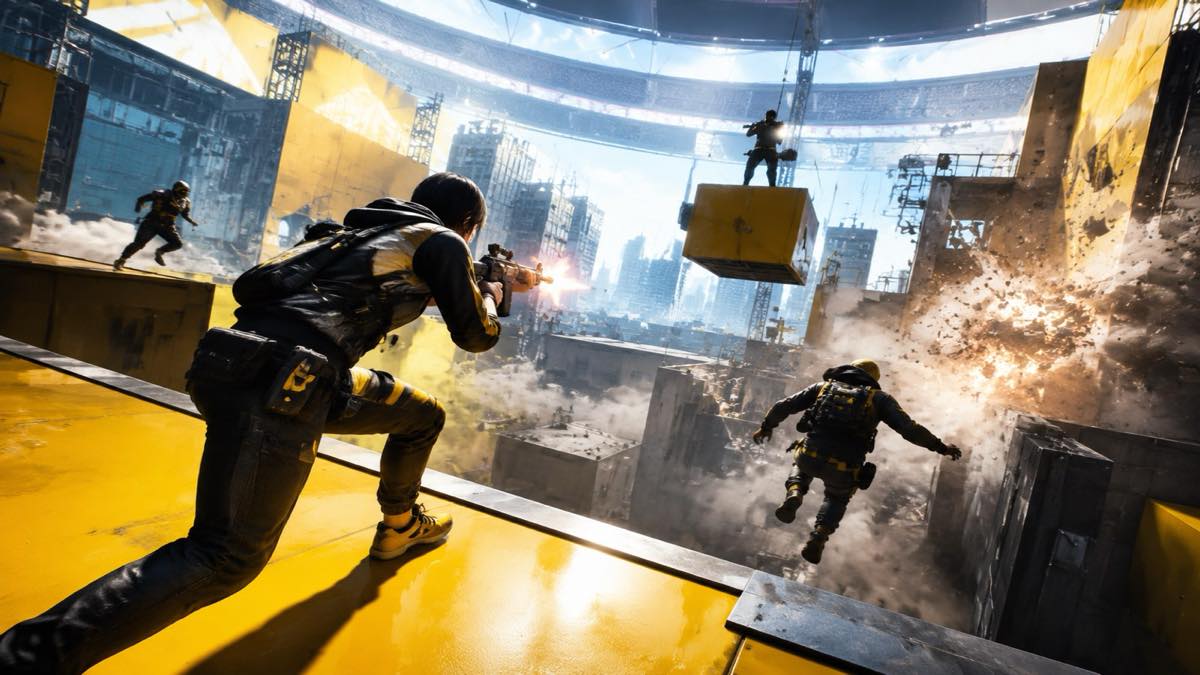
The Finals Game Creator
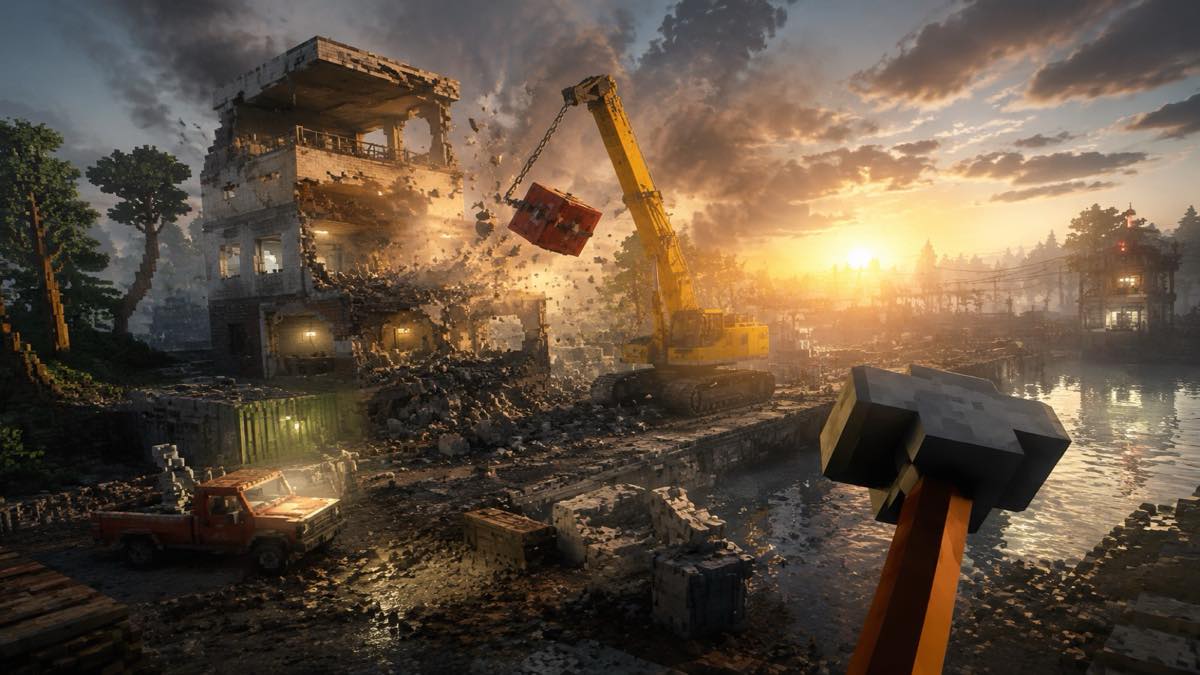
Teardown Game Creator
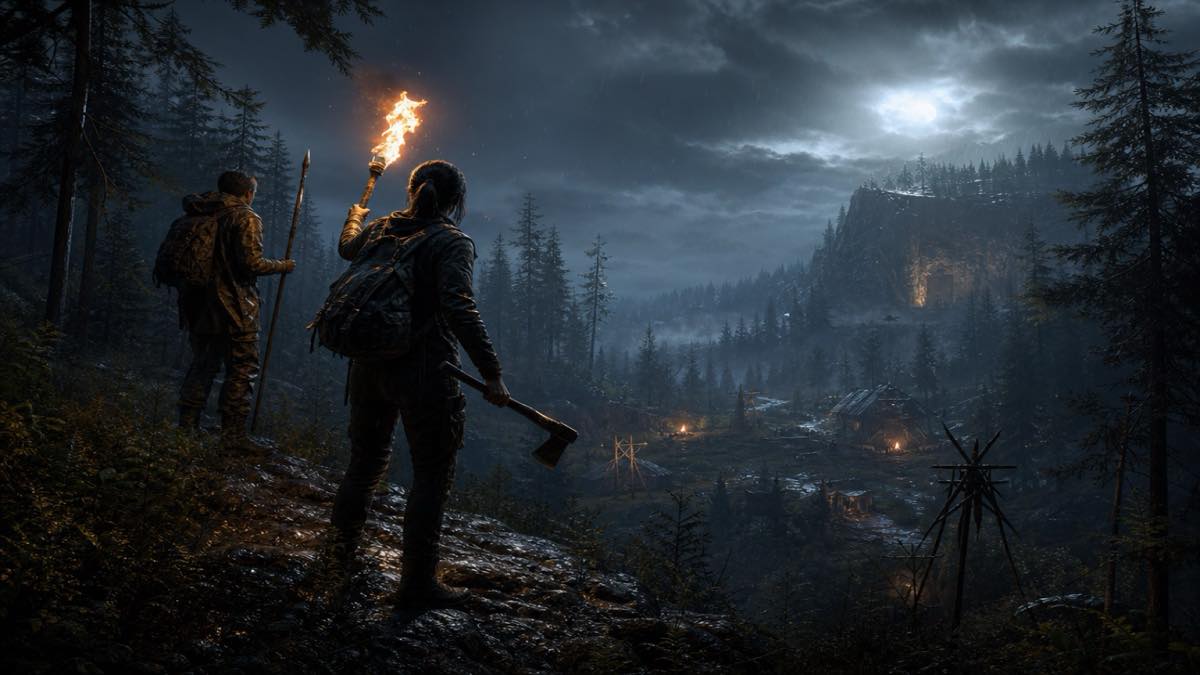
Sons of the Forest Game Creator
Related tool categories
How to use this category
Define the playable loop
Choose one scene, one player objective, three interactions, responsive feedback, and a clear win or fail condition.
Keep the output original
Use genre and mechanic cues as inspiration, then replace protected names, art, maps, logos, music, UI, and characters.
Move into production
Open a child template, adapt the prompt, and generate a browser-ready prototype in Seele AI Workspace.
AI Game Creator Templates FAQ
What is an AI game creator template?
It is a focused prompt page for choosing a game direction, defining mechanics, and generating a playable prototype with AI.
How should I choose a creator template?
Pick the page closest to the player fantasy, camera style, scene type, or mechanic you want to prototype first.
What does Seele AI generate from these prompts?
The goal is a small browser-ready playable loop with a scene, objective, interactions, feedback, and clear iteration direction.
Build the first playable loop
AI game creator templates are category pages for choosing a playable direction, defining the first loop, and opening a focused AI prompt for creating game prototypes quickly.
Choose a game creator around the prototype you need
A game creator is most useful when it helps you test one clear loop instead of promising an entire finished game at once. Start with the player action, the success condition, and one failure state; then select a game maker template that exposes those parts clearly enough to revise.
If you want to create a game from a short brief, describe the camera, controls, goal, and visual direction separately. That gives the game builder a concrete first pass while keeping later mechanics and polish decisions in your hands.