
Prompt from game roles
Start with the gameplay job of each asset: player, NPC, pickup, tile, hazard, UI state, or scene anchor.
Use Seele AI as an Unity Sprite Generator to plan Unity sprites, tilemap tiles, prefab notes, and animation controller states for 2D game production with prompt ideas, workflow notes, and workspace handoff.
Use a text prompt to describe the character, source image, or sprite concept you want to animate for this specific page.
Keep the generated brief aligned with real 2D sprite production and engine handoff needs.
Reference sprite examples for page-specific character animation, sprite sheet layout, frame consistency, and game engine handoff.
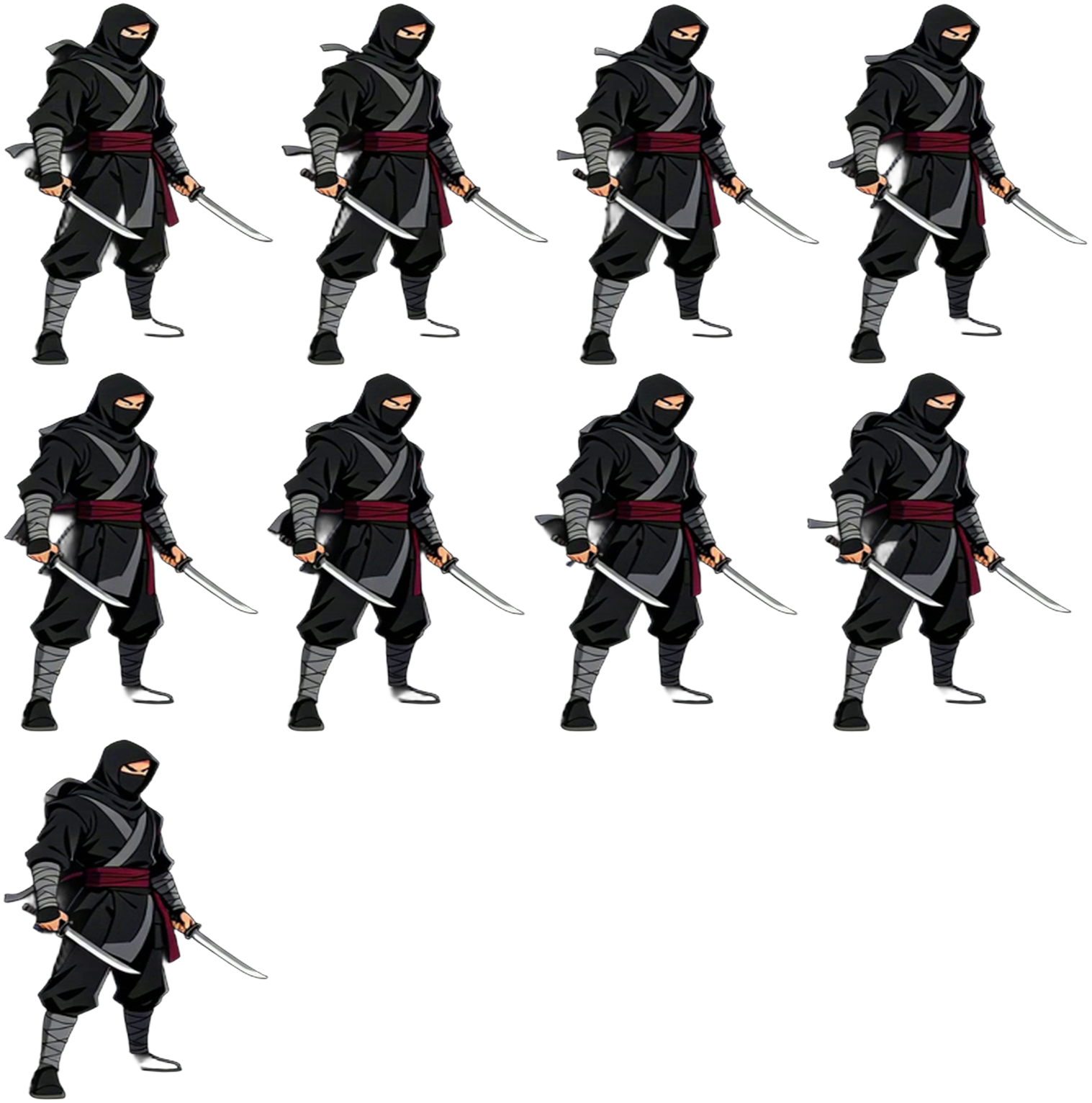
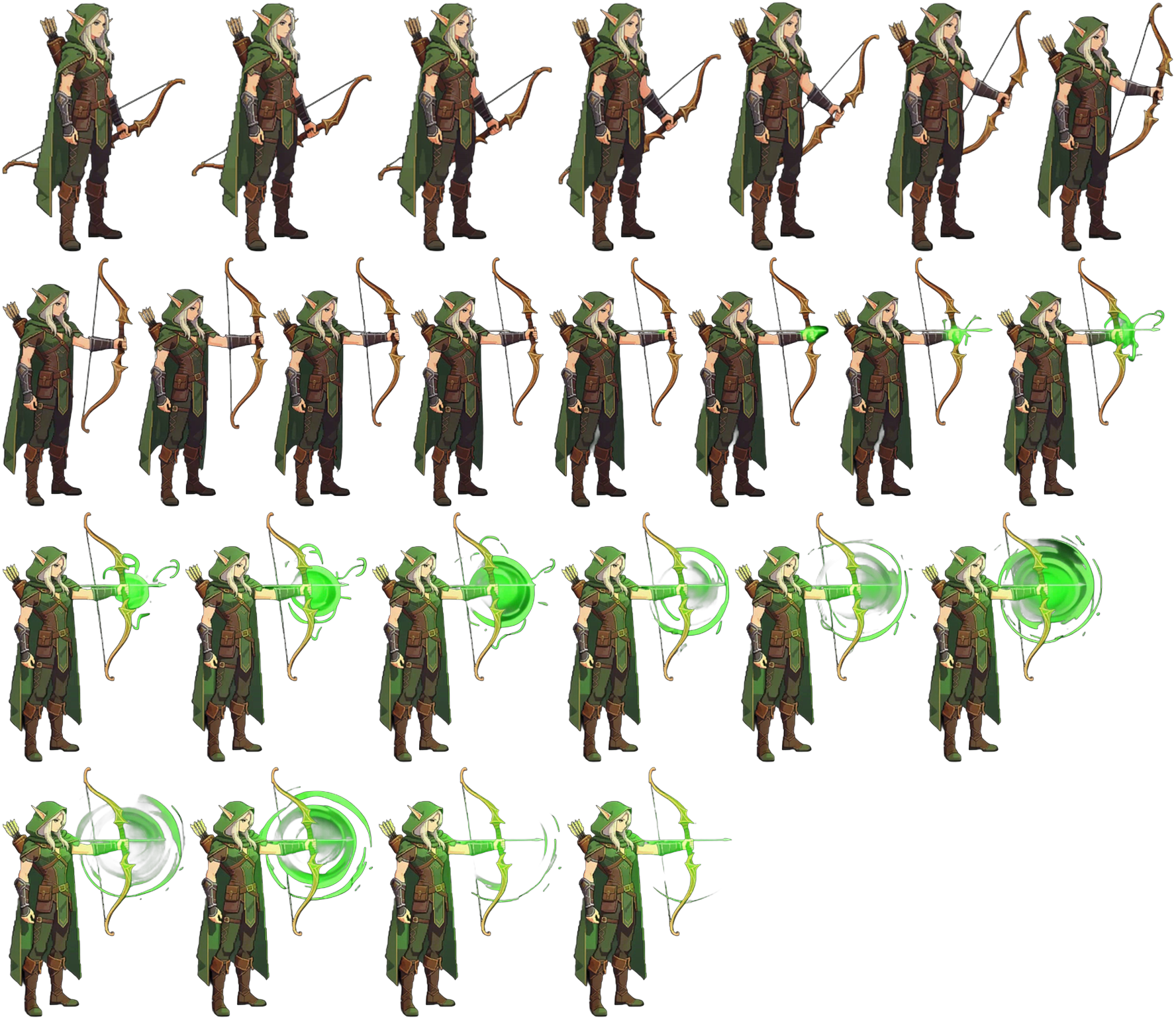
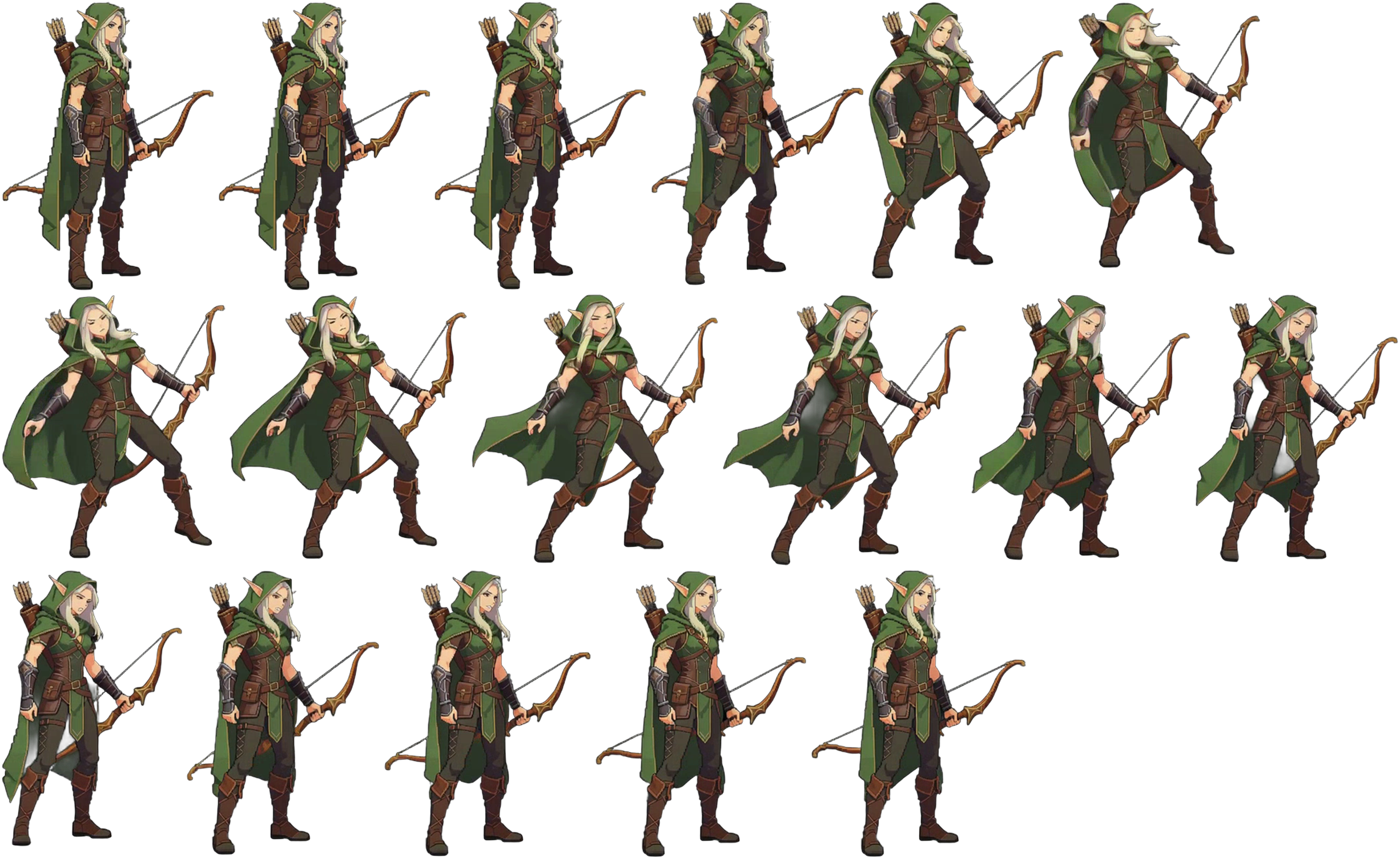
Unity Sprite Generator is structured for Unity teams preparing sprites, tilemaps, prefabs, and animation controllers. It turns the search intent into a production prompt with asset lists, style rules, and handoff notes.
Start with the gameplay job of each asset: player, NPC, pickup, tile, hazard, UI state, or scene anchor.
Define camera angle, palette, outline weight, proportions, and readability rules before generating related assets.
Include engine notes, naming, frame states, tile scale, collision assumptions, and cleanup tasks when useful.
Use the page to scope a coherent production bundle.
These details make the output more useful for real 2D game production.
Click an idea above or adapt these examples with your genre, camera angle, engine, palette, and asset list.
Use this as a starter brief, then add style constraints, target engine, and the assets your scene needs.
Use this as a starter brief, then add style constraints, target engine, and the assets your scene needs.
Use this as a starter brief, then add style constraints, target engine, and the assets your scene needs.
Short answers for developers comparing asset generators, sprite workflows, and 2D art planning pages.
No. It creates production-ready prompt directions and import notes for Unity workflows.
Yes. Include tile size, rule tiles, collision, sorting layers, and Tilemap use cases.
Pivot points, pixels per unit, sorting layers, Animator states, prefab grouping, and collider notes.