
Seele AI · Game Workspace
Pick. Customize. Teach.
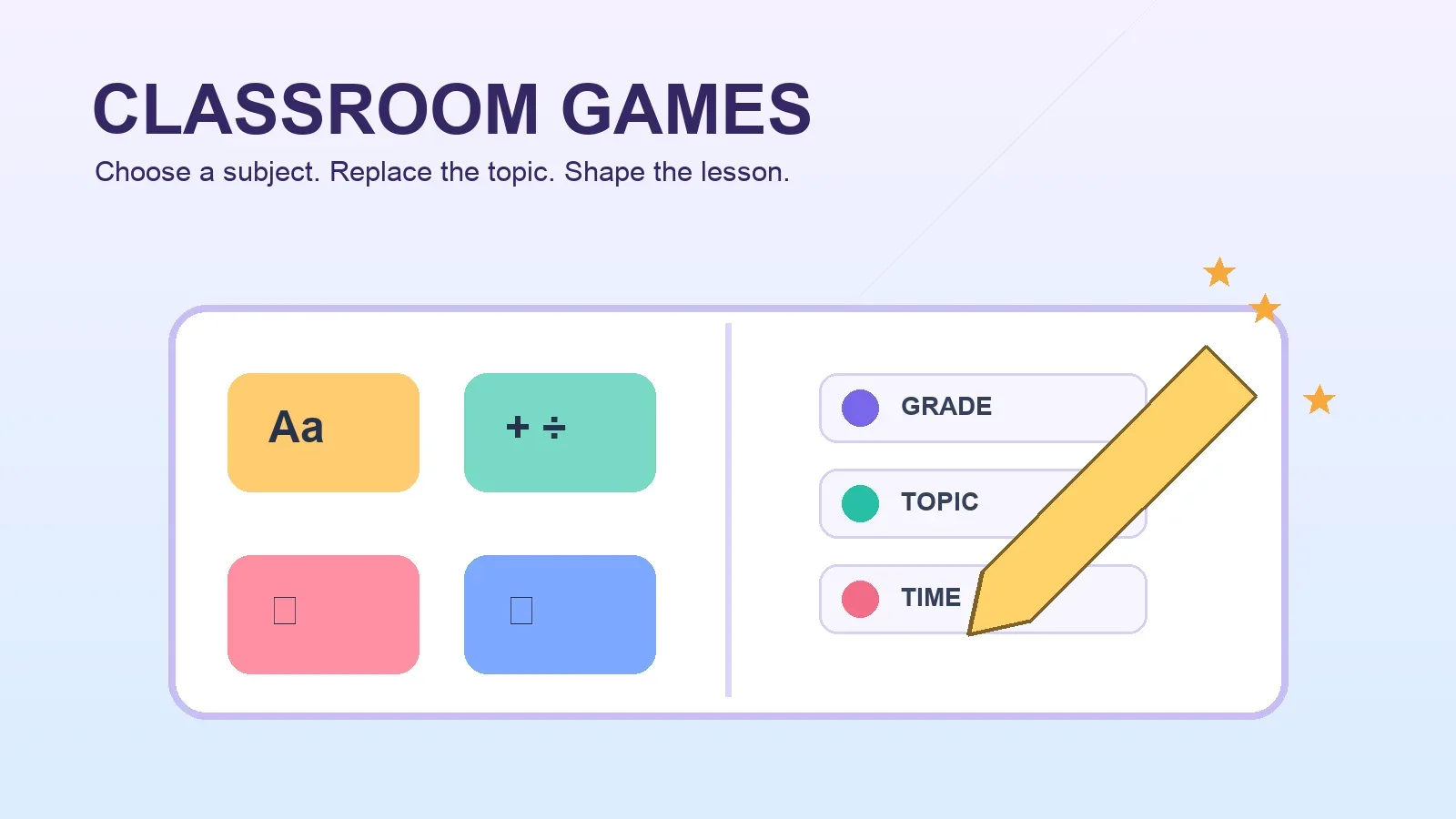
Pick a subject game, replace the grade level, knowledge topic, and class duration, then start creating an editable classroom activity for your lesson.
Trusted by leaders in
AI, gaming & entertainment




Built for real lesson planning
Move from curriculum goal to playable activity faster
Start from the subject, not a blank page
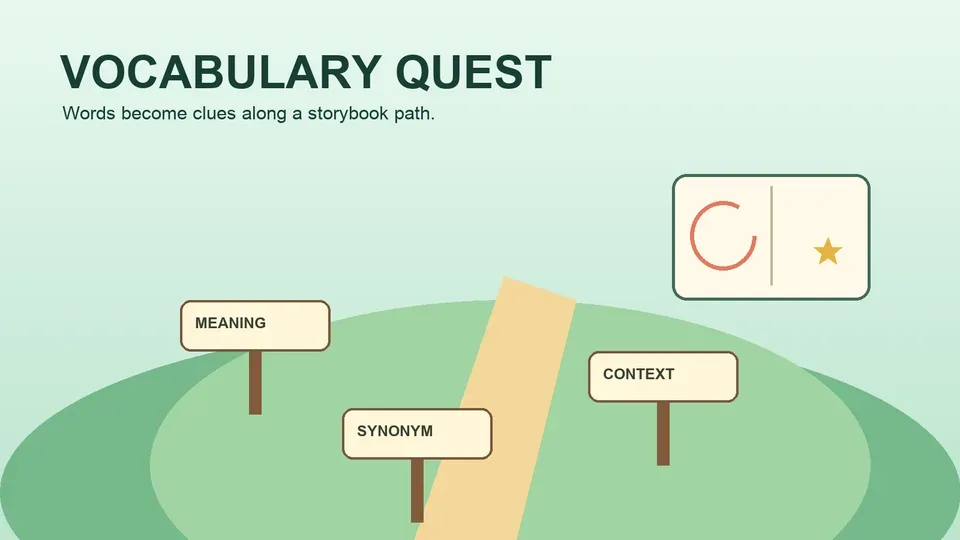
Choose vocabulary, math, science, history, geography, spelling, review, or exit-ticket formats designed around familiar classroom routines.
Adapt every game to your lesson
Each template keeps clear fields for grade level, knowledge topic, and class duration so the activity starts with the context you actually teach.
Keep refining after the first draft
Review the generated questions, instructions, pacing, and feedback, then adjust the project before you use it with students.
Eight classroom formats
Match the game mechanic to the learning goal
Use a fast race for fluency, a map hunt for spatial recall, a timeline for sequence, or an exit ticket for a focused end-of-class check.
Editable template prompt
Replace {'{'}grade_level{'}'}, {'{'}knowledge_topic{'}'}, and {'{'}class_duration{'}'} in any template, review the learning content, and create your classroom game.
A simple teacher workflow
Choose, customize, review, and create
- 1
Choose a subject template
Select the game format that matches your objective, from vocabulary practice and math review to science, history, geography, spelling, checks, and exit tickets.
- 2
Replace the lesson fields
Enter {'{'}grade_level{'}'}, {'{'}knowledge_topic{'}'}, and {'{'}class_duration{'}'}, then add any standards, examples, difficulty notes, or classroom constraints you want included.
- 3
Review, then start creating
Check the requested content and rules, create the first version, and edit the generated activity until it fits your students and lesson plan.
Teacher judgment stays central
You decide what is accurate and classroom-ready
Templates accelerate the first draft without replacing teacher review. Inspect the academic content, developmental fit, pacing, and instructions before classroom use.
- Questions and rules stay editable
- Revise wording, examples, answer choices, scoring, hints, and feedback after generation.
- Teacher review is required
- Verify factual and subject-matter accuracy against your curriculum and trusted classroom sources.
- Use lesson context, not student data
- The templates ask for instructional details only and should not contain names, contact details, IDs, grades, or other student personal information.
Before sharing any activity, test the game flow and independently review every learning claim, question, answer, and feedback message.
Classroom games FAQ
Plan safer, more useful learning activities
How do I customize a classroom game template?
Choose a template and replace {'{'}grade_level{'}'}, {'{'}knowledge_topic{'}'}, and {'{'}class_duration{'}'}. You can also add curriculum standards, vocabulary lists, example question types, accessibility needs, and the tone you want.
Do teachers need to review the generated academic content?
Yes. A teacher should verify every fact, question, answer, explanation, and learning claim for subject accuracy, curriculum alignment, age appropriateness, and classroom suitability before students use the game.
Should I add student personal information to a template?
No. Do not include student names, contact information, account identifiers, grades, health details, learning records, or other personal information. Use non-identifying lesson context and fictional examples instead.
Which subjects and classroom moments are covered?
The collection covers vocabulary, math, science, history, geography, spelling, true-or-false review, and an exit ticket for end-of-lesson checks. You can adapt the knowledge topic inside each format.
Can the activity fit a short or full class period?
Yes. Set {'{'}class_duration{'}'} to your available time and ask for an appropriate number of rounds, questions, or stages. Always test the actual pacing before the lesson.
Can I edit the game after it is created?
Yes. Treat the first result as an editable draft. Refine instructions, content, difficulty, feedback, visuals, and timing until the activity supports your teaching goal.
Your lesson, made interactive
Turn the next knowledge topic into a classroom game
Choose a subject template, replace the three lesson fields, review the academic content, and start creating an activity you can refine for your class.
Choose a Classroom Game