
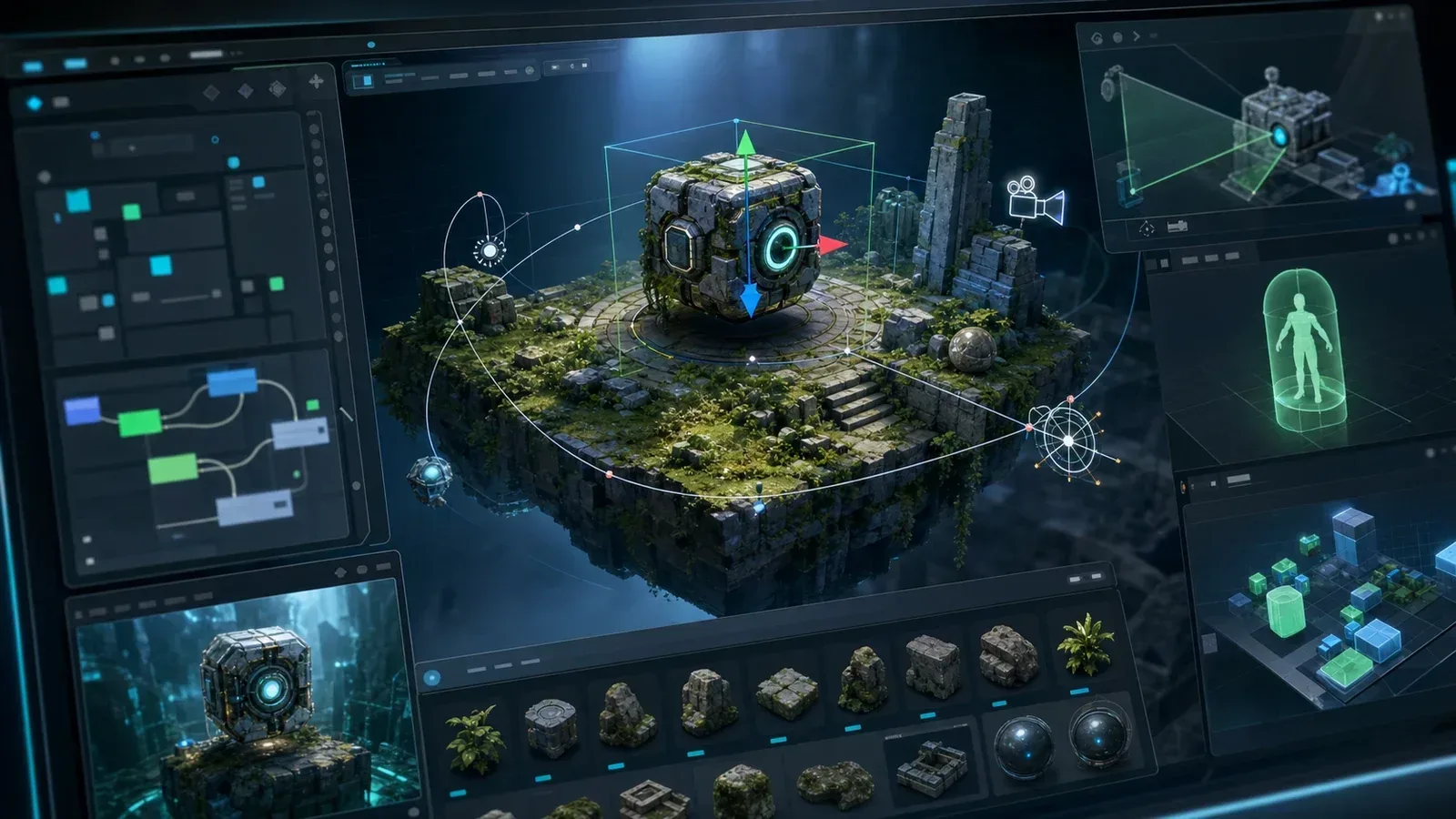
Seele AI · Game Workspace
Start a focused Godot game prototype
Choose a compact game format, define the first playable, and keep the Godot-oriented brief editable as you iterate.
Trusted by leaders in
AI, gaming & entertainment




Why start here
Keep a small Godot slice moving
Bound the first slice
Use one mechanic, one route, and a clear result before adding more systems.
Keep project choices editable
Adjust controls, scenes, values, art direction, and scope as the prototype teaches you more.
Test the export path
Treat project setup, export presets, input, and packaged behavior as explicit QA work.
Starting points
Review Godot game formats
Each starting point is designed to create a narrow loop that can be inspected and expanded deliberately.
Starting prompt
Create a Godot {'{'}game_type{'}'} prototype with one core loop, a bounded first playable, editable systems, clear feedback, and a restart path.

How it works
From Godot brief to tested slice
- 1
Choose the game format
Pick the genre, input model, scene boundary, and core mechanic.
- 2
Define export needs
Record target build assumptions, input behavior, assets, and known technical questions.
- 3
Build, export, and test
Inspect the project and exported result before expanding the content.
Keep control
Keep export and QA visible
A Godot-oriented starting point accelerates planning; project setup, export configuration, and testing remain developer responsibilities.
- Small scene boundary
- Keep the first playable narrow enough to finish and inspect.
- Editable values
- Keep controls, gameplay values, and content available for iteration.
- Export retest
- Run the exported build and check input, loading, audio, and restart.
The page does not guarantee every Godot version, export target, plugin, or platform workflow.
FAQ
Questions from Godot developers
Is this a complete Godot production pipeline?
It is a starting point for a focused prototype. Developers still need to inspect the project and verify the export target.
Does it support every Godot version?
Version-specific behavior must be checked against the actual project and target environment.
Can I export directly to my target platform?
The target export remains a project-specific task that requires configuration and testing.
Can I keep the project deliberately small?
Yes. The prompts are designed to specify a bounded first playable and explicit exclusions.
Ready to start
Turn a Godot idea into a tested slice
Start with a bounded brief, inspect the editable project, and verify the export path before adding more game.
Start creating