
Seele AI · Game Workspace
Create a learning game to play together
Choose a family-friendly starting point, adapt it to your child’s age and learning goal, then continue in an editable workspace.
Trusted by leaders in
AI, gaming & entertainment




Why start here
Turn shared time into an editable activity
Start with an age-aware format
Use a short, focused loop that a parent can adapt before sharing it with a child.
Make room for co-play
Choose prompts and mechanics that support conversation, teamwork, and visible progress.
Review before playing
Keep questions, answers, difficulty, and instructions editable for adult review.
Starting points
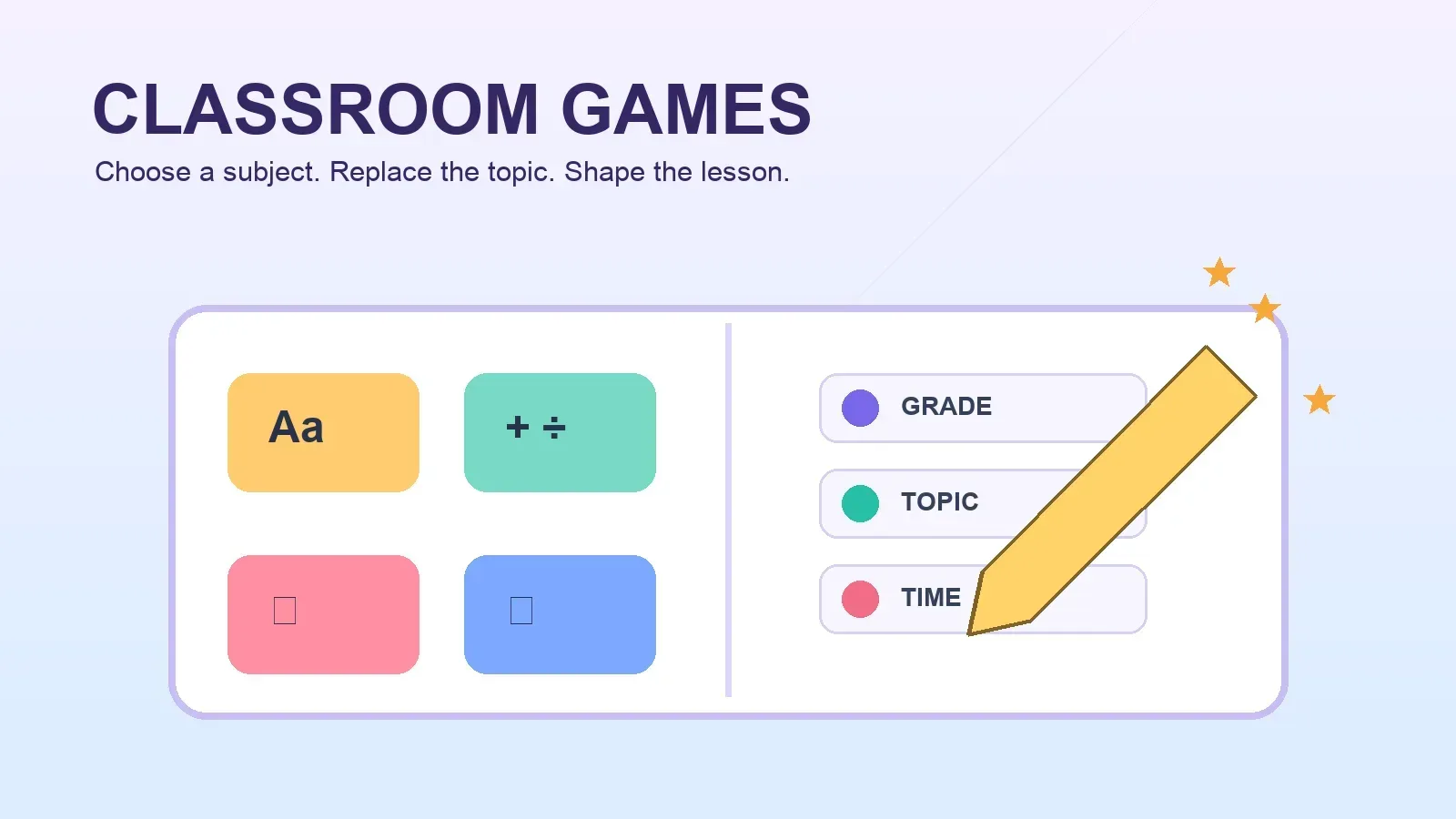
See family learning starting points
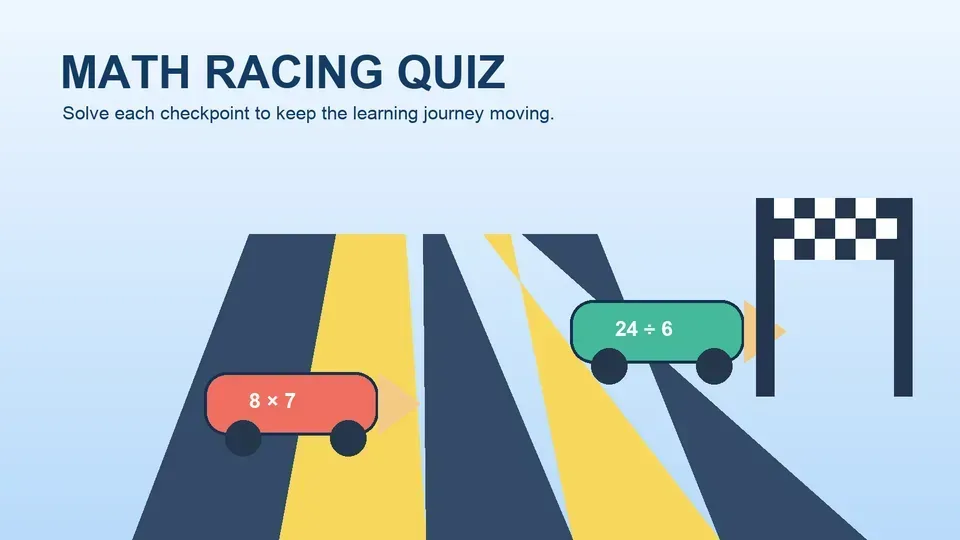
These examples show how one learning goal can become a short, supervised game session.
Starting prompt
Create a supervised parent-child learning game for {'{'}age_range{'}'} about {'{'}learning_goal{'}'} with editable content, a cooperative loop, and a clear finish.
How it works
From learning goal to shared play
- 1
Choose a learning goal
Pick a subject and a simple outcome for the family session.
- 2
Adapt the session
Set the age range, topic, difficulty, and time available.
- 3
Review and play
Check the content, then open the editable game and play together.
Keep control
Keep the parent in control
The game is a starting point for a supervised activity, not an automated assessment.
- Editable content
- Review questions, explanations, instructions, and difficulty.
- Privacy-aware prompts
- Avoid names, profiles, contact details, and other personal information.
- Flexible fallback
- Keep an offline or non-game alternative ready when the session needs it.
Parents remain responsible for age fit, accuracy, supervision, and how the activity is used.
FAQ
Questions before family play
Do I need game development experience?
No. Start with a template, describe the learning goal, and review the editable result before playing.
Can I adapt a game for my child’s age?
Yes. Use the prompt to specify an age range, topic, difficulty, and session length, then review the content.
Should the game collect my child’s personal information?
The starting prompts should avoid requesting names, profiles, contact details, or other personal information.
Who checks the learning content?
A parent or other responsible adult should review the facts, answers, reading level, and instructions before use.
Ready to start
Make the next learning session playable
Start with a family-friendly template, adapt the goal, and keep the result editable before you play together.
Start creating