
Seele AI · Game Workspace
Build Roblox Worlds for Free
Pick a Roblox template, describe the game you have in mind, and keep refining it in Seele AI as you build.
Trusted by leaders in
AI, gaming & entertainment




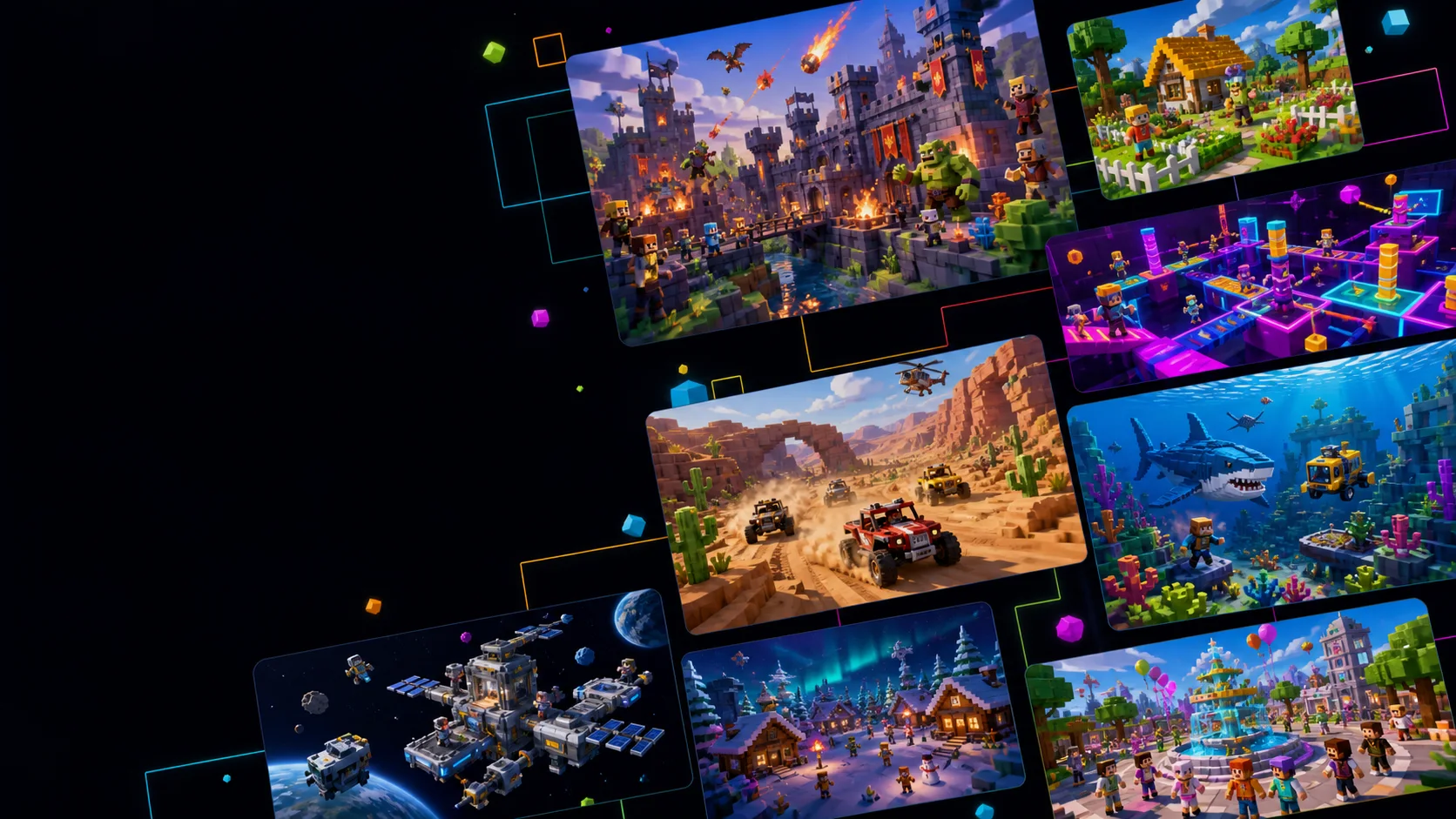
Roblox game ideas, made playable
What can you build with an AI Roblox game creator?
Obby and parkour games
Design obstacle courses with checkpoints, moving platforms, timers, practice routes, and escalating difficulty.
Roleplay and social worlds
Create towns with homes, vehicles, jobs, meeting places, and open-ended scenarios for players to shape together.
Simulators and tycoons
Build repeatable loops for collecting, upgrading, earning currency, unlocking areas, and growing a player-owned space.
Survival and horror games
Plan gathering, crafting, shelter, defenses, and escalating night-time threats around a clear survival goal.
RPG and adventure games
Combine explorable areas with quests, abilities, combat styles, progression, bosses, and rewards that give players a reason to continue.
Shooters and competitive arenas
Specify teams, loadouts, compact maps, match rules, responsive movement, and readable scores for short competitive rounds.
Real Roblox game creation examples
Real Roblox game creation examples
Explore concrete Roblox game concepts across survival, simulation, roleplay, RPG, and competitive genres, then turn one into your own starting brief.
Each example includes
A concrete starting brief with the genre, gameplay loop, progression, look, and player goal. Edit it before you create the project.

How to make a Roblox game with AI
How to make a Roblox game with AI
- 1
Describe the game loop
Explain what players do, how they progress, what makes a round or session fun, and which Roblox genre fits the idea.
- 2
Start from a template or prompt
Choose a Roblox template for a faster start, or write your own prompt with the setting, rules, style, player goals, and constraints.
- 3
Refine the project in Workspace
Open the project in Workspace, review the result, and request focused changes to gameplay, scripts, assets, controls, or progression as you build.
What you can control
You decide what to make. Workspace keeps it together.
Start with a useful prompt here, then keep working on the project after it opens in Workspace.
- Edit the brief
- Every template gives you a starting prompt that you can change before submitting.
- Keep the project together
- Your prompt, files, preview, and follow-up requests stay with the same project.
- Review before you publish
- Check the scripts, assets, controls, and Roblox requirements before you publish.
Seele is an independent creation platform and is not affiliated with, endorsed by, or sponsored by Roblox Corporation. Roblox and related marks belong to their respective owner.
Before you begin
Questions before you start
Do I need to know how to code?
You don’t need to code to write the first prompt. Describe the game in your own words, then review the generated project before releasing it.
What happens when I choose a template?
It adds a starting game brief to the creator. You can edit it before you create the project.
Can I change the result after generation?
Yes. Workspace lets you review the files and preview, then ask for focused changes in the same chat.
Does this publish directly to Roblox?
No. The project is created and refined in Seele Workspace. Review the output and current Roblox requirements before publishing through Roblox Studio.
Is this an official Roblox product?
No. Seele is an independent creation platform and is not affiliated with or endorsed by Roblox Corporation.
Can I start for free?
You can open the creation flow from this page. Workspace shows any credits needed before you continue.
Ready to start?
Pick an idea and start building.
Choose a template or write your own prompt. Your project stays available in Workspace after you create it.
Start creating