Free to use
Open a GLB file without an account, paid plan, or generation quota.

Open and inspect a GLB game asset directly in your browser. This viewer reads the file locally, makes no network request for your model, and keeps your work on your device.
Your file stays in this browser and is never uploaded.
 Edit
EditUpload, preview, transform, and export 3D assets in one workspace.
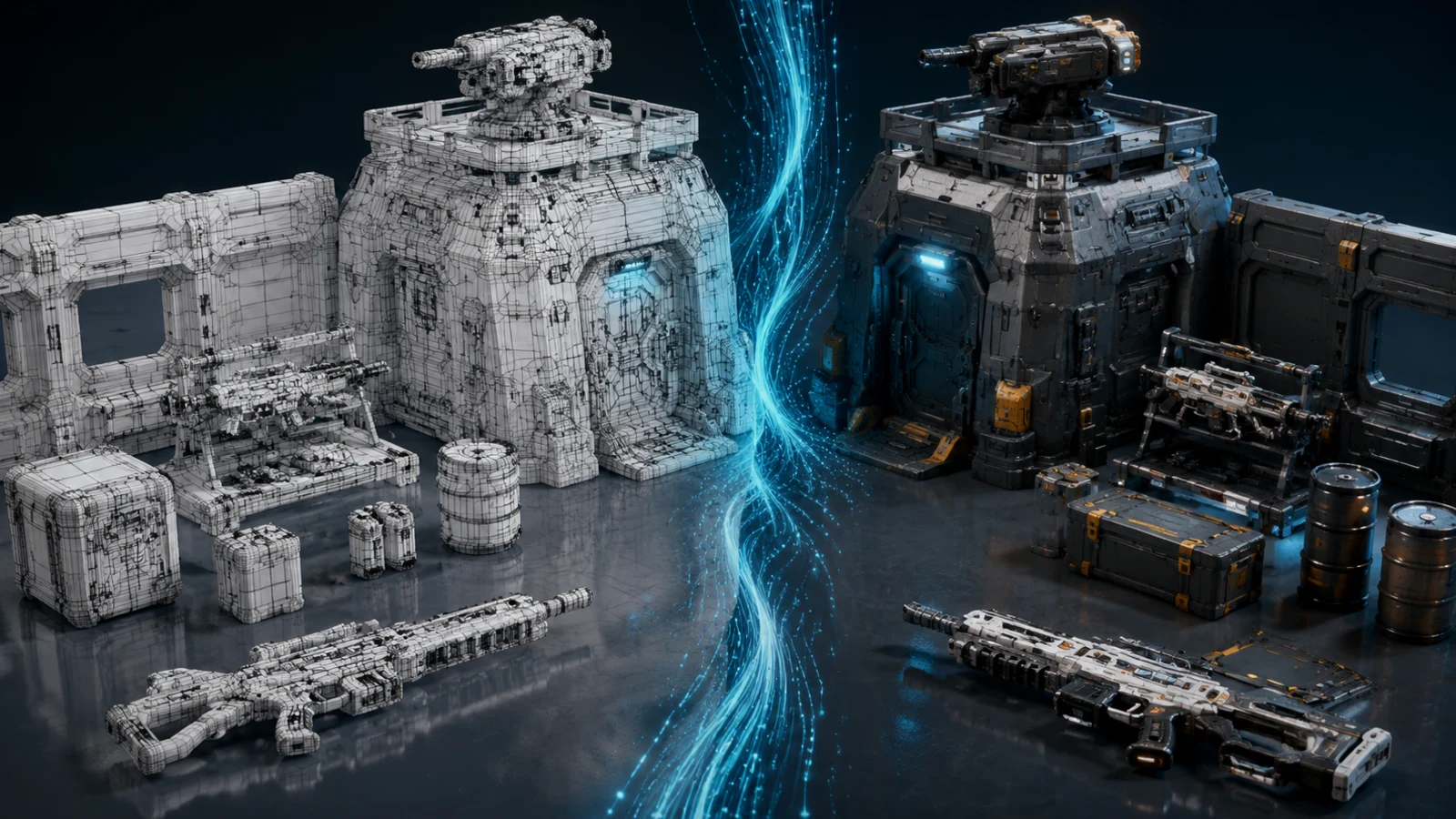 Optimize
Make an existing asset lighter, cleaner, and game-ready.
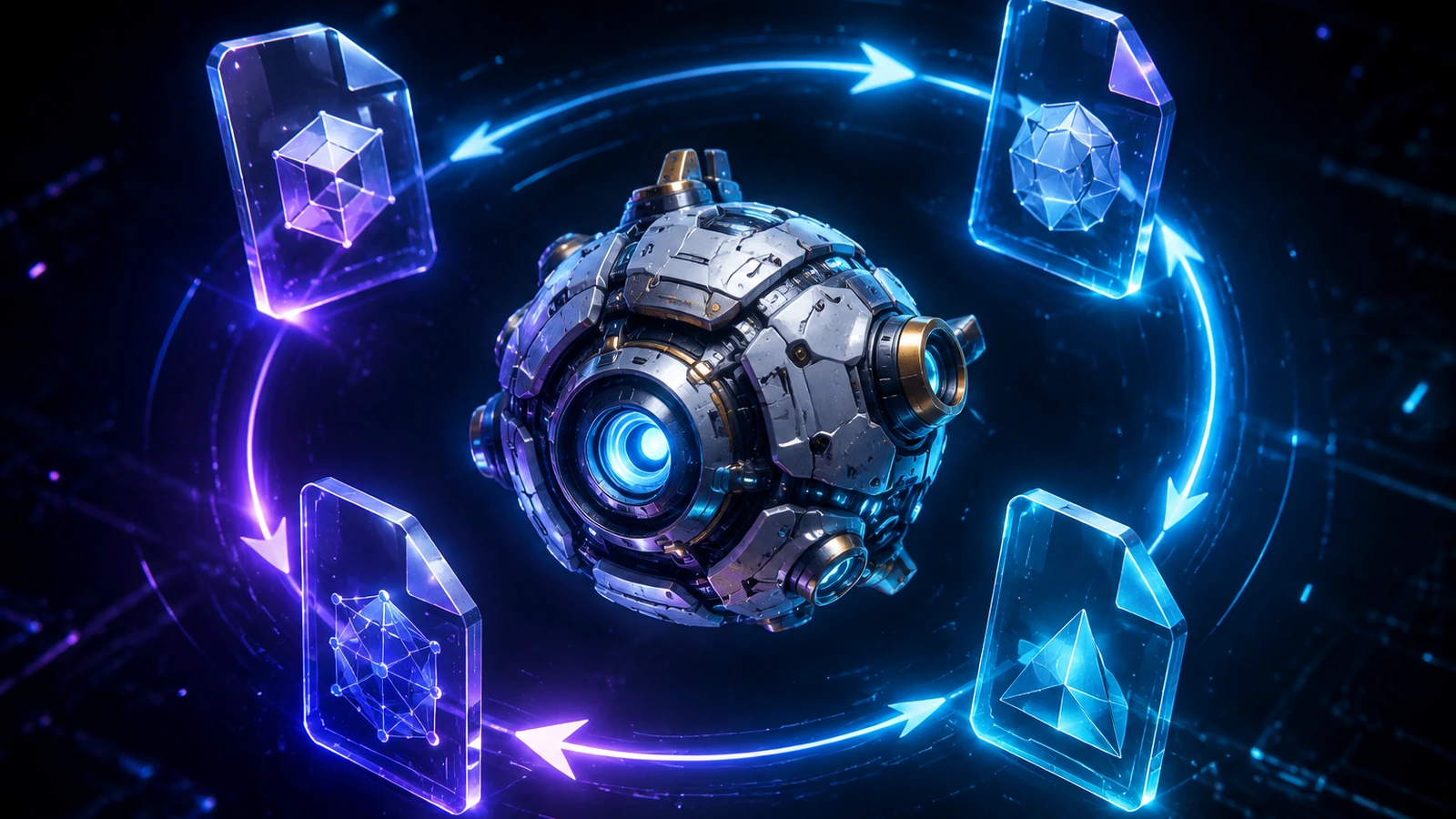 Convert
Convert GLB, FBX, OBJ, or USDZ while preserving game-use details.
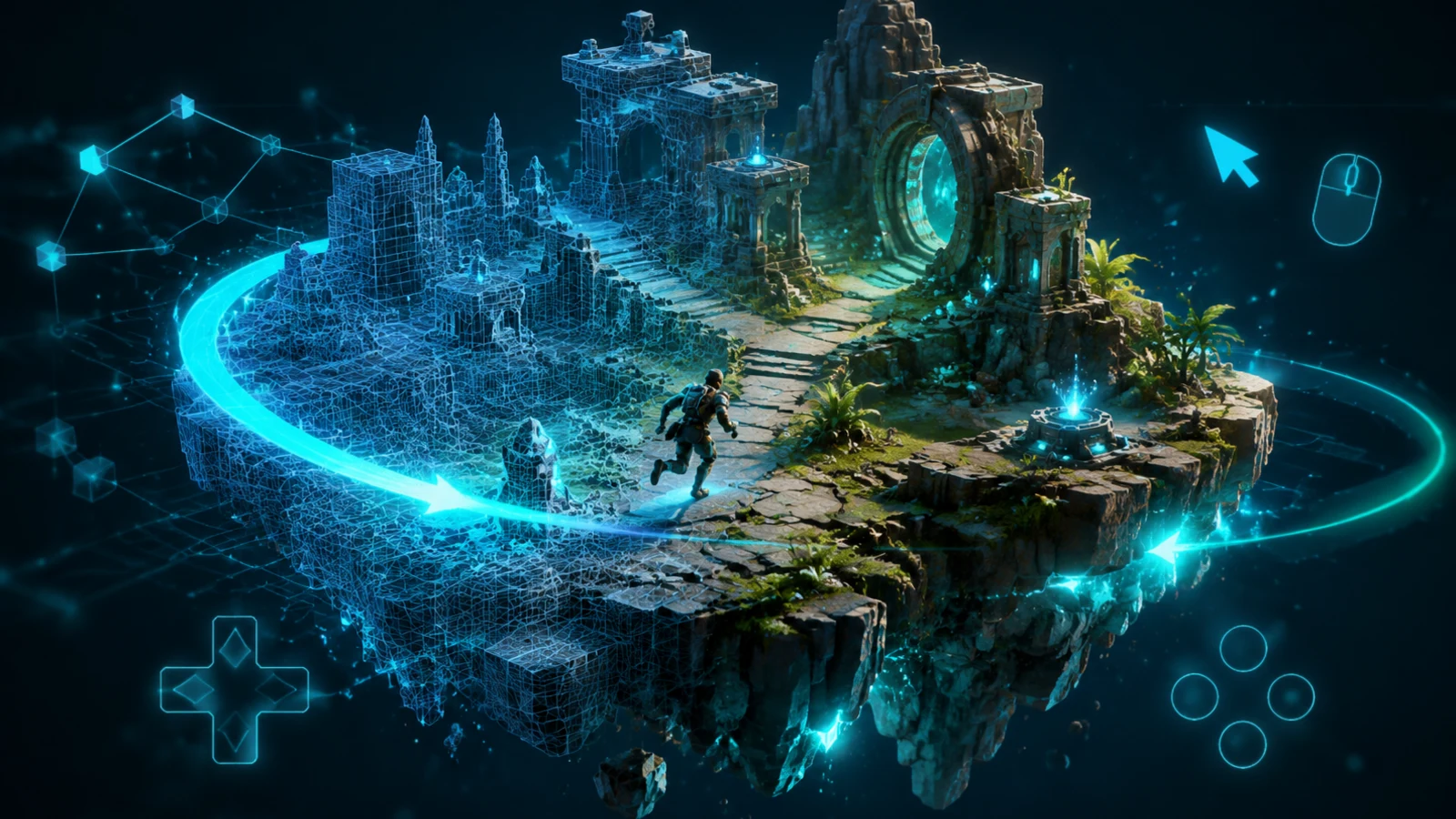 Playable
Turn an edited 3D asset into a browser-playable prototype.
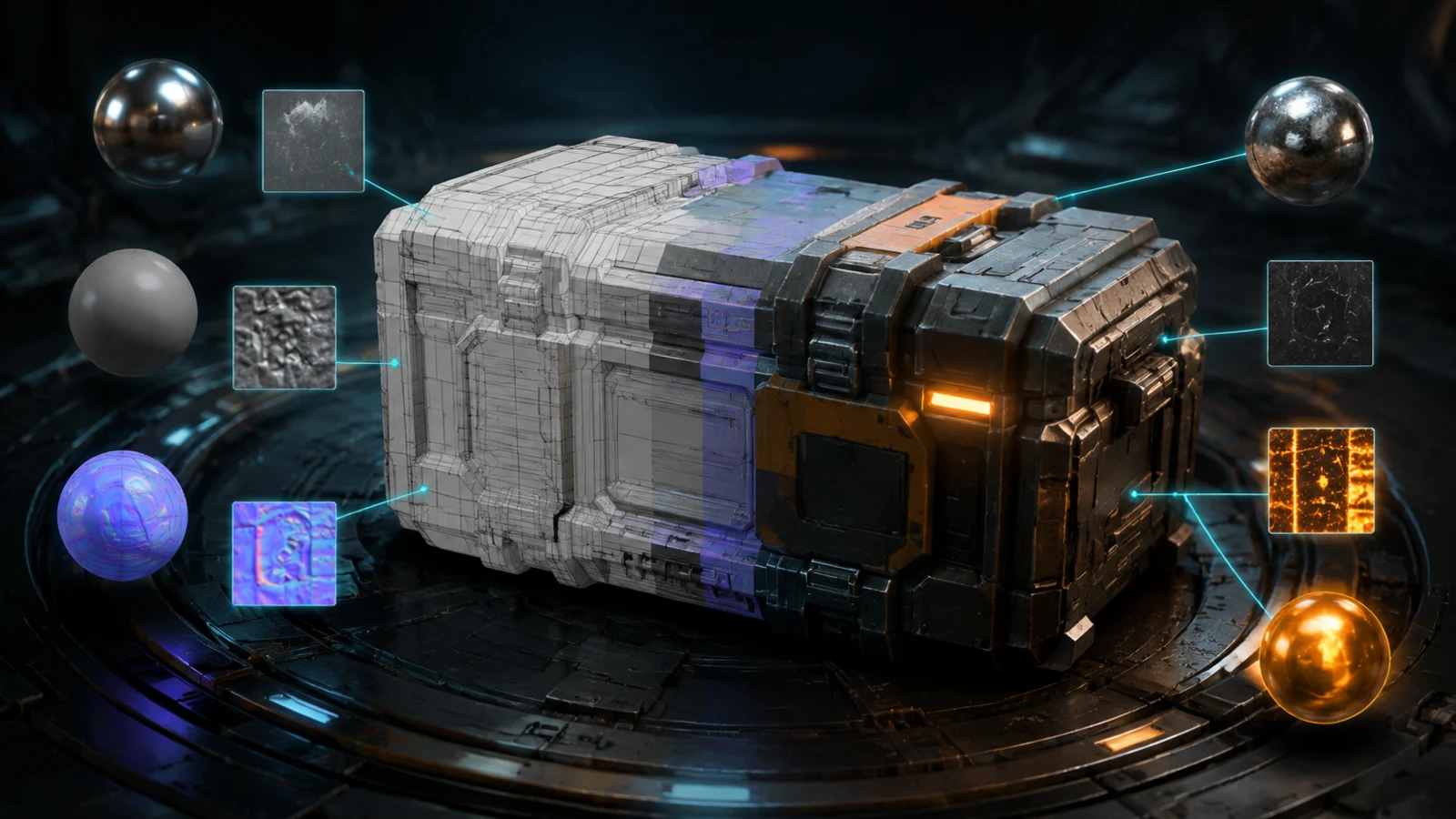 Material
Edit materials and textures for production-ready 3D assets.
 Image
ImageTurn an uploaded image reference into a realtime 3D asset.
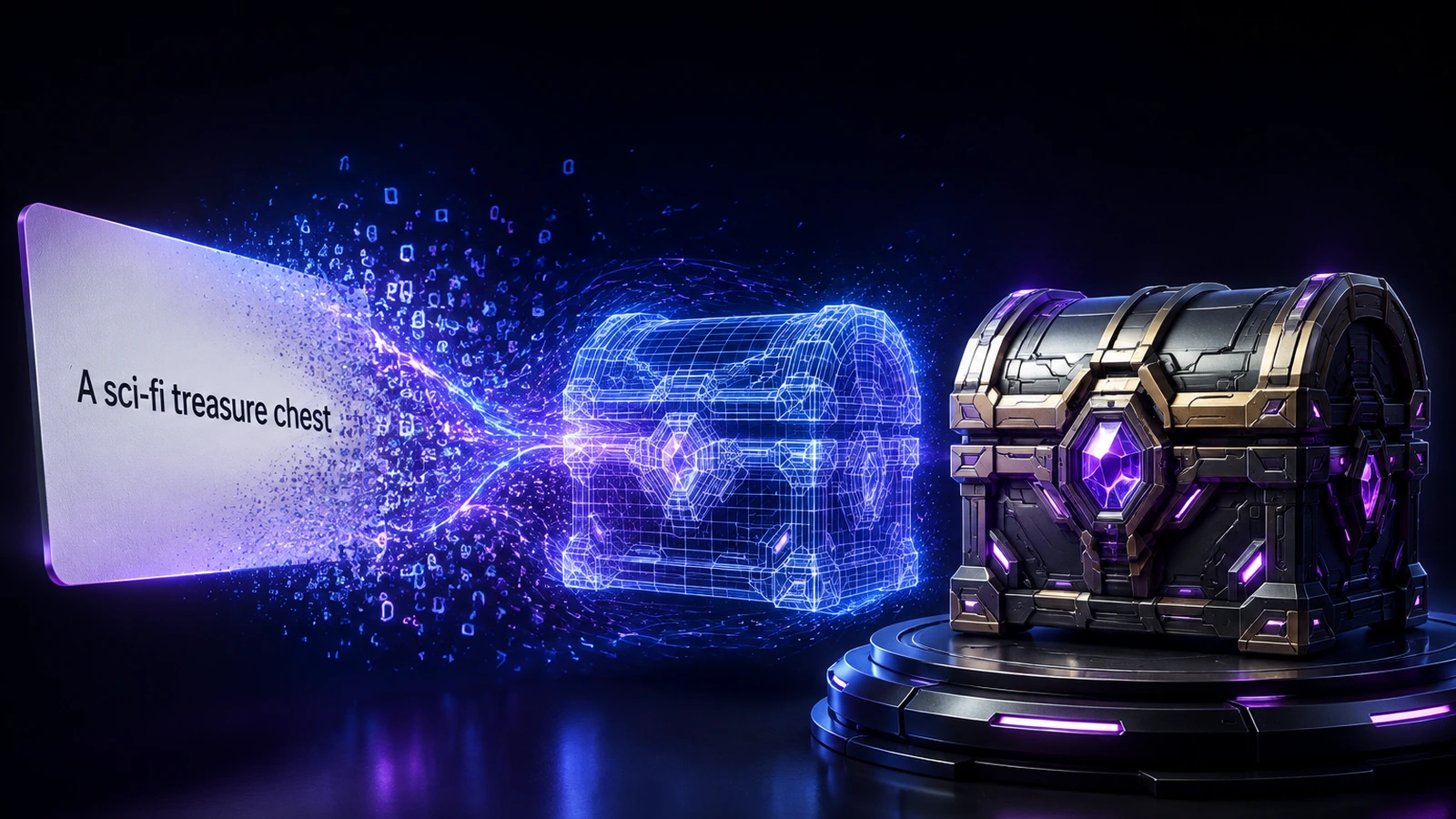 Prop
PropDescribe a prop and generate a game-ready 3D model.
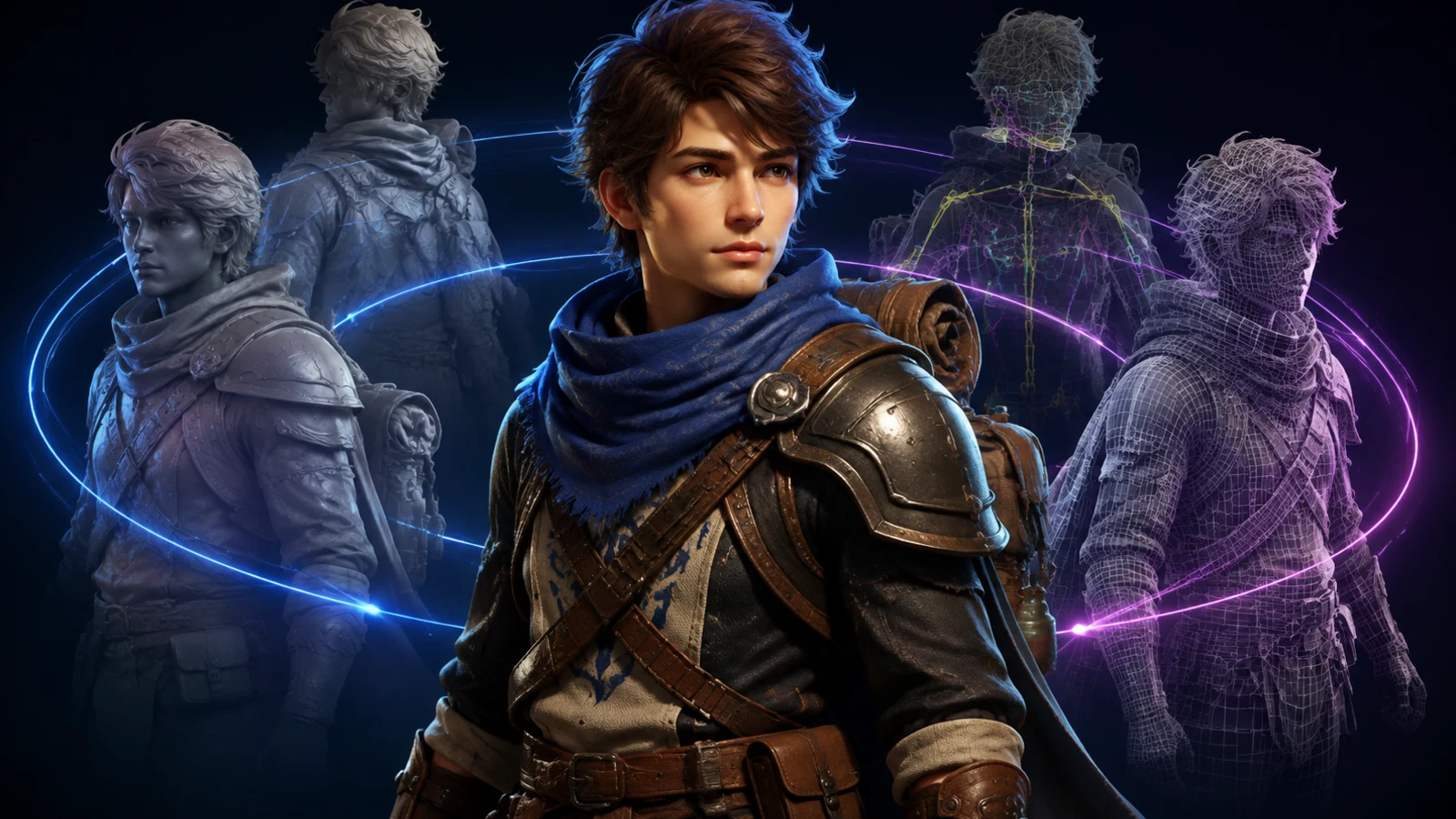 Character
Generate a character asset ready for game workflows.
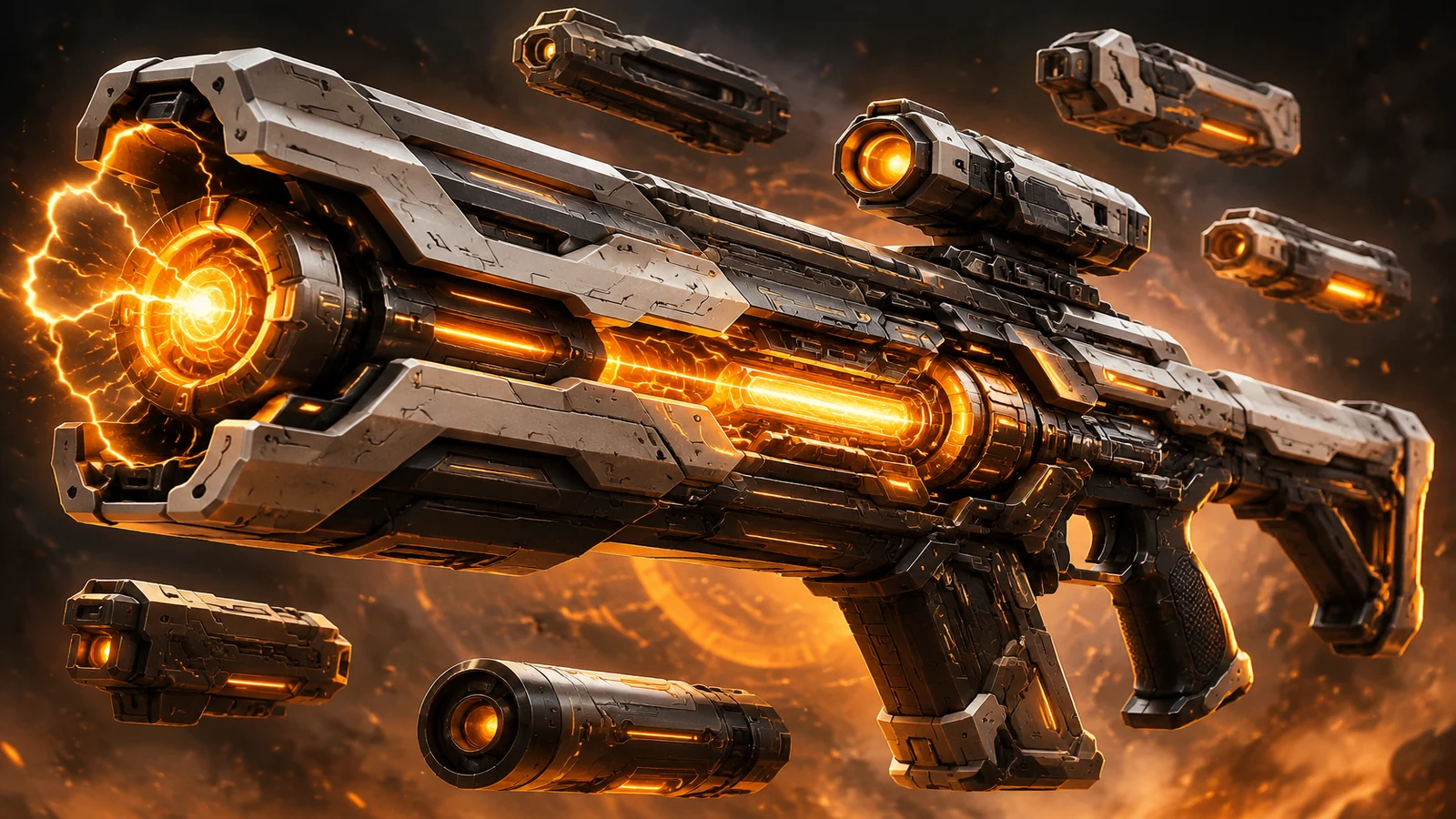 Weapon
Generate a game-ready weapon model with clear production constraints.
 World
WorldTurn one prompt into an explorable 3D world, not a static scene.
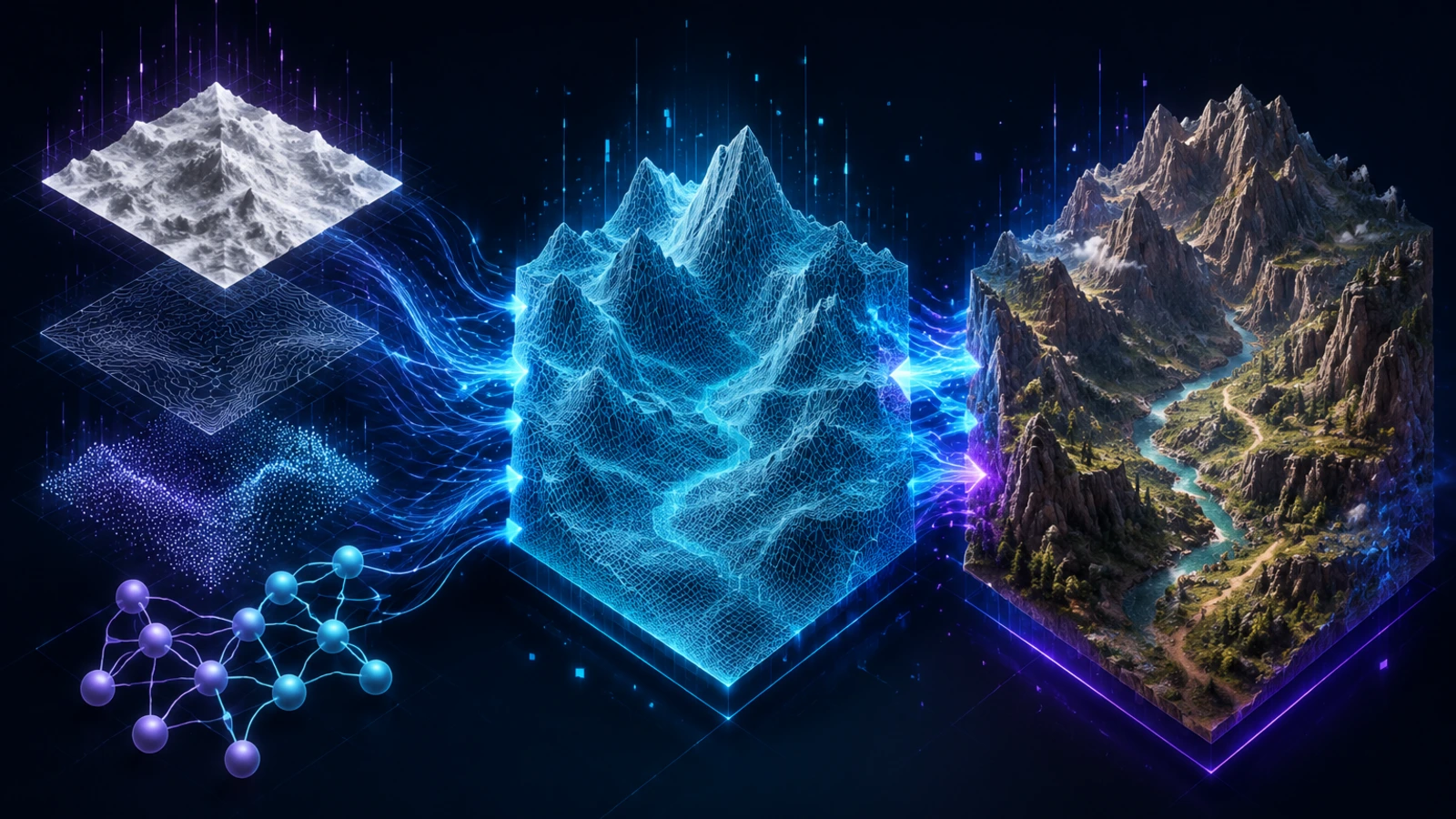 Terrain
Generate playable terrain blockouts with routes and elevation.
 Motion
Produce loopable, retargetable character motions with real weight.
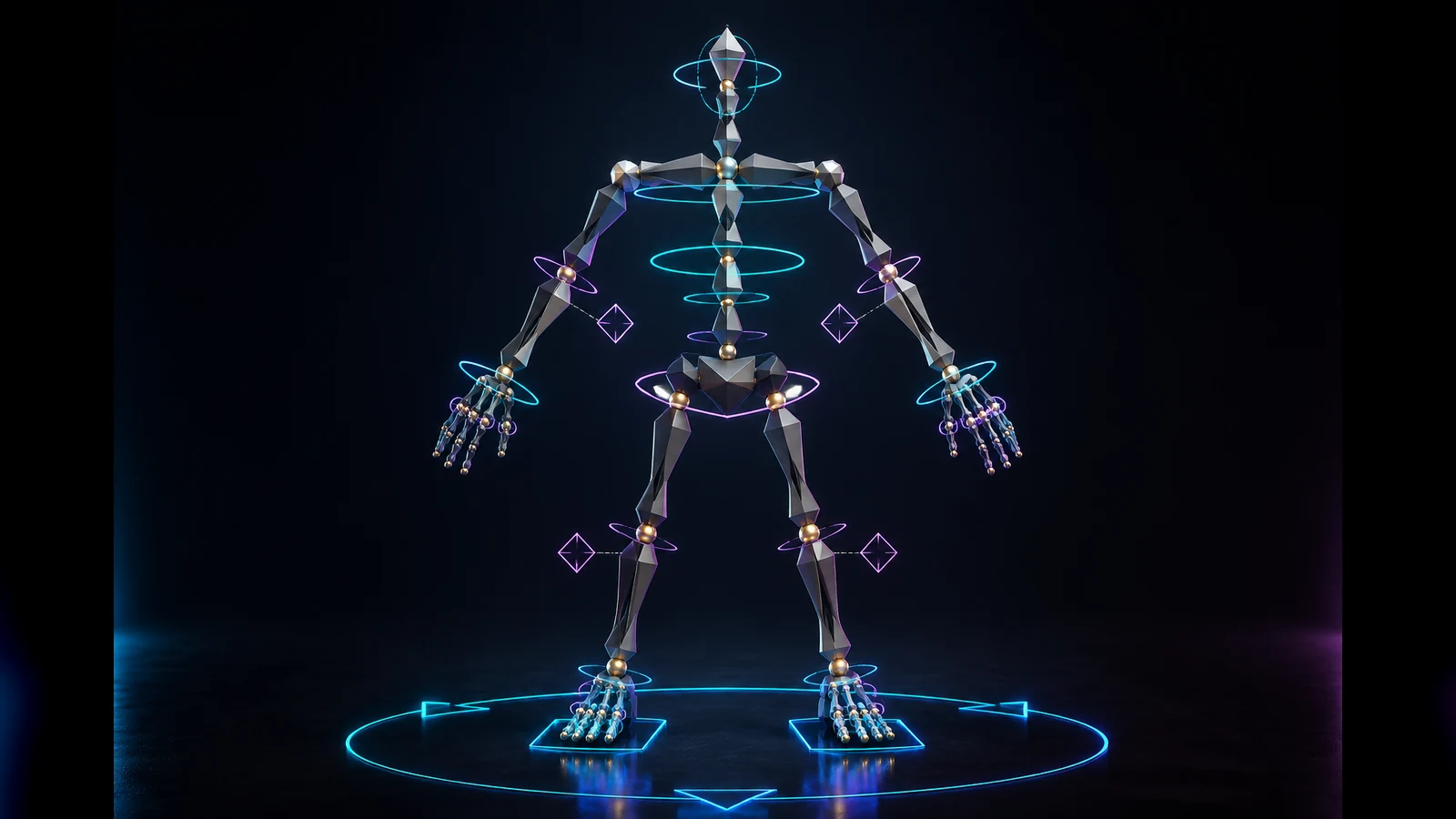 Rigging
Rig 3D characters with clean joints, weights, and IK/FK controls.
 Skybox
Generate HDRI skyboxes that light the scene and set the mood.
EditUpload, preview, transform, and export 3D assets in one workspace.
OptimizeMake an existing asset lighter, cleaner, and game-ready.
ConvertConvert GLB, FBX, OBJ, or USDZ while preserving game-use details.
PlayableTurn an edited 3D asset into a browser-playable prototype.
MaterialEdit materials and textures for production-ready 3D assets.
ImageTurn an uploaded image reference into a realtime 3D asset.
PropDescribe a prop and generate a game-ready 3D model.
CharacterGenerate a character asset ready for game workflows.
WeaponGenerate a game-ready weapon model with clear production constraints.
WorldTurn one prompt into an explorable 3D world, not a static scene.
TerrainGenerate playable terrain blockouts with routes and elevation.
MotionProduce loopable, retargetable character motions with real weight.
RiggingRig 3D characters with clean joints, weights, and IK/FK controls.
SkyboxGenerate HDRI skyboxes that light the scene and set the mood.
WHY USE THIS VIEWER
A browser-native viewer is useful when you need a quick visual check and want the original file to remain under your control.
Open a GLB file without an account, paid plan, or generation quota.
The viewer reads the selected file locally and does not upload it to a server.
Inspect characters, props, environment pieces, and AI game asset drafts before integration.
Use orbit, zoom, reset view, and animation playback to catch issues early.
WHO IT IS FOR
Use it before importing an asset into a game engine, sharing a draft with a teammate, or deciding whether an AI-generated model is usable.
Quickly inspect a downloaded or self-generated asset before adding it to a prototype.
Review generated 3D assets while keeping unpublished project files on your own device.
Check exported GLB geometry and animation presence without opening a full DCC application.
Share a simple local review step for characters, props, and environment assets.
HOW TO USE THE GLB VIEWER
The viewer is intentionally local-first: selecting a file starts browser-side parsing instead of an upload workflow.
Click Open GLB file or use your browser file picker to select a local .glb asset.
The browser reads the binary file and prepares its meshes, materials, and animations locally.
Orbit around the asset, zoom into details, reset the camera, or turn on auto-rotate.
Use the review to decide whether the asset is ready for your AI game or engine pipeline.
SUPPORTED FILES & FEATURES
Use this checklist to know what the browser can preview locally and which resources still need a desktop viewer or an additional decoder.
Open binary GLB files directly from your device in this browser-based viewer.
Inspect the model geometry, material assignments, and visible game asset structure.
Embedded texture data can be read with the GLB and displayed without a separate upload.
The viewer detects animation clips stored in the GLB and plays them in the local preview.
Files larger than 250 MB are rejected to keep browser memory use predictable.
External model resources are blocked. Pack textures into the GLB instead of relying on remote URLs.
Draco, KTX2, and similar compressed resources need their matching decoder to be connected before they can be previewed.
PRIVATE BY DEFAULT
A GLB can contain unpublished game art, licensed assets, or early prototypes. Local parsing keeps this first review step simple and reduces unnecessary data exposure.
Select locally → parse in the browser → inspect the model → keep the original file on your device
Review a new player character before the art direction is ready to share outside the team.
Check an AI-generated prop for visible geometry, scale, and animation issues before engine import.
Preview a licensed GLB locally without creating another copy on a third-party upload service.
FAQ
Yes. You can open a GLB locally without creating an account or using generation credits.
No. This page reads the selected GLB in the browser and does not upload the file to the Seele server.
After the page has loaded, the model parsing and preview are designed to run locally without requesting the model or its embedded resources from the network.
The viewer detects embedded GLB animations and plays them in the local preview when they are present.
Confirm that the file ends in .glb, is not corrupted or partially downloaded, and is no larger than 250 MB. If it still fails, re-export the asset as a standard GLB and try a current browser with WebGL enabled.
The preview uses its own local lights and does not reproduce every engine environment, post-process effect, or custom shader. Check the material export, then try a standard physically based material if the model remains dark.
Only resources embedded in the GLB can be read by this private local viewer. External texture URLs are intentionally blocked, and compressed KTX2 textures require an additional decoder.
The viewer can play animation clips embedded in the GLB. A rig without embedded clips remains static, so check that the animation was included during export.
Modern mobile browsers with WebGL can open the viewer, but large models use more memory and may render more slowly. For complex assets, a desktop browser is usually more reliable.
Keep the file under 250 MB, remove unused meshes or animations, reduce texture resolution, and export embedded resources in a simpler GLB. If the asset is still heavy, try a desktop browser with more available memory.
FREE 3D GAME ASSET GENERATION
Move from a local GLB preview to Seele AI Workspace and create, refine, and prepare game-ready 3D assets from a prompt.
Generate 3D game assets Free