

Create 3D Game with AI
Use Create 3D Game with AI to plan build a scoped 3D scene, world, and gameplay prototype with Seele AI. Start from a prompt, review the scope, and continue i
Start with free starter credits
A thought becomes a world to play.
Shape an idea, make it playable, and share it with the people who will play.
- The spark
Start with an idea
Start with a spark, a world, or a what-if worth exploring.
- Put it into words
Describe the experience
Turn the idea into a prompt with a player, a goal, and a core loop.
- Build the pieces
Shape the world
Shape the characters, environments, and systems that make it playable.
- Bring it together
Make it playable
Try the game, tune the experience, and get it ready to share.
- Pass it around
Share with players
Invite others to explore the world you made.
Examples
Start with a playable direction.
Start with a direction that resembles your project, then change the mechanics, look, or audience before you build further.
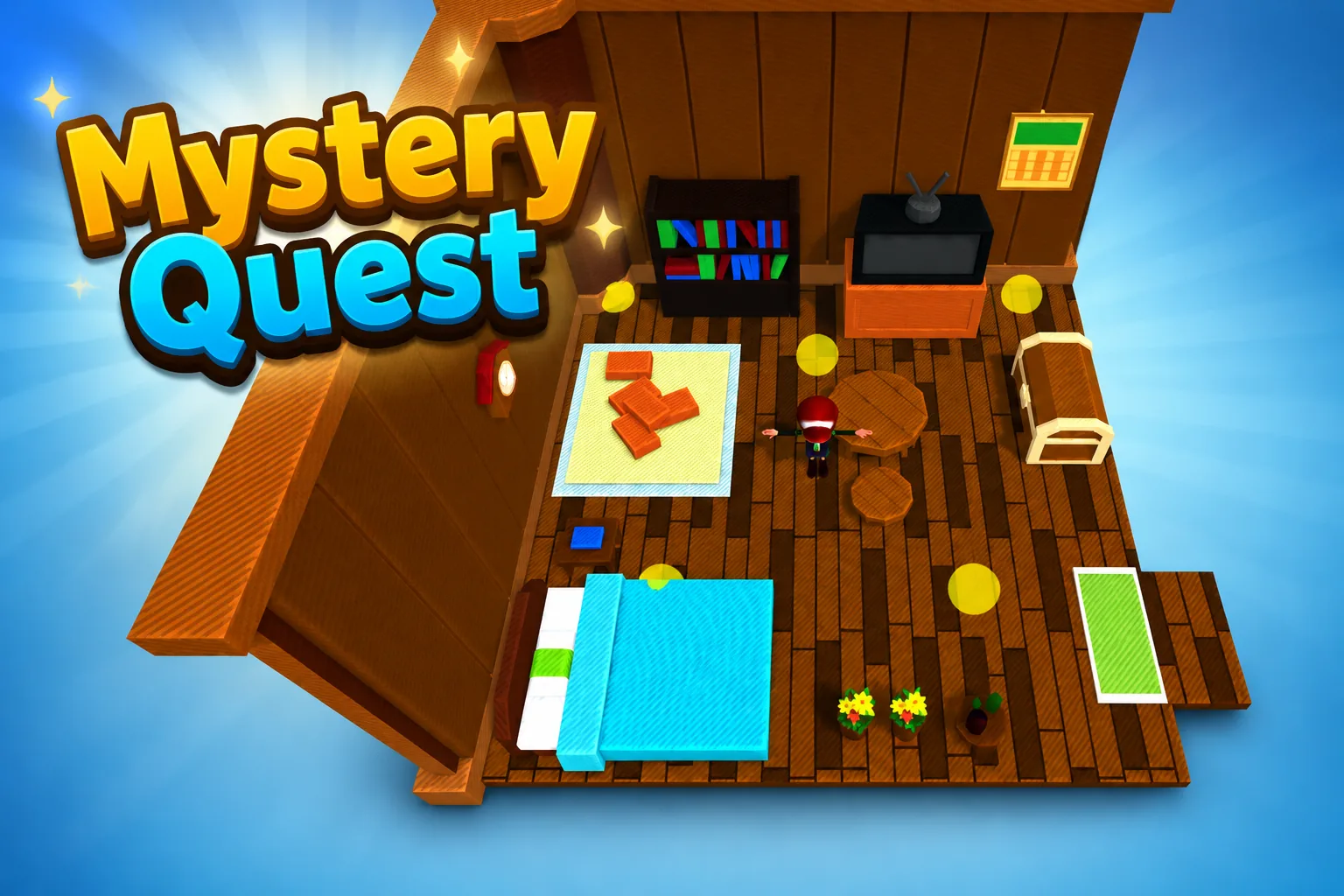 AdventureAdventure GamePlay game ↗
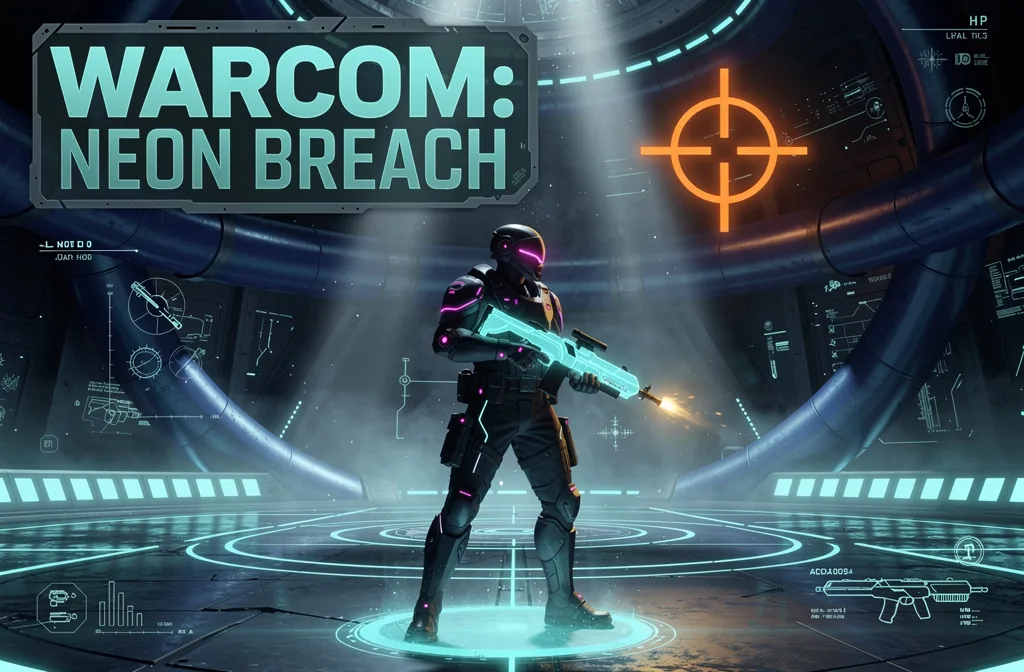 ShooterWarcom: Neon BreachPlay game ↗
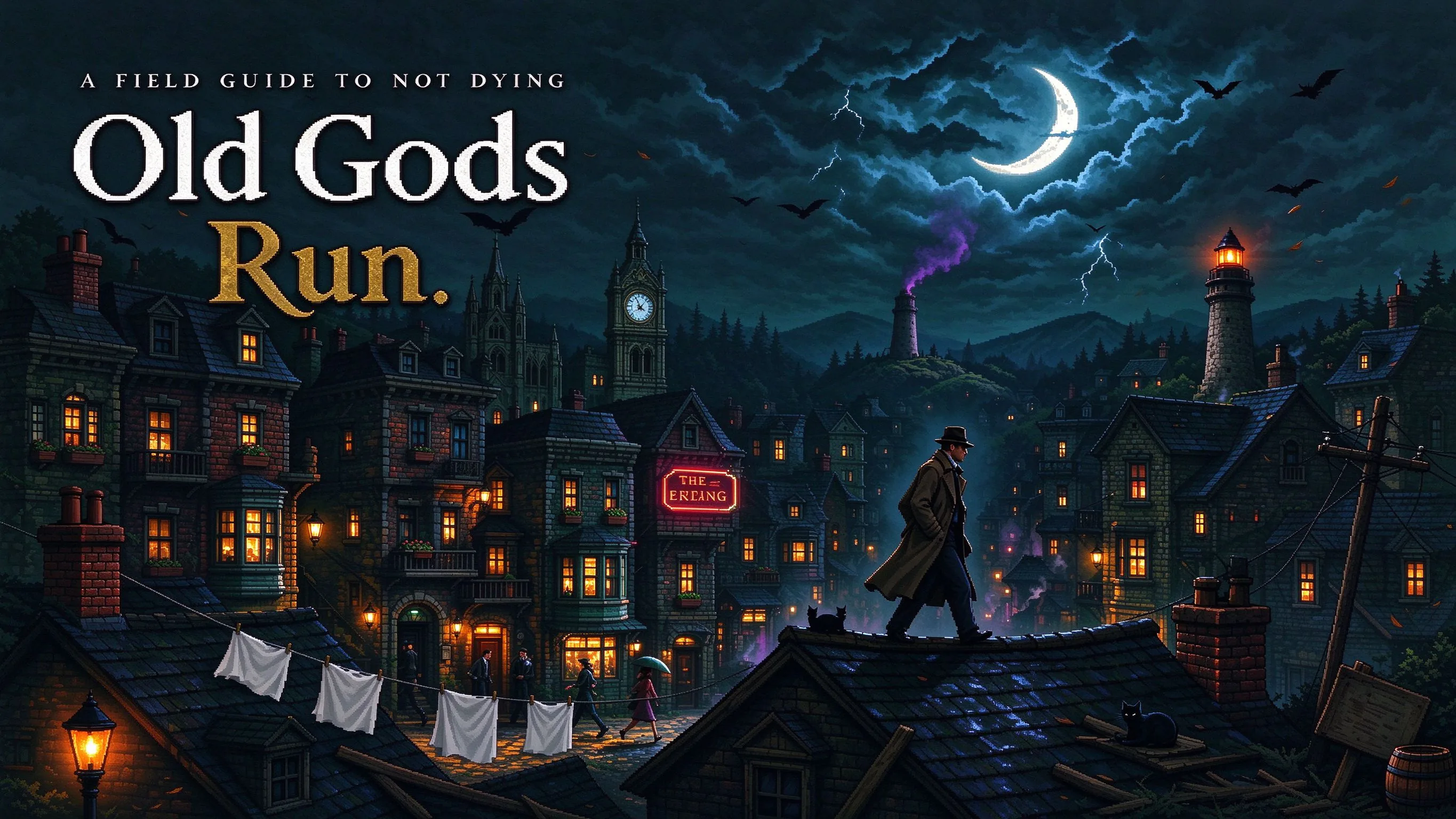 ActionOld Gods RunPlay game ↗
 CasualCaution! Egg on the Car RoofPlay game ↗
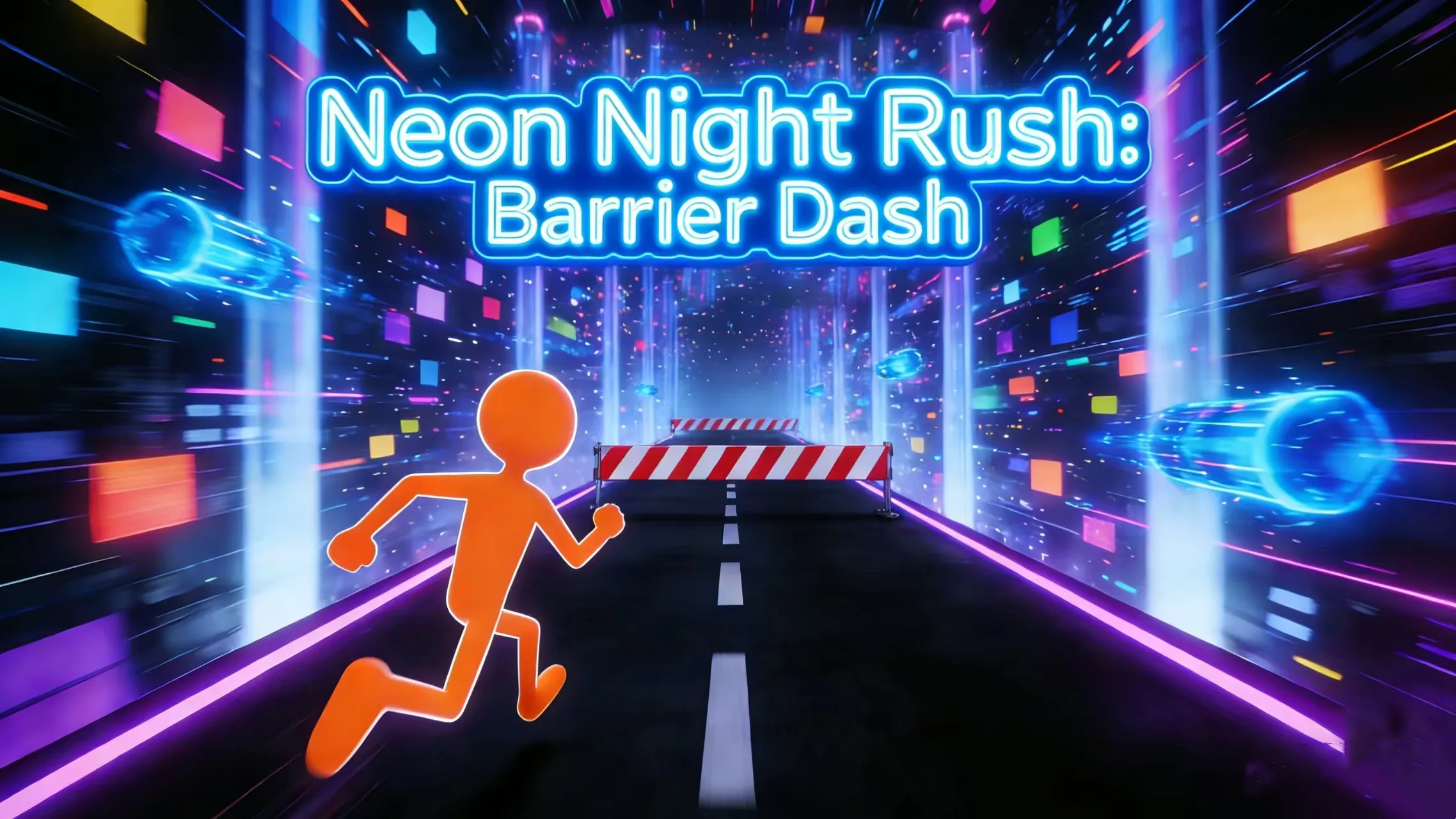 RunnerNeon Night Rush: Barrier DashPlay game ↗
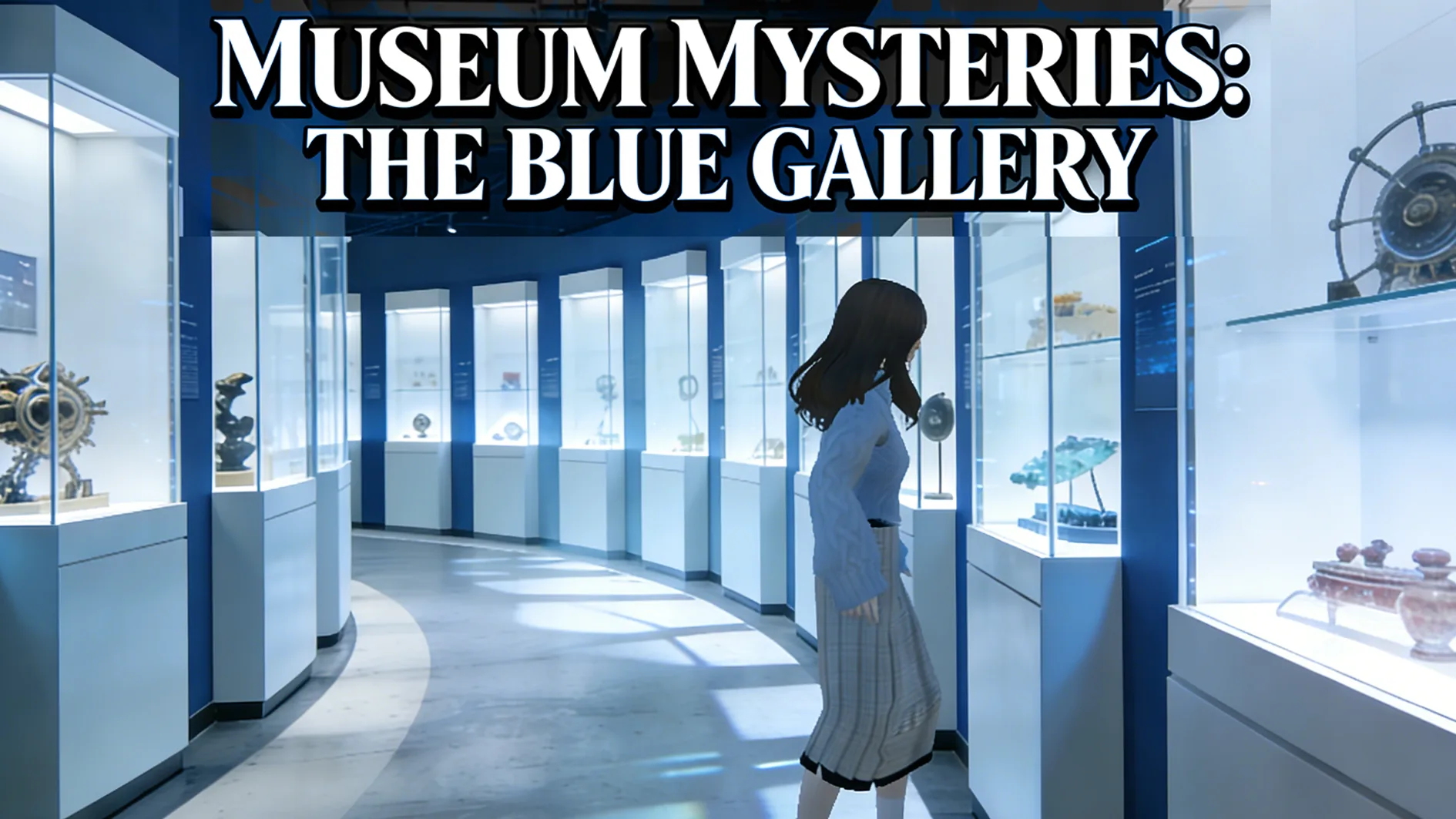 PuzzleMuseum ExhibitionPlay game ↗
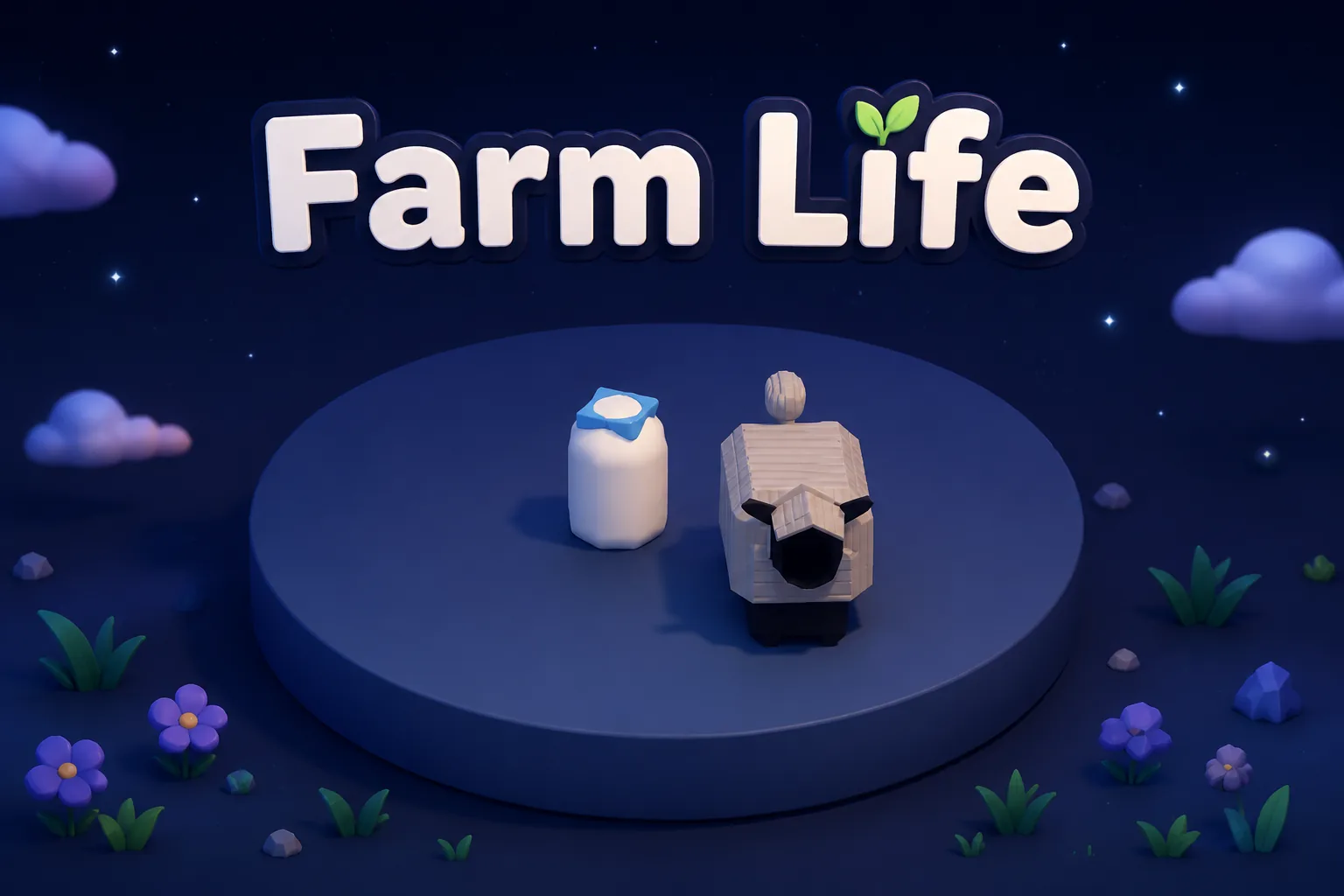 SimulationMilky Way Idle 3DPlay game ↗
 CasualSnowfall & Starry GiftsPlay game ↗
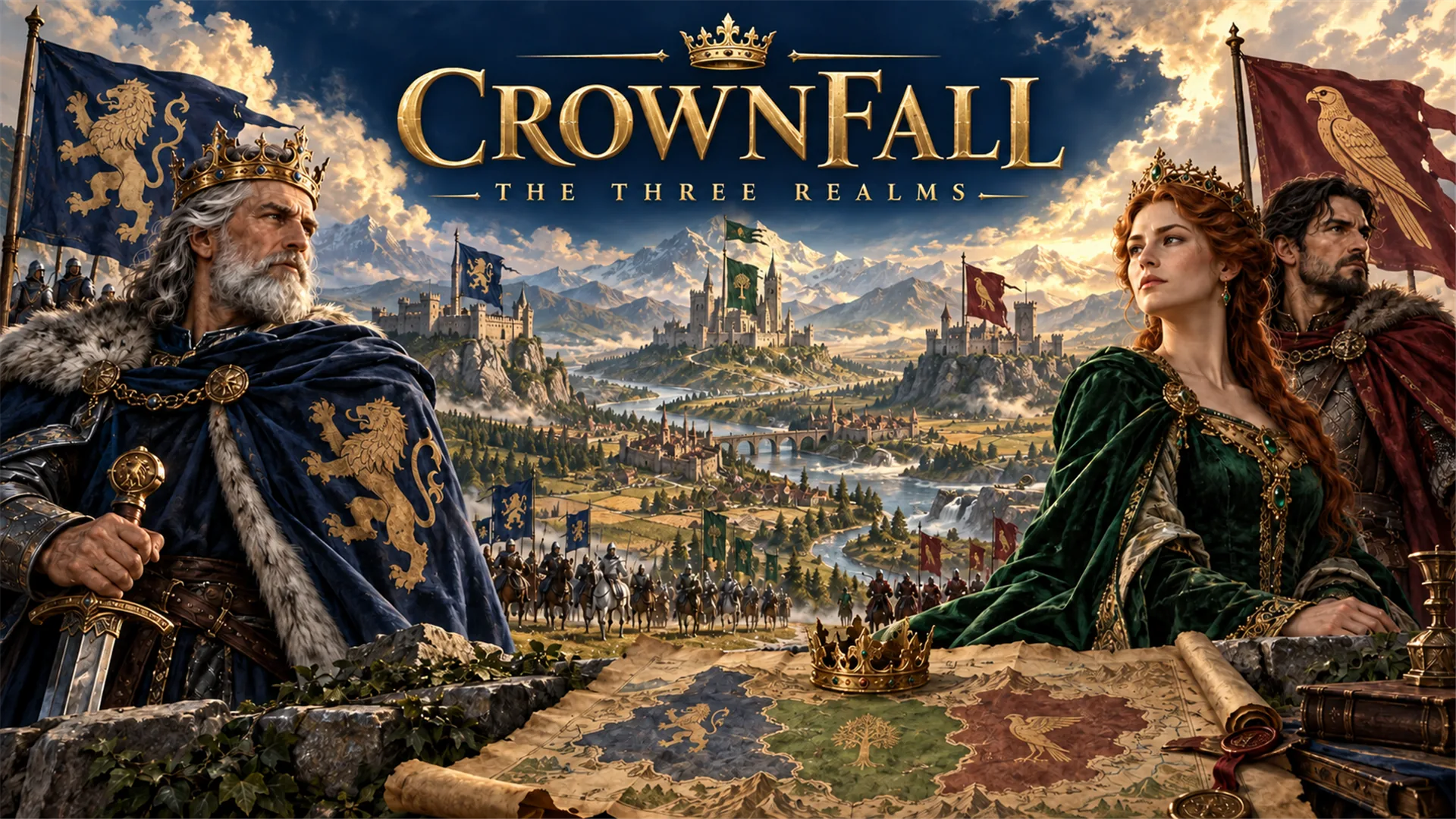 RPGCrownfall-The-Three-Realms-CoverPlay game ↗
 SimulationFLYING CARPlay game ↗
From related creative-production workflow searches to a workable prompt
Give a Create 3D Game with AI enough context to make the result specific, then test the part that matters to your project.
- 01
Describe The Target Outcome
Enter the game genre, visual style, platform, and scope. Seele AI reframes the request into a focused production prompt.
- 02
Structure The First Usable Pass
Choose constraints such as camera, controls, asset style, or narrative tone. The workflow organizes tasks, assets, and next prompts.
- 03
Continue In The Workspace
Launch the carried prompt and iterate with the generated direction. The workspace keeps the prompt context attached to the creation flow.
Why use it
Make the next decision with something real.
Focus on the parts of the idea that need a concrete result before the next decision.
How can this 3D model discovery and evaluation search group become a practical prompt?
Searches mapped to this route include “3d create” and “create a 3d”. Confirm the actual job and destination instead of assuming every wording is equivalent. Define the subject, destination, format, and performance budget. Review rights, geometry, scale, materials, and runtime behavior before use.
Try it nowAudience and purpose
You define who the experience serves and what a successful result needs to do.
Choose what comes next
Keep the important decisions yours.
The page can organize a proposal, but people still decide what is accurate, original, usable, and ready for the next stage.
Audience and purpose
You define who the experience serves and what a successful result needs to do.
Quality and continuity
You check factual fit, originality, continuity, accessibility, and whether the pieces work together.
Production and release
You decide what is ready for implementation, sharing, publishing, or another round of work.
Who it is for
Who is a Create 3D Game with AI for?
creators, designers, and small teams can use this page to make one project decision easier to test before a larger build or launch.
People with a specific project question
Searches mapped to this route include “ai create game”, “create a ai”, “create a game”, “create a game with ai”, and “how create a game”. Confirm the actual job and destination instead of assuming every wording is equivalent. Clarify output, inputs, destination, constraints, and reviewer. Use a reversible test, preserve editable source, and verify the real runtime result. AI-assisted output still needs human review for rights, editability, technical fit, and release readiness.
Teams comparing options
Searches mapped to this route include “how to create an game”, “how to create the game”, and “how to create your game”. Confirm the actual job and destination instead of assuming every wording is equivalent. Define success, test the smallest complete workflow, keep source and settings, and review the output against destination requirements.
Creators checking the details
Review quality, continuity, accessibility, rights, and publishing requirements before using the result in a real project.
A clearer first move
Create 3D Game with AI compared with a blank first pass
A useful first result gives the next decision something concrete to react to, without hiding the work that still needs human ownership.
SEELE AI on YouTube
See SEELE AI in action
Reviews, walkthroughs, and games made with SEELE AI by creators on YouTube.




FAQ
Questions about Create 3D Game with AI
What is Create 3D Game with AI? +
Create 3D Game with AI is a Seele AI workflow for creators who need to build a scoped 3D scene, world, and gameplay prototype. It turns a short intent into a structured prompt and production checklist.
Can I start with a rough idea? +
Yes. Add the genre, style, target platform, and one constraint. The workflow turns that rough input into a clearer workspace prompt.
What should I review before production? +
Review gameplay fit, art direction, rights, performance, and any publishing requirements before treating the output as production ready.
Try Create 3D Game with AI
Describe the job, test one version, and decide what to do next inside SEELE AI.
Start creating