
No-Code Game Creation
Create games by simply describing what you want in plain English. SEELE AI generates all code, game logic, and mechanics automatically. No programming experience required—just your imagination and our AI game maker.
Try it now
Compare game generator AI workflows with Unity development. SEELE AI is built for faster prototyping, while Unity remains the heavier environment for deep…
Start with free starter credits
Shape an idea, make it playable, and share it with the people who will play.

Start with a spark, a world, or a what-if worth exploring.
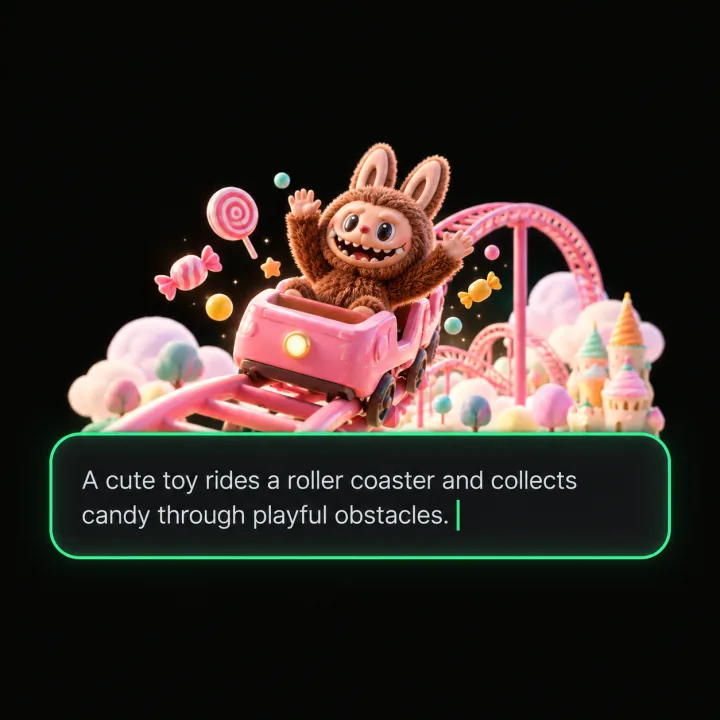
Turn the idea into a prompt with a player, a goal, and a core loop.
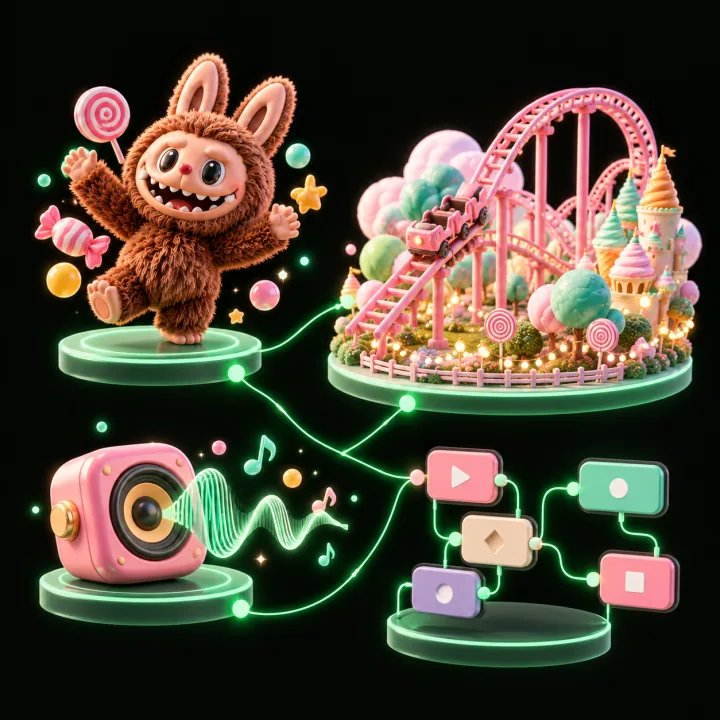
Shape the characters, environments, and systems that make it playable.
Try the game, tune the experience, and get it ready to share.
Invite others to explore the world you made.
Examples
Start with a direction that resembles your project, then change the mechanics, look, or audience before you build further.
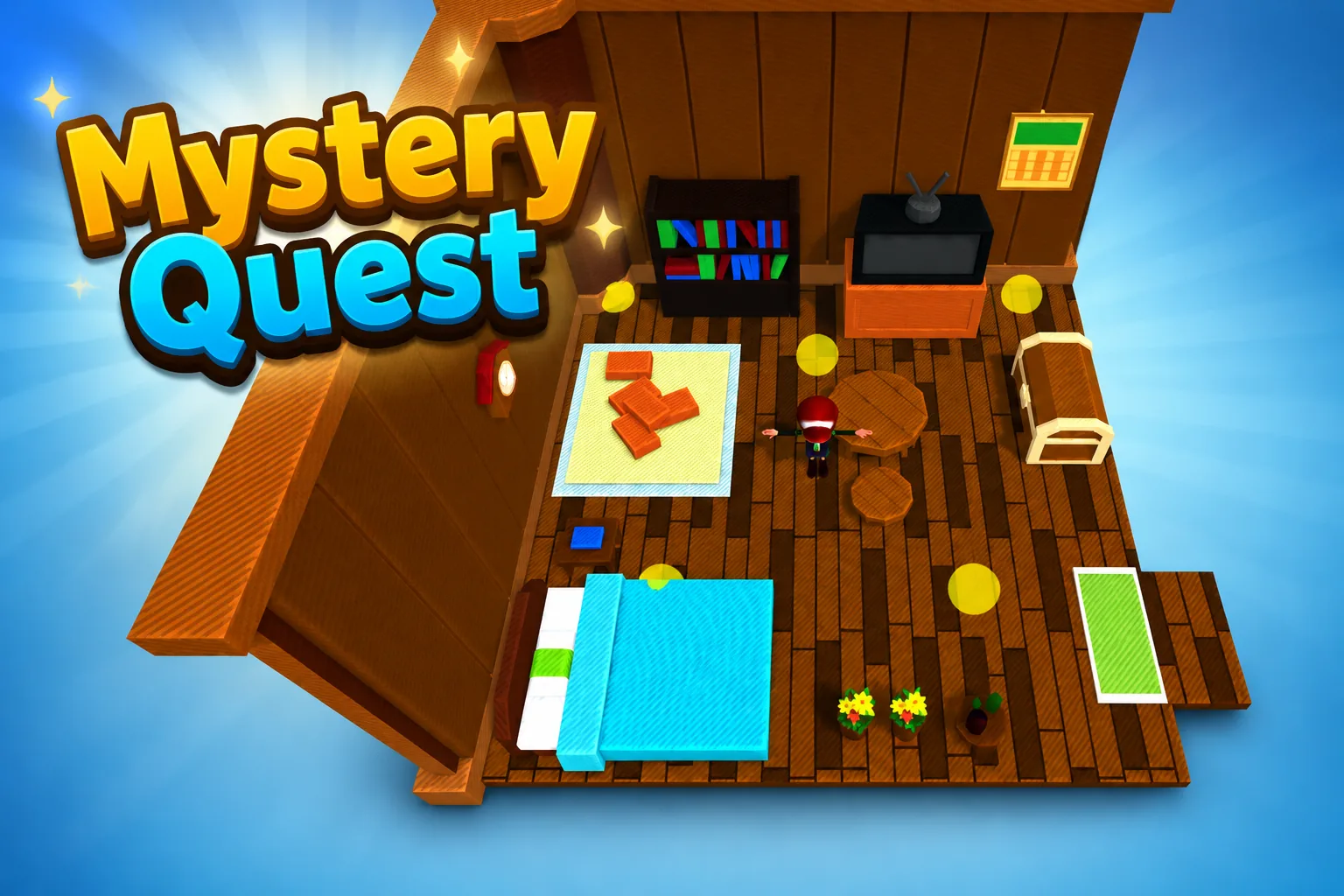 AdventureAdventure GamePlay game ↗
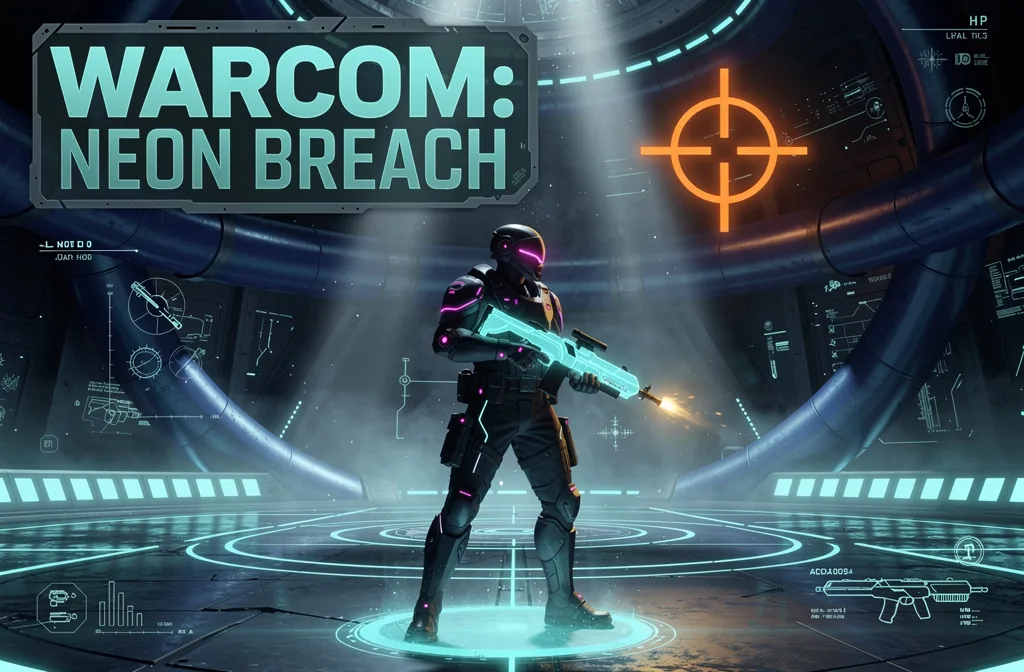 ShooterWarcom: Neon BreachPlay game ↗
 ActionOld Gods RunPlay game ↗
 CasualCaution! Egg on the Car RoofPlay game ↗
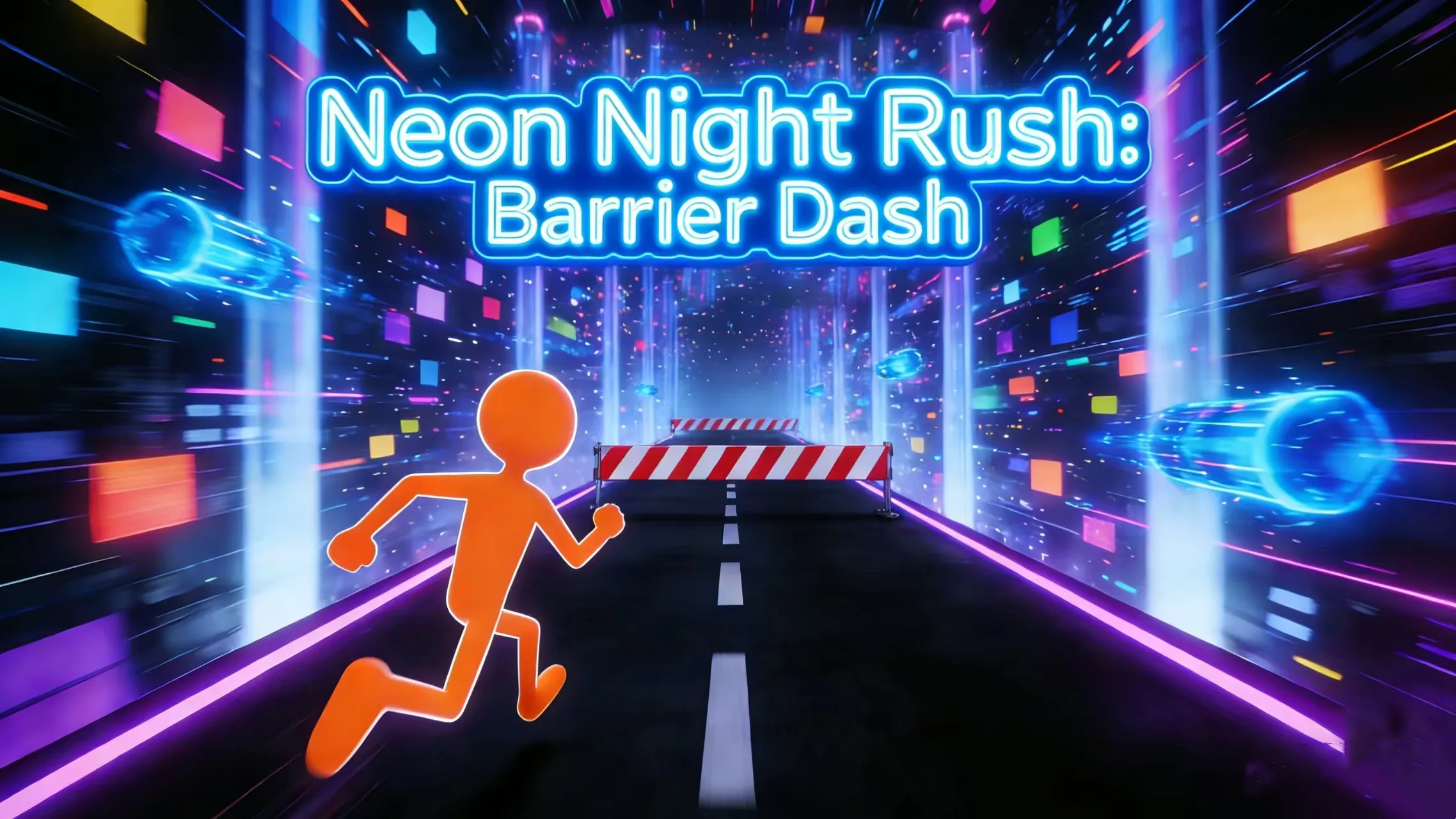 RunnerNeon Night Rush: Barrier DashPlay game ↗
 PuzzleMuseum ExhibitionPlay game ↗
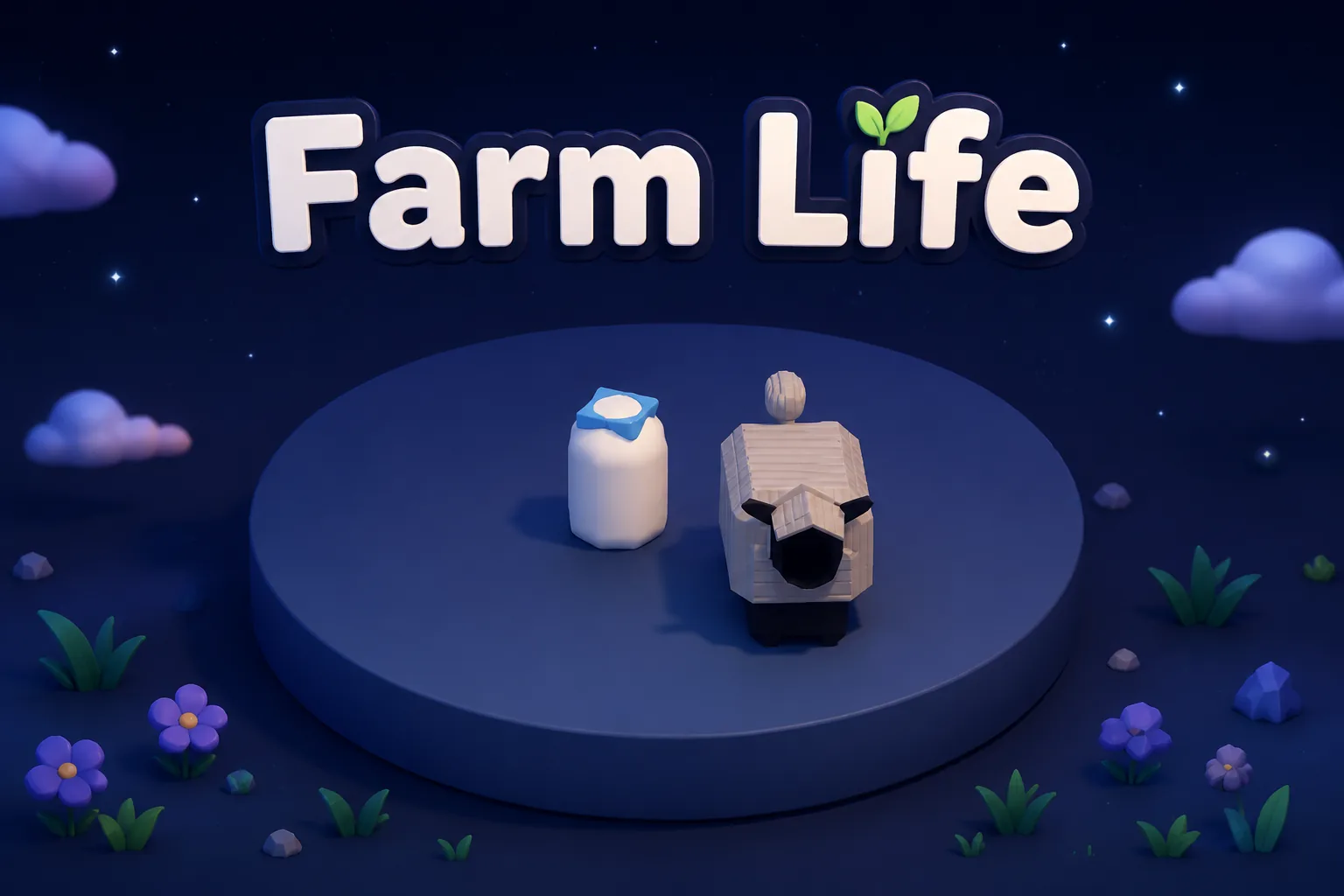 SimulationMilky Way Idle 3DPlay game ↗
 CasualSnowfall & Starry GiftsPlay game ↗
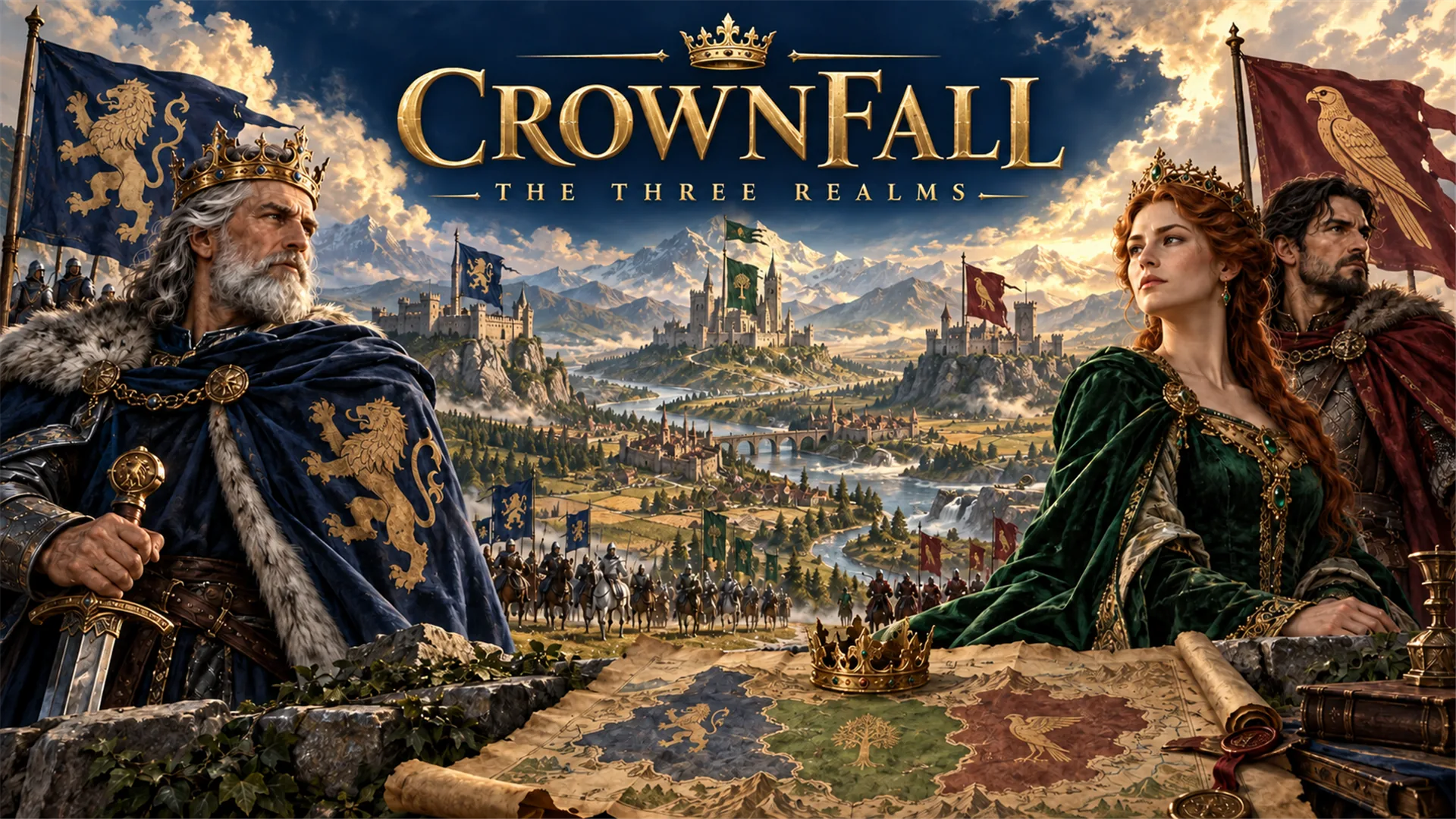 RPGCrownfall-The-Three-Realms-CoverPlay game ↗
 SimulationFLYING CARPlay game ↗
Give a Game Generator AI vs Unity -… enough context to make the result specific, then test the part that matters to your project.
Searches mapped to this route include “how to make a game on the unity engine”, “how to make a game with unity engine”, and “is the unity engine free”. Confirm the actual job and destination instead of assuming every wording is equivalent. Clarify output, inputs, destination, constraints, and reviewer. Use a reversible test, preserve editable source, and verify the real runtime result. Free access, sign-up rules, limits, and commercial rights can change; verify the current official terms. Third-party names are comparison or compatibility context, not affiliation; verify current official documentation and licenses.
Use an example or write your own prompt. Look at the main interaction, structure, visual choices, and scope together.
Take the useful parts into the workspace and record the implementation, quality, rights, and publishing work that remains.
Why use it
Focus on the parts of the idea that need a concrete result before the next decision.
Create games by simply describing what you want in plain English. SEELE AI generates all code, game logic, and mechanics automatically. No programming experience required—just your imagination and our AI game maker.
Try it nowExport complete Unity project packages or deploy instant browser games with Three.js. Unreal Engine 5 support is available to subscription users. Unlike other game makers that only support web, SEELE AI gives you professional-grade engine exports for serious game development.
Try it nowGenerate everything your game needs: 2D sprites with transparent backgrounds, sprite sheet animations, 3D models with PBR textures, background music, sound effects, and character voices. Access an extensive library of pre-built animations or create custom ones. All in one platform—no need for multiple tools.
Try it nowYou define who the experience serves and what a successful result needs to do.
Choose what comes next
The page can organize a proposal, but people still decide what is accurate, original, usable, and ready for the next stage.
You define who the experience serves and what a successful result needs to do.
You check factual fit, originality, continuity, accessibility, and whether the pieces work together.
You decide what is ready for implementation, sharing, publishing, or another round of work.
Who it is for
developers, technical artists, and prototype owners can use this page to make one project decision easier to test before a larger build or launch.
Prototype game ideas quickly without spending months on basic mechanics. Create your own game online, test gameplay loops, and iterate fast. Perfect for solo developers and small teams who search for "build your own game free" or "free game making software".
Teach game design and programming concepts without overwhelming students with syntax. Answer "how to create your own game" with hands-on learning. Great for classrooms exploring "make a game without coding for free" approaches to STEM education.
Create interactive content for YouTube, Twitch, or just for fun. Make your own game online without technical barriers. Perfect for streamers, YouTubers, and hobbyists who want to "make a game" and share it instantly.
A clearer first move
See how SEELE AI's free game maker compares to other online game creation tools.
SEELE AI on YouTube
Reviews, walkthroughs, and games made with SEELE AI by creators on YouTube.
FAQ
Game generator AI is better when speed matters most: idea validation, landing-page demos, quick mechanic tests, and low-overhead collaboration before a full production sprint. The free plan is perfect for hobbyists, students, and indie developers getting started with game creation.
Stay in Unity when you need custom rendering pipelines, deep engine integrations, complex monetization systems, or exact runtime behavior that benefits from direct engineering control. You don't need to learn programming languages, game engines, or complex tools—just bring your ideas.
SEELE AI currently supports Unity and Three.js (WebGL) exports, allowing you to create both downloadable Unity projects and browser-based games. Unreal Engine 5 support is available to subscription users, making SEELE the only game maker with triple-engine architecture. This multi-engine support is a major advantage over competitors like Rosebud AI that only support web deployment.
Describe the job, test one version, and decide what to do next inside SEELE AI.
Start creating