
2. Scope the level sequence
You: Set the number of levels, target session length, and what each level teaches.
Try it now
Use SEELE AI as a game level generator: describe mechanics, progression, goals, and style, then create a browser-playable minigame prototype to test and refine.
Start with free starter credits
Shape an idea, make it playable, and share it with the people who will play.

Start with a spark, a world, or a what-if worth exploring.
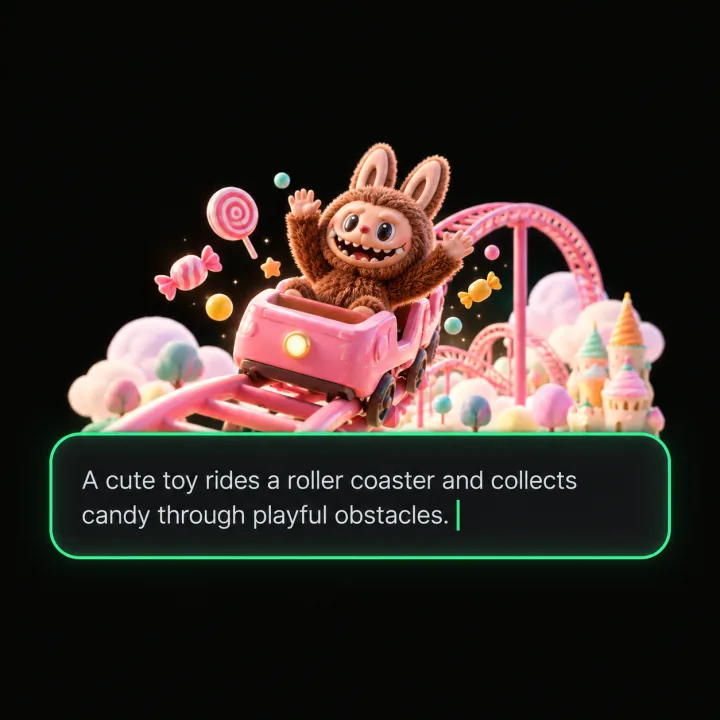
Turn the idea into a prompt with a player, a goal, and a core loop.
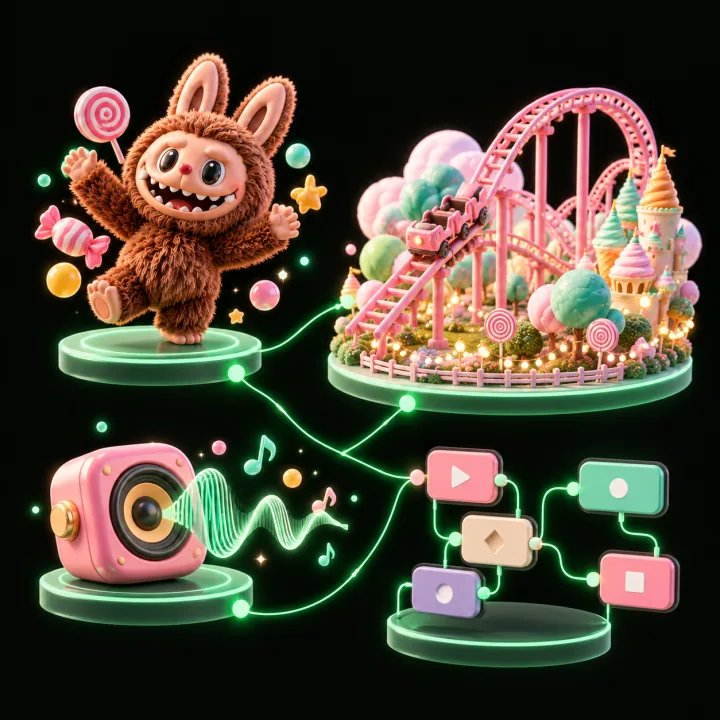
Shape the characters, environments, and systems that make it playable.
Try the game, tune the experience, and get it ready to share.
Invite others to explore the world you made.
Examples
Start with a direction that resembles your project, then change the mechanics, look, or audience before you build further.
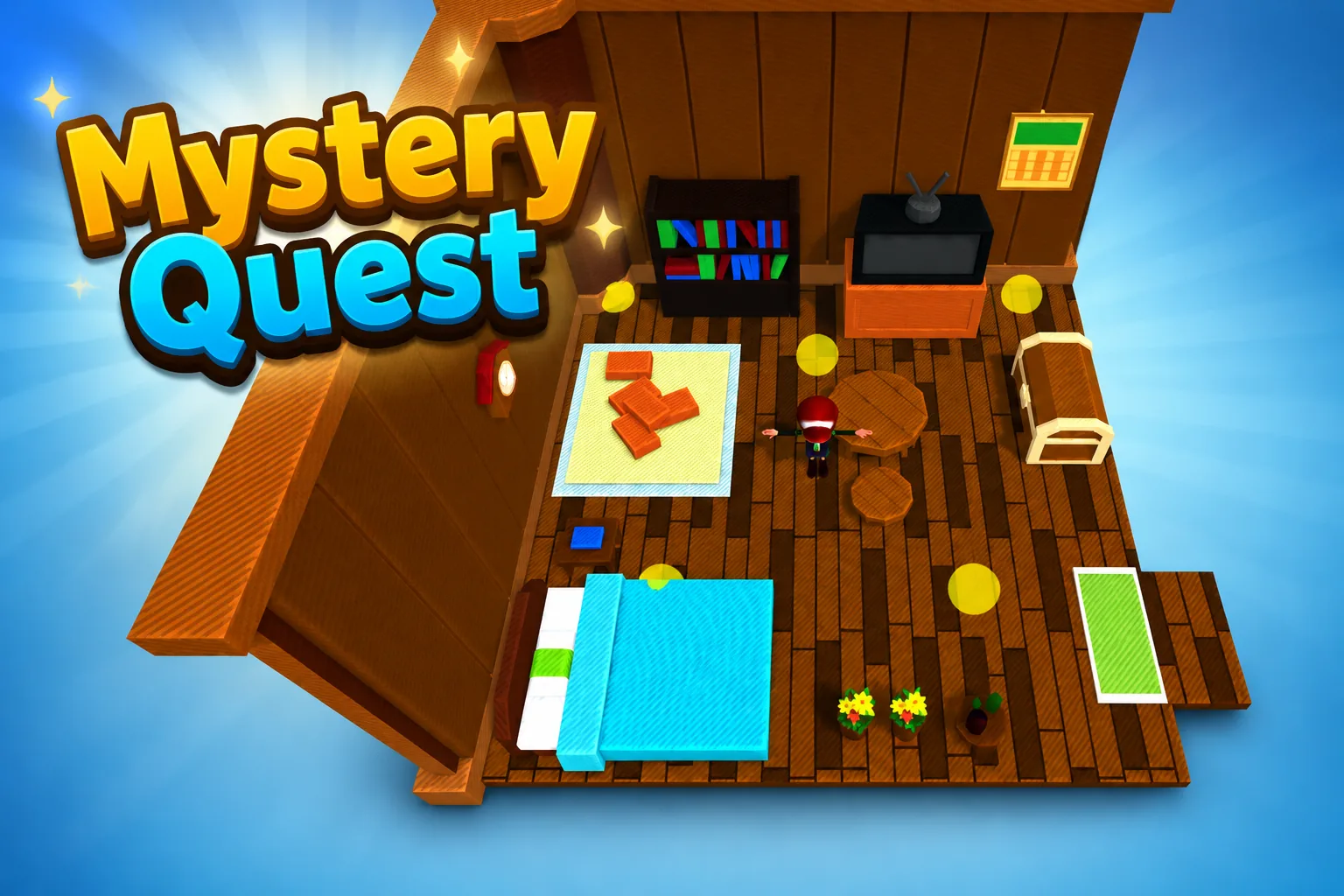 AdventureAdventure GamePlay game ↗
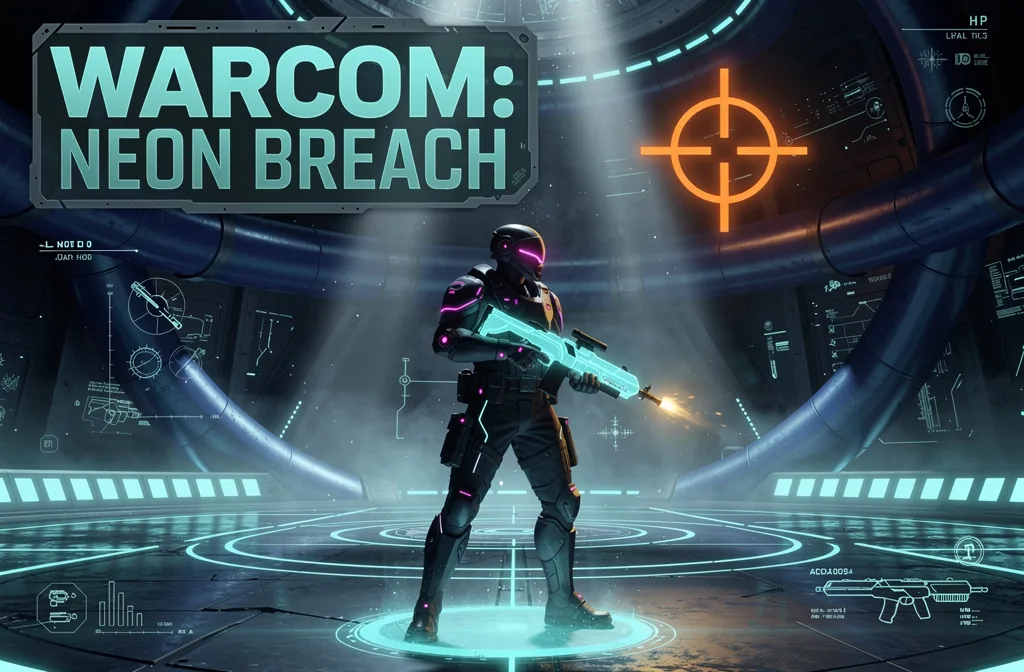 ShooterWarcom: Neon BreachPlay game ↗
 ActionOld Gods RunPlay game ↗
 CasualCaution! Egg on the Car RoofPlay game ↗
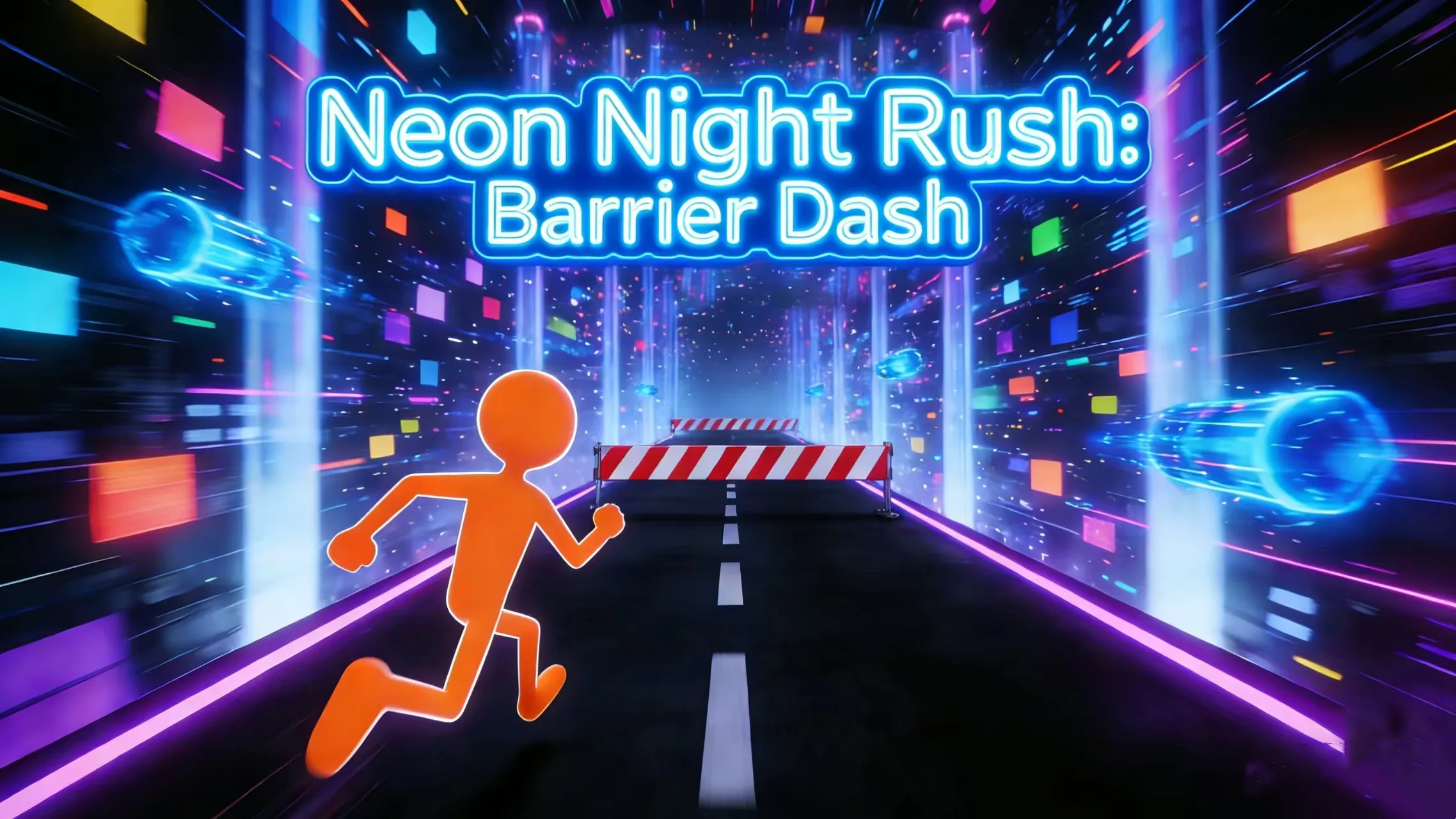 RunnerNeon Night Rush: Barrier DashPlay game ↗
 PuzzleMuseum ExhibitionPlay game ↗
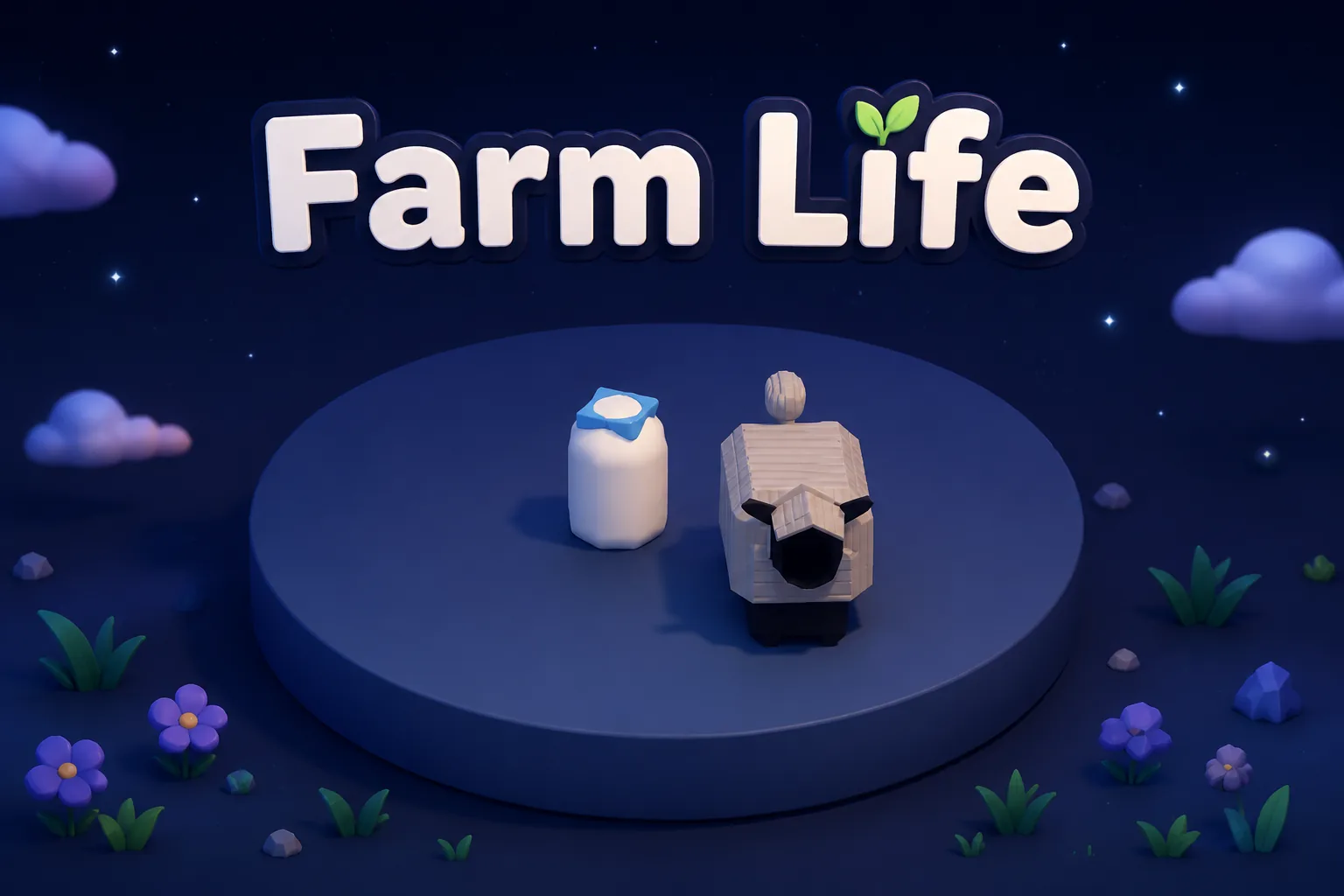 SimulationMilky Way Idle 3DPlay game ↗
 CasualSnowfall & Starry GiftsPlay game ↗
 RPGCrownfall-The-Three-Realms-CoverPlay game ↗
 SimulationFLYING CARPlay game ↗
Give a Game Level Generator for Playable Minigames enough context to make the result specific, then test the part that matters to your project.
Block out a small, testable level before spending time on production art or a larger game maker workflow.
Define one loop, short session length, clear goal, controls, and restart behavior for a focused minigame level generator prompt.
Compare layouts, hazard timing, objective placement, and progression while keeping acceptance criteria explicit.
Why use it
Focus on the parts of the idea that need a concrete result before the next decision.
You: Set the number of levels, target session length, and what each level teaches.
Try it nowYou: Specify camera, art direction, readable UI, hazards, collectibles, and restart behavior.
Try it nowYou: Test controls, objectives, collision, difficulty spikes, and soft-lock recovery.
Try it nowYou define who the experience serves and what a successful result needs to do.
Choose what comes next
The page can organize a proposal, but people still decide what is accurate, original, usable, and ready for the next stage.
You define who the experience serves and what a successful result needs to do.
You check factual fit, originality, continuity, accessibility, and whether the pieces work together.
You decide what is ready for implementation, sharing, publishing, or another round of work.
Who it is for
creators, designers, and small teams can use this page to make one project decision easier to test before a larger build or launch.
You: Compare the revision against explicit acceptance criteria before expanding scope.
Create five top-down space-station puzzle levels. Teach movement, switches, moving hazards, keys and locked exits, then combine them in a final challenge. Include instant restart and a clear win state.
Make a 60-second browser platformer level with run and jump controls, three checkpointed sections, readable hazards, one optional collectible route, and a finish gate visible from the start.
A clearer first move
A useful first result gives the next decision something concrete to react to, without hiding the work that still needs human ownership.
SEELE AI on YouTube
Reviews, walkthroughs, and games made with SEELE AI by creators on YouTube.
FAQ
A game level generator turns a level prompt—such as genre, mechanics, difficulty, objectives, controls, and visual direction—into a first-pass playable level or prototype structure that you can test and refine.
Yes. Ask for a sequence with explicit level count, mechanics, progression, and win conditions. Keep the first pass small, then play-test each level before expanding the set.
Yes. Scope the prompt to a short session, one core loop, clear controls, and a visible success state. The page CTAs open Workspace with the Minigames category selected.
Describe the job, test one version, and decide what to do next inside SEELE AI.
Start creating