
Playable First Pass
An editable cave or dungeon direction ready for navigation, encounter, and reward-loop playtesting.
Try it now
Generate a playable Godot dungeon crawler from a prompt. Shape cave exploration, rooms, monsters, treasure, combat, and progression in Seele AI.
Start with free starter credits
Shape an idea, make it playable, and share it with the people who will play.

Start with a spark, a world, or a what-if worth exploring.
Turn the idea into a prompt with a player, a goal, and a core loop.

Shape the characters, environments, and systems that make it playable.
Try the game, tune the experience, and get it ready to share.
Invite others to explore the world you made.
Examples
Start with a direction that resembles your project, then change the mechanics, look, or audience before you build further.
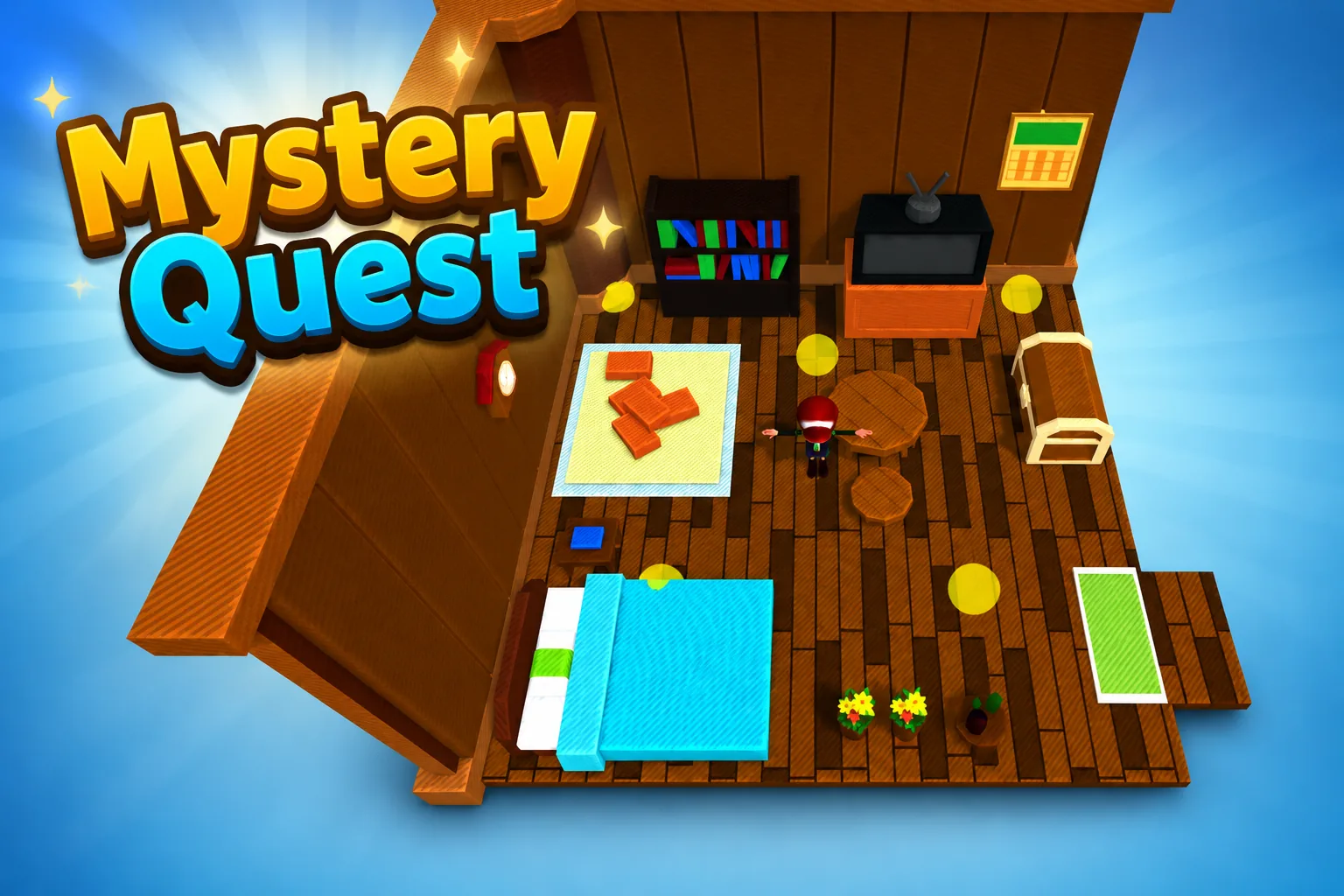 AdventureAdventure GamePlay game ↗
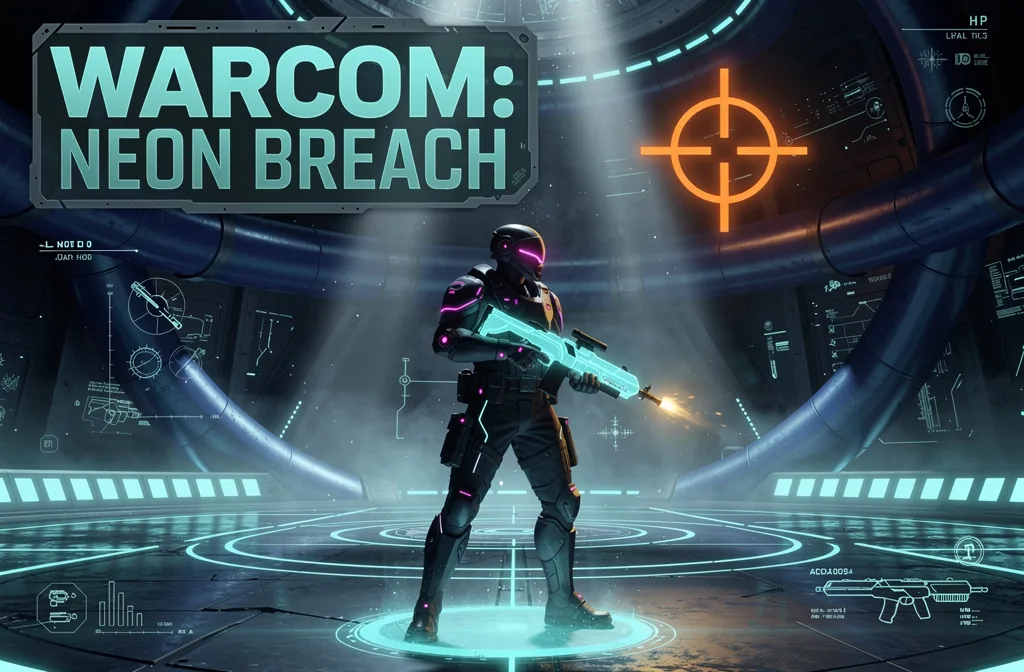 ShooterWarcom: Neon BreachPlay game ↗
 ActionOld Gods RunPlay game ↗
 CasualCaution! Egg on the Car RoofPlay game ↗
 RunnerNeon Night Rush: Barrier DashPlay game ↗
 PuzzleMuseum ExhibitionPlay game ↗
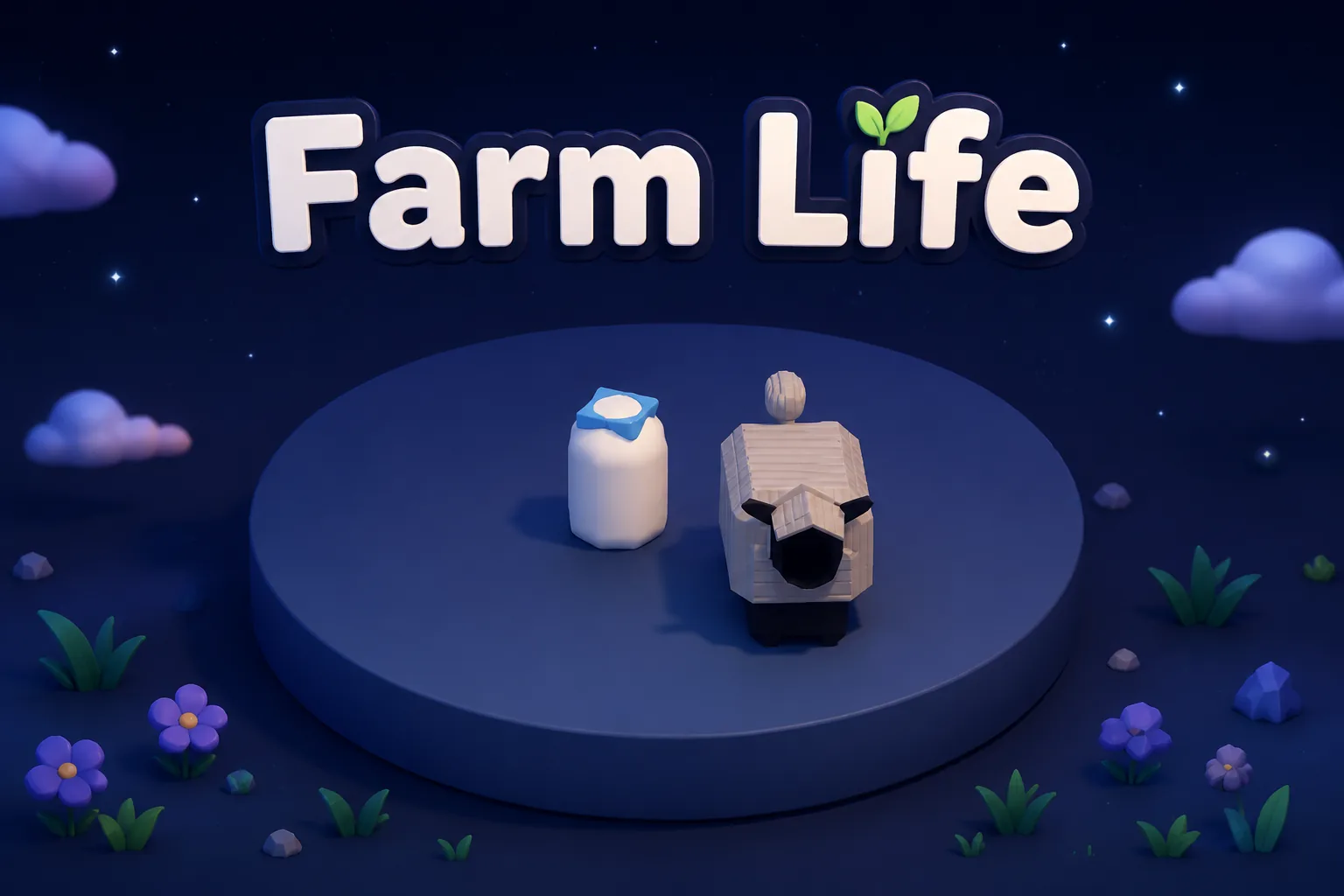 SimulationMilky Way Idle 3DPlay game ↗
 CasualSnowfall & Starry GiftsPlay game ↗
 RPGCrownfall-The-Three-Realms-CoverPlay game ↗
 SimulationFLYING CARPlay game ↗
Give a Godot Dungeon Crawler Generator enough context to make the result specific, then test the part that matters to your project.
Name the viewpoint, environment, room or cave structure, player goal, creature behavior, treasure, and visual direction.
Send the selected prompt to the workspace and create an editable dungeon crawler direction with connected exploration and encounter beats.
Test navigation, combat or avoidance, lighting, rewards, checkpoints, and the route to the exit, then request one targeted change at a time.
Why use it
Focus on the parts of the idea that need a concrete result before the next decision.
An editable cave or dungeon direction ready for navigation, encounter, and reward-loop playtesting.
Try it nowConcrete checks for controls, collisions, enemy behavior, readability, difficulty, performance, and exports.
Try it nowYou define who the experience serves and what a successful result needs to do.
Choose what comes next
The page can organize a proposal, but people still decide what is accurate, original, usable, and ready for the next stage.
You define who the experience serves and what a successful result needs to do.
You check factual fit, originality, continuity, accessibility, and whether the pieces work together.
You decide what is ready for implementation, sharing, publishing, or another round of work.
Who it is for
developers, technical artists, and prototype owners can use this page to make one project decision easier to test before a larger build or launch.
Define the viewpoint, starting room, landmarks, locked paths, hidden spaces, and a readable exit so navigation can be tested from the first pass.
State whether creatures should be avoided or defeated, then specify attack timing, danger cues, health rules, and what ends an encounter.
Name treasure, keys, upgrades, checkpoints, and completion conditions so every room contributes to a clear dungeon-crawl loop.
A clearer first move
A useful first result gives the next decision something concrete to react to, without hiding the work that still needs human ownership.
SEELE AI on YouTube
Reviews, walkthroughs, and games made with SEELE AI by creators on YouTube.
FAQ
A Godot dungeon crawler generator turns a plain-language game prompt into an editable playable direction for a cave or dungeon experience. You can describe exploration, room structure, creatures, combat, treasure, lighting, and progression, then review the generated result in the Seele AI workspace. Treat the first pass as a prototype that still needs playtesting and technical review.
Yes. Start with a natural-language prompt that names the viewpoint, environment, player goal, encounter style, rewards, and visual direction. Seele AI carries that prompt into the workspace and produces a first playable direction for iteration. You should still inspect scene structure, scripts, collisions, controls, performance, and exports before extending or releasing the project.
Include the camera perspective, room or cave layout, exploration goal, enemy behavior, combat or avoidance rules, treasure, checkpoints, and lighting. Concrete constraints such as three connected rooms, one locked door, readable torch placement, and a clear exit make the result easier to evaluate. Add one refinement at a time after testing the first pass.
Describe the job, test one version, and decide what to do next inside SEELE AI.
Start creating