
Generate the touch
SEELE AI builds a 10–60 second browser MemePlay from your prompt—one gesture, instant feedback, a twist, and a result.
Try it now
Shape an original 10–60 second MemePlay with one gesture, instant feedback, a funny failure, and a screenshotable result, then prepare a manual handoff…
Start with free starter credits
Shape an idea, make it playable, and share it with the people who will play.
Start with a spark, a world, or a what-if worth exploring.
Turn the idea into a prompt with a player, a goal, and a core loop.
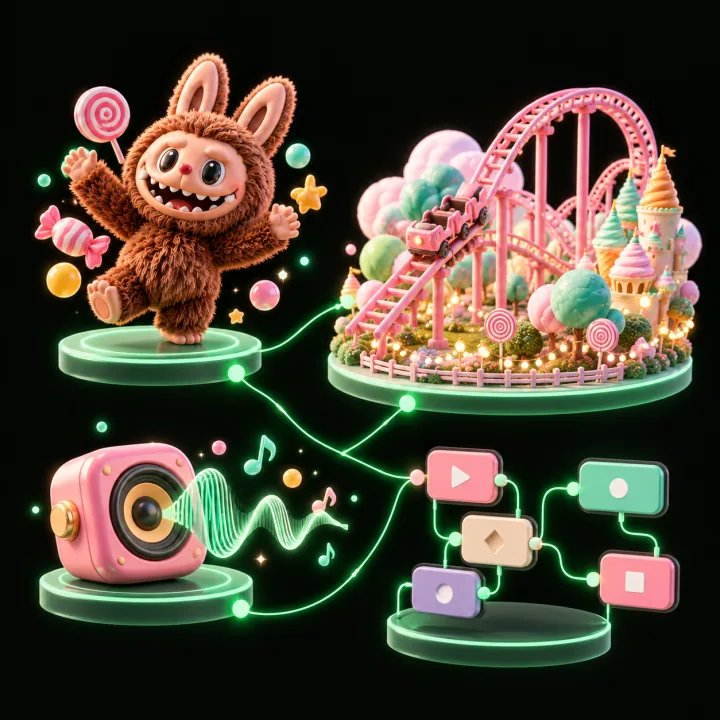
Shape the characters, environments, and systems that make it playable.
Try the game, tune the experience, and get it ready to share.
Invite others to explore the world you made.
Examples
Start with a direction that resembles your project, then change the mechanics, look, or audience before you build further.
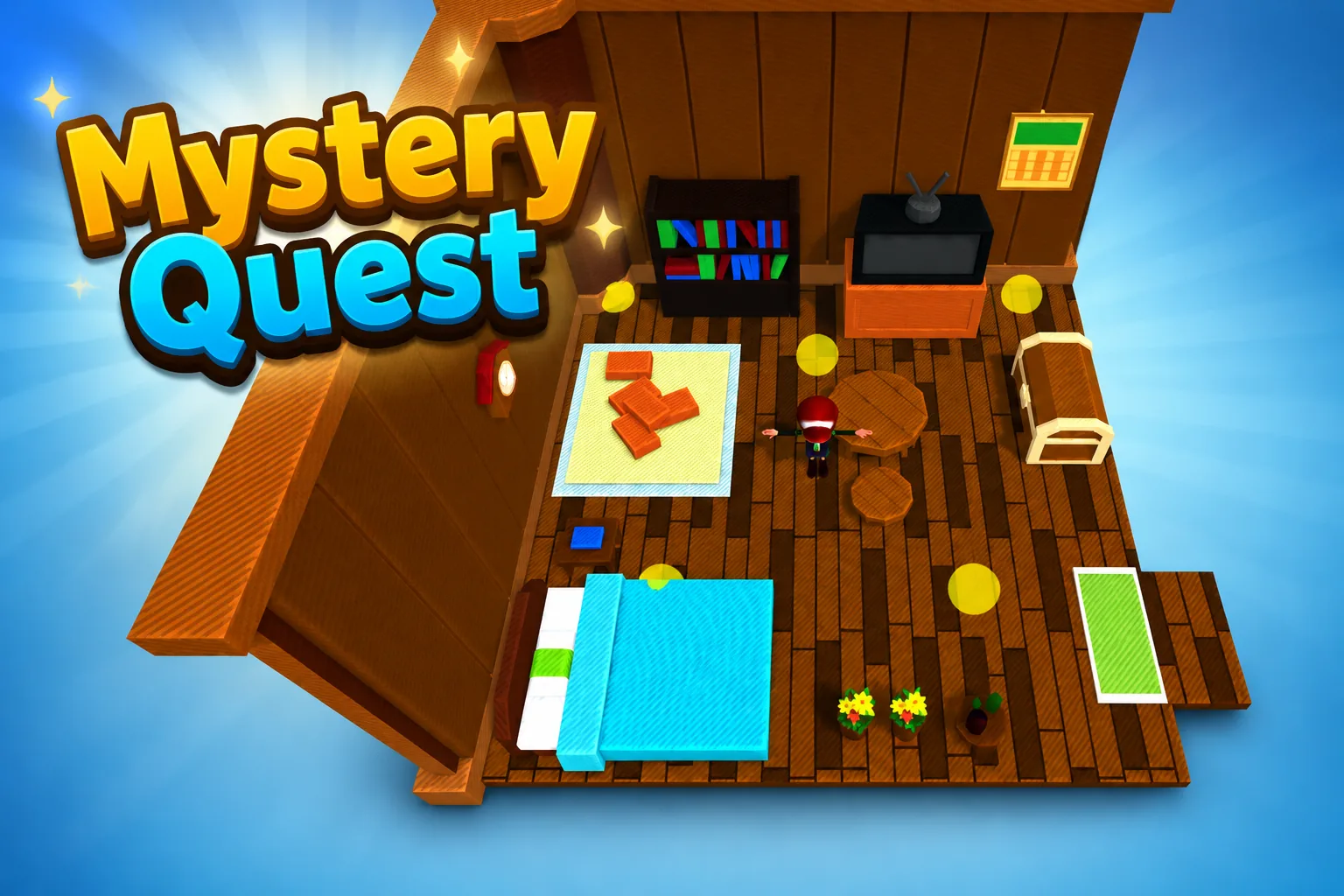 AdventureAdventure GamePlay game ↗
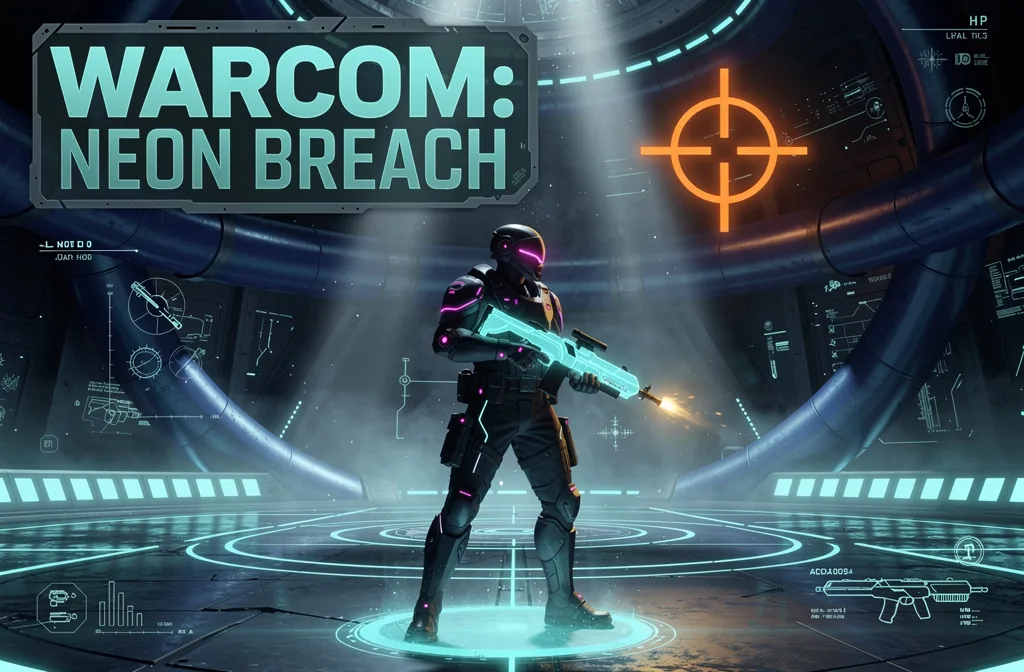 ShooterWarcom: Neon BreachPlay game ↗
 ActionOld Gods RunPlay game ↗
 CasualCaution! Egg on the Car RoofPlay game ↗
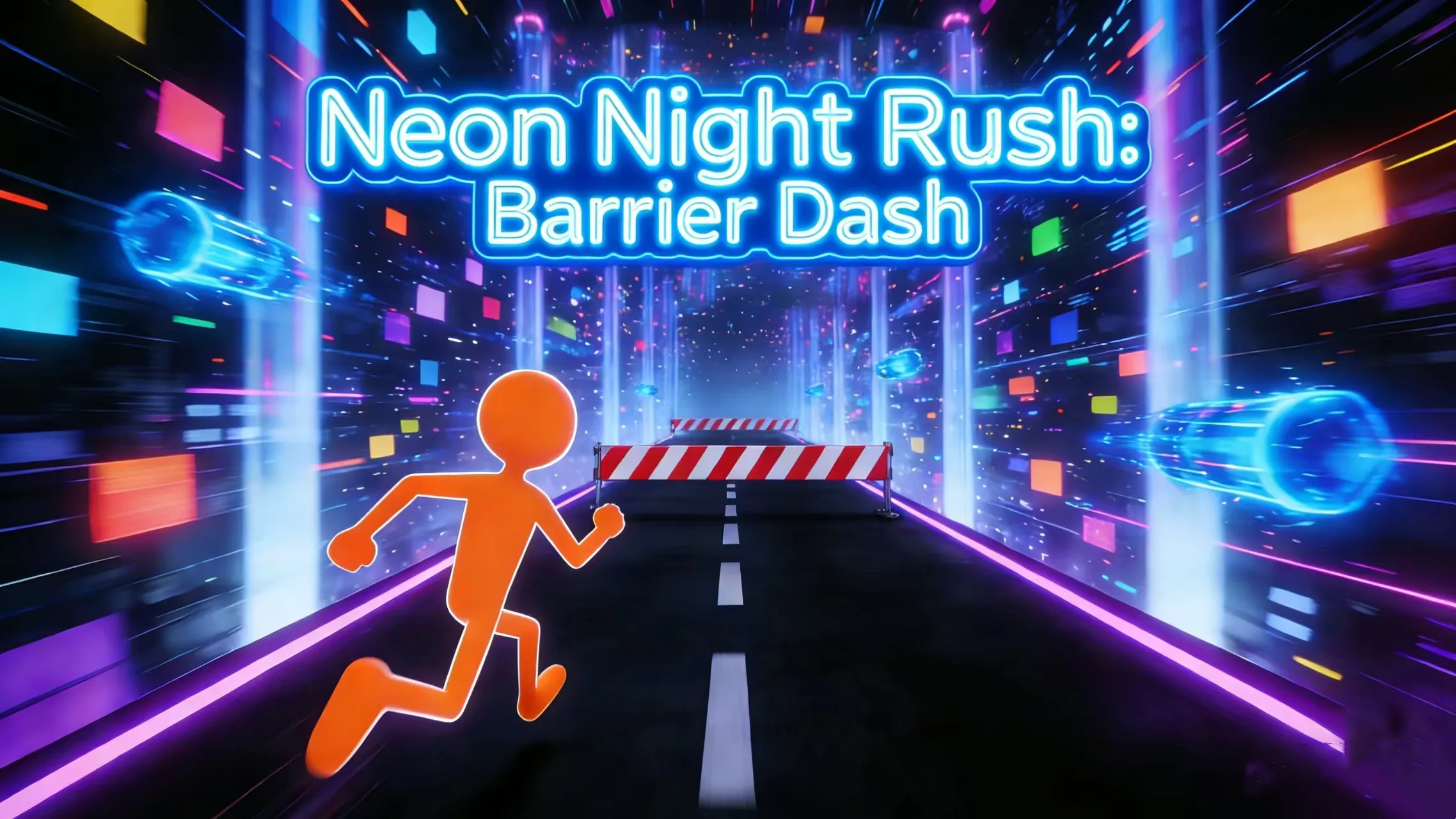 RunnerNeon Night Rush: Barrier DashPlay game ↗
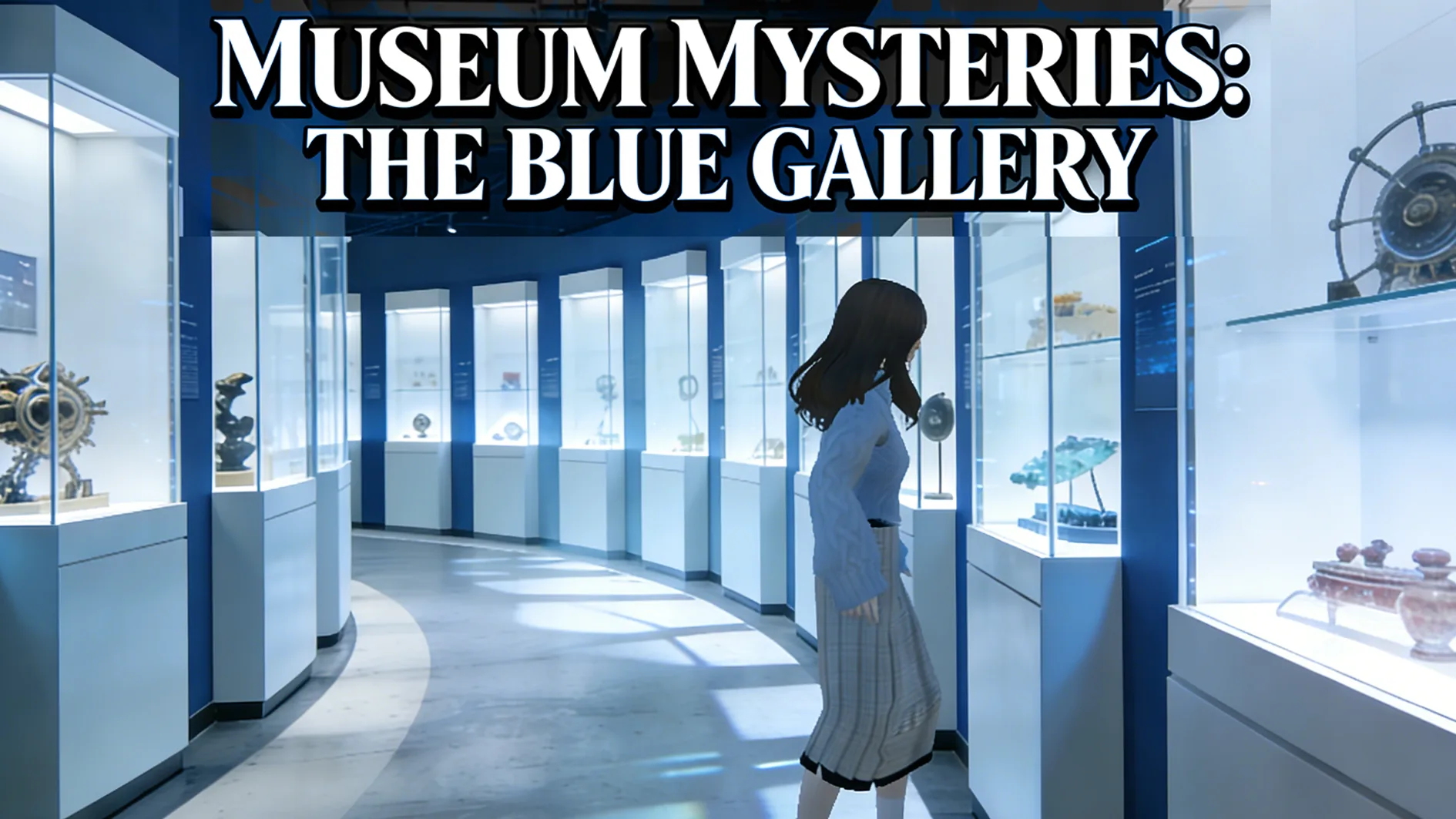 PuzzleMuseum ExhibitionPlay game ↗
 SimulationMilky Way Idle 3DPlay game ↗
 CasualSnowfall & Starry GiftsPlay game ↗
 RPGCrownfall-The-Three-Realms-CoverPlay game ↗
 SimulationFLYING CARPlay game ↗
Give a MemePlay Generator enough context to make the result specific, then test the part that matters to your project.
Pick a timely hook or study a public reference, then name the one gesture, object, emotion, and payoff.
SEELE AI builds a 10–60 second browser MemePlay from your prompt—one gesture, instant feedback, a twist, and a result.
Play-test every path, fix one measurable issue at a time, then package a neutral prompt for manual workflow handoff.
Why use it
Focus on the parts of the idea that need a concrete result before the next decision.
SEELE AI builds a 10–60 second browser MemePlay from your prompt—one gesture, instant feedback, a twist, and a result.
Try it nowPlay-test every path, fix one measurable issue at a time, then package a neutral prompt for manual workflow handoff.
Try it nowEach button writes a full prompt into the prompt above, keeping submit, login recovery, and attribution intact.
Try it nowYou define who the experience serves and what a successful result needs to do.
Choose what comes next
The page can organize a proposal, but people still decide what is accurate, original, usable, and ready for the next stage.
You define who the experience serves and what a successful result needs to do.
You check factual fit, originality, continuity, accessibility, and whether the pieces work together.
You decide what is ready for implementation, sharing, publishing, or another round of work.
Who it is for
creators, designers, and small teams can use this page to make one project decision easier to test before a larger build or launch.
Start broad, or narrow the workflow by gesture, format, or input style.
These load original starting briefs. They are not finished works or ready templates.
Use these directions to compare patterns, find a gesture, or turn a how-to question into a testable prompt.
A clearer first move
A useful first result gives the next decision something concrete to react to, without hiding the work that still needs human ownership.
SEELE AI on YouTube
Reviews, walkthroughs, and games made with SEELE AI by creators on YouTube.
FAQ
It creates a reviewable first version of AI-native playable content: a 10–60 second experience understood in about three seconds, controlled by one primary gesture, with instant feedback, a climax or twist, a result, and replay, share, or remix paths.
MemePlay is consumed more like short-form content. Its value is one touchable moment, not a long system built around levels, progression, an economy, or long-term retention.
A default remake keeps only observable mechanics, controls, and pacing. Theme, characters, art, music, copy, values, interface, and code are regenerated; source code is never exported and unauthorized assets are not reused.
Describe the job, test one version, and decide what to do next inside SEELE AI.
Start creating