2. Set anatomical fidelity, surface age, damage, teeth, and symmetry.
You: Provide the source, intended use, and constraints for this step.
Try it now
Define anatomy, species, surface history, and destination constraints for a more useful skull 3D model direction.
Start with free starter credits
Shape an idea, make it playable, and share it with the people who will play.

Start with a spark, a world, or a what-if worth exploring.
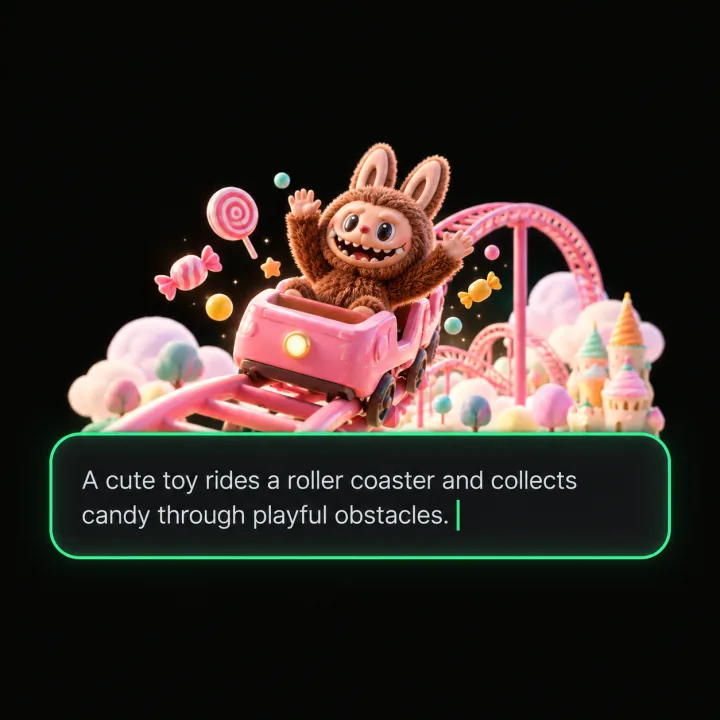
Turn the idea into a prompt with a player, a goal, and a core loop.
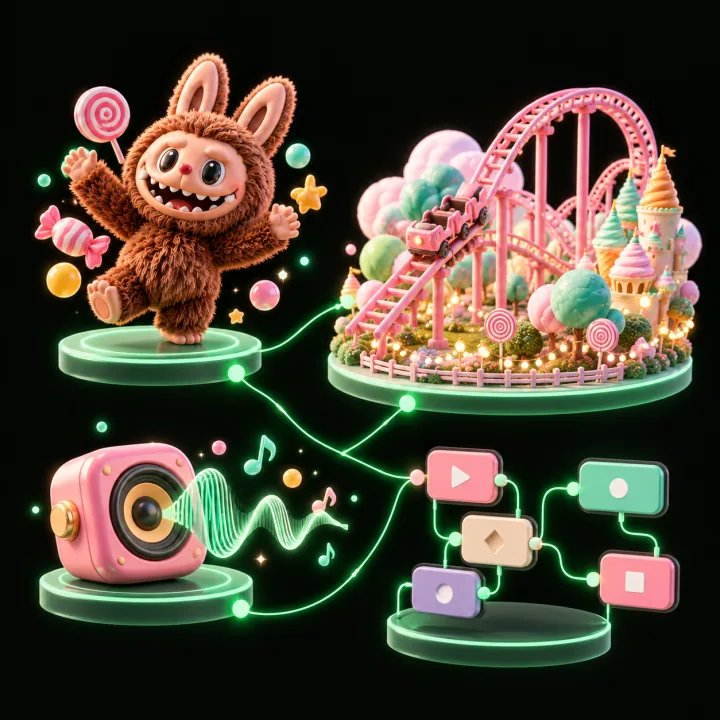
Shape the characters, environments, and systems that make it playable.
Try the game, tune the experience, and get it ready to share.
Invite others to explore the world you made.
Examples
Start with a direction that resembles your project, then change the mechanics, look, or audience before you build further.
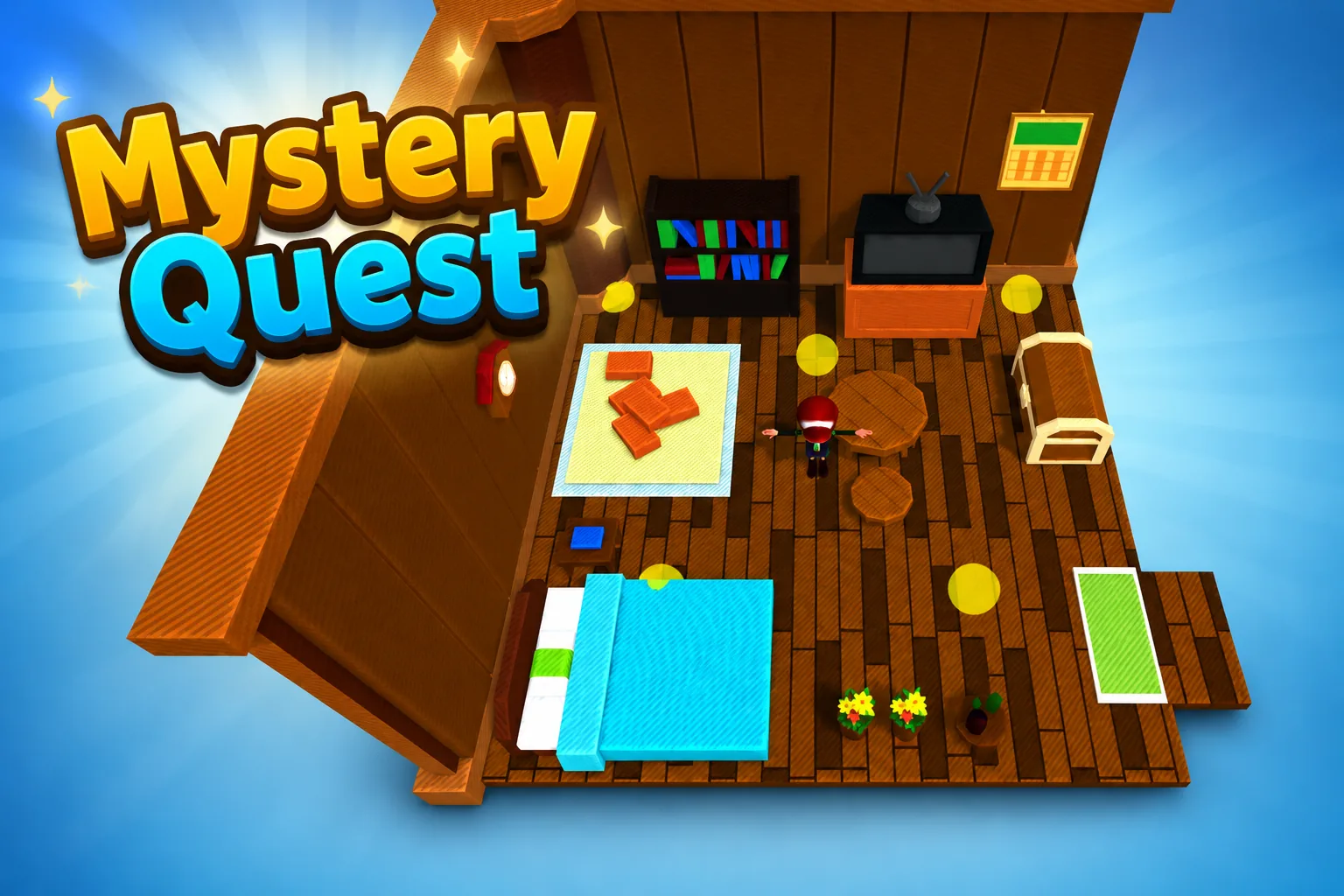 AdventureAdventure GamePlay game ↗
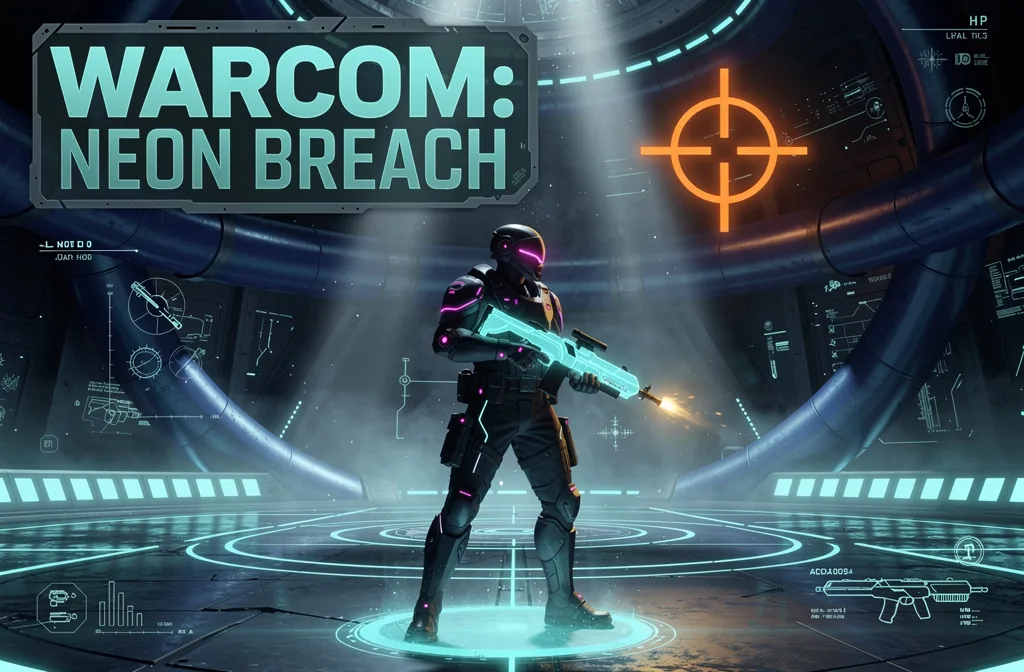 ShooterWarcom: Neon BreachPlay game ↗
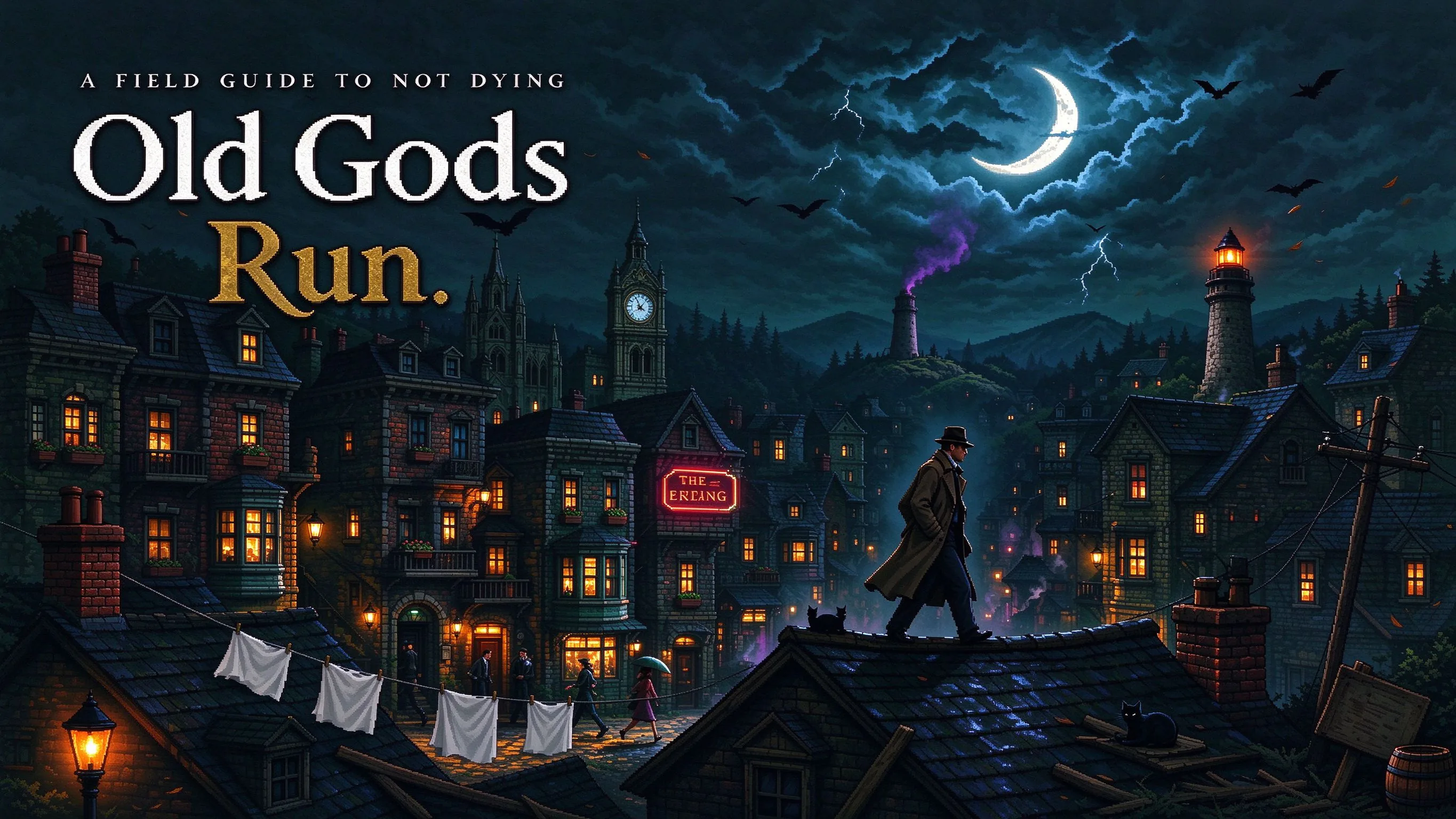 ActionOld Gods RunPlay game ↗
 CasualCaution! Egg on the Car RoofPlay game ↗
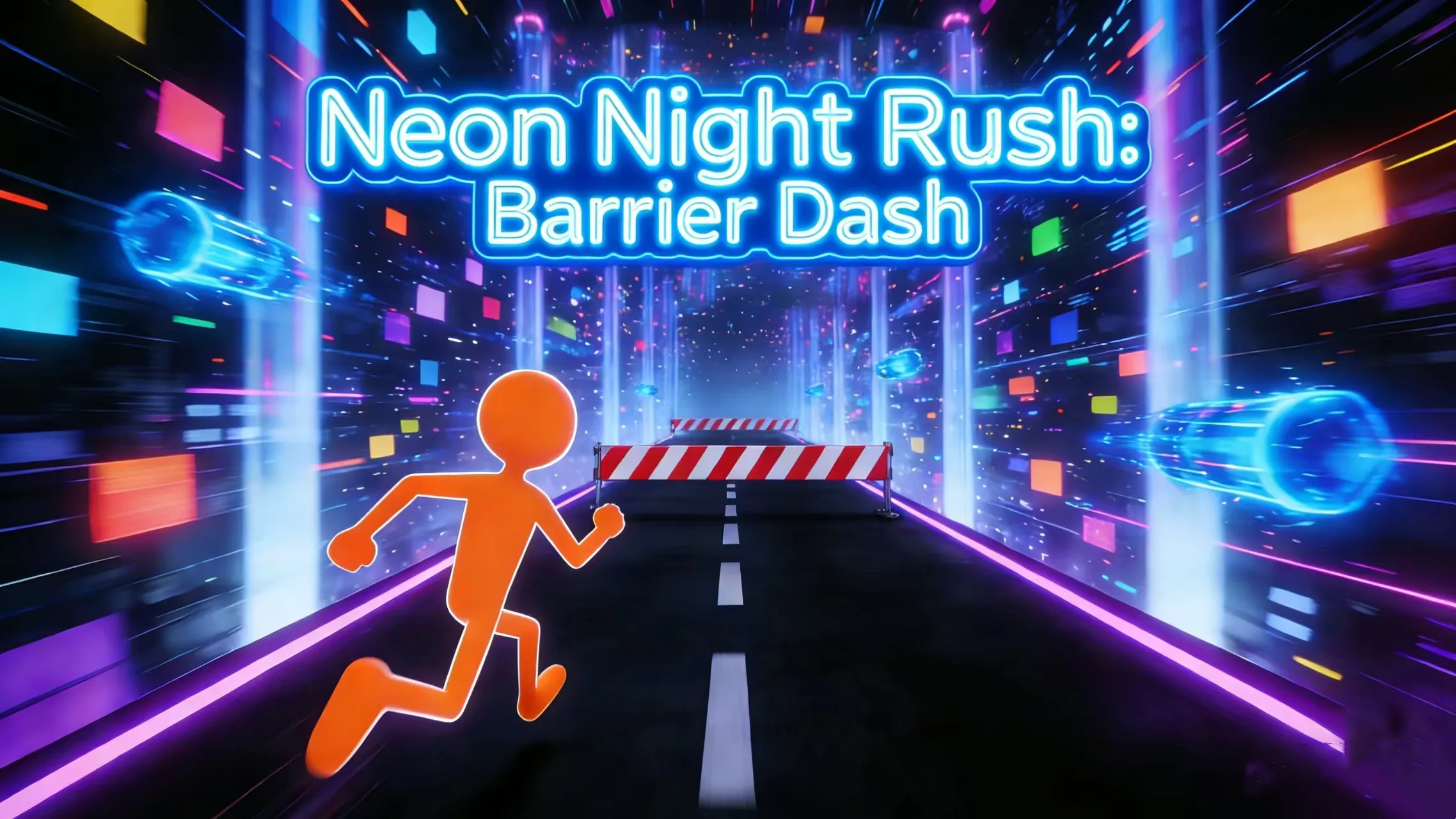 RunnerNeon Night Rush: Barrier DashPlay game ↗
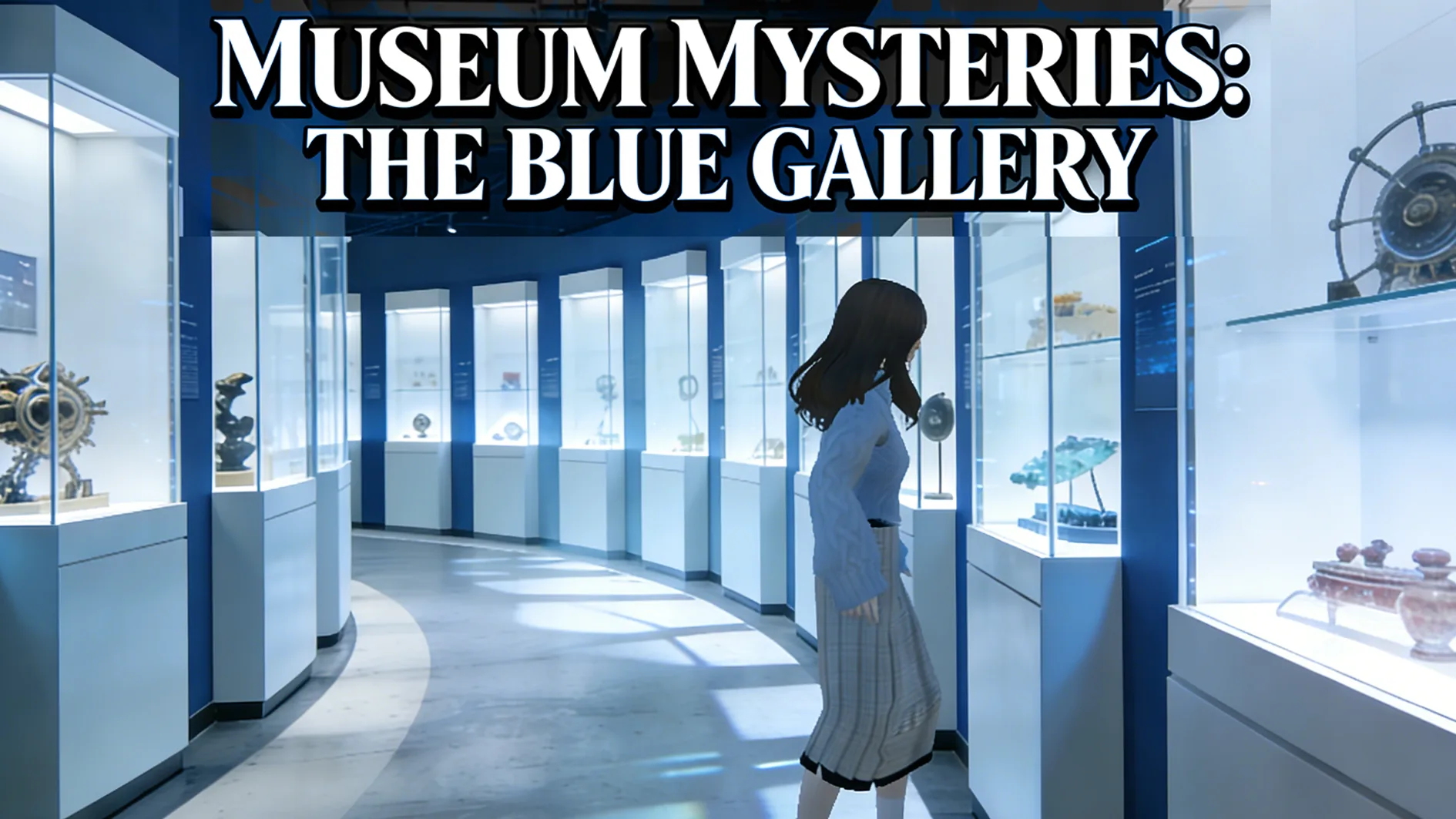 PuzzleMuseum ExhibitionPlay game ↗
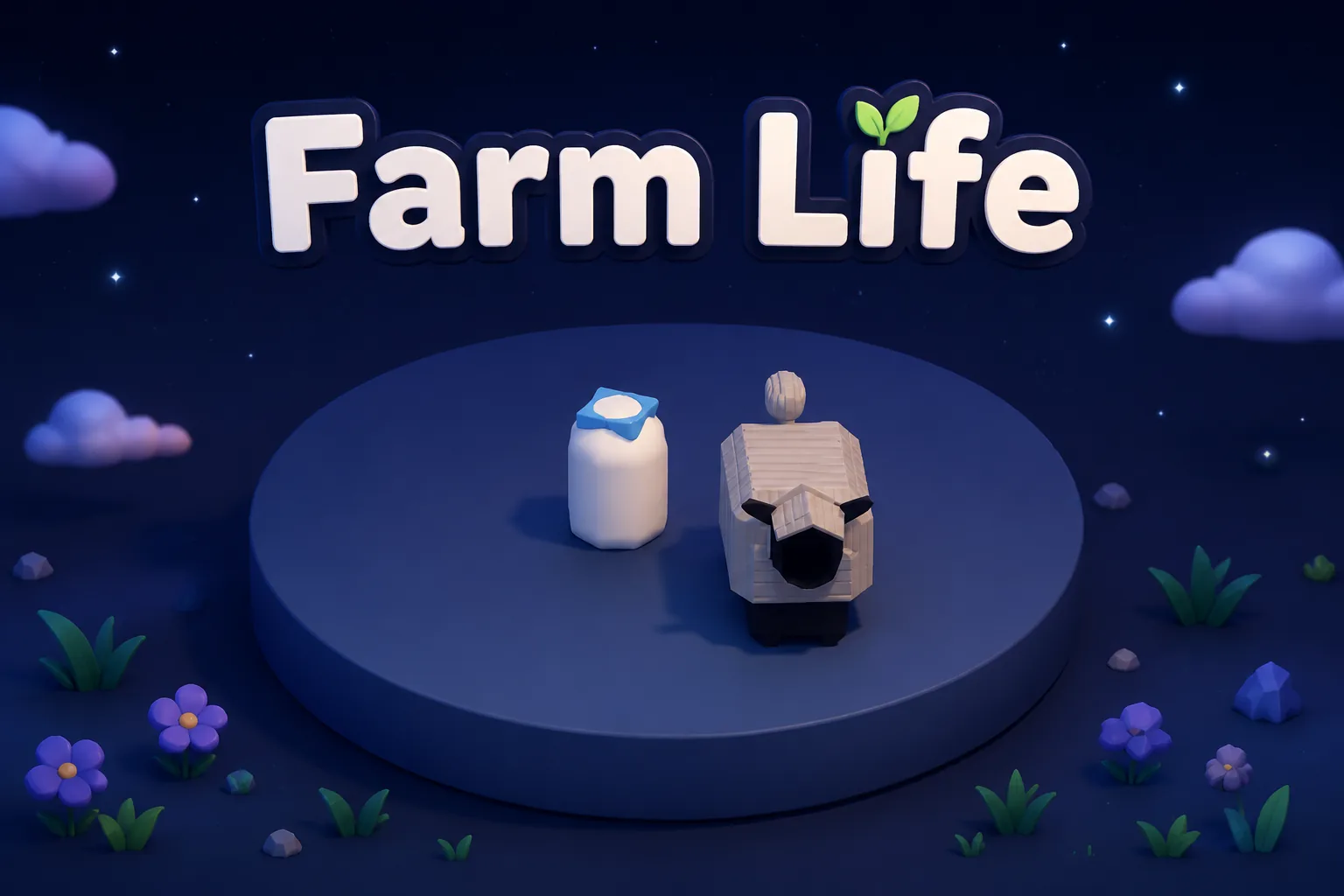 SimulationMilky Way Idle 3DPlay game ↗
 CasualSnowfall & Starry GiftsPlay game ↗
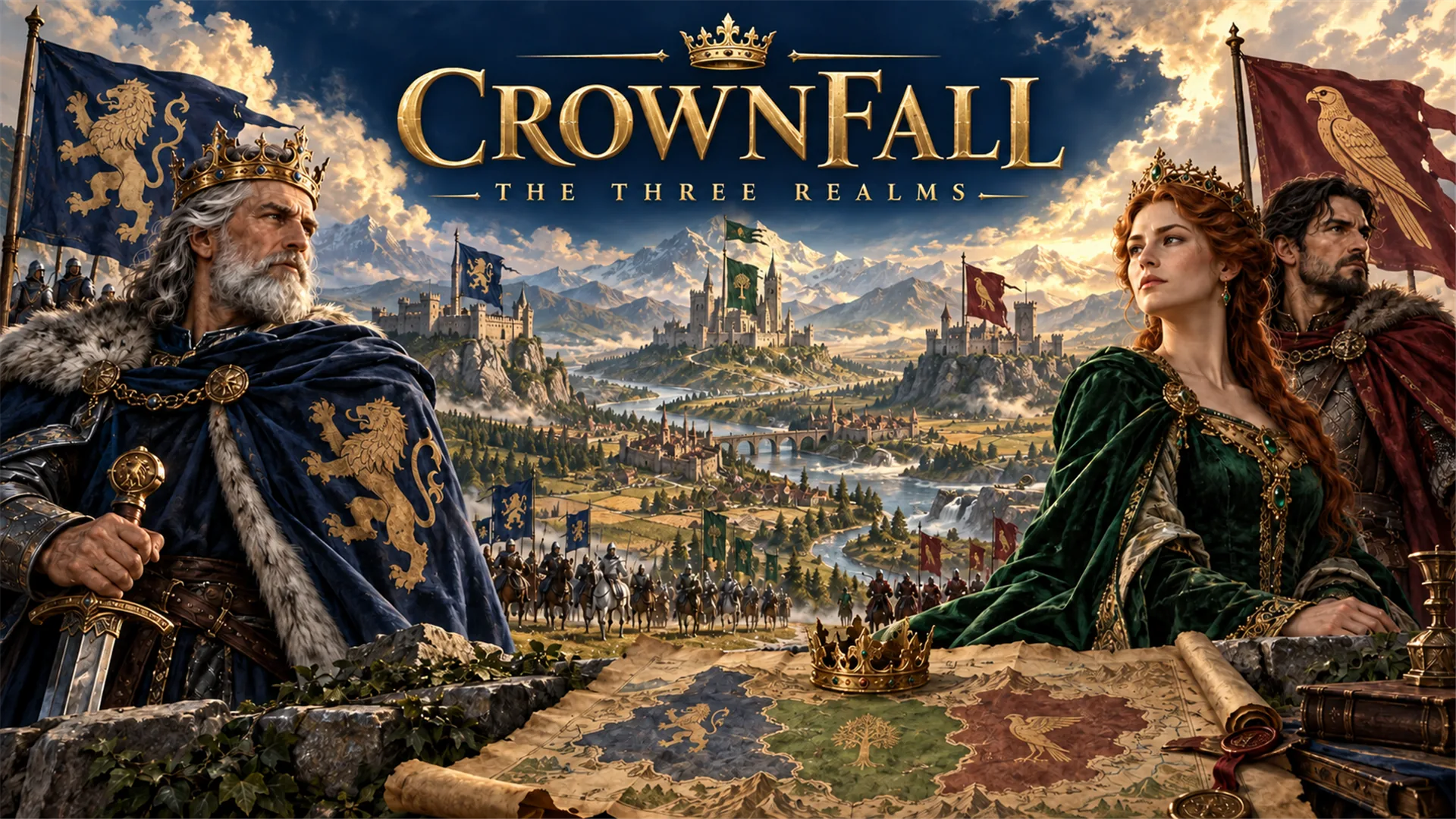 RPGCrownfall-The-Three-Realms-CoverPlay game ↗
 SimulationFLYING CARPlay game ↗
Give an AI Skull 3D Model Generator for… enough context to make the result specific, then test the part that matters to your project.
Start with the audience, format, desired result, and the question this page should help answer.
Use an example or write your own prompt. Look at the main interaction, structure, visual choices, and scope together.
Take the useful parts into the workspace and record the implementation, quality, rights, and publishing work that remains.
Why use it
Focus on the parts of the idea that need a concrete result before the next decision.
You: Provide the source, intended use, and constraints for this step.
Try it nowYou: Provide the source, intended use, and constraints for this step.
Try it nowYou: Provide the source, intended use, and constraints for this step.
Try it nowYou define who the experience serves and what a successful result needs to do.
Choose what comes next
The page can organize a proposal, but people still decide what is accurate, original, usable, and ready for the next stage.
You define who the experience serves and what a successful result needs to do.
You check factual fit, originality, continuity, accessibility, and whether the pieces work together.
You decide what is ready for implementation, sharing, publishing, or another round of work.
Who it is for
creators, designers, and small teams can use this page to make one project decision easier to test before a larger build or launch.
Anatomy view set — front, lateral, cranial base, and three-quarter.
Surface story card — clean study, aged bone, damage, or ceremonial treatment.
Destination check — thin walls for print, topology for games, shading for renders.
A clearer first move
A useful first result gives the next decision something concrete to react to, without hiding the work that still needs human ownership.
SEELE AI on YouTube
Reviews, walkthroughs, and games made with SEELE AI by creators on YouTube.
FAQ
No coding is required to begin with a structured prompt. Technical review is still needed before treating any generated asset or workflow as production-ready.
No. Treat the first result as a reviewable draft, then check geometry, materials, scale, rights, performance, and destination-specific requirements.
The page carries a concrete prompt into SEELE Workspace, where you can continue prompting and iteration. It does not claim a separate one-click browser utility.
Describe the job, test one version, and decide what to do next inside SEELE AI.
Start creating