
Traversal And Encounter Layout
Main, alternate, and combat routes with climbable ledges, jump gaps, choke points, landmarks, sightlines, encounter pockets, spawn zones, and checkpoints.
Try it now
Plan playable terrain blockouts with heightmaps or meshes, scale, slopes, routes, encounter pockets, collision, navmesh, materials, LOD, and engine handoff.
Start with free starter credits
Shape an idea, make it playable, and share it with the people who will play.

Start with a spark, a world, or a what-if worth exploring.
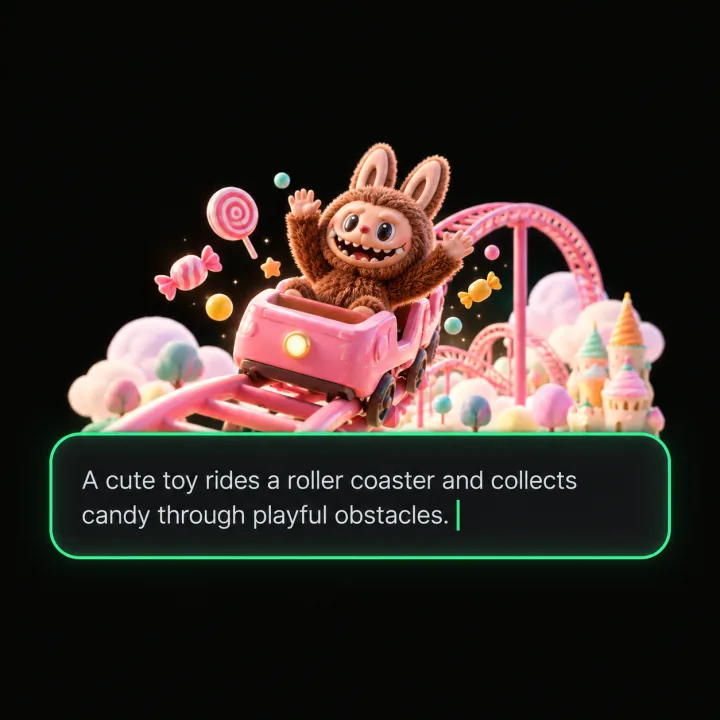
Turn the idea into a prompt with a player, a goal, and a core loop.

Shape the characters, environments, and systems that make it playable.
Try the game, tune the experience, and get it ready to share.
Invite others to explore the world you made.
Examples
Start with a direction that resembles your project, then change the mechanics, look, or audience before you build further.
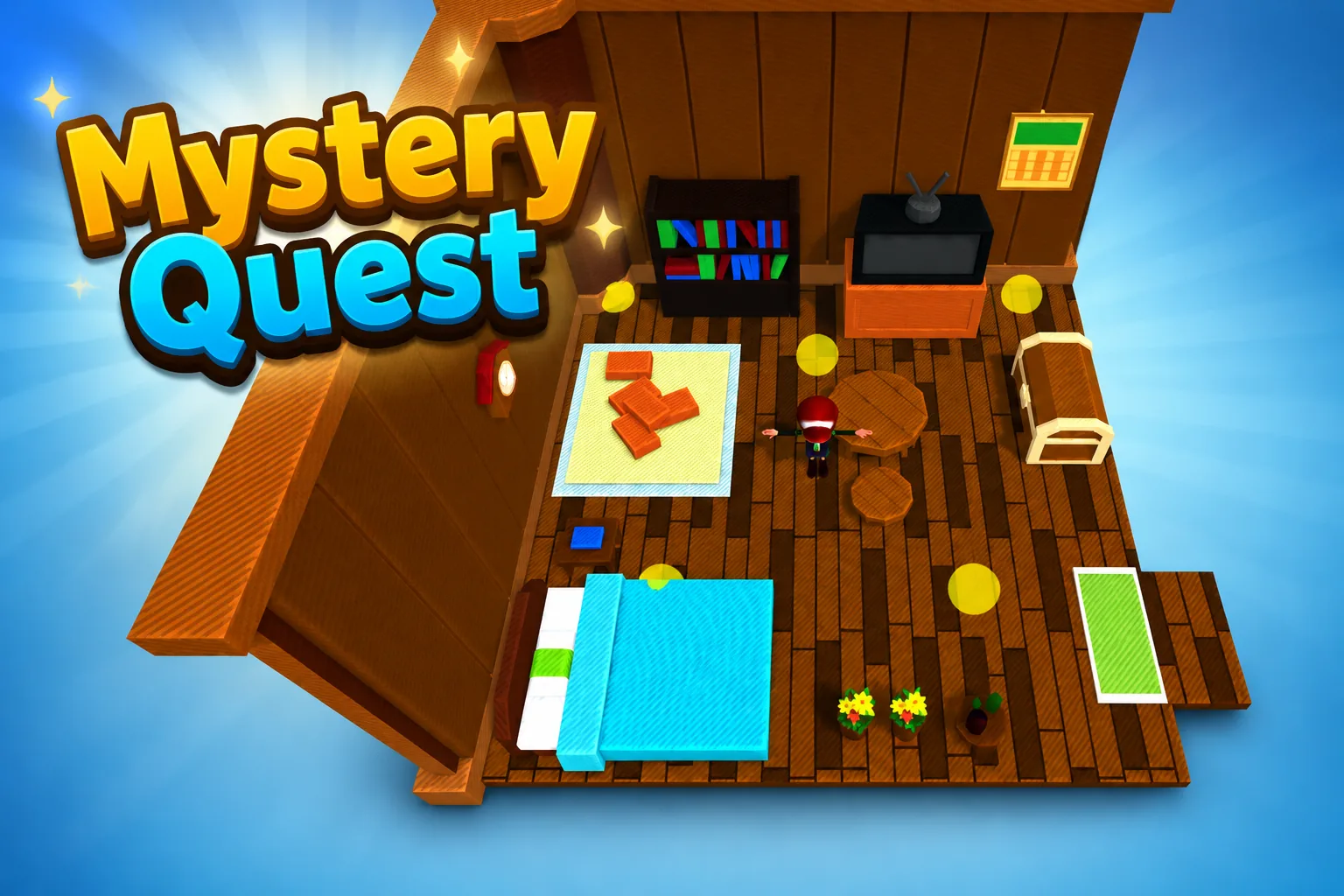 AdventureAdventure GamePlay game ↗
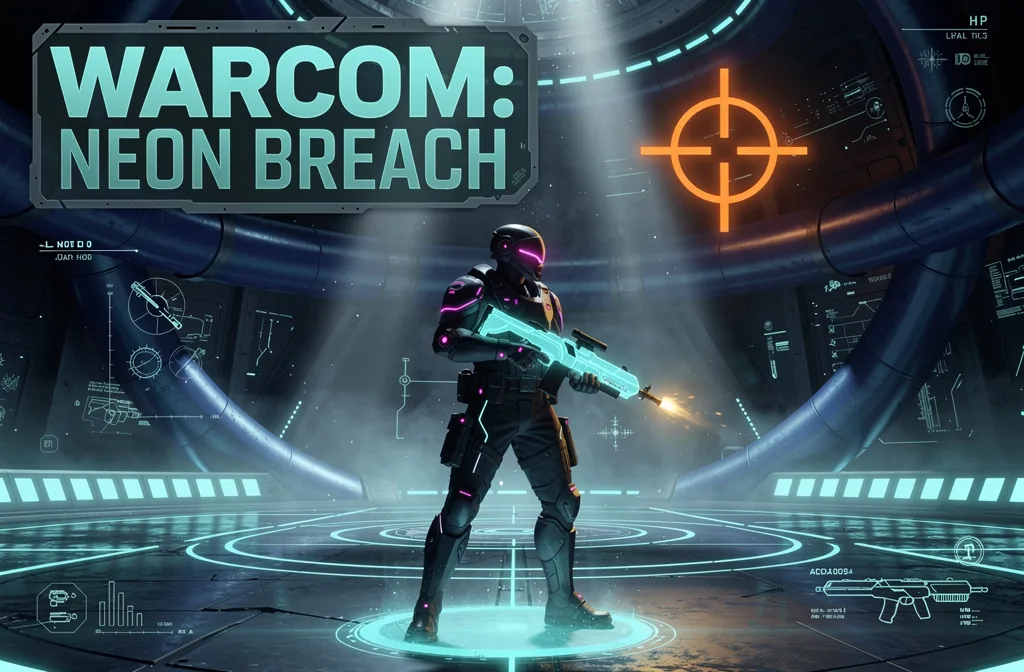 ShooterWarcom: Neon BreachPlay game ↗
 ActionOld Gods RunPlay game ↗
 CasualCaution! Egg on the Car RoofPlay game ↗
 RunnerNeon Night Rush: Barrier DashPlay game ↗
 PuzzleMuseum ExhibitionPlay game ↗
 SimulationMilky Way Idle 3DPlay game ↗
 CasualSnowfall & Starry GiftsPlay game ↗
 RPGCrownfall-The-Three-Realms-CoverPlay game ↗
 SimulationFLYING CARPlay game ↗
Give a Playable Game Terrain Generator & Level… enough context to make the result specific, then test the part that matters to your project.
Provide map dimensions, player metrics, route width, slope limits, climb height, jump distance, camera needs, elevation bands, biome, and seed. Seele organizes the prompt into an editable terrain and traversal specification.
Request main, alternate, and combat routes plus ledges, gaps, choke points, landmarks, sightlines, spawn zones, and checkpoints. The workspace develops a reviewable layout with traversal and encounter constraints kept visible.
Review walkability, collision, navmesh, materials, LOD, performance, engine import, and human playtest findings before iteration. Seele keeps the candidate, seed, revisions, and handoff notes together for controlled iteration.
Why use it
Focus on the parts of the idea that need a concrete result before the next decision.
Main, alternate, and combat routes with climbable ledges, jump gaps, choke points, landmarks, sightlines, encounter pockets, spawn zones, and checkpoints.
Try it nowCollision, navmesh, walkability, terrain materials, biomes, LOD, streaming, performance, seed, regeneration, export, and playtest checks.
Try it nowYou define who the experience serves and what a successful result needs to do.
Choose what comes next
The page can organize a proposal, but people still decide what is accurate, original, usable, and ready for the next stage.
You define who the experience serves and what a successful result needs to do.
You check factual fit, originality, continuity, accessibility, and whether the pieces work together.
You decide what is ready for implementation, sharing, publishing, or another round of work.
Who it is for
creators, designers, and small teams can use this page to make one project decision easier to test before a larger build or launch.
Use a Playable Game Terrain Generator & Level… when you need to see how an idea, interaction, asset, or release path might work.
Put the audience, desired result, and constraints beside one proposal so the team can discuss the same idea.
Review quality, continuity, accessibility, rights, and publishing requirements before using the result in a real project.
A clearer first move
A useful first result gives the next decision something concrete to react to, without hiding the work that still needs human ownership.
SEELE AI on YouTube
Reviews, walkthroughs, and games made with SEELE AI by creators on YouTube.
FAQ
A useful first pass should define a level blockout rather than only a landscape image: a heightmap or terrain mesh, world scale, slope limits, elevation bands, main and alternate routes, encounter pockets, landmarks, and notes for collision, navmesh, materials, LOD, and engine handoff. It is still a design candidate that needs playtesting and technical validation.
Specify player dimensions, movement speeds, jump distance, climb height, maximum walkable slope, minimum route width, camera needs, and encounter goals. Then validate collision, navmesh coverage, walkability, sightlines, choke points, jump gaps, ledges, and checkpoints in the target engine with a human playtest.
Use the prompt to request both representations when useful: a grayscale heightmap for terrain systems and a mesh or blockout specification for route and silhouette review. Confirm resolution, world dimensions, elevation range, scale, axes, units, and import settings before relying on either artifact.
Describe the job, test one version, and decide what to do next inside SEELE AI.
Start creating