
Traversable Interactive World
Selectable environments, collision boundaries, slopes and obstacles, trigger zones, checkpoints, collectibles, and optional physics props.
Try it now
Create a browser-playable Three.js third-person game with WASD movement, jump, follow camera, collisions, interactive zones, physics props, minimap, preview,…
Start with free starter credits
Shape an idea, make it playable, and share it with the people who will play.

Start with a spark, a world, or a what-if worth exploring.
Turn the idea into a prompt with a player, a goal, and a core loop.
Shape the characters, environments, and systems that make it playable.
Try the game, tune the experience, and get it ready to share.
Invite others to explore the world you made.
Examples
Start with a direction that resembles your project, then change the mechanics, look, or audience before you build further.
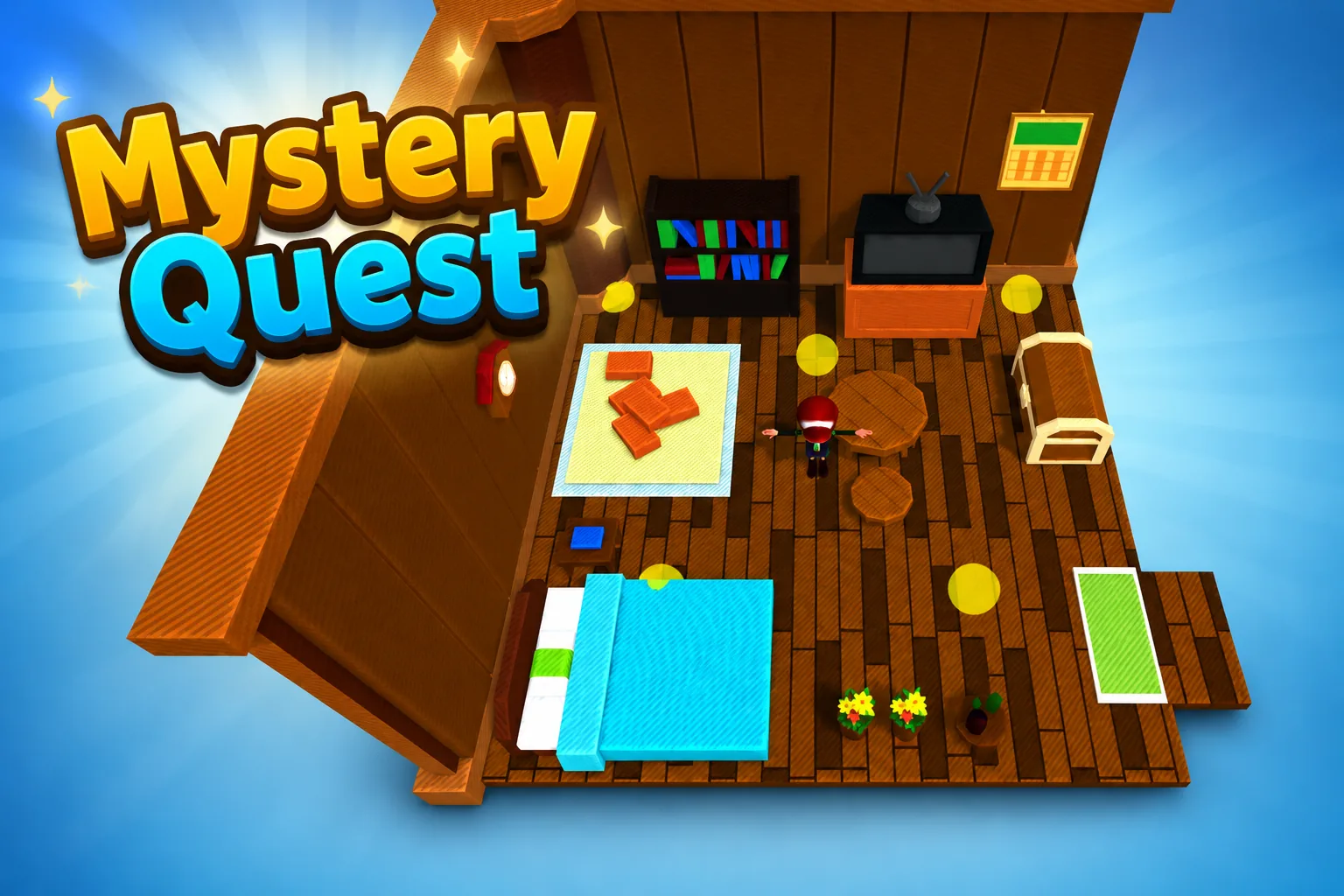 AdventureAdventure GamePlay game ↗
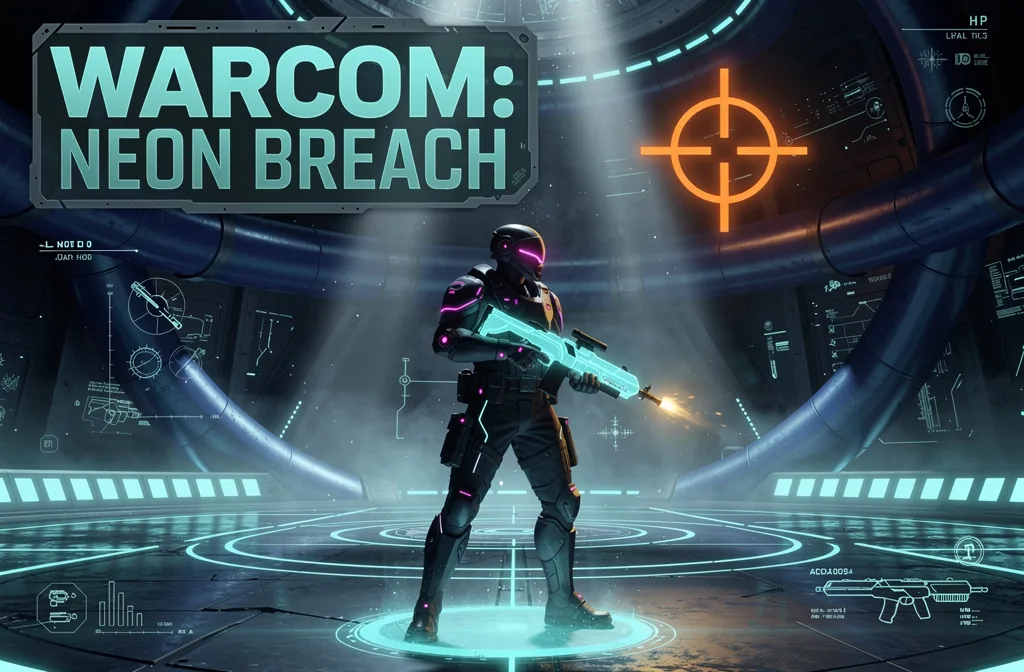 ShooterWarcom: Neon BreachPlay game ↗
 ActionOld Gods RunPlay game ↗
 CasualCaution! Egg on the Car RoofPlay game ↗
 RunnerNeon Night Rush: Barrier DashPlay game ↗
 PuzzleMuseum ExhibitionPlay game ↗
 SimulationMilky Way Idle 3DPlay game ↗
 CasualSnowfall & Starry GiftsPlay game ↗
 RPGCrownfall-The-Three-Realms-CoverPlay game ↗
 SimulationFLYING CARPlay game ↗
Give a Three.js Third Person Game Generator enough context to make the result specific, then test the part that matters to your project.
Choose a casual, urban, or natural environment and describe movement, jump behavior, camera follow, interactions, and minimap goals. Seele turns the request into a structured Three.js exploration-game direction.
Run the build and test WASD movement, jumping, camera framing, slopes, obstacles, collision traversal, trigger zones, props, and minimap updates. The workspace produces an editable browser-game starting point for iteration.
Tune controller feel, camera smoothing, collision edges, physics stability, zone feedback, environment selection, responsive controls, and performance. Seele applies revisions while keeping the project editable.
Why use it
Focus on the parts of the idea that need a concrete result before the next decision.
Selectable environments, collision boundaries, slopes and obstacles, trigger zones, checkpoints, collectibles, and optional physics props.
Try it nowA live minimap tied to player position, responsive input guidance, preview testing, and project files for reviewed export.
Try it nowYou define who the experience serves and what a successful result needs to do.
Choose what comes next
The page can organize a proposal, but people still decide what is accurate, original, usable, and ready for the next stage.
You define who the experience serves and what a successful result needs to do.
You check factual fit, originality, continuity, accessibility, and whether the pieces work together.
You decide what is ready for implementation, sharing, publishing, or another round of work.
Who it is for
developers, technical artists, and prototype owners can use this page to make one project decision easier to test before a larger build or launch.
Searches mapped to this route include “3d person creator” and “create your own person”. Confirm the actual job and destination instead of assuming every wording is equivalent. Record the input, expected output, format, destination, rights, performance target, and human review as a concrete acceptance test.
Searches mapped to this route include “3d model of a person”, “3d model of person”, “3d model person”, “3d person”, and “3d person free”. Confirm the actual job and destination instead of assuming every wording is equivalent. Define success, test the smallest complete workflow, keep source and settings, and review the output against destination requirements. Free access, sign-up rules, limits, and commercial rights can change; verify the current official terms.
Searches mapped to this route include “3d person maker”, “3d person model”, “3d person model maker”, “3d person models”, and “a model person”. Confirm the actual job and destination instead of assuming every wording is equivalent. Define success, test the smallest complete workflow, keep source and settings, and review the output against destination requirements.
A clearer first move
A useful first result gives the next decision something concrete to react to, without hiding the work that still needs human ownership.
SEELE AI on YouTube
Reviews, walkthroughs, and games made with SEELE AI by creators on YouTube.
FAQ
It creates an editable browser-game starting point with a 3D environment, player character, movement and jump logic, a follow camera, collision traversal, interactive zones, optional physics props, navigation features such as a minimap, and a web preview that still requires human playtesting.
Yes. Put acceleration, run speed, jump rules, grounded checks, camera offset, smoothing, rotation, and camera-collision expectations in the prompt, then playtest the resulting controller across representative terrain and browsers.
The prompt can define solid scene geometry, slopes, obstacles, trigger volumes, checkpoints, collectibles, and physics objects. Human review should test edge cases such as tunneling, snagging, repeated triggers, moving props, and recovery after a fall.
Describe the job, test one version, and decide what to do next inside SEELE AI.
Start creating